Do your order updates reach customers who never open their email?
OurSMS is a text messaging service you can connect to your Salla store to send SMS to your customers over the internet. It also lets you schedule a message in advance by setting the day and time it should go out, so a reminder or an offer lands when your customers are most likely to read it. In this guide, you'll learn how to install the OurSMS app on your store, how to activate it with your account details, and how to make it your store's default app for text messages.
OurSMS is a text messaging service you can connect to your Salla store to send SMS to your customers, including messages scheduled for a specific day and time. Install the app from the App Store, activate it with your OurSMS account details, then set it as your store's default SMS app.
📌 Article overview
- How to install the OurSMS app
- How to activate the OurSMS app
- Frequently asked questions
🚀 How to install the OurSMS app
1. From the main menu, click (All), then under helpful tools, click (App Store).

2. Search for the app using the search field.

3. On the OurSMS app page, click (Install).
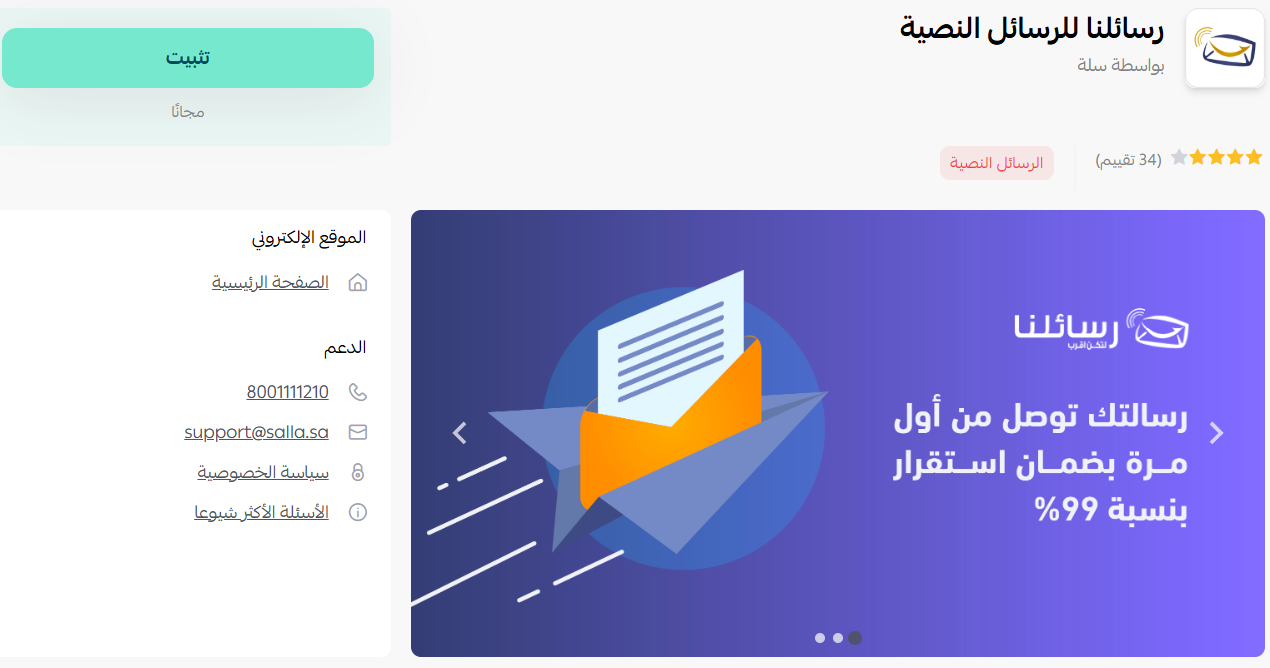
OurSMS is now installed on your store.
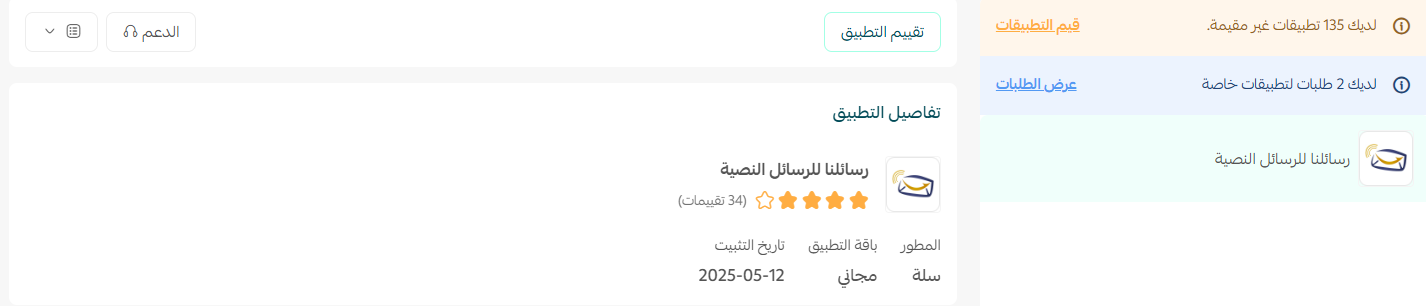
🚀 How to activate the OurSMS app
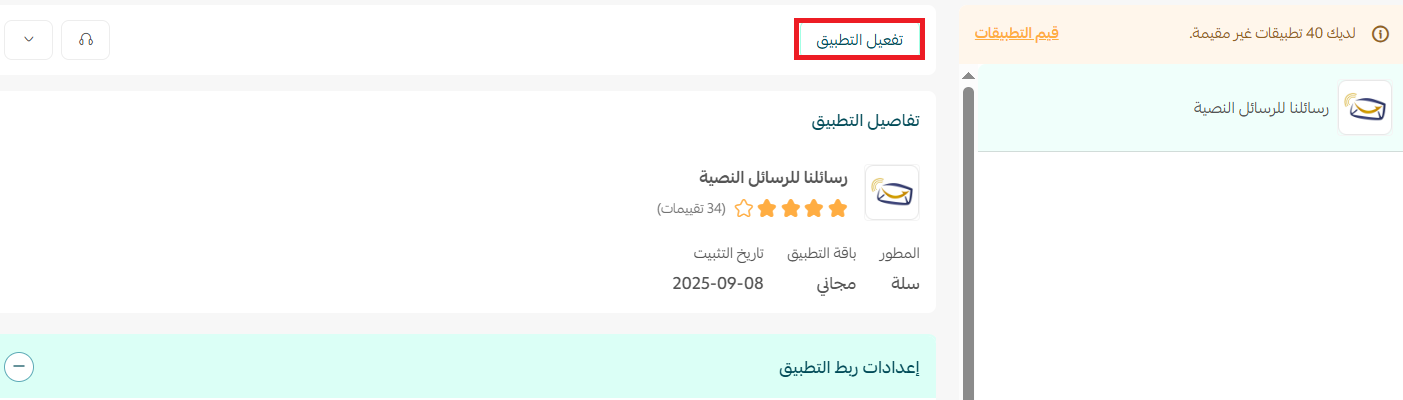
1. From the app page, click (Activate app).
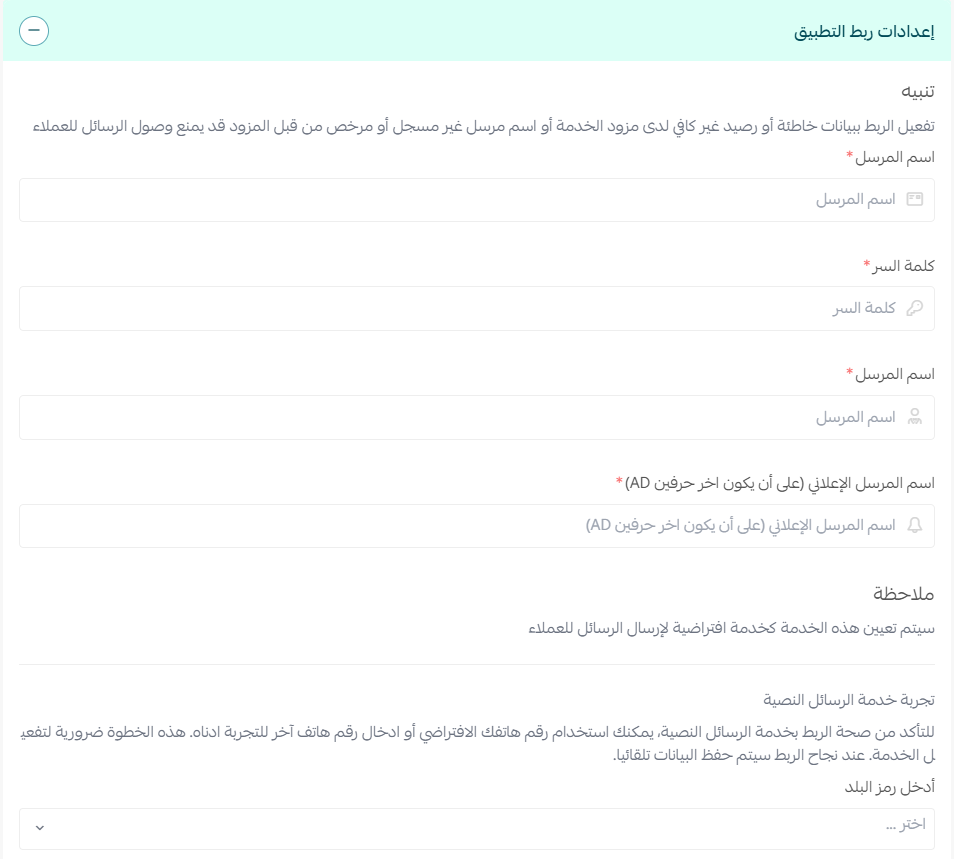
2. Enter your OurSMS account details, then click (Save).
3. Once your account details are saved, go to (Settings), then click (Customize).
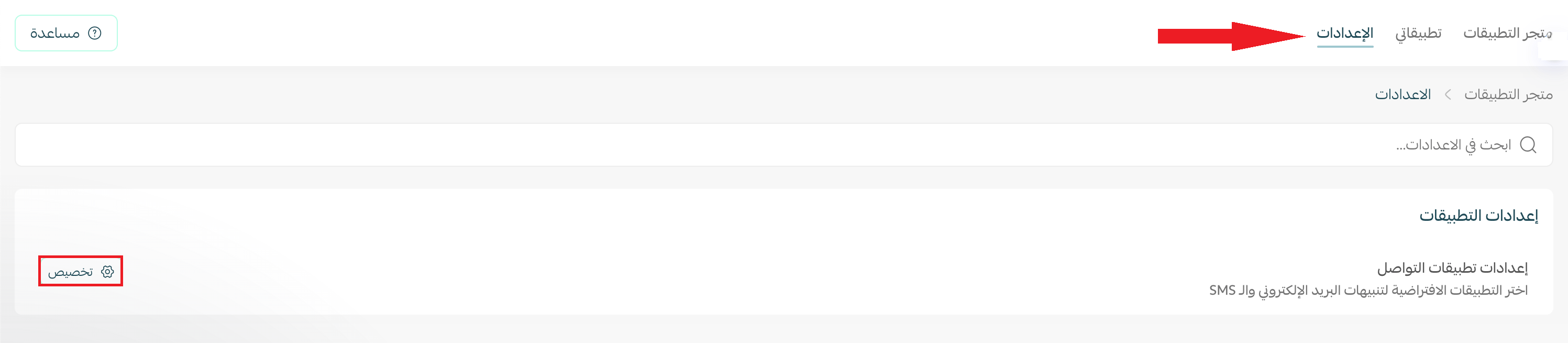
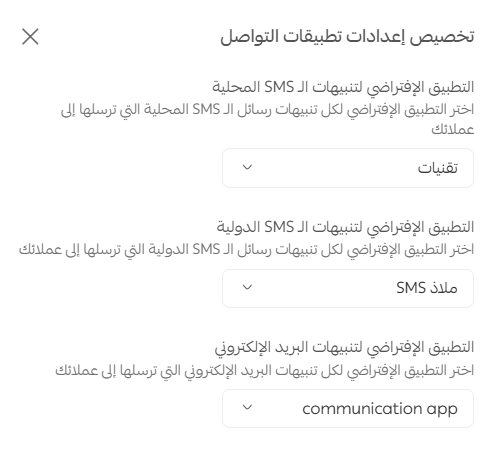
4. The communication app settings open. Choose your default app for local text messages, international notifications, and email notifications.
📝 Important notes
The default app option for email notifications only appears if you have an email notification app activated.
Frequently asked questions
❓ How do I create an OurSMS account?
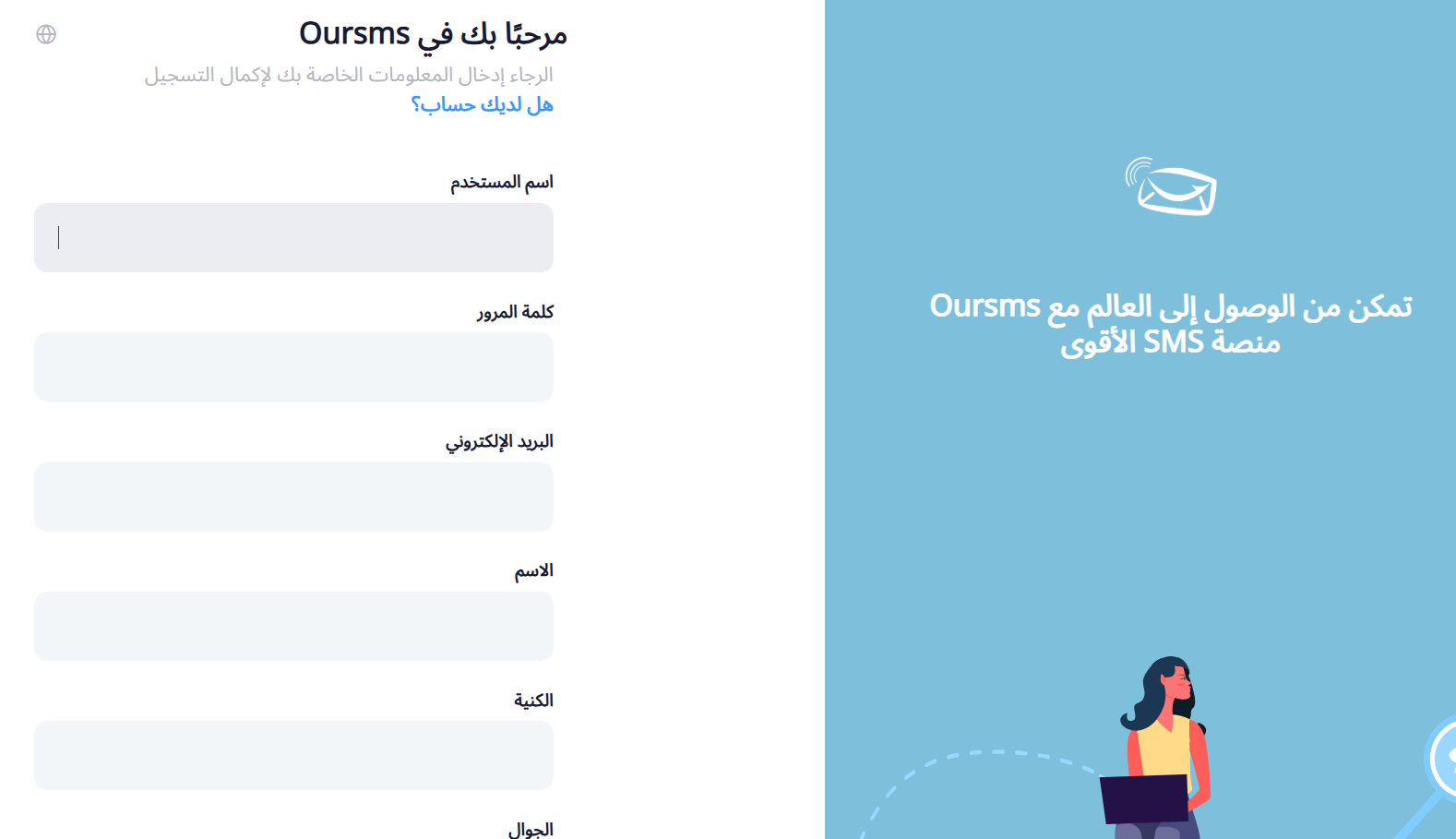
From the OurSMS sign-up page, enter the required details, then click (Register).
❓ Can I schedule messages in advance?
Yes. OurSMS lets you set the day and time a message should be sent, so you can prepare it ahead and let it go out on schedule.
❓ How do I make OurSMS my store's default SMS app?
Go to (Settings), click (Customize), then choose OurSMS as the default app for local text messages.
❓ How do I remove OurSMS from my store?
Open the OurSMS app, click ( ), then click (Cancel subscription).

Connect the app once and your store handles the messaging from there, whether that is an order update going out now or a campaign you lined up for next week.
For more details, see the OurSMS website.