How fast can your orders reach a customer in another city?
Magex Express is a shipping and transport company built around speed, experience, and service quality, with a focus on supply chain solutions in Saudi Arabia. The Magex Express shipping integration connects it to your Salla store, so you can offer 24-hour delivery, cash on delivery, and intercity shipping at checkout, and manage your rates from your dashboard. In this guide, you'll learn how to connect the app, how to set your shipping rates, what the company offers, what it charges, and how to pause or remove the app.
To connect Magex Express, open (My installed apps) from your dashboard side menu, click (Browse Salla App Store), then open the Magex Express app page and click (Install). Review the permissions the app requests and click (Grant permission). Your store is linked as soon as the permission is granted.
📌 Article overview
- What Magex Express is
- Whether you need a Magex Express account first
- How to connect Magex Express to your store
- Managing the app in your store
- Frequently asked questions
🎯 What Magex Express is
Magex Express is a shipping and transport company that positions itself on speed, experience, and service quality, and works on building efficient logistics supply chain solutions in Saudi Arabia.
🎯 Do you need a Magex Express account first?
No. When you install the Magex Express app from the Salla App Store, a new Magex Express account is created for you automatically. If you already have a Magex Express account, contact Magex Express technical support instead and ask them to activate that account on your Salla store.
🚀 How to connect Magex Express to your store
1. From the side menu of your dashboard, click (My installed apps).

2. From the Salla App Store banner, click (Browse Salla App Store).

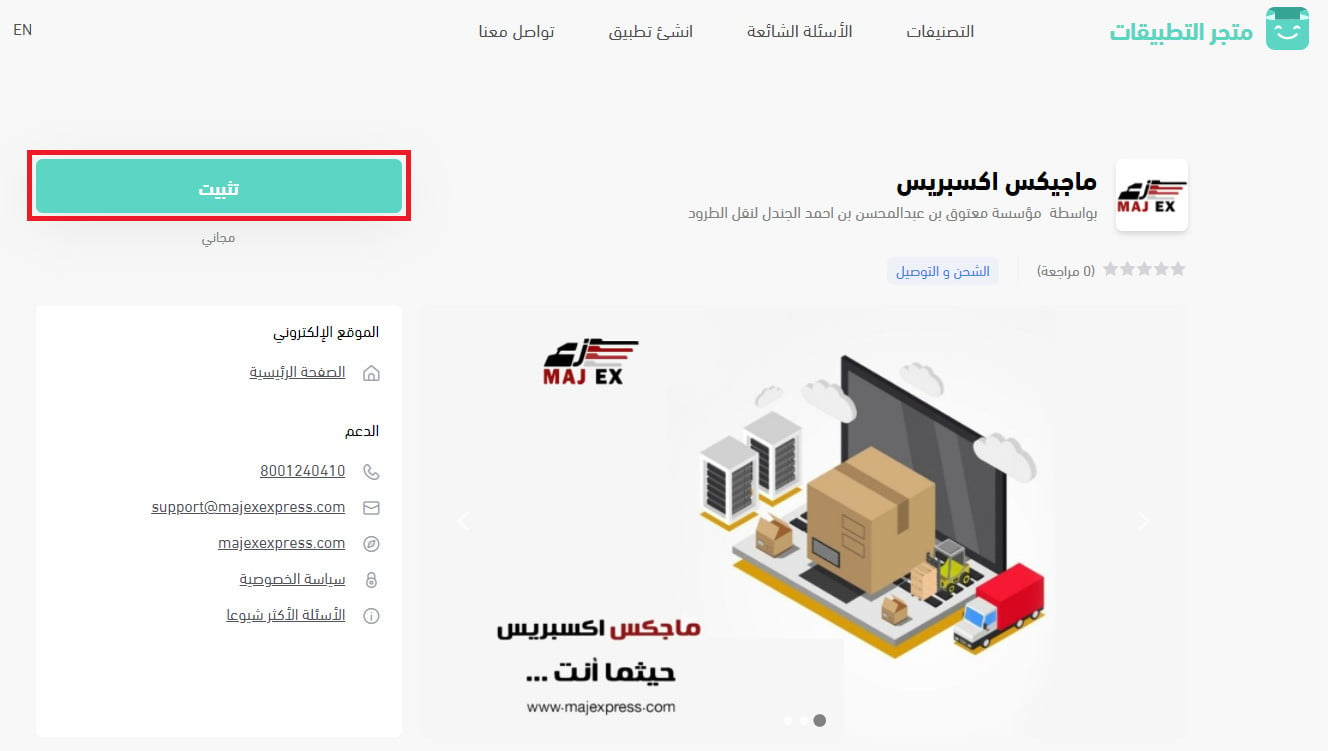
3. From the Magex Express app page, click (Install).
4. Review the permissions the app requests, then click (Grant permission).
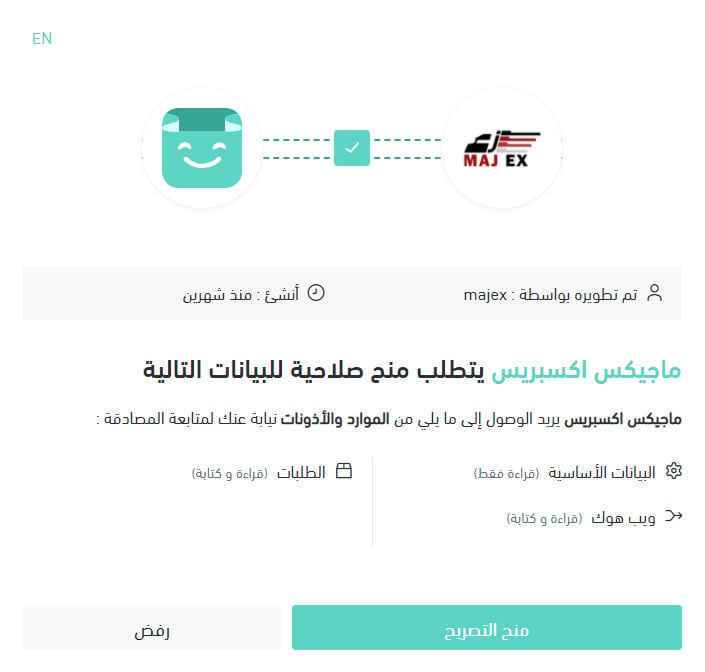
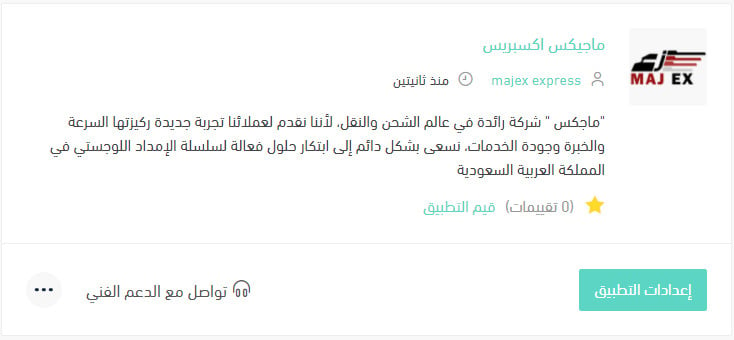
Your Salla store is now connected to your Magex Express account.
For more detail, read Managing my store's apps.
👣 Managing the app in your store
How do I set up shipping rates on Magex Express?
1. From the side menu of your dashboard, click (My installed apps).

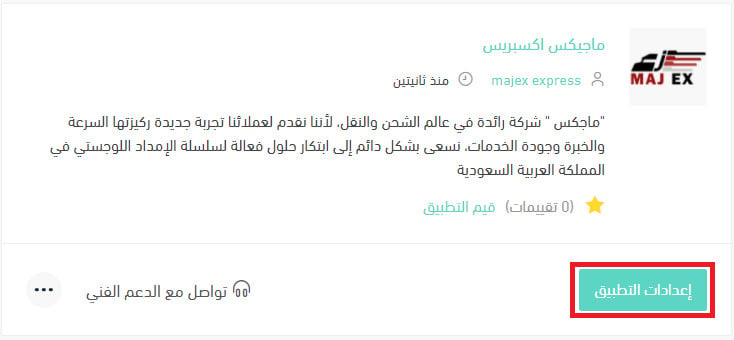
2. From the all apps page, on the Magex Express app, click (App settings).
3. On the (Shipping rates) tab, enter your shipping rates for the cities and regions you want.
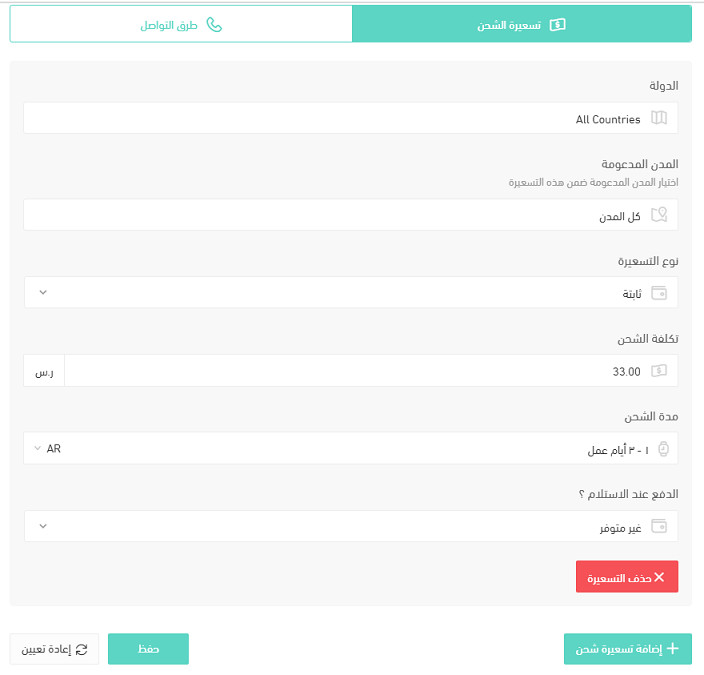
For more detail, read Shipping and delivery option settings.
How do I turn the Magex Express app off temporarily?
1. From the side menu of your dashboard, click (My installed apps).
2. From the all apps page, on the Magex Express app, click (App settings).
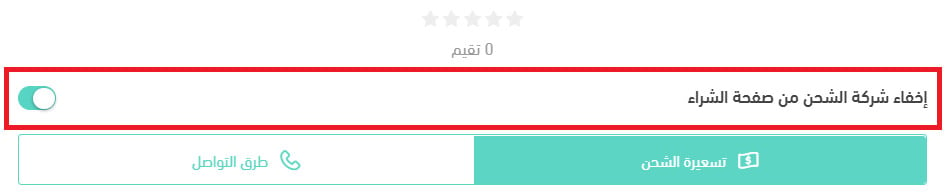
3. Turn the (Hide shipping company from the checkout page) option on or off.
How do I remove the Magex Express app from my store?
1. From the side menu of your dashboard, click (My installed apps).
2. From the all apps page, on the Magex Express app, click the (...) icon, then click (Delete app), as shown below.

❓ Frequently asked questions
What services does Magex Express offer?
- Express delivery within 24 hours at most.
- Cash on delivery.
- Intercity delivery between Riyadh, Jeddah, and Dammam.
- International shipping.
- Last mile delivery for merchants' customers, available on all orders.
- Door to door (D2D) delivery from the merchant to the customer's door.
What do Magex Express services cost?
Charge |
Amount |
First 15 kg |
SAR 25 |
Each additional kilogram |
SAR 1 |
📝 Important notes
All prices are subject to VAT at 15%, which is added on top of the price shown.
How are payments settled?
Settlement runs every two weeks.
What's the difference between hiding the app and deleting it?
Hiding the shipping company keeps the app installed and connected but takes the option off your checkout page, so you can bring it back with one click. Deleting removes the app from your store entirely.
Which cities does intercity delivery cover?
Riyadh, Jeddah, and Dammam.
A 24-hour promise only helps if the price works at your average order value. Run the SAR 25 base and the per-kilogram step against your typical basket before you turn the option on at checkout.