Do your customers speak more than one language — and can your store answer them in it?
Connecting Freshworks with Salla gives you live chat that supports more than 22 languages. Freshworks is a paid instant messaging service that makes running your business faster by keeping you in touch with your customers and making them easier to follow up on. In this guide, you'll learn how to create a Freshworks account, set up your chat template, and activate the connection in your Salla store.
To connect Freshworks with Salla, sign up for a free Freshworks trial, finish the chat template setup, and copy the tracking code. Then open (Installed apps) in your Salla dashboard, click (App settings) on the Freshworks app, paste the code, and click (Activate connection).
📌 Article overview
- What is Freshworks?
- How to connect your Salla store with Freshworks
- Frequently asked questions
🎯 What is Freshworks?
Freshworks is a paid instant messaging program that makes running your business faster: it keeps you in touch with your customers and makes them easier to track. It supports more than 22 languages.
🚀 How to connect your Salla store with Freshworks
The connection happens in two stages:
1. Sign up for Freshworks.
2. Paste the Freshworks tracking code into your Salla store.
Stage one: sign up for Freshworks
1. Go to the Freshworks website and click (Sign up for free) to start with a trial — you can subscribe later.

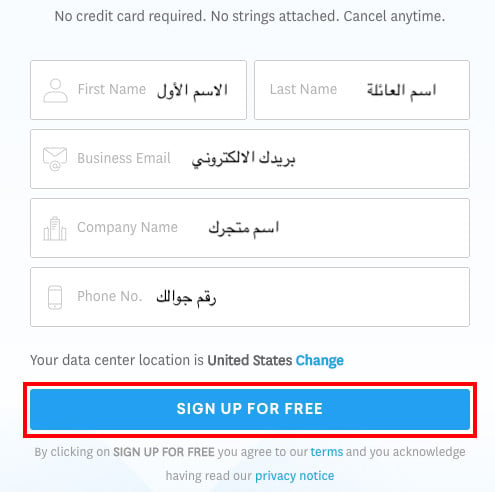
2. Enter your basic details, then click (Sign up for free) to get started.
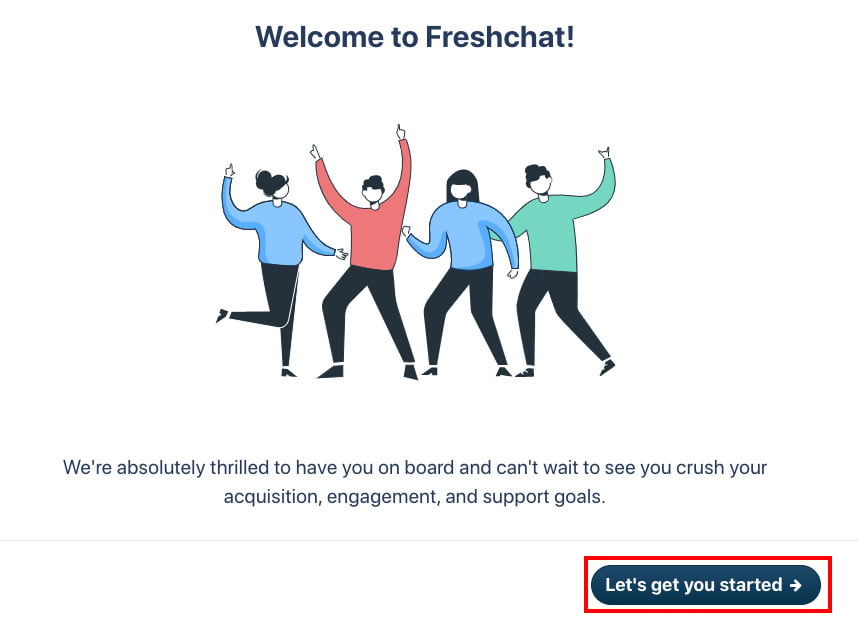
3. To continue the sign-up, click (Let's get you started).
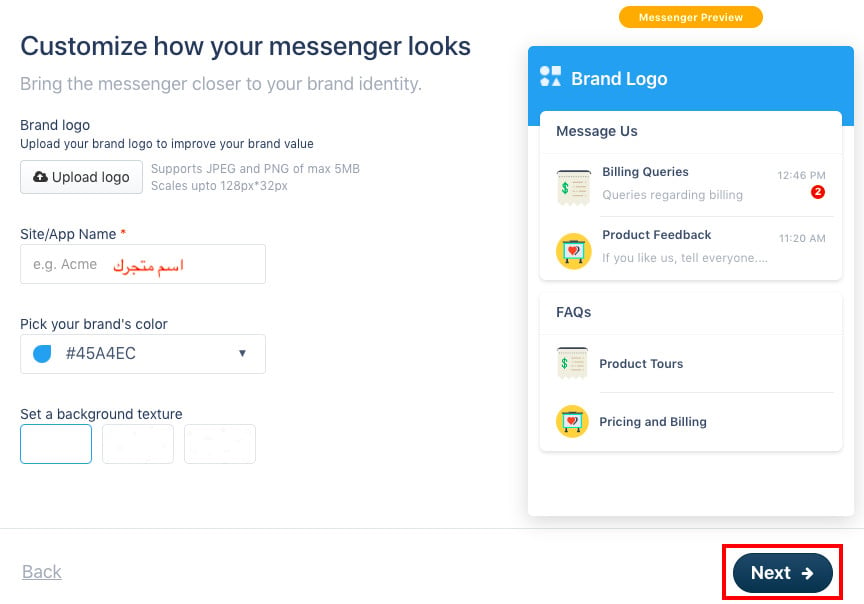
4. Complete the chat template settings — your store logo, your store name, and the template color — then click (Next).
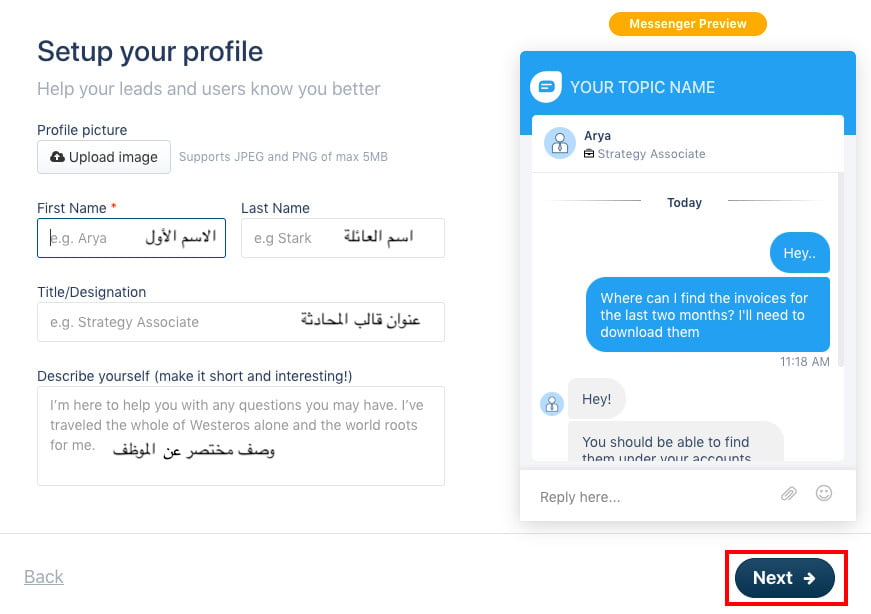
5. Enter your page settings — your profile picture, the agent's first name, the last name, the template heading, and a short description of the agent — then click (Next).
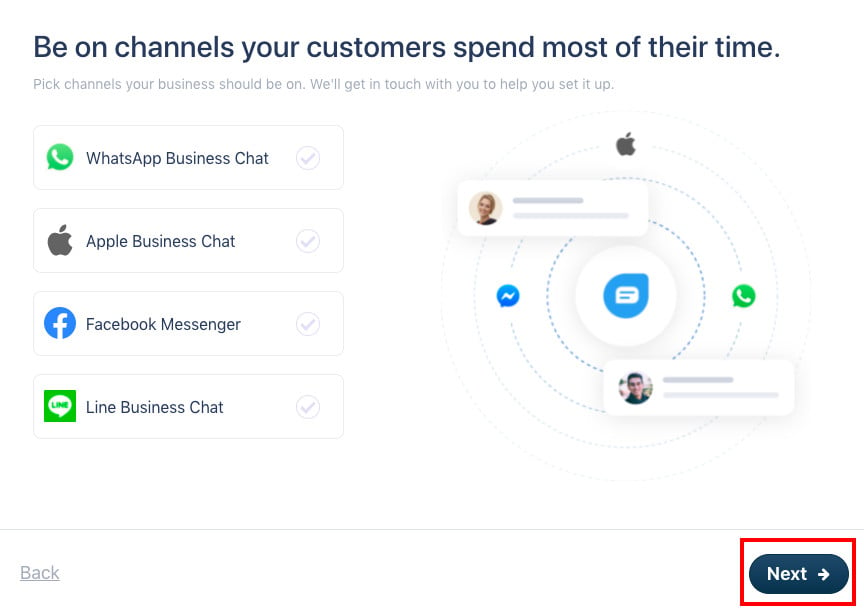
6. Choose the channels your customers use most, then click (Next).
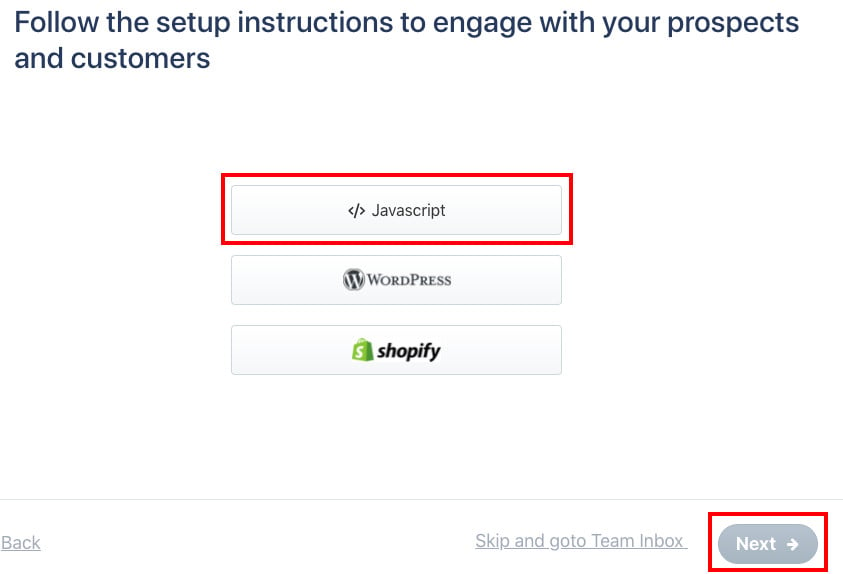
7. Choose how you'll get to your tracking code, then click (Next).
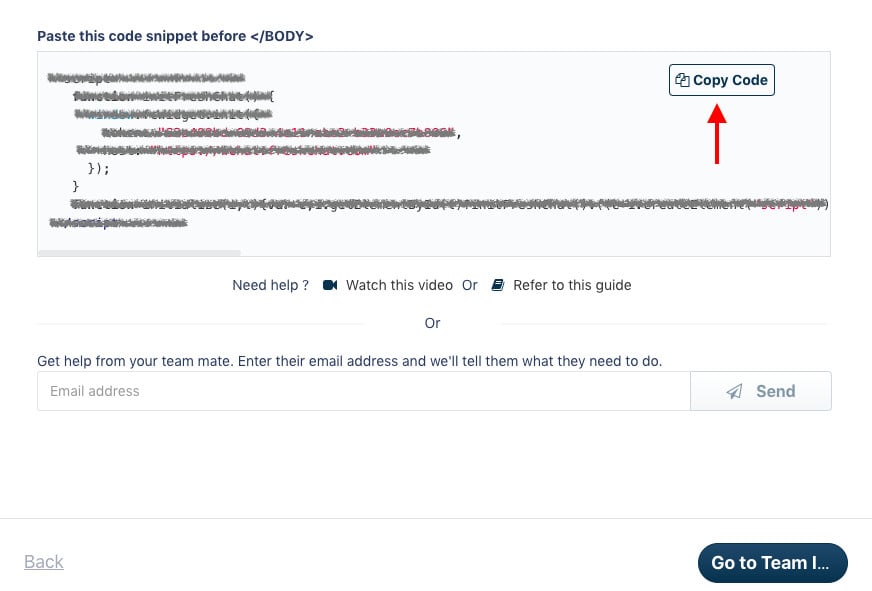
8. Copy the tracking code so you can paste it into your store.
Stage two: paste the Freshworks tracking code into your Salla store
1. From the side menu of your dashboard, click (Installed apps).

2. On the Freshworks app, click (App settings).
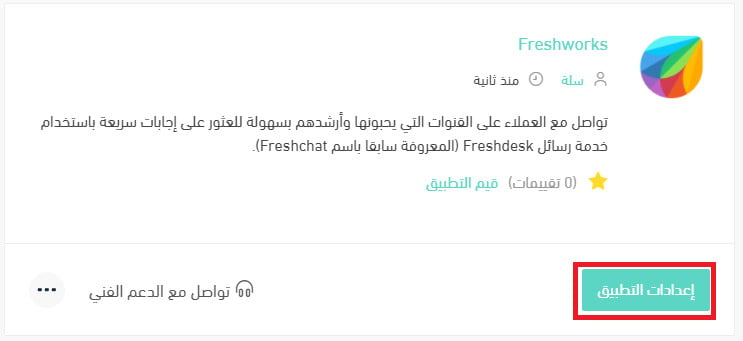
If the app isn't installed in your store yet, install it first. For more details, see installing an app from the Salla App Store.
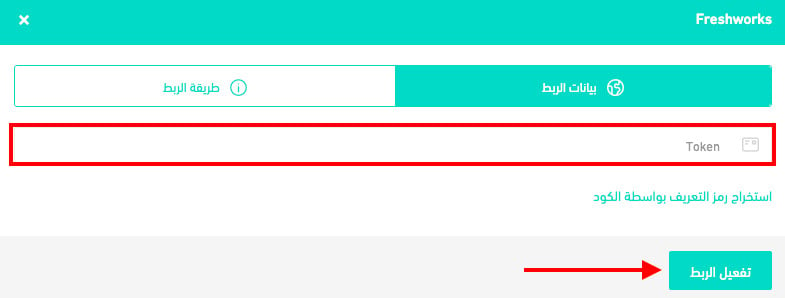
3. Paste the tracking code you copied from Freshworks in stage one, then click (Activate connection).
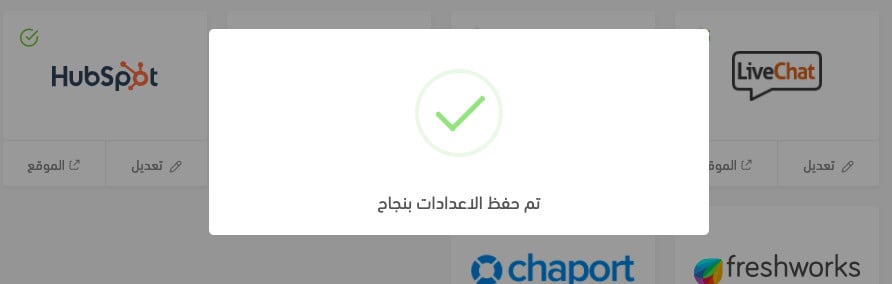
A (Settings saved successfully) message appears, like this:
❓ Frequently asked questions
Is Freshworks free or paid?
It's a paid service, with a range of plans to suit what you need. It also gives you a trial period of up to 21 days.
How many languages does Freshworks support?
More than 22 languages.
Can I disconnect my store from my Freshworks account?
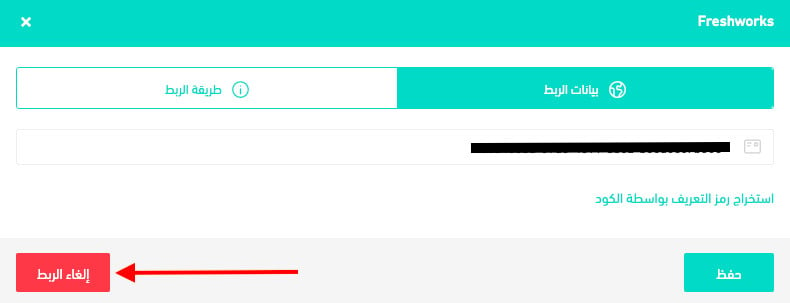
Yes. On the Freshworks connection page, click (Disconnect).