What if your loyalty points could help your customers pay a government bill?
Abkhas is a digital points wallet that turns the rewards your store hands out into real money against electricity bills, water bills, traffic fines, and other government charges. The Abkhas integration connects your Salla store to that wallet, so the points a shopper earns with you follow them into their everyday life instead of sitting unused. In this guide, you'll learn what Abkhas does, whether you need an account first, how to connect it to your store, and how to remove it later.
To connect Abkhas, open (My installed apps) from your dashboard side menu, click (Browse Salla App Store), then open the Abkhas app page and click (Install). Review the permissions the app requests and click (Grant permission). Your store is linked as soon as the permission is granted.
📌 Article overview
- What Abkhas is
- Whether you need an Abkhas account first
- How to connect Abkhas to your store
- Frequently asked questions
🎯 What Abkhas is
Abkhas is a platform for individuals, private businesses, and government bodies, built around an electronic points wallet. For a private business it is a loyalty tool; for a shopper it is a simpler way to settle a government bill.
The idea is straightforward. Private-sector loyalty programs generate points, and Abkhas lets those points be converted into their cash value and applied to government bills — electricity, water, traffic fines, and similar charges. Your rewards program gives something back to the customer, and the customer gets help with a bill they would have to pay anyway.
🎯 Do you need an Abkhas account first?
No. When you install the Abkhas app from the Salla App Store, a new Abkhas account is created for you automatically. If you already have an Abkhas account, contact Abkhas technical support instead and ask them to activate that account on your Salla store.
🚀 How to connect Abkhas to your store
1. From the side menu of your dashboard, click (My installed apps).

2. From the Salla App Store banner, click (Browse Salla App Store).

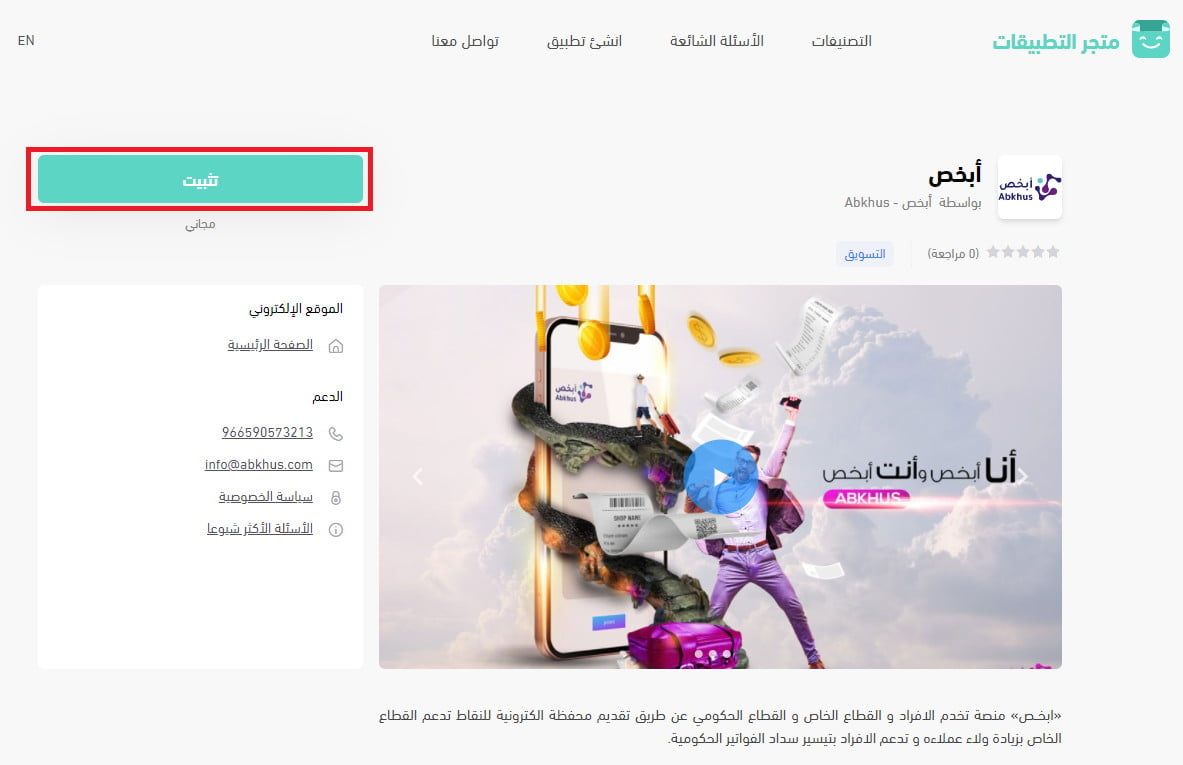
3. From the Abkhas app page, click (Install).
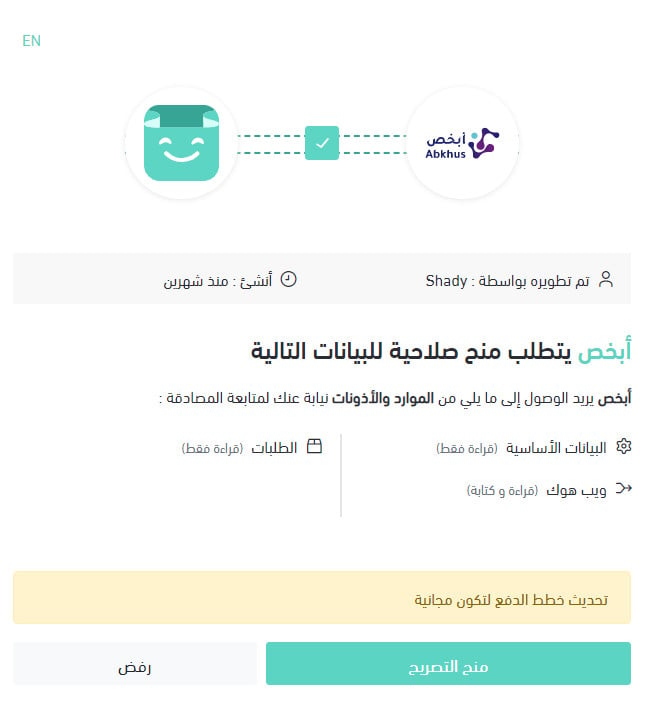
4. Review the permissions the app requests, then click (Grant permission).
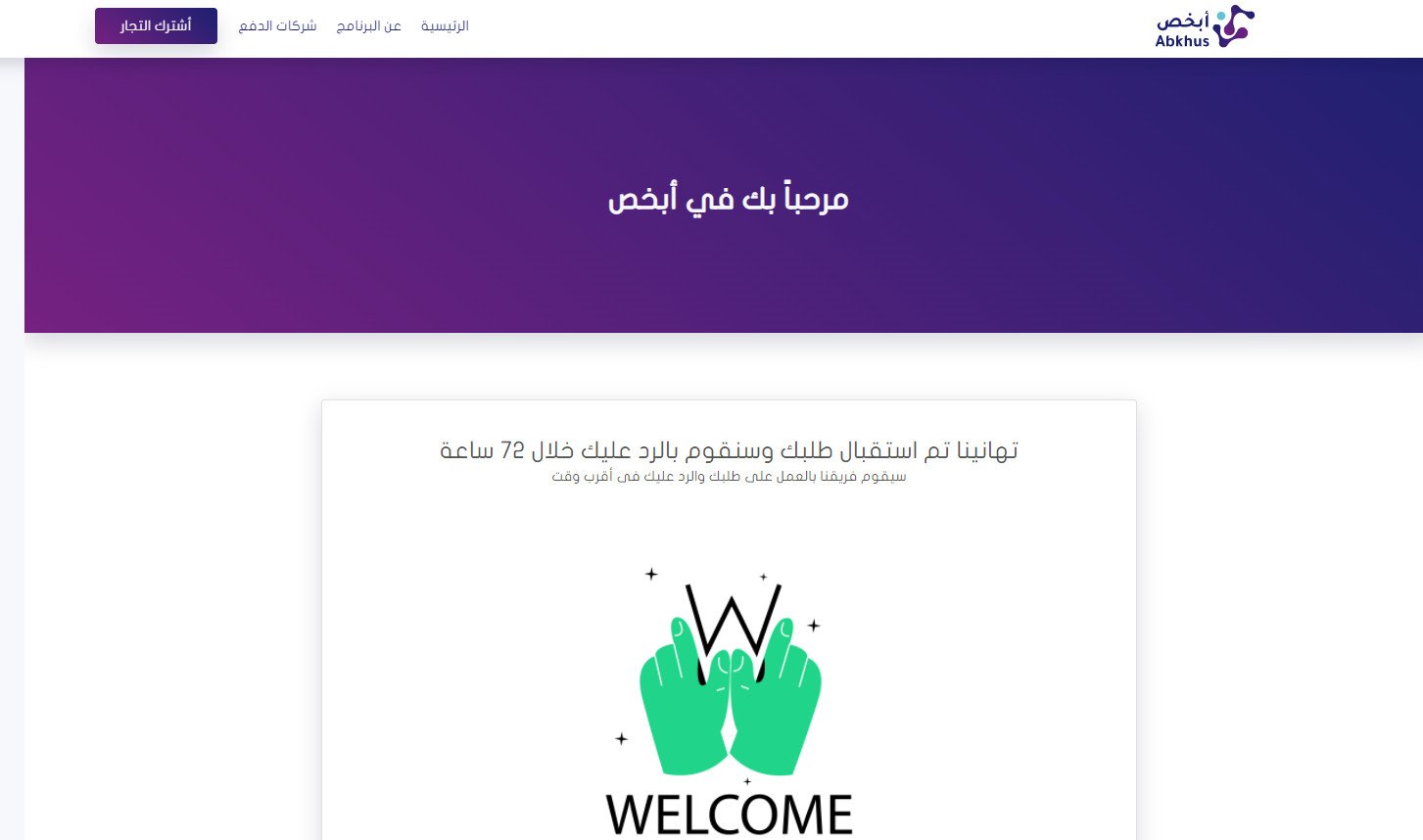
Your Salla store is now connected to your Abkhas account.
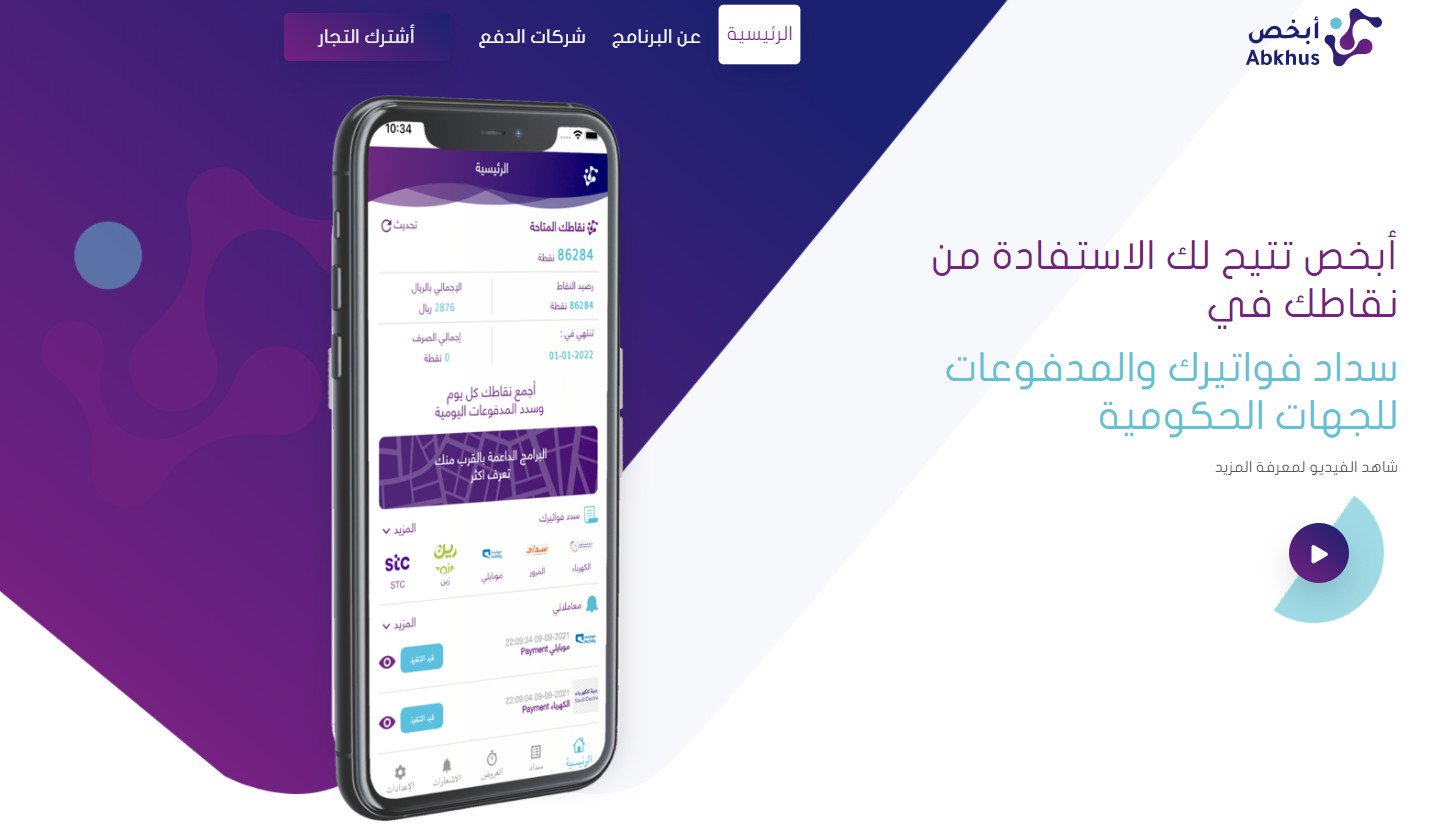
The Abkhas home page then looks like this:
For more detail, read Managing my store's apps.
❓ Frequently asked questions
What are the main features of Abkhas?
- Stronger customer loyalty. Points you award help your customers pay their government bills, which gives your rewards a use they can feel.
- Full visibility into how points are used. You see how points are consumed on every sale, and if an order is returned the points go back to your account in full.
- Points you can cash back. If you decide to end your agreement with Abkhas, your remaining points are calculated at the same rate and refunded to you at their equivalent value.
What happens to points if a customer returns an order?
The points issued for that order are returned to your account in full.
I already have an Abkhas account — can I use it?
Yes. Contact Abkhas technical support and ask them to activate your existing account on your Salla store, rather than letting the install create a new one.
How do I remove the Abkhas app from my store?
1. From the side menu of your dashboard, click (My installed apps).

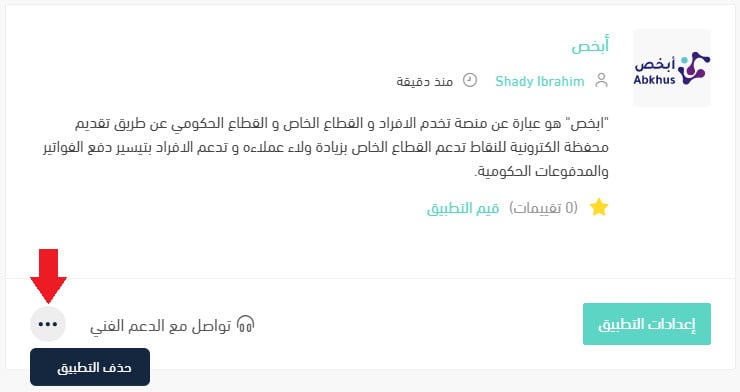
2. From the all apps page, on the Abkhas app, click the (...) icon, then click (Delete app), as shown below.
A loyalty point only works as a reward when the customer can spend it on something they care about. Tying your points to a bill that lands every month is a straightforward way to make yours matter.