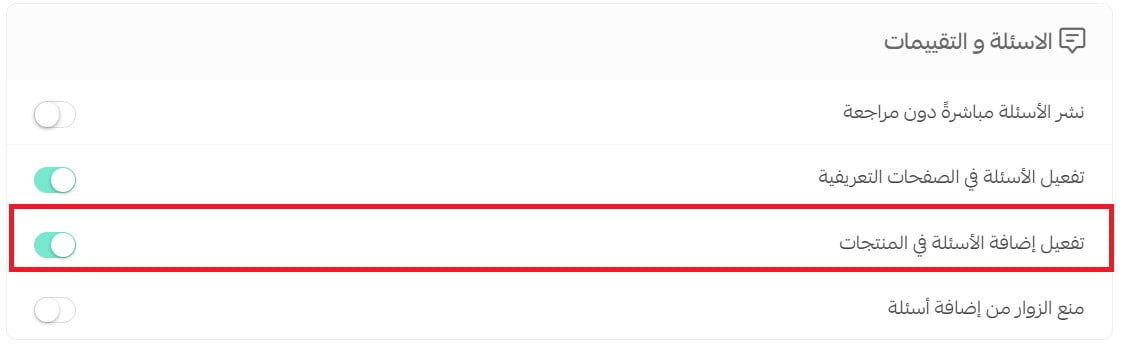
Want to control who can ask product questions and whether submissions need approval?
Product questions and reviews help shoppers learn from your store and other customers. In this guide, you'll learn how to configure submissions, moderation, and guest access from your Salla store options.
Product questions and reviews are managed from Store options in your Salla dashboard. Open the Questions and reviews section, choose whether customers can submit questions, decide if submissions publish directly or require manual review, control guest access, and save the settings that fit your store.
📌 Article overview
- Configure product questions and reviews
- Moderate submissions manually
- Restrict questions from guests
- Frequently asked questions
👣 How to configure product questions and reviews
1. From the dashboard side menu, click (Store settings).

2. Click (Store options).

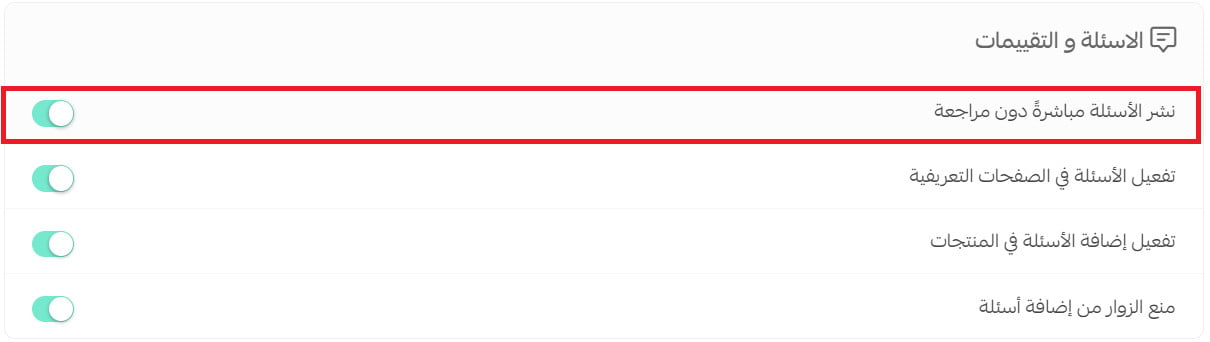
3. On the Store options page, configure the Questions and reviews section to fit your needs, then click (Save).
3. من صفحة خيارات المتجر، قم بإعداد خيارات الأسئلة والتقييمات حسب احتياجك، ثم اضغط (حفظ).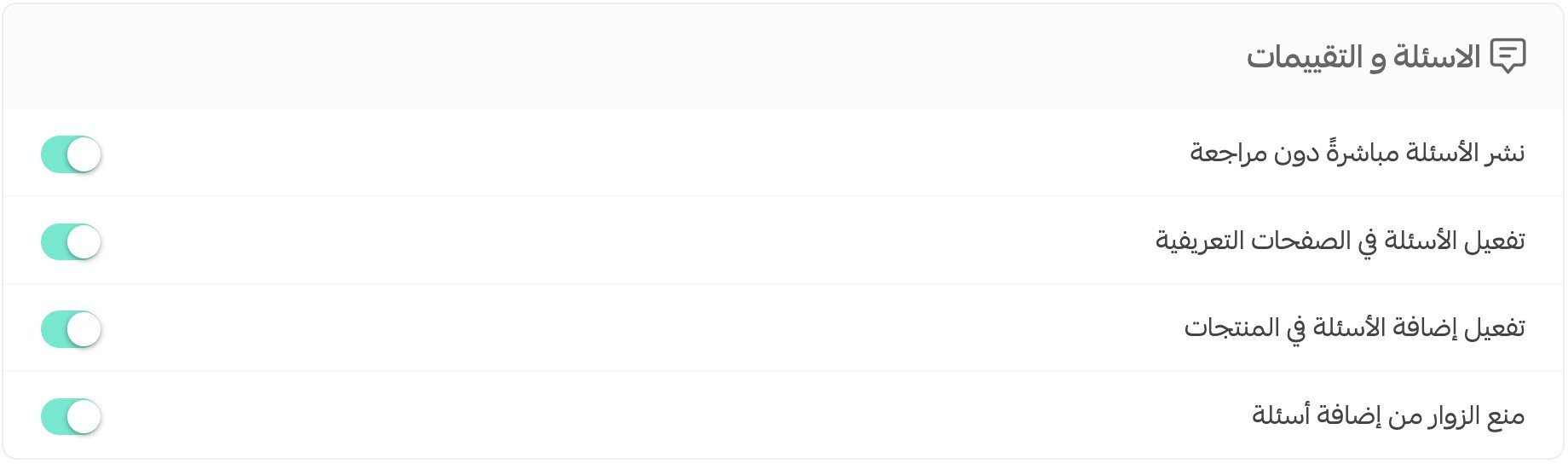
Frequently asked questions
❓ Can customers add a question or review on a product page?
Yes. Under Questions and reviews, enable the option to add questions to products.

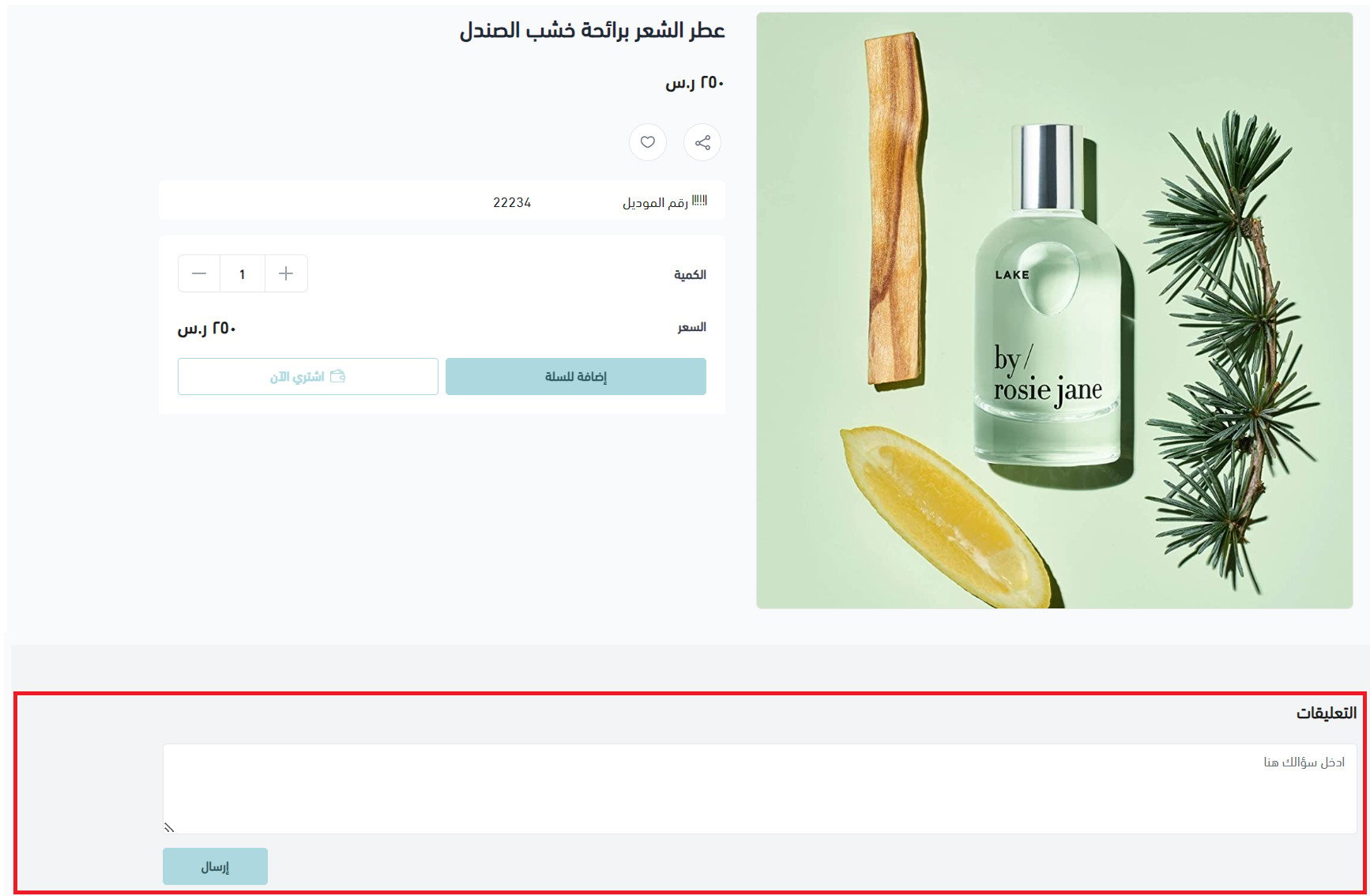
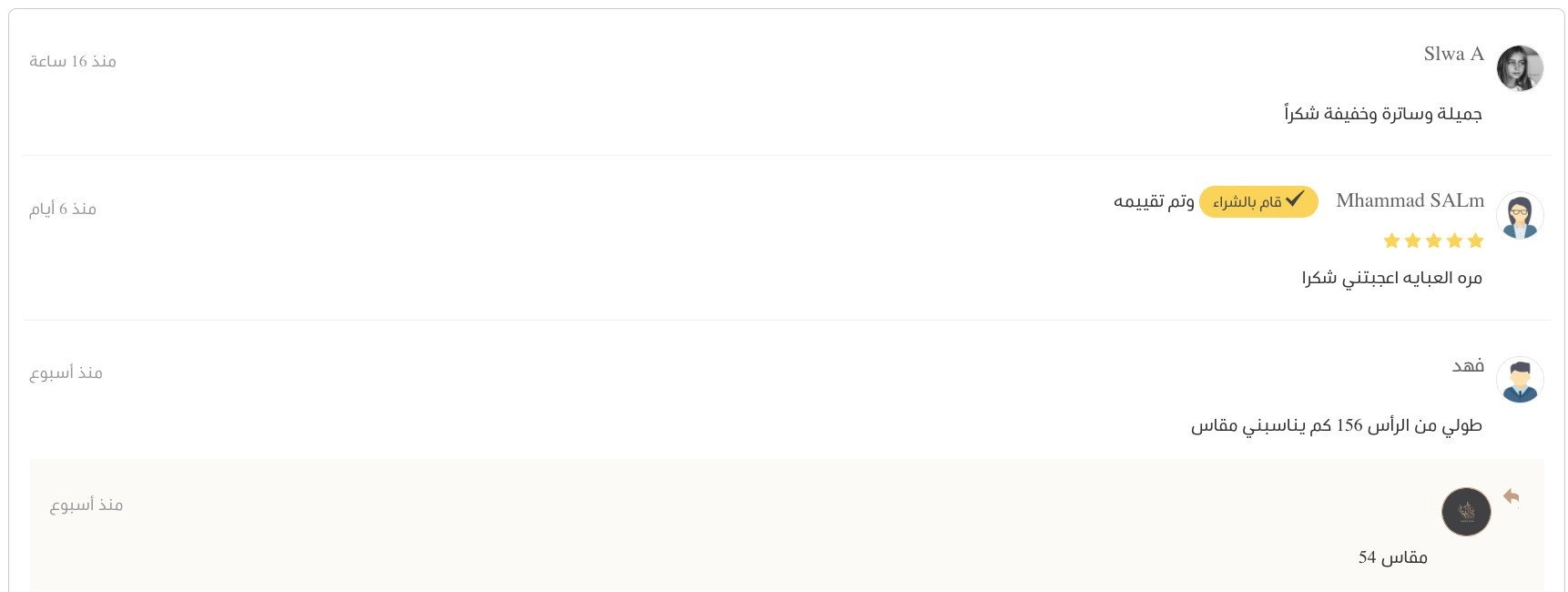
Questions and reviews then appear below the product.
❓ Where can I publish a submission when direct publishing is disabled?
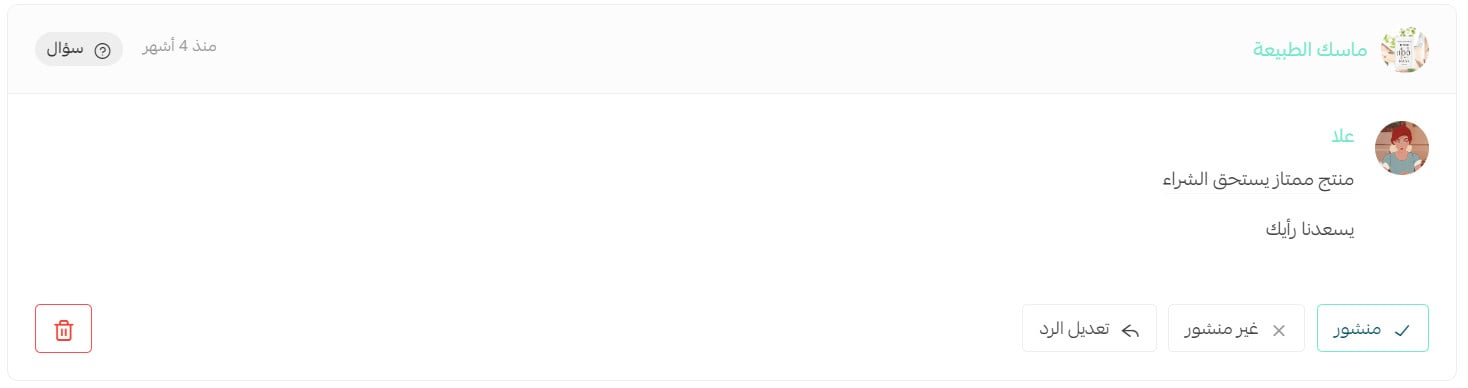
If direct publishing is disabled, the source says you can manually publish the question or review from the Reviews page. [Verify: confirm whether this moderation setting applies to questions, reviews, or both.]
❓ How can I stop guests from adding questions?
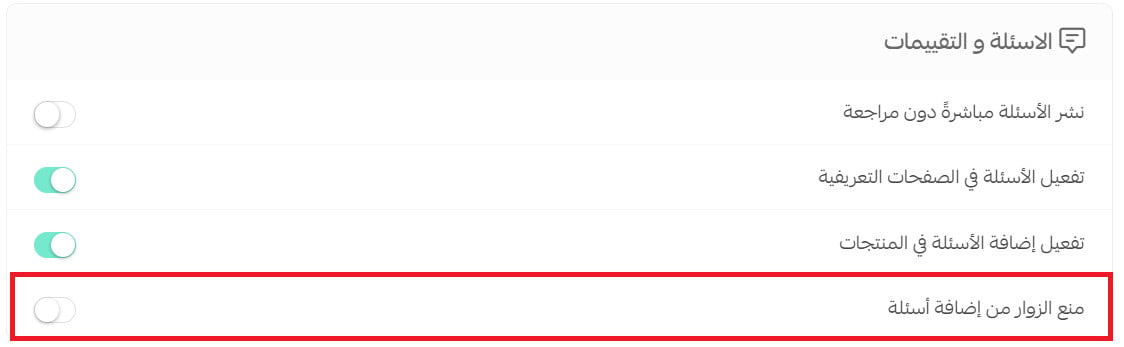
Enable the option that prevents guests from adding questions. Customers must then sign in before submitting one.
❓ How does a customer add a product question?
Enable the setting that allows questions on products. The question field then appears on the product card.