Compare products:
A tool to display products directly and compare them, helping your customer easily notice differences in terms of price and specifications.
📌 Main topics of the article:
- Steps to connect with the Compare Products app
- Manage and activate the Compare Products app
🚀 Steps to connect with the Compare Products app
1. From the main menu, click (All), then from the Utilities section, click (App Store).

2. Search for the app using the search field.

3. From the Compare Products app page, click (Install).

4. Choose the package that suits your business to proceed with the app installation.

Complete the payment process to successfully benefit from the app's features.
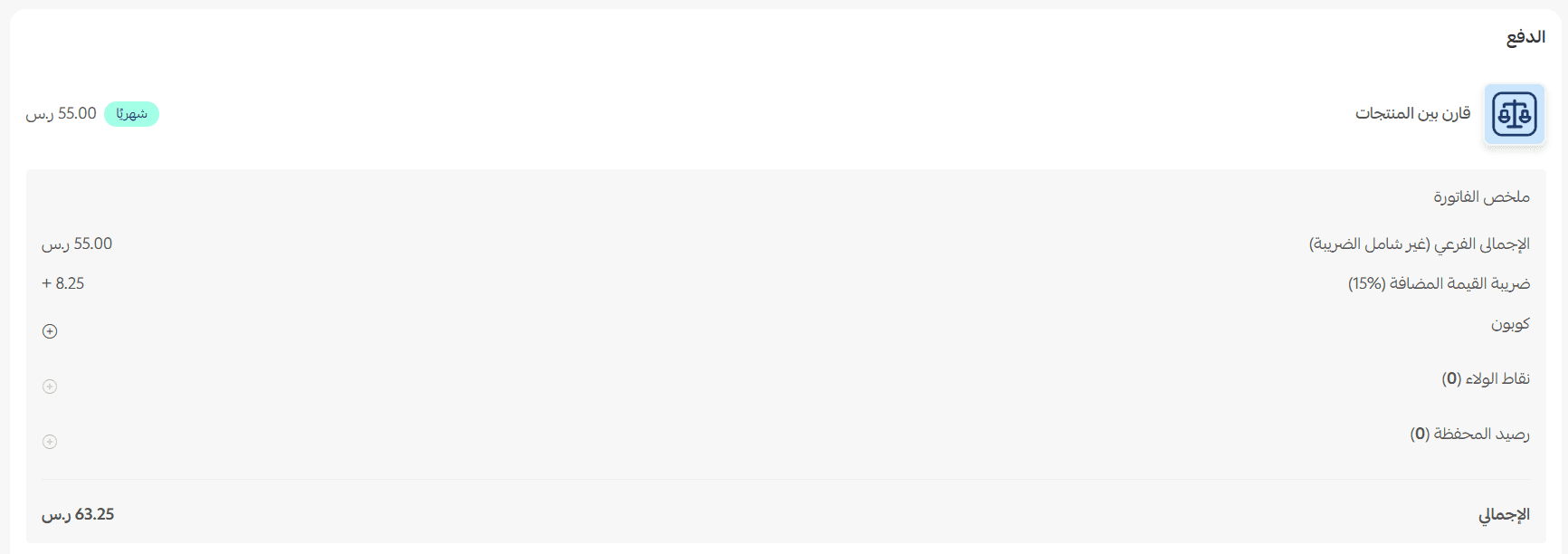
This completes the installation of the Compare Products app on your store.
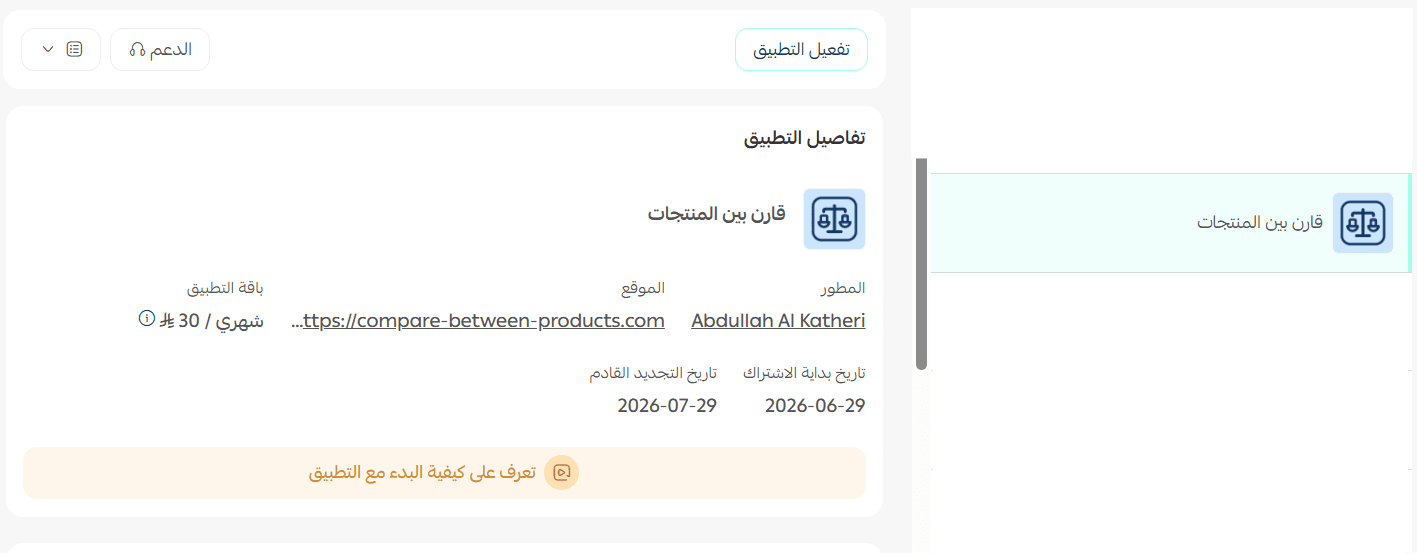
🚀 Manage and activate the Compare Products app
- Activate the app
1. After installing the app, click (Activate App).
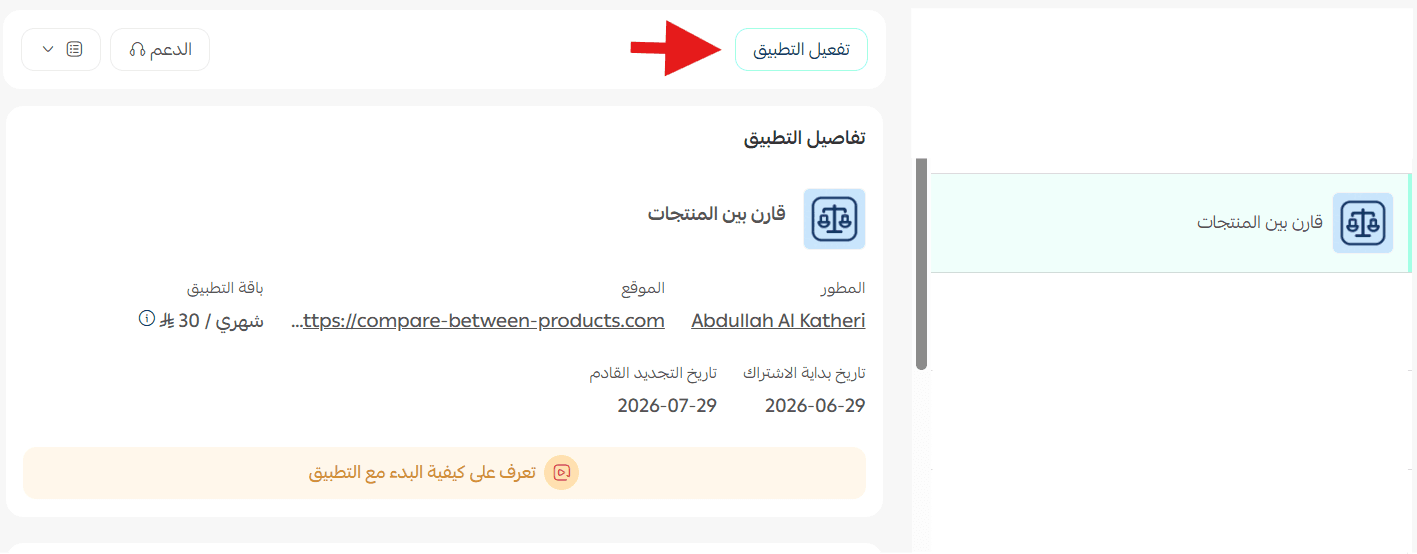
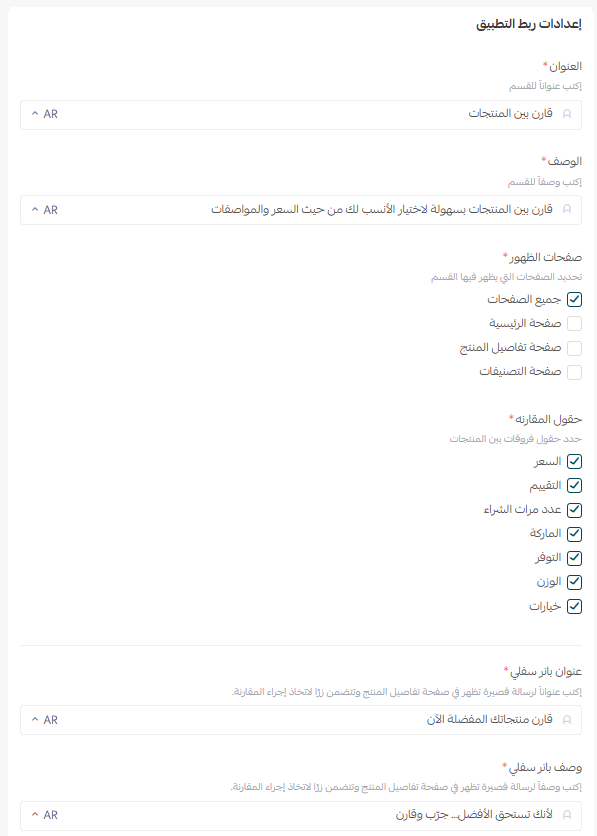
2. From the (App Connection Settings) section, customize the settings to your preference and click (Save).
- Delete the app
From the Compare Products app, click (App Options) then click (Delete App).

For more details about the Compare Products app