What if WhatsApp were not just where you answer customers, but where they actually buy?
The Chat Gate app turns WhatsApp into a full sales channel for your Salla store. It takes orders inside the conversation, chases the carts customers abandoned before paying, and sends offers automatically, so the channel your customers already use every day starts producing revenue instead of only questions. In this guide, you'll learn how to install Chat Gate, choose and pay for a plan, upgrade later, and remove the app if you need to.
Chat Gate is a Salla App Store chat bot that turns WhatsApp into a complete sales channel for your store. It receives orders, recovers abandoned carts, and sends offers automatically. You install it from the app store, choose a plan, and confirm payment, after which the app is ready on your store.
📌 Article overview
- How to install and connect Chat Gate
- How to manage Chat Gate: upgrade and remove
- Frequently asked questions
👣 How to install and connect Chat Gate
1. From the main menu, click (All), then under helper tools, click (App Store).

2. On the Chat Gate app page, click (Install).
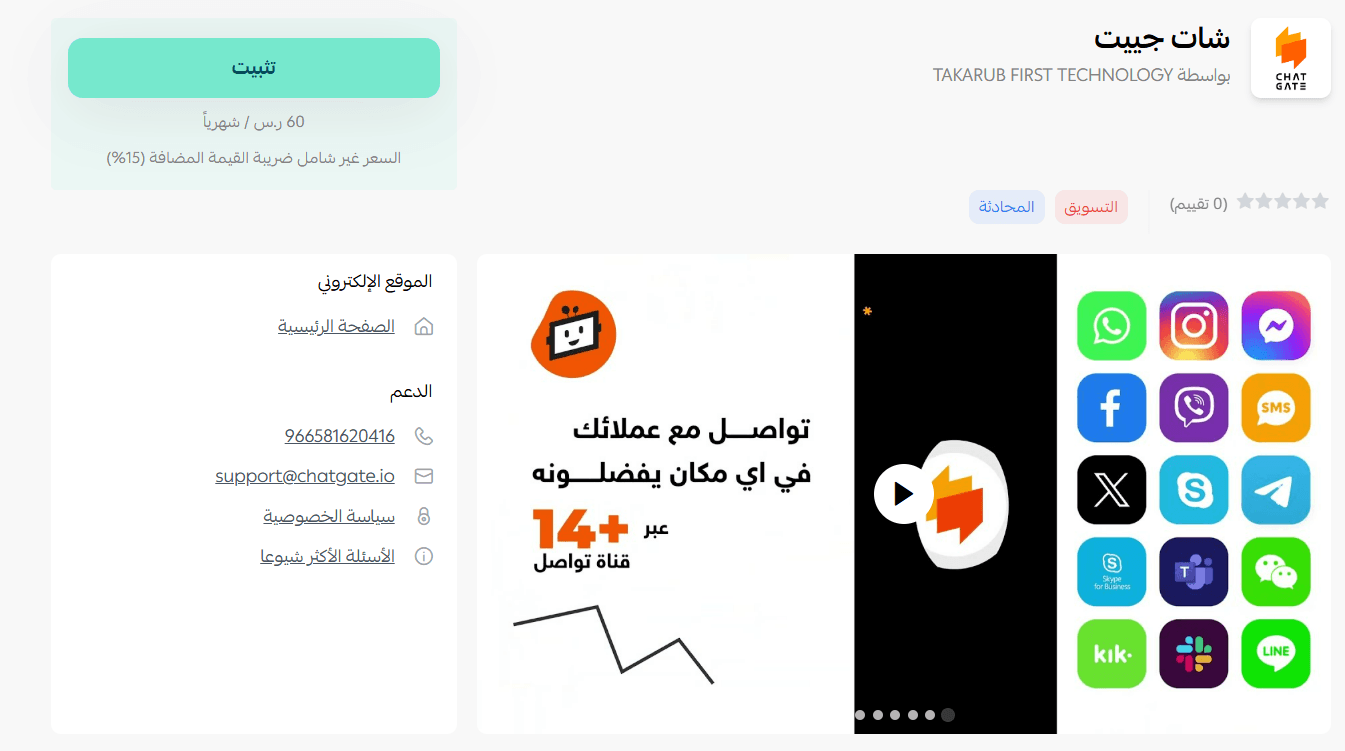
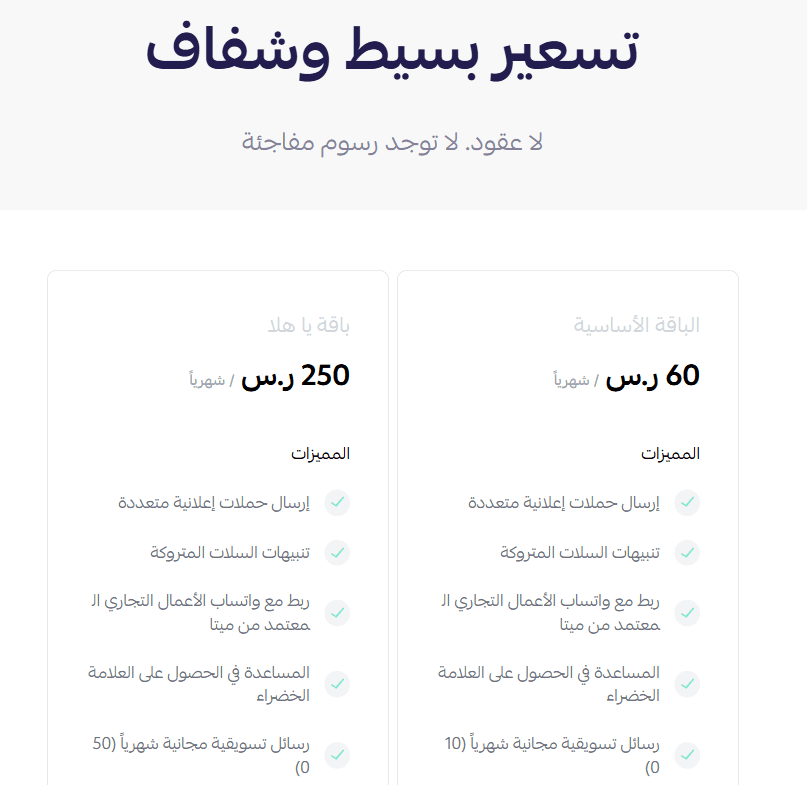
3. Choose the plan that fits your business to carry on with the installation.
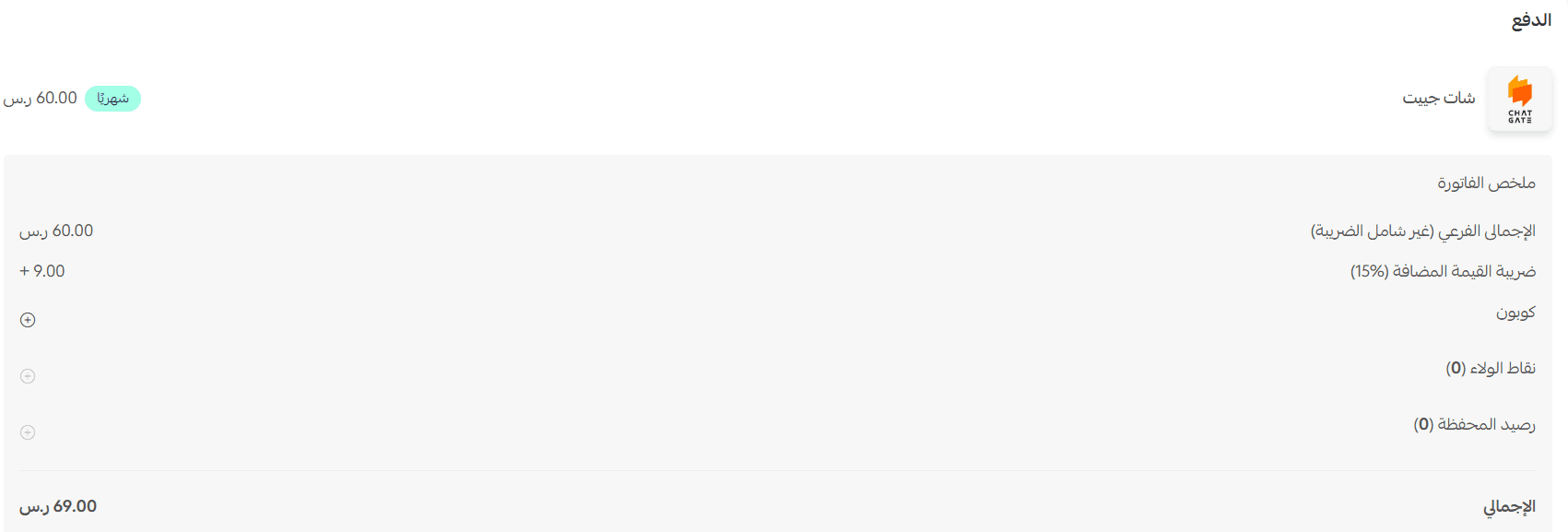
4. Complete the payment, then click (Confirm).
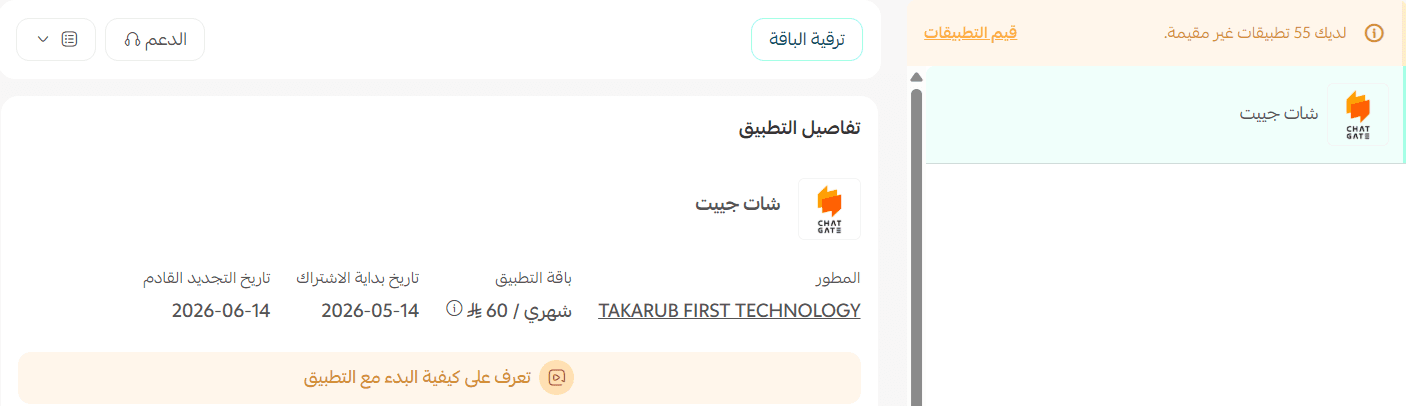
🎉 That's it. The app is installed on your store.
🚀 How to manage the Chat Gate app
Upgrade your plan
1. On the app details page in your store, click (Upgrade plan).

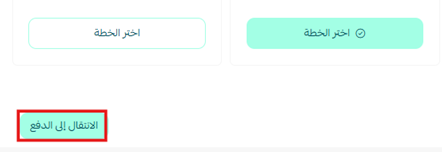
2. Choose the plan you want, then click (Go to payment).
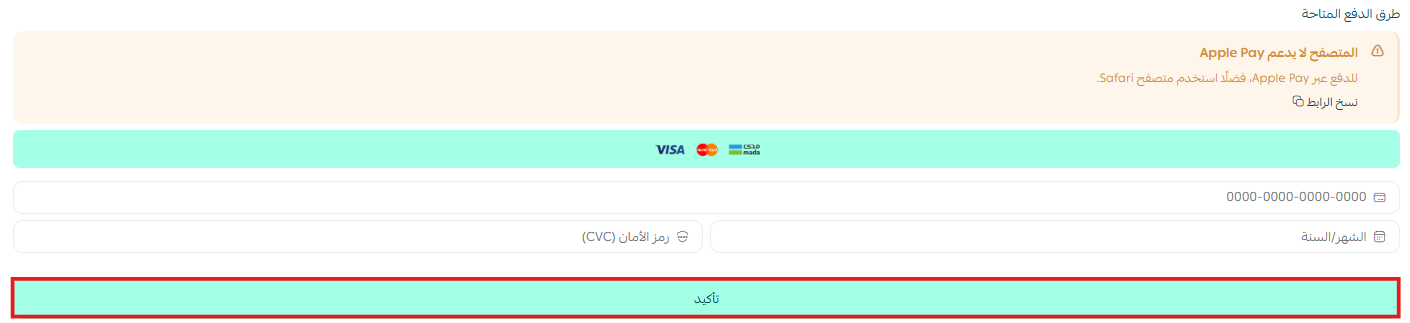
3. Complete your payment details, then click (Confirm) to finish the upgrade.
Remove the app
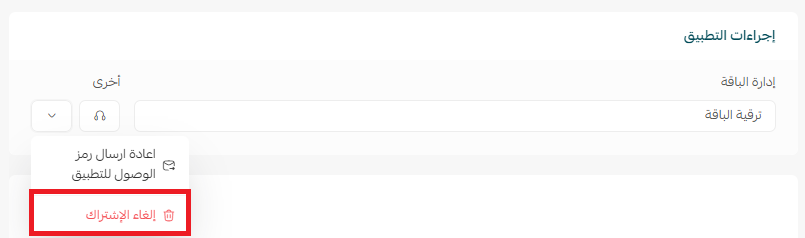
1. From the app options list, click (Cancel subscription), then choose your reason for cancelling.
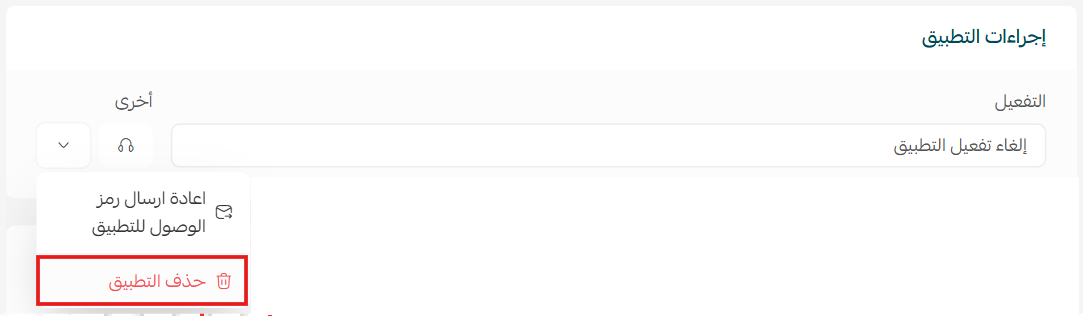
2. From the app options list, click (Delete app), then choose your reason for deleting.
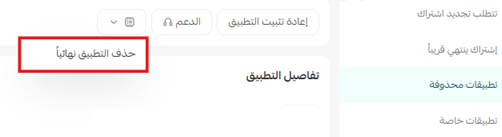
3. On the Deleted apps page, open the app options list and click (Delete app permanently) to remove it from your store for good.
📝 Important notes
- Chat Gate is a paid app. The plan is chosen and paid for during installation, not afterwards.
- Removing the app takes two stages: it moves to the deleted apps page first, and is only gone for good after (Delete app permanently).
- For more, visit the Chat Gate website.
❓ Frequently asked questions
What can Chat Gate do inside WhatsApp?
It receives orders, recovers abandoned carts, and sends offers automatically, which is what makes WhatsApp a sales channel rather than only a support channel.
Can I start without paying?
No. You choose a plan and confirm payment as part of the installation, and only then does the app finish installing.
How do I move to a bigger plan later?
Open the app details page in your store, click (Upgrade plan), choose the plan, click (Go to payment), then confirm your payment details.
Does cancelling the subscription remove the app?
Not on its own. Cancel the subscription, then delete the app, then delete it permanently from the deleted apps page.
An abandoned cart is not a lost customer, it is an unfinished conversation. Chat Gate is what finishes it.