What are informational pages?
These are pages created to introduce the store (such as About Us, Terms of Use, Privacy Policy) or to describe components used in production with detailed and accurate descriptions.
Steps to create an informational page on your store:
1. From the side menu of the control panel, click on (Informational Pages).

2. To create a new informational page, click on (New Page).

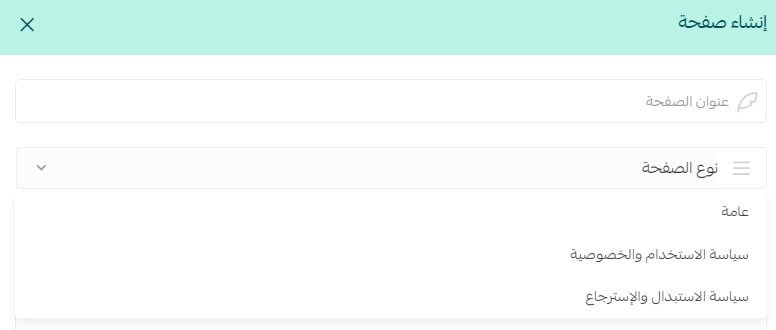
3. Enter the page title, and choose its type (General - Terms of Use and Privacy Policy - Return and Exchange Policy).
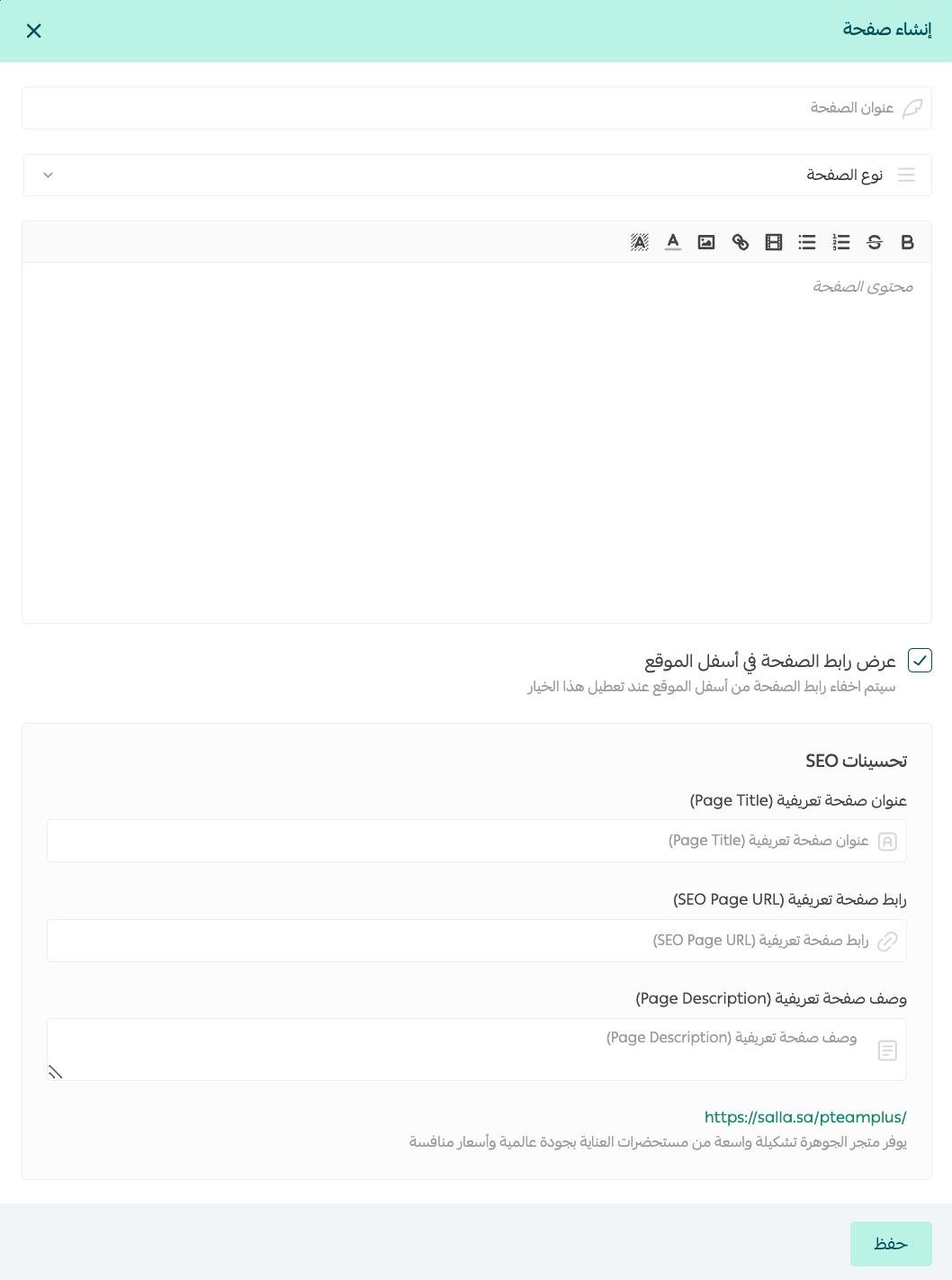
4. Write its content, including inserting images, videos, and links to web pages.
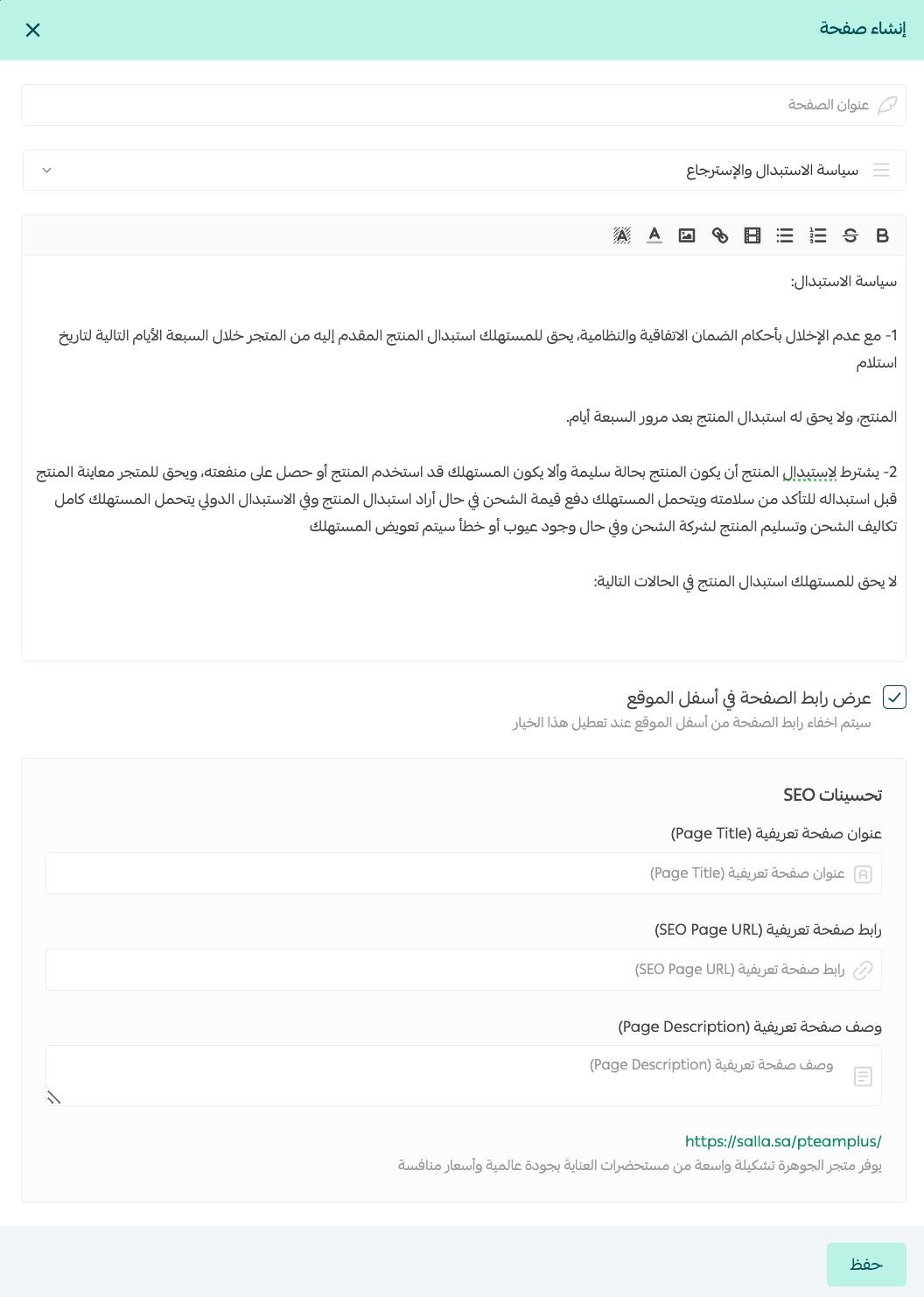
Note: When selecting the page type asTerms of Use and Privacy Policy - Return and Exchange Policya template will appear in the content, which you can use to draft your store's usage or return policy.
Your store's privacy policy must comply with the Personal Data Protection System.
For more details onyour store's privacy policy compliance with the Personal Data Protection System
Note:As part of SEO improvements, the informational page link is automatically generated based on the store's language, so the link may change when switching the store's language (such as Arabic or English).
5. Click on (Save) to save the page and control its visibility.

If you wish to deactivate it, go to(Informational Pages) then (Activate/Deactivate) the page you want.

You can copy the link from (Informational Pages), then click more (...) and select (Copy Link).
For more details onFAQs about informational pages
If you need help writing legal texts for your store, you can benefit from the (Merchant Services) feature, which offers quality services from external service providers to professionally handle your business activities..
For more details onMerchant Services