Connecting a courier directly to your store removes the manual step where most shipping mistakes start. In this guide, you'll learn how to connect the Sahab Logistics app to your Salla store, set your shipping rates, and manage the app afterward.
To connect Sahab Logistics on Salla, open Installed apps from your dashboard, browse the Salla App Store, and install the Sahab Logistics app. You can then enter your account details and shipping rates from the app settings.
📌 Article overview
- How to connect the Sahab Logistics app
- How to set up shipping rates
- Frequently asked questions
Sahab Logistics
Sahab Logistics offers online stores a complete set of reliable, effective logistics solutions at competitive prices. The platform provides an advanced electronic system for order management, letting merchants handle orders and inventory easily, and producing accurate order and inventory reports so the merchant can focus on growing the brand and keeping customers happy.
How to connect Sahab Logistics
1. From the dashboard side menu, click (Installed apps).

2. From the Salla App Store banner, click (Browse the Salla App Store).

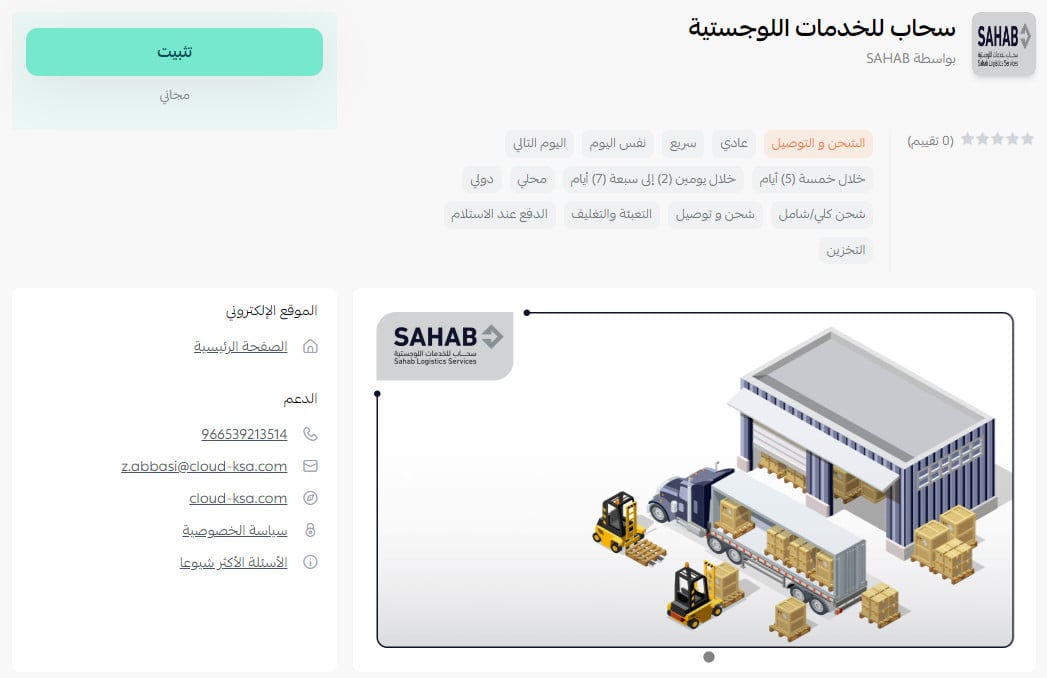
3. From the Sahab Logistics page, click (Install).
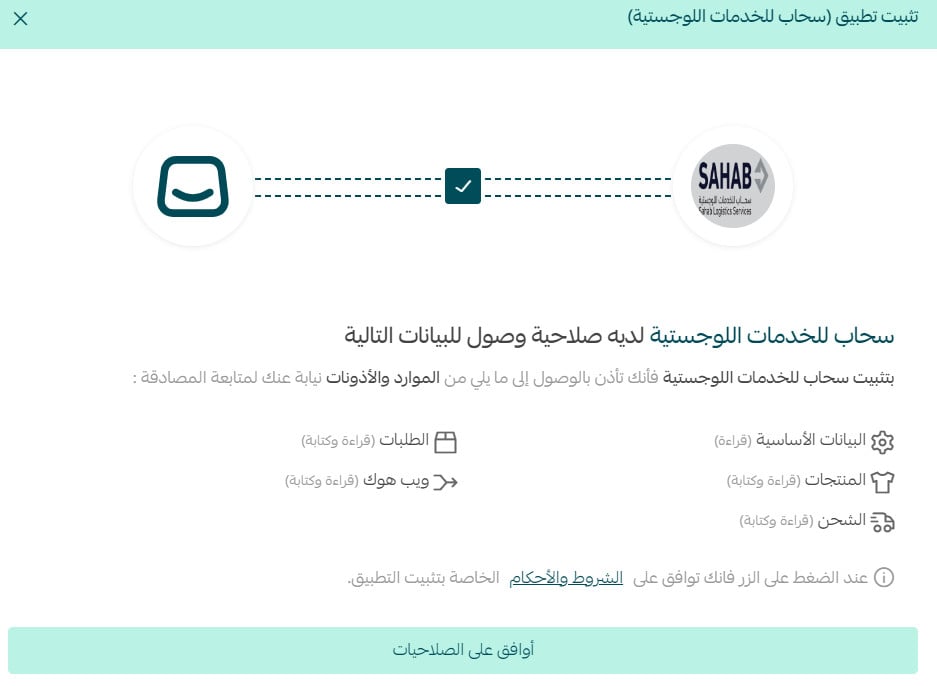
4. Review the requested permissions, then click (I agree to the permissions).
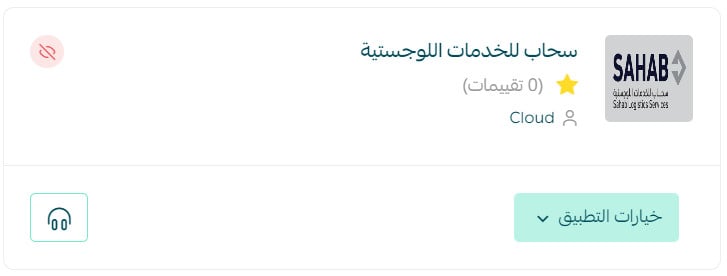
The Sahab Logistics app is now installed on your store.
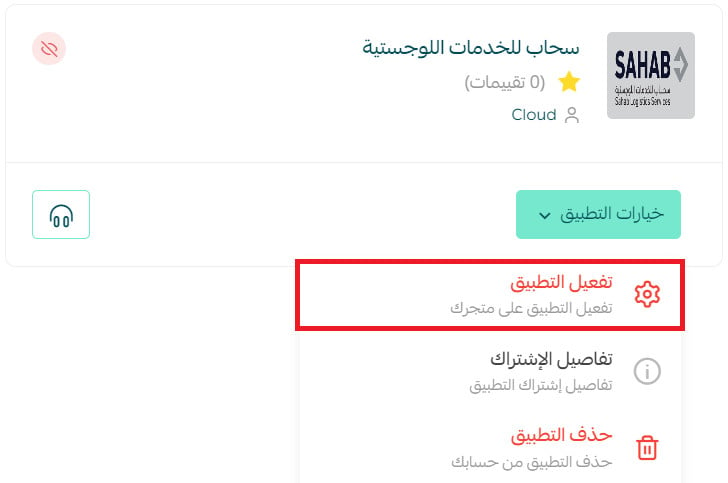
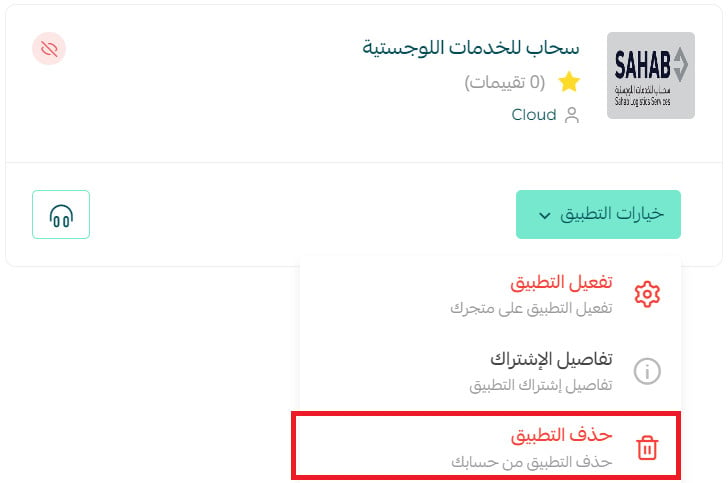
5. To activate the Sahab Logistics app, go to the installed apps page and from the Sahab Logistics app click (App options), then (Activate app).
On the (Shipping company settings) tab, enter the display name, the default waybill settings, the shipment contents type, and the packaging types, then click (Save).
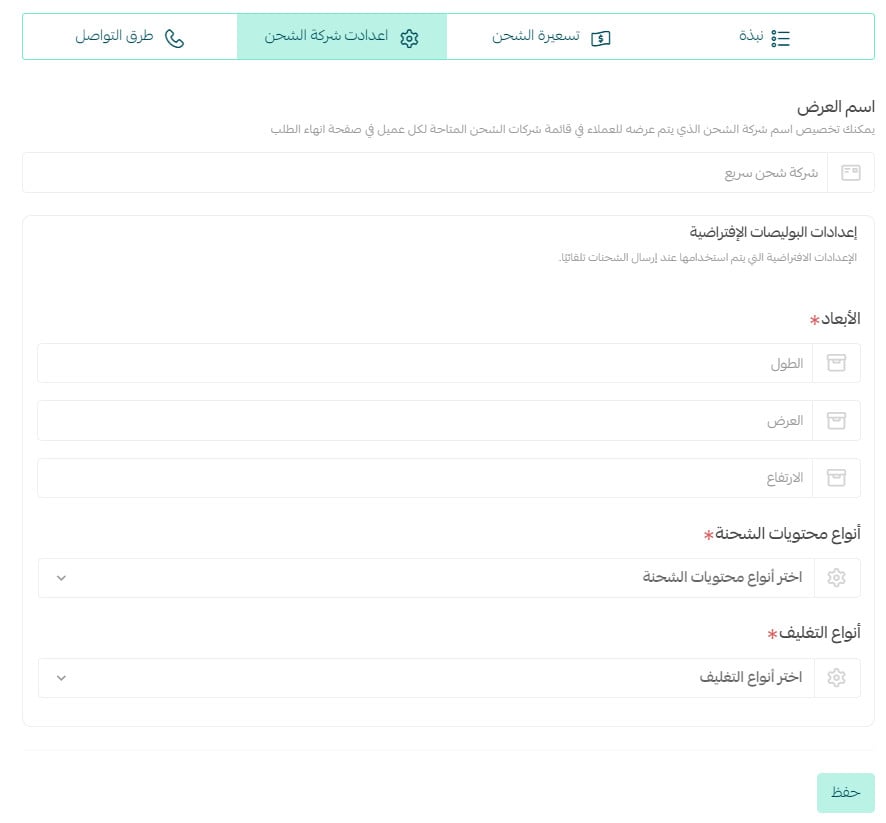
Then turn on the option to show the company to customers in your store.

For more detail, see our guide to managing your store's apps.
Frequently asked questions
❓ How do I set up shipping rates on the Sahab Logistics app?
1. From the dashboard side menu, click (Installed apps).

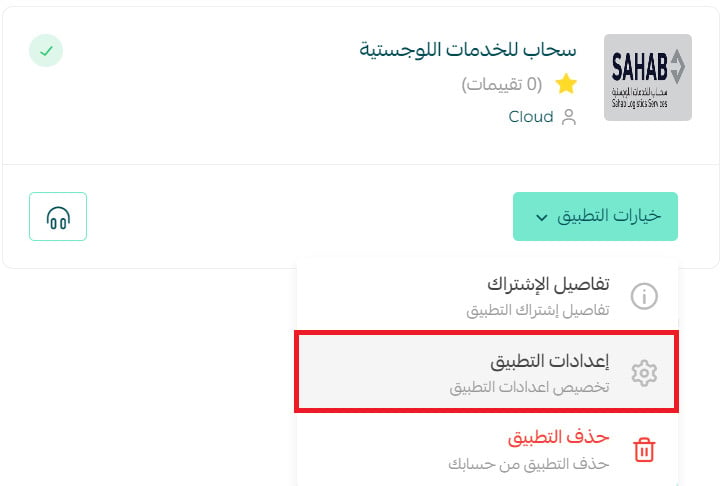
2. On the installed apps page, from the Sahab Logistics app, click (App options), then (App settings).
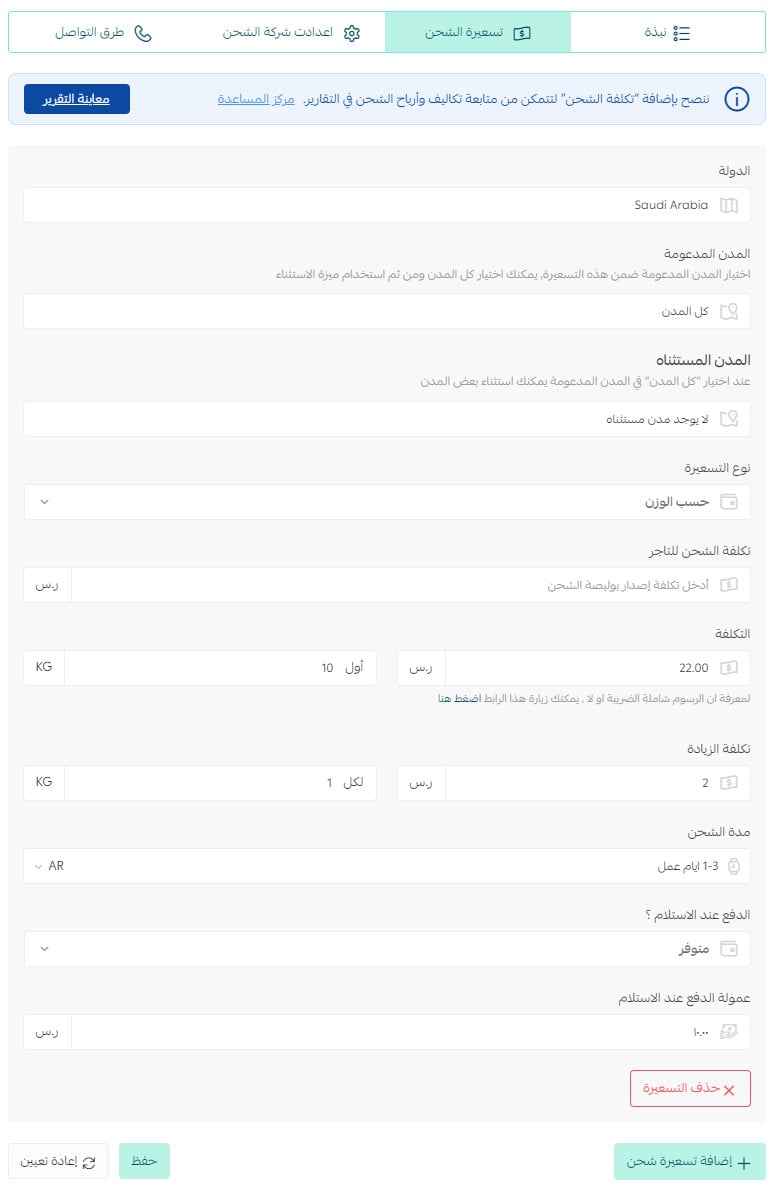
3. On the (Shipping rate) tab, enter the shipping rates for the cities and regions you need.
Then enter your own shipping cost as the merchant, which helps you calculate and see your store's profit on the shipping side.
For more detail, see:
- Setting shipping costs with a direct connection
- Shipping and delivery options settings
❓ How do I temporarily disable the Sahab Logistics app in my store?
1. From the dashboard side menu, click (Installed apps).

2. On the all apps page, from the Sahab Logistics app, click (App settings).
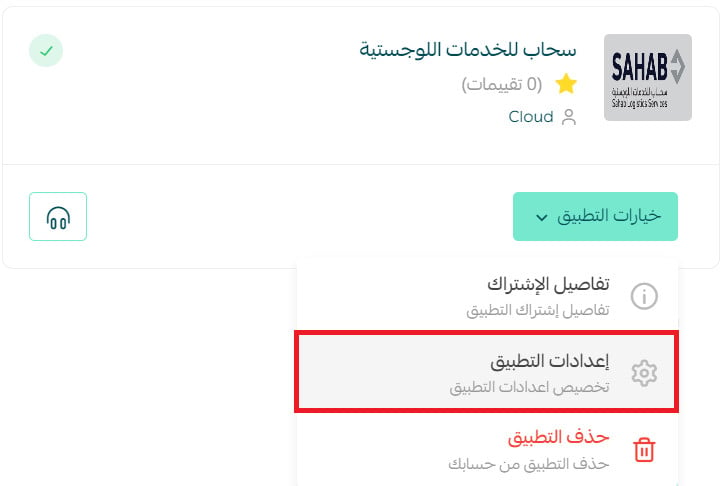
3. Turn the (Hide shipping company from the checkout page) option on or off.

❓ How do I remove the Sahab Logistics app?
1. From the dashboard side menu, click (Installed apps).

2. On the all apps page, from the Sahab Logistics app, click (App options), then click (Delete app).
Connect the courier whose coverage and speed match what you have promised your customers, and set your rates carefully so the economics stay visible on every shipment.