Your domain name is part of your store’s identity. A clear, professional domain makes your business easier to remember and helps build trust with customers from the first visit.
In this guide, you’ll learn how to register a new domain for your Salla store based on your current subscription plan.
📌 Article overview
- Access domain settings
- Register a domain on the Basic plan
- Register a domain on monthly Plus or Pro plans
- Get a free domain with annual Plus or Pro plans
- Domain registration requirements and restrictions
- Important notes about domain ownership
Access domain settings
- From the main menu, click Store Settings.

2. From the Store Settings page, click Domain Settings.

Domain registration based on your subscription plan
There are three different scenarios depending on the subscription plan activated on your store.
Basic plan stores
To register a domain while using the Basic plan, you’ll first need to upgrade your subscription to either the Plus or Pro plan by clicking the upgrade notice displayed in your dashboard.

The good news is that you’ll receive a free domain when subscribing annually to either the Plus or Pro plan.
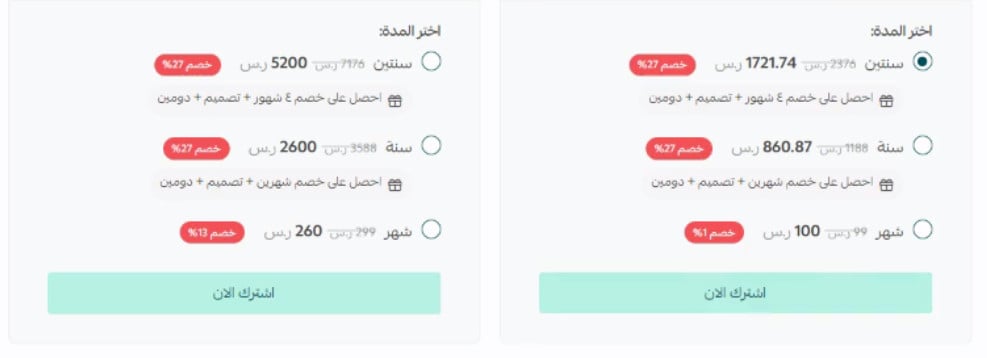
Monthly Plus or Pro plans
If your store is subscribed to a monthly Plus or Pro plan, you can register a domain for SAR/AED 50 per year.
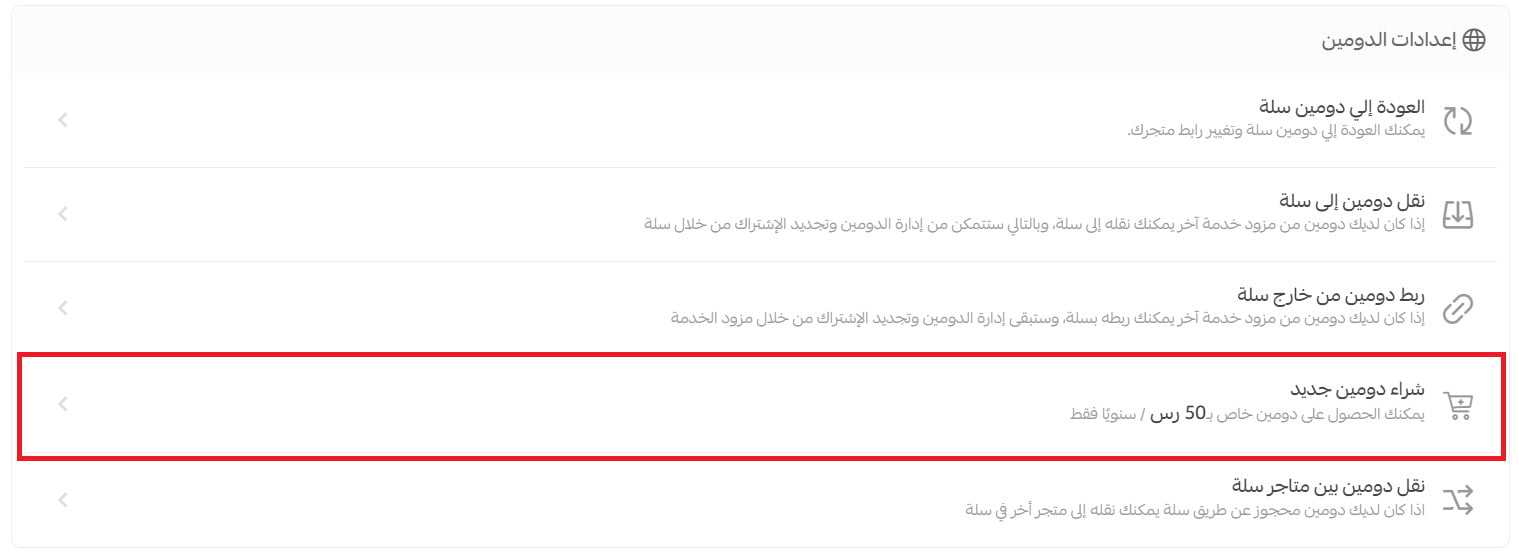
Register your domain
- Enter your preferred domain name.
Only English letters, English numbers, hyphens (-), and dots (.) are supported in store domains.
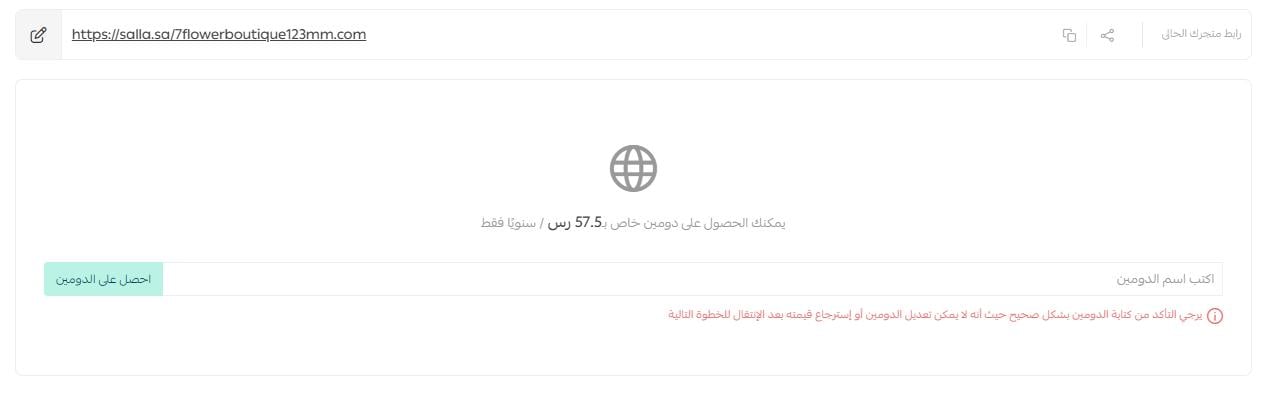
2. Click Get Domain.
You’ll then see a confirmation message before completing the reservation. Since you won’t be able to edit the domain name after this step, make sure the domain name is correct before continuing.
3. Click Confirm Domain Reservation.

4. Complete the payment using your preferred payment method, then click Confirm Payment.
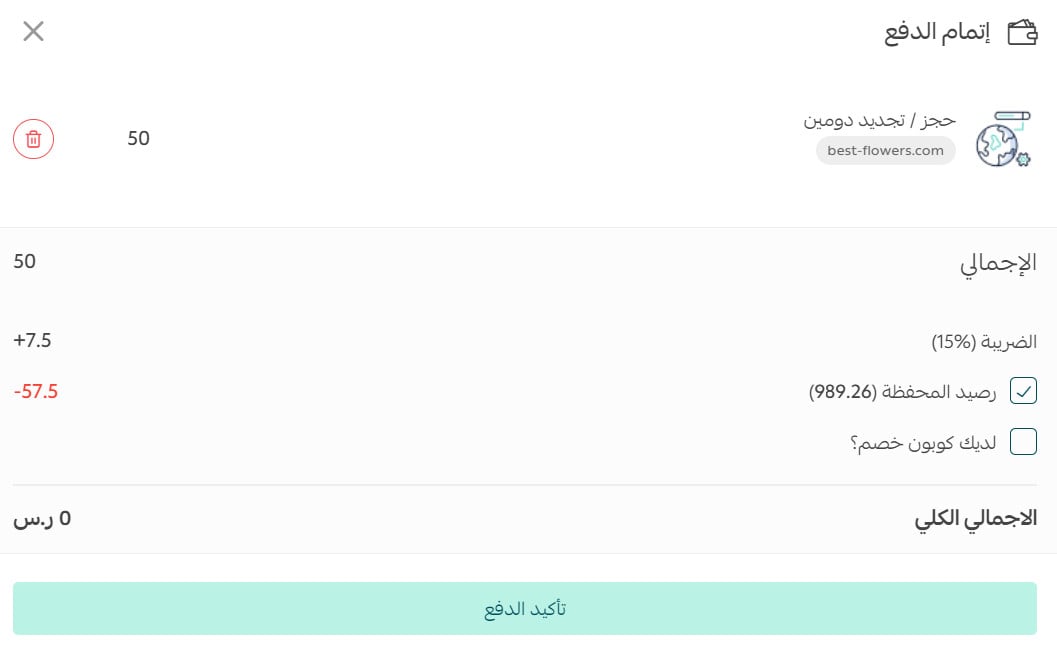
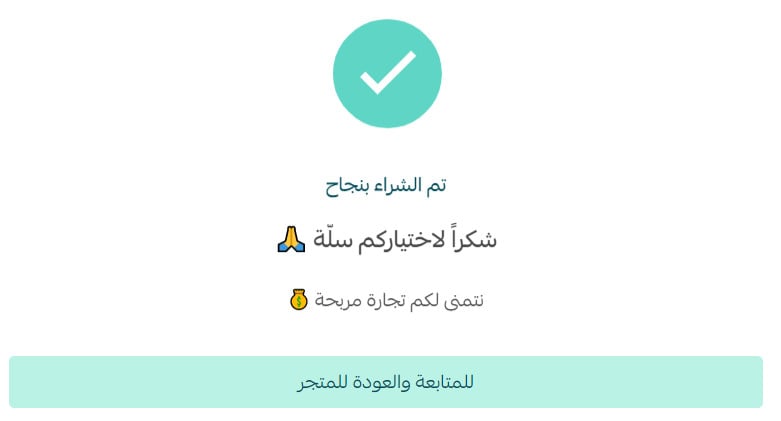
5. After the payment is completed, a confirmation message will appear. Click Continue to Store.
6. From the Domain Settings page, wait up to 24 hours for your store to be redirected to the new domain.

Annual Plus or Pro plans
Annual Plus and Pro subscriptions include a free domain from Salla.
Get your free domain
- From the Domain Settings page, enter your preferred domain name.
- Click Get Free Domain.
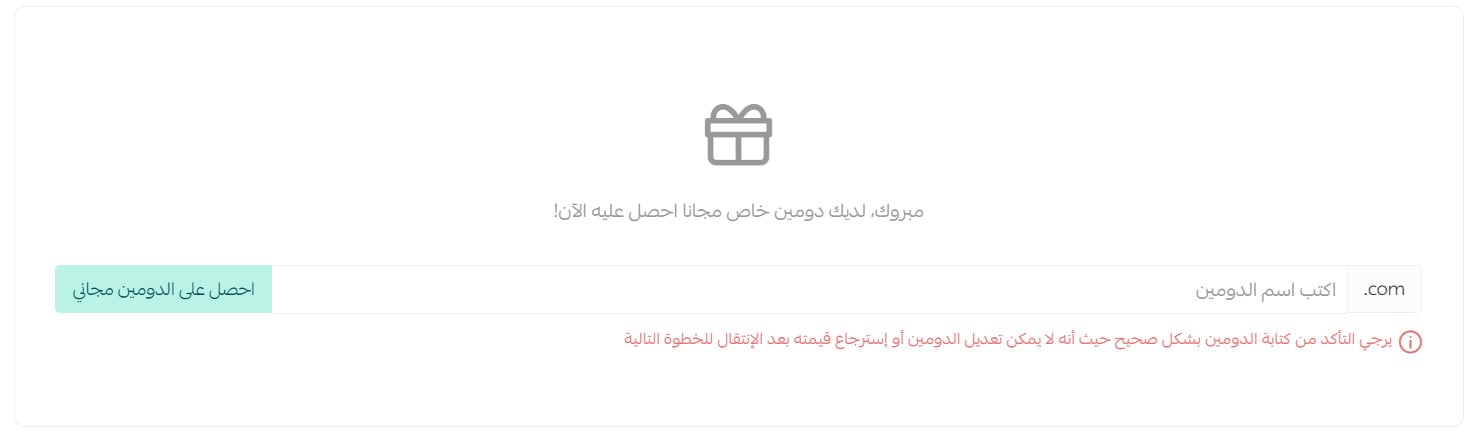
3. A confirmation message will appear before the reservation is completed. Since the domain name cannot be edited afterward, make sure the entered name is correct.
4. Click Confirm Domain Reservation.
5. A success message will appear confirming that your custom domain has been successfully reserved.

6. From the Domain Settings page, wait up to 24 hours for your store to be redirected to the new domain.
After domain activation
In all cases, your new domain will appear on the Domain Settings page once it has been activated.

📝 Important notes
You must verify your domain contact information if the domain was registered directly through the platform. This verification confirms ownership of the domain for your account.
For more details, see: proving domain ownership for your account
Domain registration restrictions
Restricted domain content
The following domain names are not allowed:
- Any domain containing the word “salla” in any form
- Domains starting with “www”
- Domains containing emojis such as 😊 or 🚀
General domain rules
Your domain must follow these requirements:
- The domain extension must be one of the following:
- .com
- .shopping
- .online
- .store
- Subdomains are not supported. For example:
- store.example.com
- Each domain label cannot exceed 63 characters.
- The total domain length cannot exceed 253 characters.
- Arabic characters and non-English characters are not supported.
📝 Important notes
The first-time domain purchase fee is SAR/AED 57.50. Renewal fees may be higher than the initial purchase price.
Additional resources
For more details about: