Where do your customers actually want to talk to you — a contact form, or the app already open on their phone?
Whatsloop Go connects your Salla store to WhatsApp, the most widely used messaging app in the world, so every conversation with your customers runs through one channel instead of scattering across email, forms, and social inboxes. It also lets you build an automated bot that answers questions the moment they come in. In this guide, you'll learn how to install and connect the Whatsloop Go app.
Install the Whatsloop Go app from the Salla App Store, choose a plan, and complete payment. Grant the permissions it asks for, then click (Activate app). Finally, switch on the option that links Whatsloop to Salla and click (Save). Your store is then connected to WhatsApp.
📌 Article overview
- What Whatsloop Go is
- How to install and connect the app
- Frequently asked questions
🎯 What Whatsloop Go is
It's an app for talking to your customers a different way — by linking your Salla store to WhatsApp and bringing every conversation between your business and the people who buy from you into a single channel.
🚀 How to connect your store to Whatsloop Go
1. From the side menu of your dashboard, click (Installed apps).

2. On the Salla App Store banner, click (Browse the Salla App Store).

3. On the Whatsloop Go app page, click (Install).
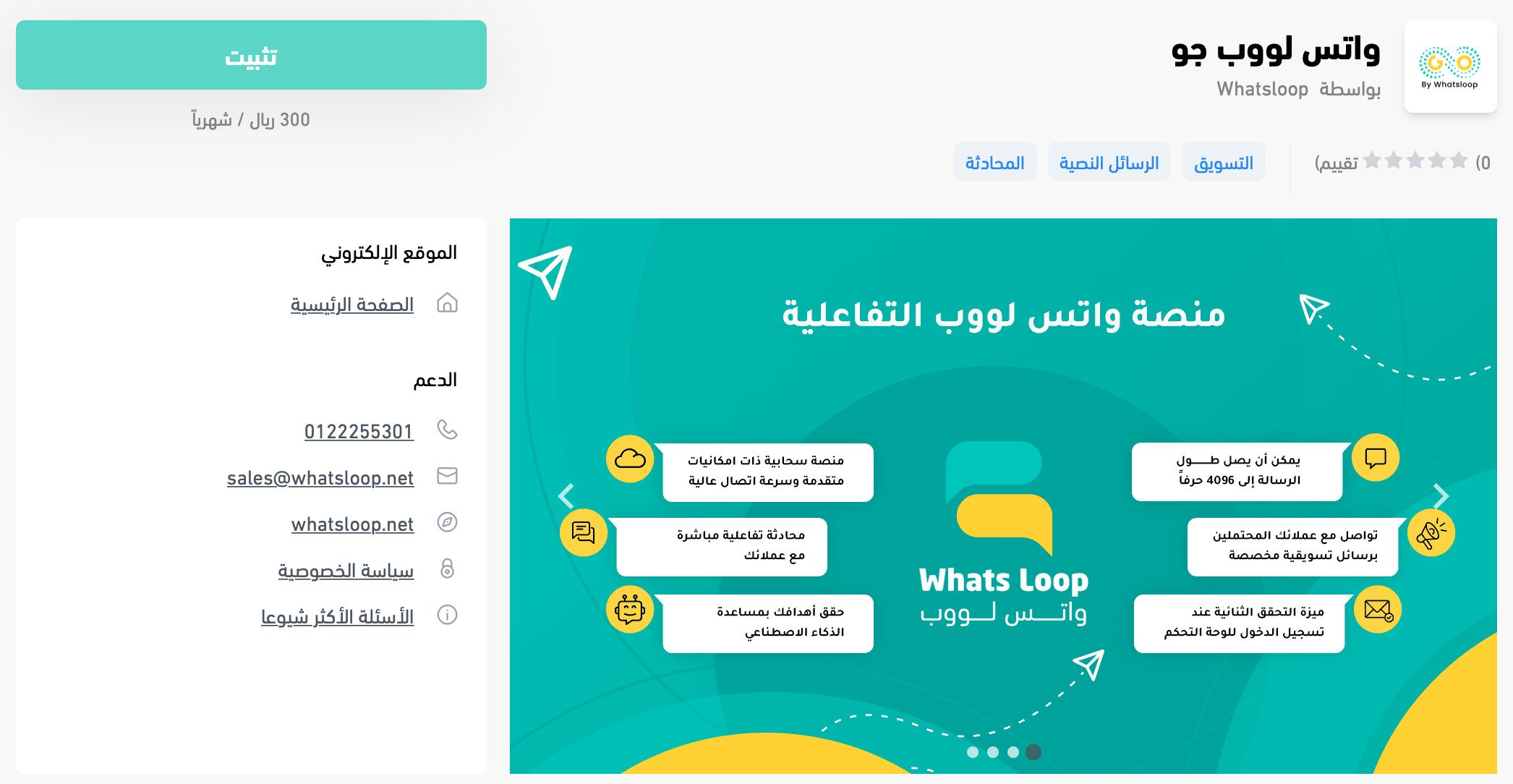
Then choose the plan that fits your business.
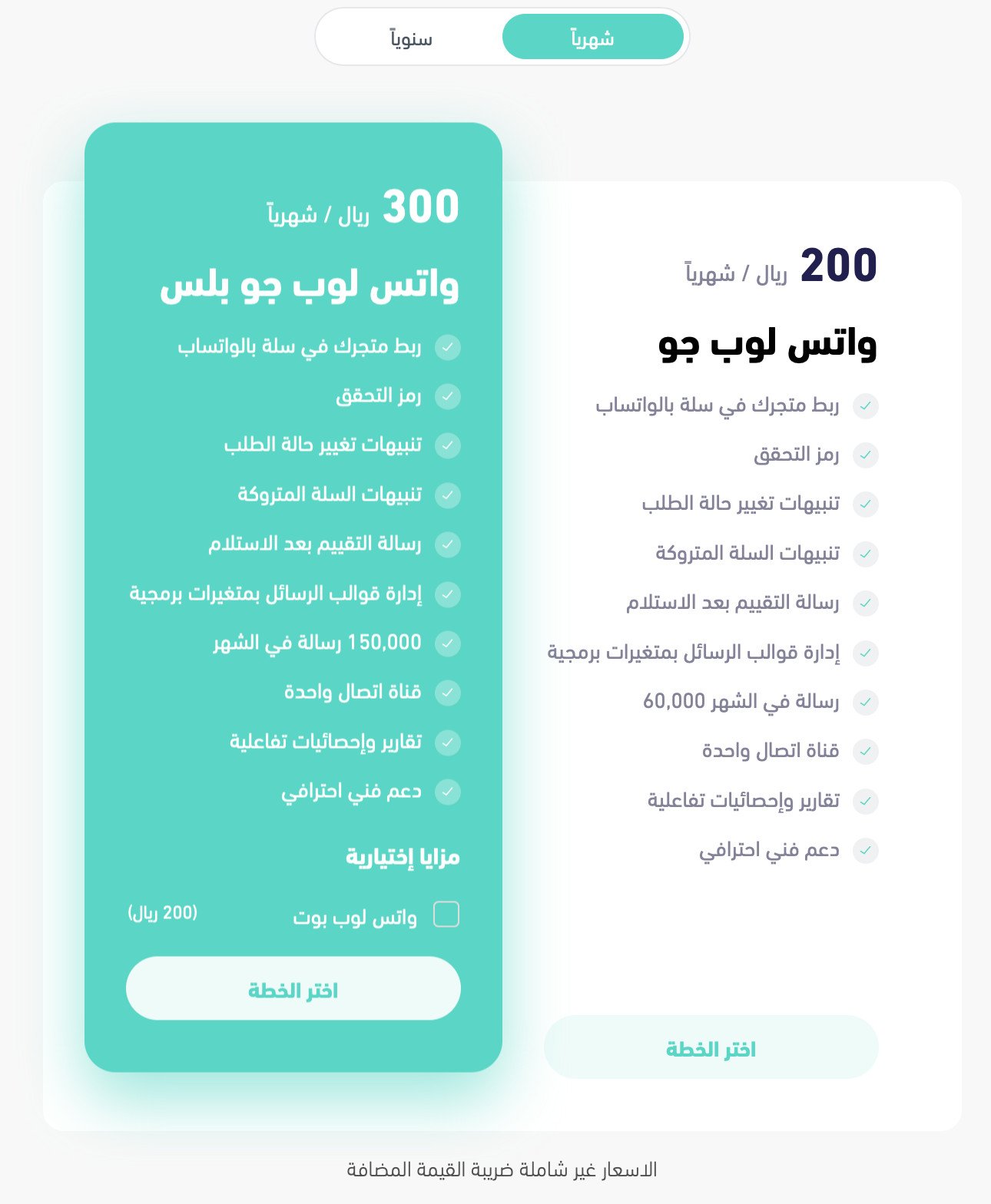
Fill in your payment details, then click (Confirm payment).
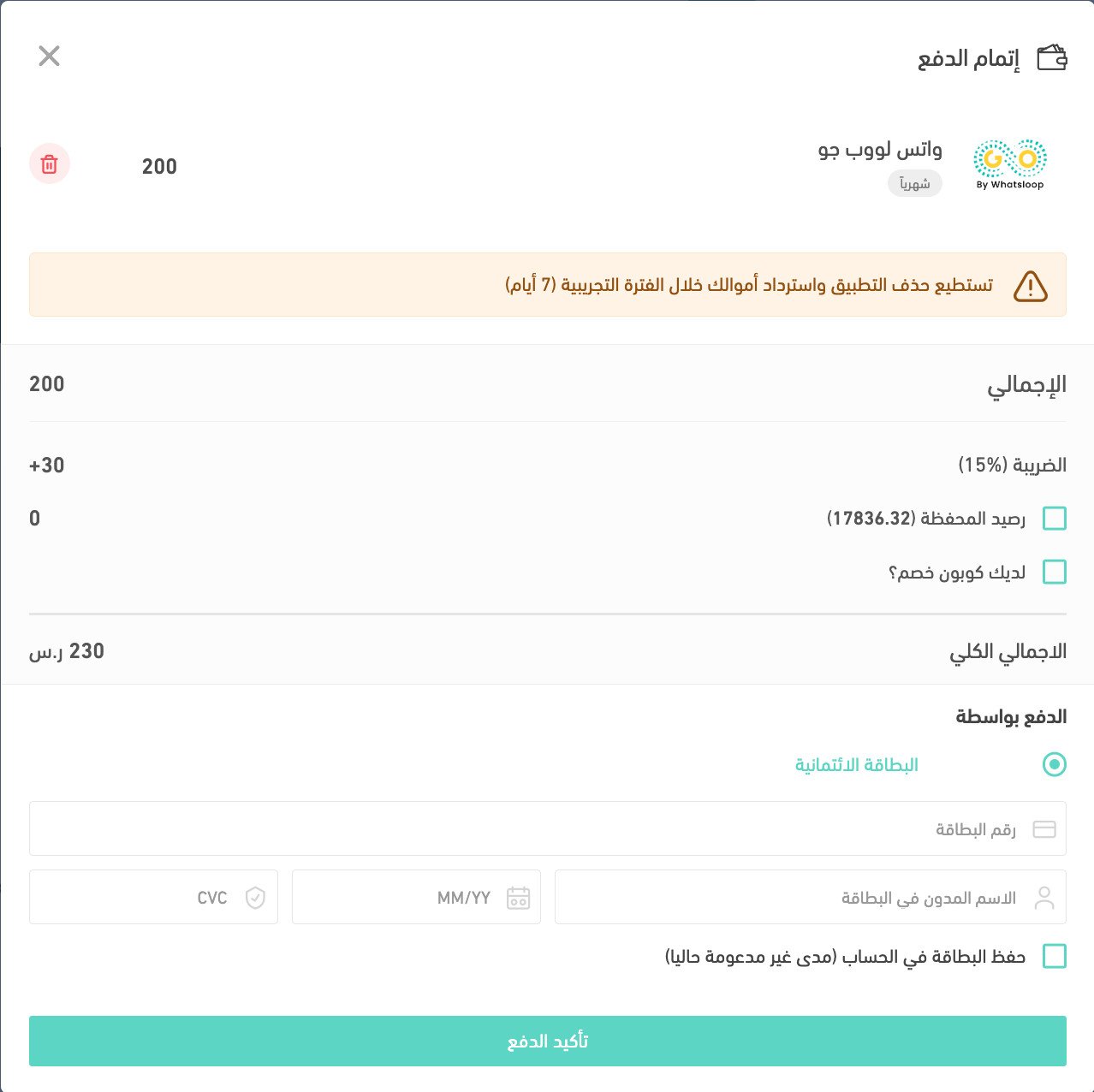
4. Review the permissions the app requests, then click (Grant permission).
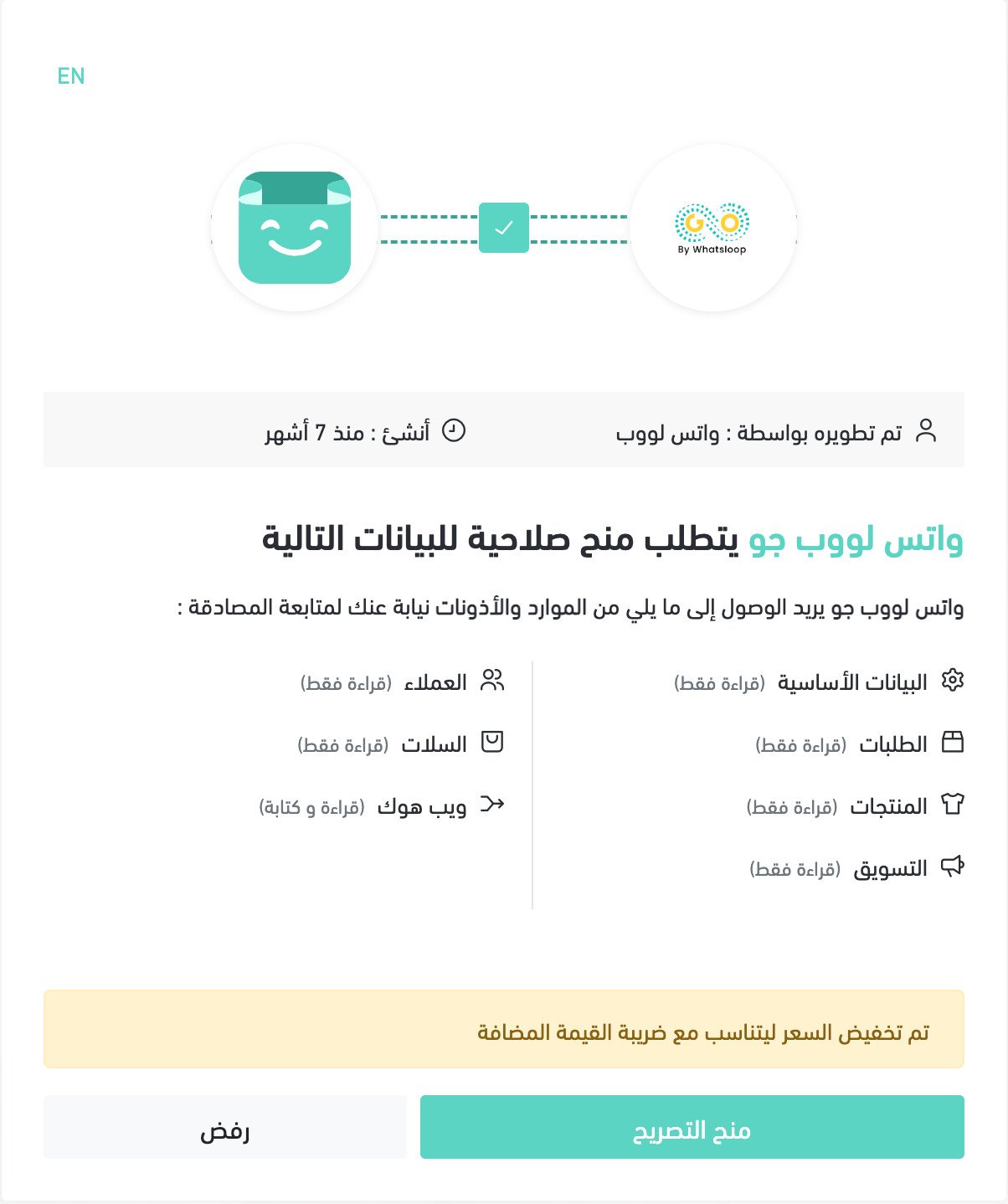
The Whatsloop Go app is now installed on your store.
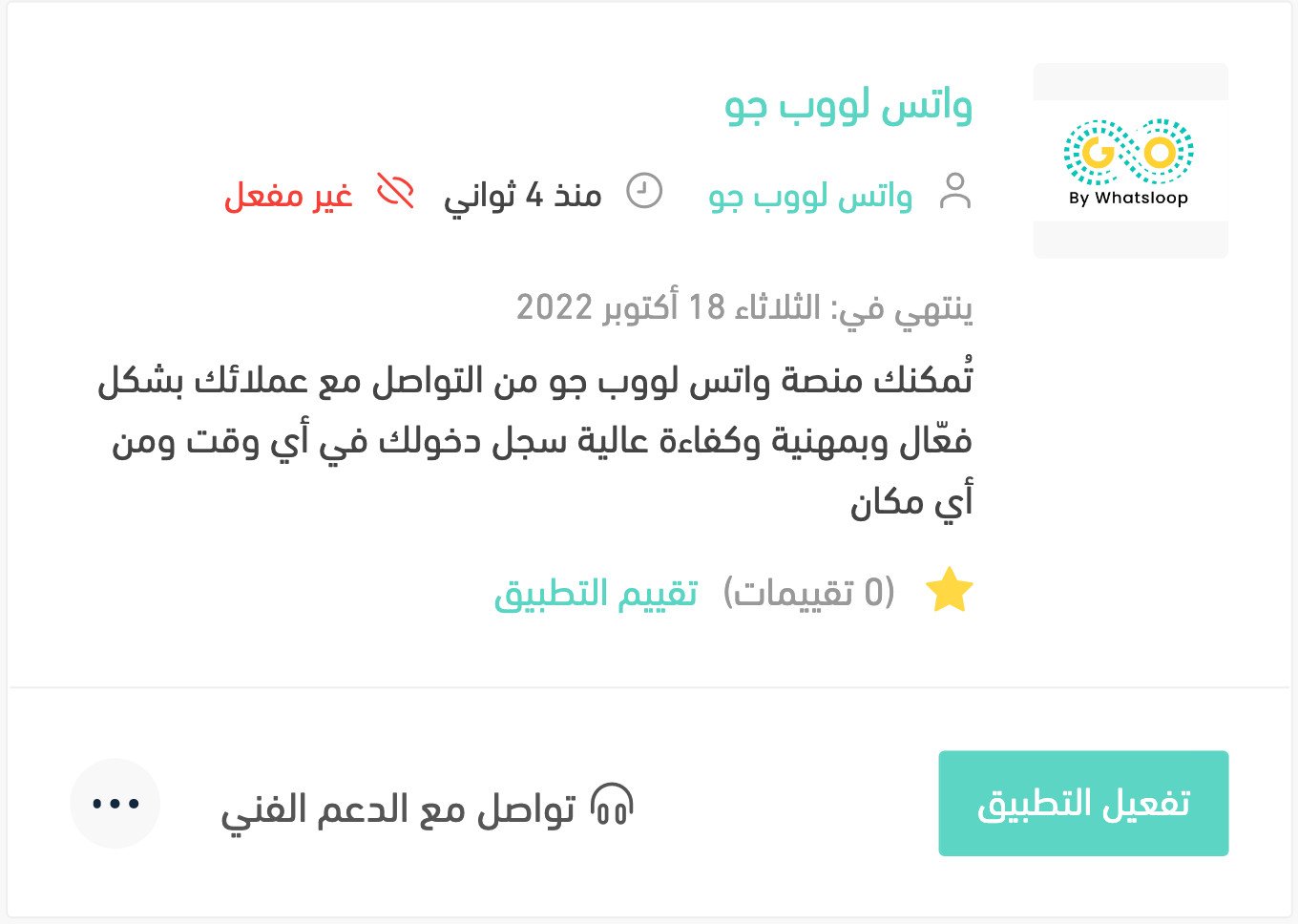
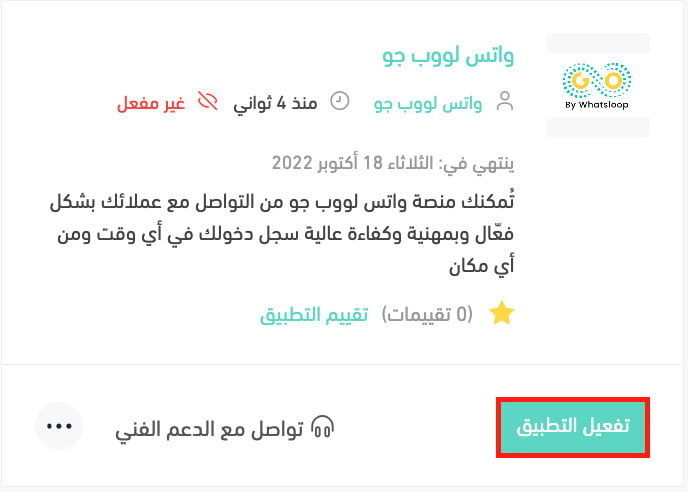
5. Click (Activate app).
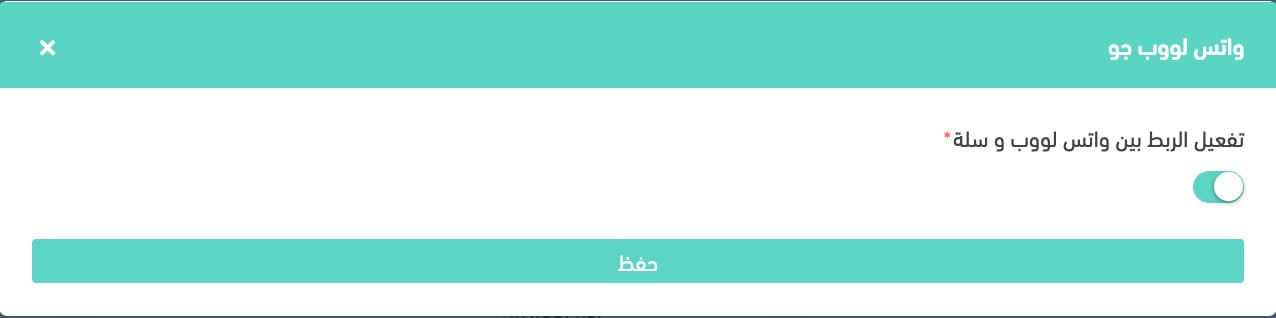
6. Switch on the option that links Whatsloop to Salla, then click (Save).
For more details, see managing your store's apps.
❓ Frequently asked questions
Can I build the bot without knowing how to code?
Yes. You can start building your bot straight away on the Whatsloop platform, with no programming experience needed.
Does the bot work with WhatsApp itself?
Yes. Once you've subscribed and linked your WhatsApp account, a default conversation is waiting for you — edit it to suit your store and start using it.
Can replies include images and video?
Yes. Conversations can carry text, video, images, audio, links, and map coordinates once you've set them up from the dashboard.
How many conversations can the bot handle at the same time?
There's no limit. The bot answers any number of enquiries at once, with no delay.
How do I delete the Whatsloop Go app from my store?
1. From the side menu of your dashboard, click (Installed apps).

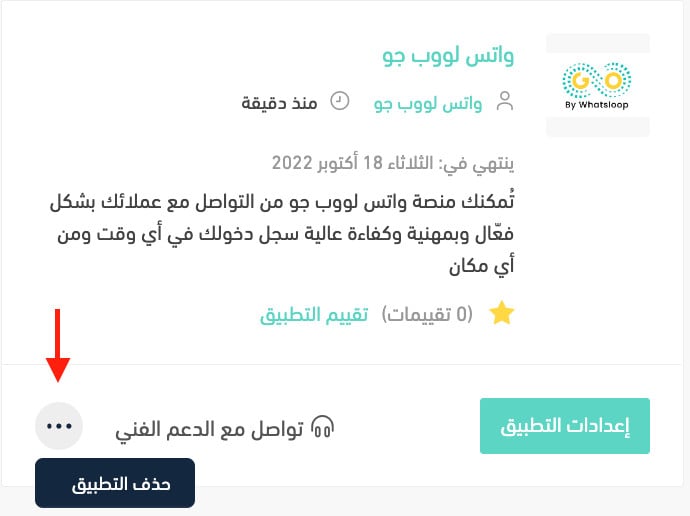
2. On the all apps page, find the Whatsloop Go app, click the (...) icon, then click (Delete app), as shown below.
Customers reply fastest in the app they already live in. Get the connection working first, then spend your time on what the bot actually says.