How many customers walk away from a full cart simply because nobody followed up?
A shopper who abandons a checkout, or who never hears what happened to their order, rarely comes back on their own. The WhatsApp Abloxa app closes that gap by sending automatic WhatsApp notifications from your Salla store: a nudge when a cart is left unpaid, an update when an order status changes, a welcome message when someone registers, and a delivery tracking link as soon as the shipment is created. In this guide, you'll learn what WhatsApp Abloxa sends and how to install it on your store.
WhatsApp Abloxa is a Salla App Store app that sends automatic WhatsApp notifications to your customers. It covers abandoned cart reminders, order status updates, welcome messages for new customers, and a delivery tracking link sent to the customer's mobile number. You install it from the app store, choose a plan, complete payment, and grant permission.
📌 Article overview
- What WhatsApp Abloxa does
- What WhatsApp Abloxa sends your customers
- How to install and connect WhatsApp Abloxa
- Frequently asked questions
🎯 What is WhatsApp Abloxa?
WhatsApp Abloxa is a notifications app that keeps your customers informed over WhatsApp instead of leaving them guessing. It watches for the moments that matter in your store, an unpaid cart, a new registration, an order status change, a shipment going out, and sends the matching message on its own, so your customers hear from you at the right time without anyone on your team typing a word.
[Verify: confirm the app's official English brand spelling, "Abloxa", with the app provider before publishing.]
✅ What WhatsApp Abloxa sends your customers
- Abandoned cart reminders. An instant notification when a customer leaves a cart without paying, plus a follow-up message encouraging them to finish the purchase.
- Order status updates. A message to the customer whenever the status of their order changes.
- Welcome messages. A greeting sent automatically when a new customer registers in your store.
- Delivery tracking link. The tracking link goes to the customer's mobile number over WhatsApp as soon as the shipment is created.
🚀 How to install and connect WhatsApp Abloxa
1. From the main menu of your store dashboard, click (Installed apps).

2. From the Salla App Store banner, click (Browse the Salla App Store).

3. On the WhatsApp Abloxa app page, click (Install).
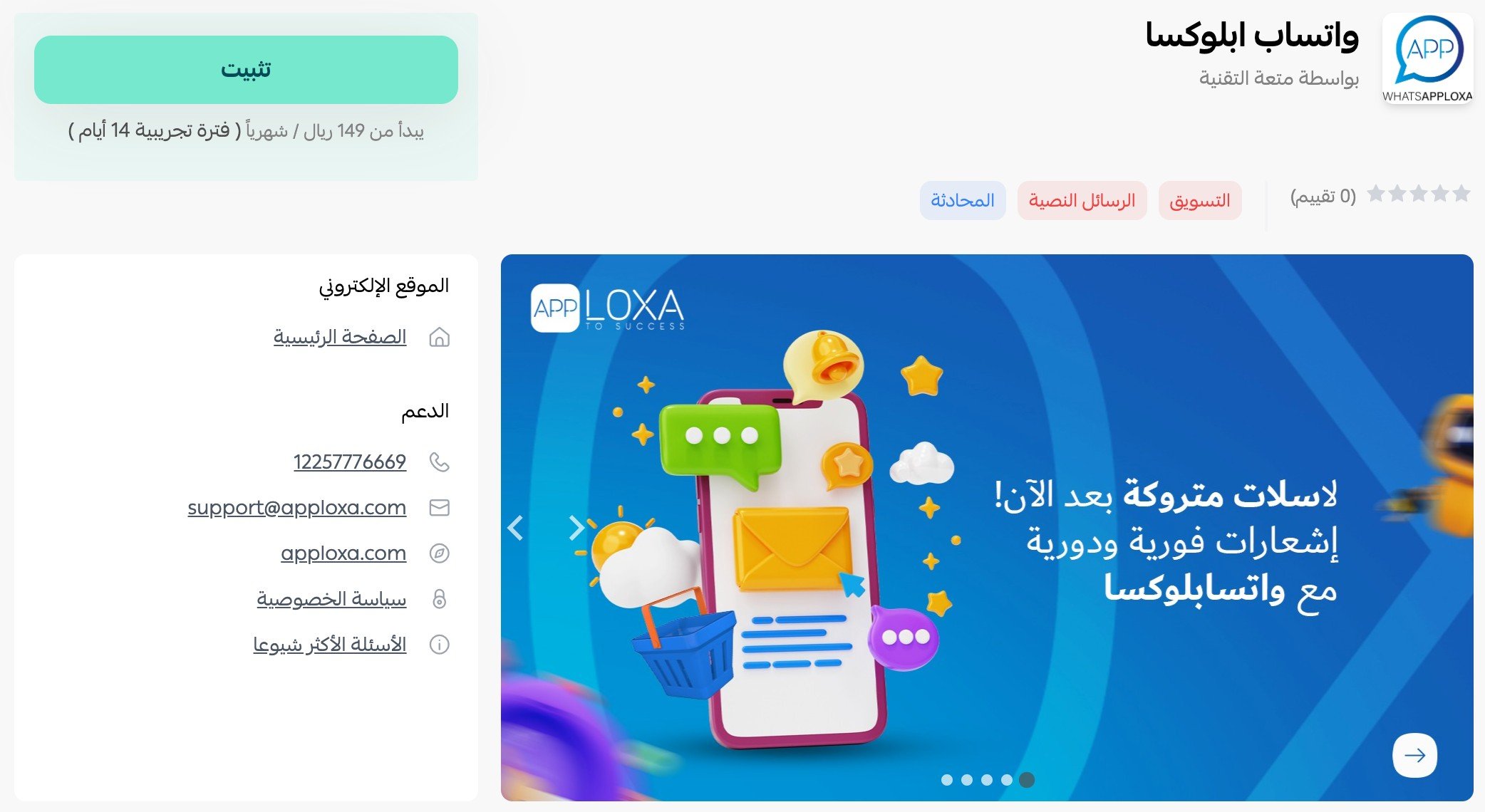
At the bottom of the page, under the flexible payment section, click (Choose plan).
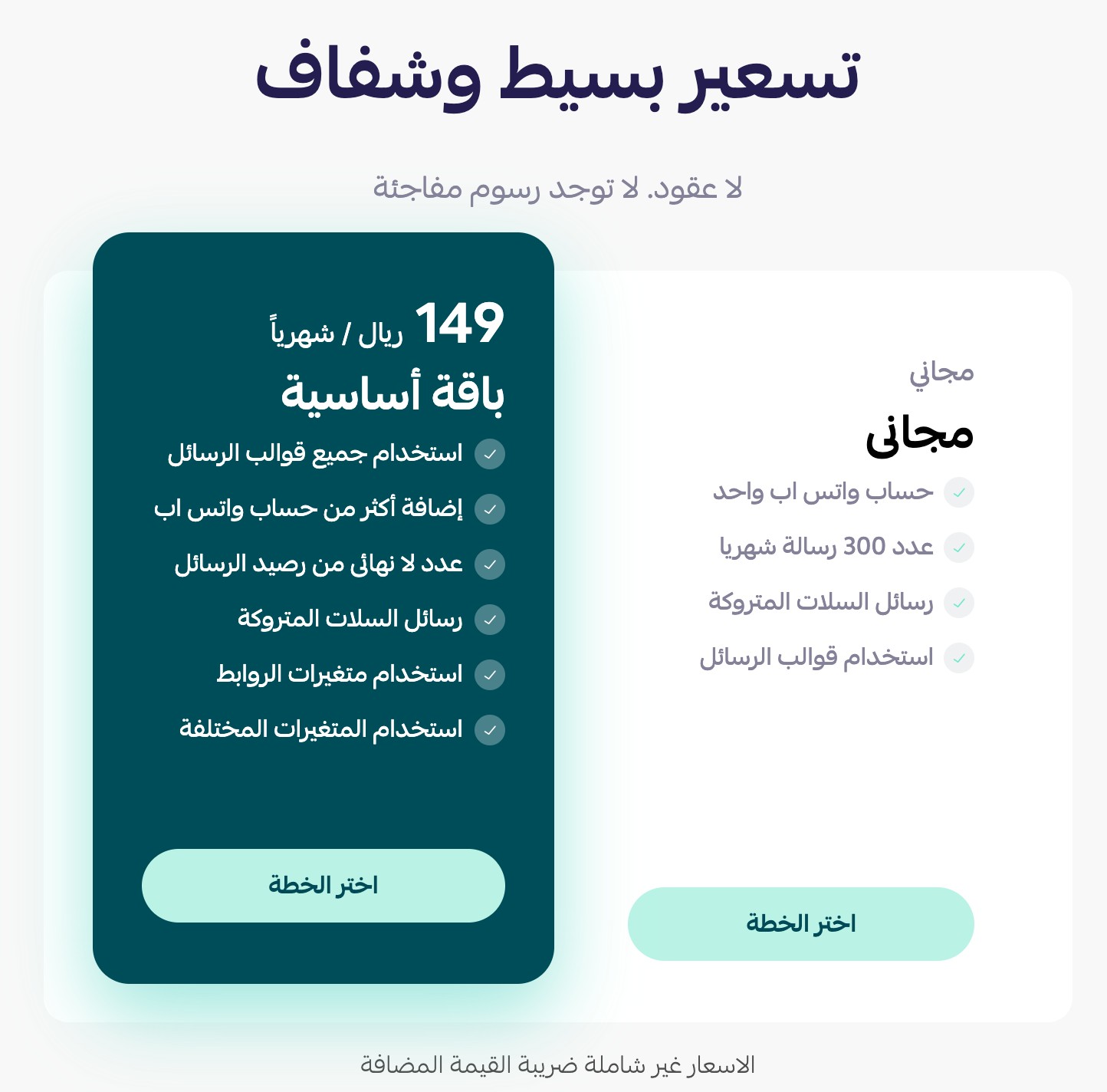
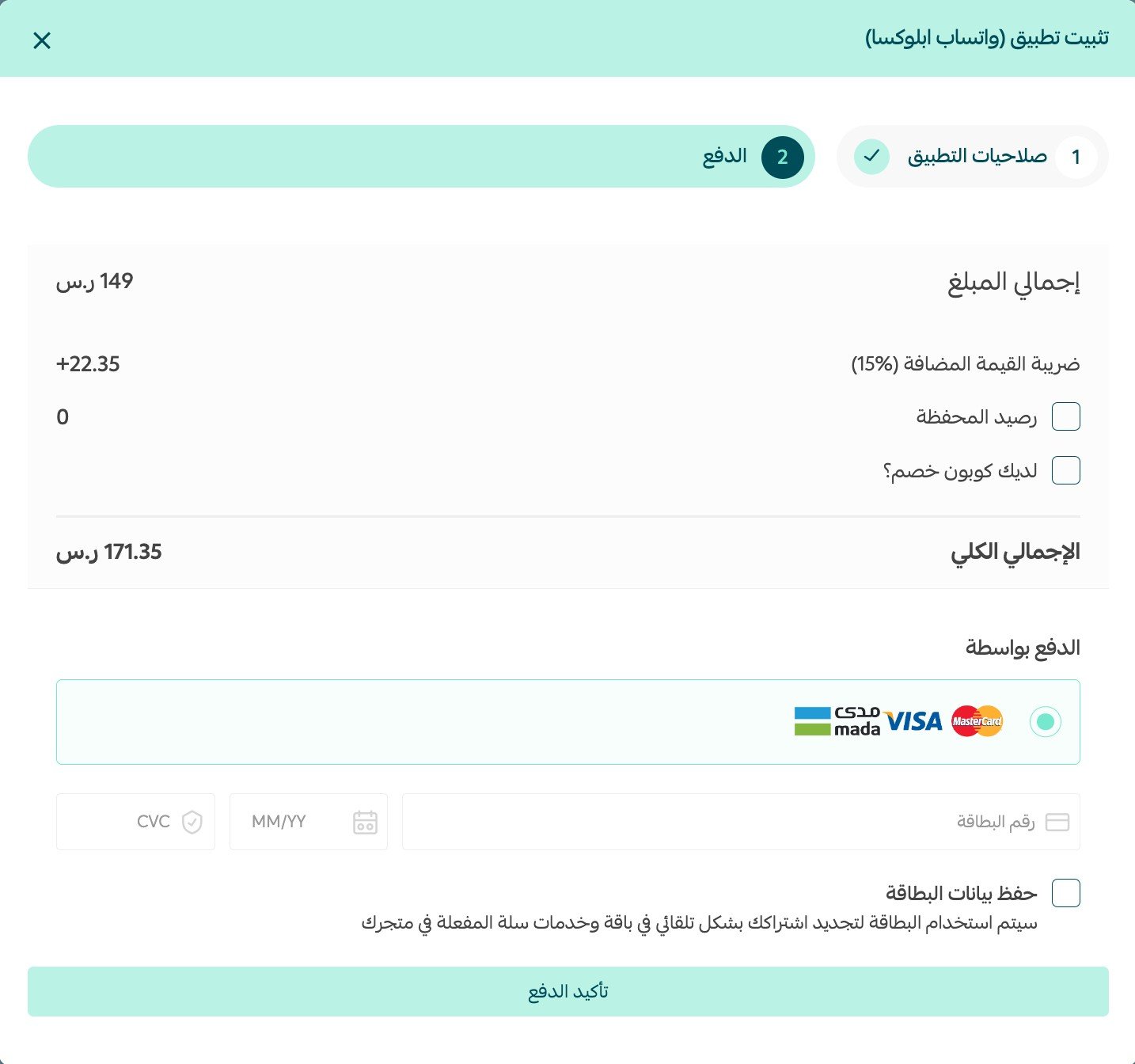
Then complete the payment.
4. Review the permissions the app asks for, then click (Grant permission).
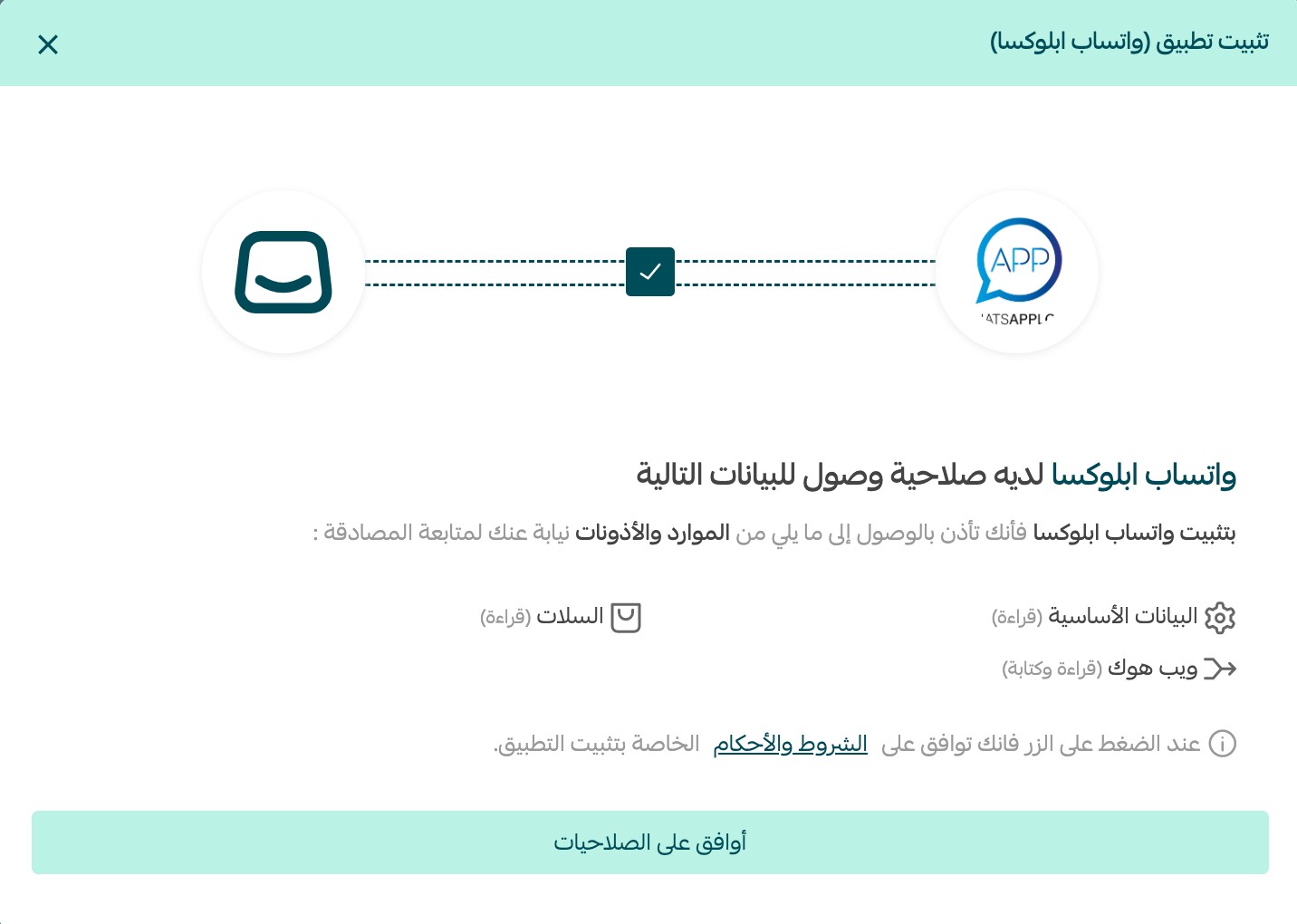
WhatsApp Abloxa is now installed on your store.
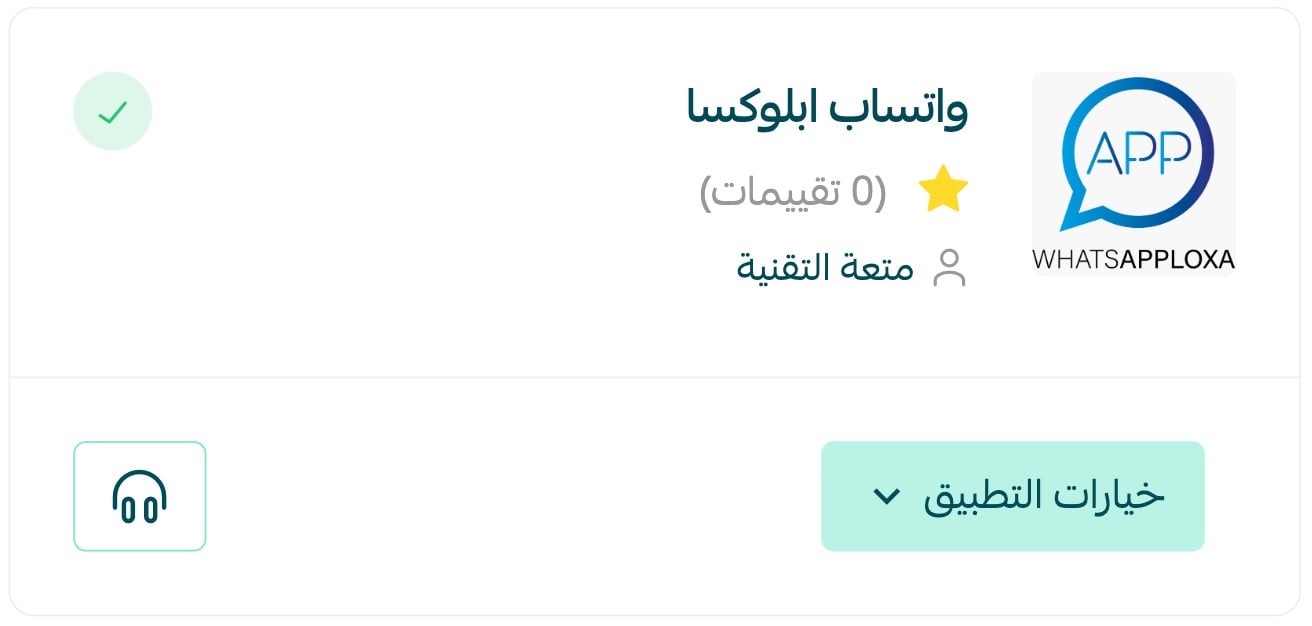
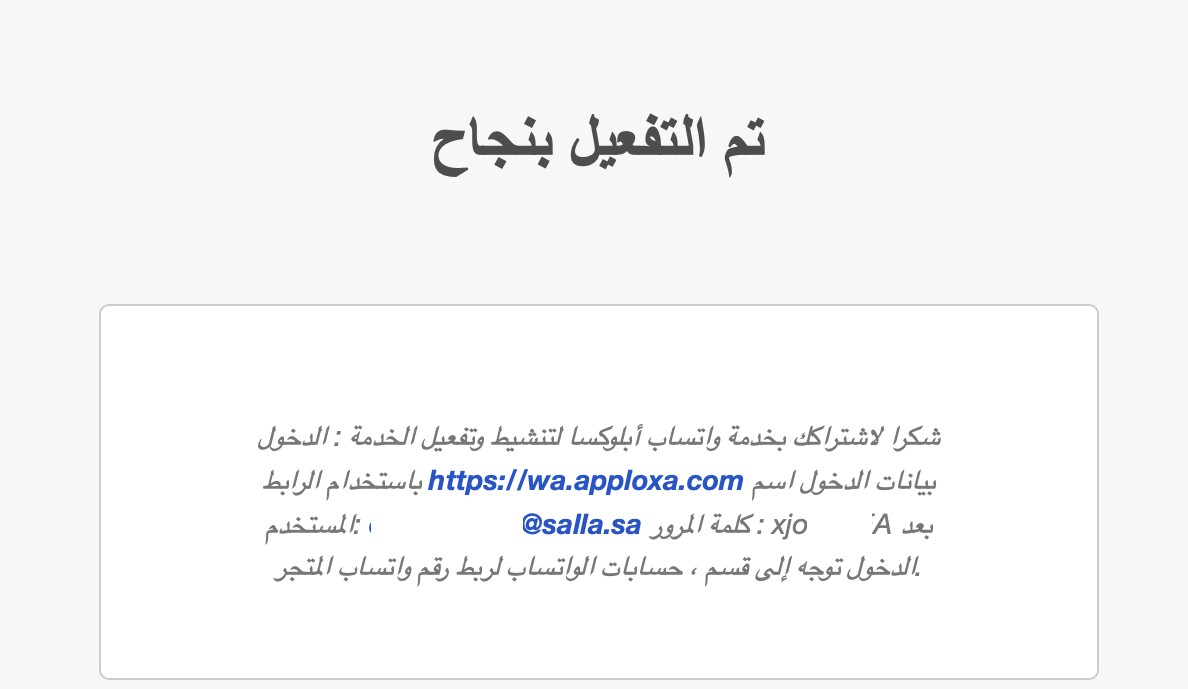
Installation also creates a WhatsApp Abloxa account for your store. The sign-in details for that new account arrive as a WhatsApp message on the number registered in your store.
📝 Important notes
- Your account details are sent to the WhatsApp number registered on your store, so make sure that number is correct before you install.
- The app is paid: you choose a plan and complete payment as part of the installation.
- For more on installing, activating, and removing apps, read Managing your store apps.
❓ Frequently asked questions
How do I remove the WhatsApp Abloxa app from my store?
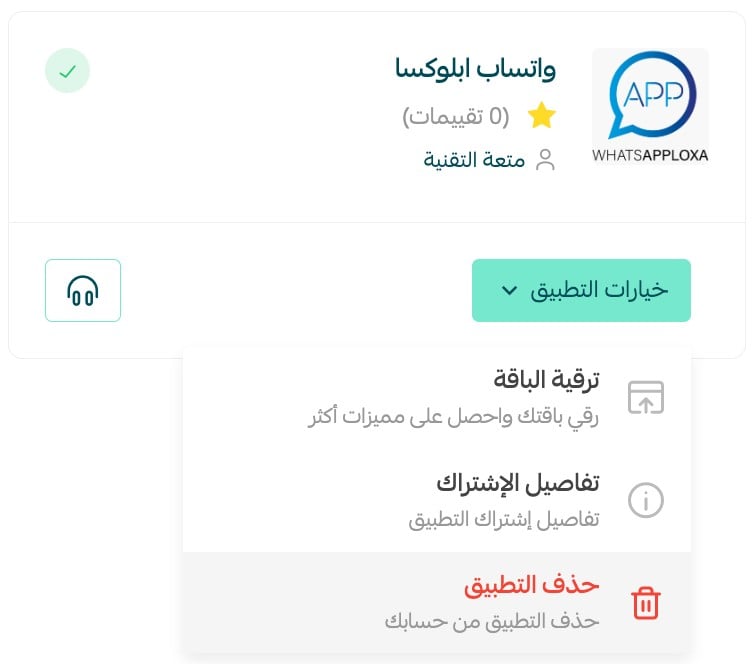
1. From the main menu of your store dashboard, click (Installed apps).

2. On the all apps page, find WhatsApp Abloxa, click (App options), then click (Delete app).
Where do I get my WhatsApp Abloxa sign-in details?
They arrive by WhatsApp on the number registered in your store, right after the app finishes installing and your account is created.
Does the customer get the tracking link automatically?
Yes. Once the shipment is created for the order, the app sends the delivery tracking link to the customer's mobile number over WhatsApp without any manual step.
Will new customers receive a message when they register?
Yes. A welcome message is sent over WhatsApp when a new customer signs up in your store.
Silence is what turns an abandoned cart into a lost sale. WhatsApp Abloxa keeps the conversation going automatically, on the channel your customers already have open.