How many of your customers would buy again if the right email landed at the right moment?
Your store already knows a lot about what each shopper looks at and what they buy. The MarGrow email marketing app puts that knowledge to work: it studies customer behavior and interests in your store, then sends every customer email campaigns built around what they actually care about. You can use it for special offers, for announcing an occasion, or simply for sharing store news and updates. In this guide, you'll learn how to install MarGrow, activate your account, and remove the app.
MarGrow is an email marketing app for Salla stores. It studies what your customers look at and buy, then sends each one campaigns matched to their interests. Install it from the Salla App Store, activate your account from the email you receive, and start sending.
📌 Article overview
- What the MarGrow app does
- How to connect the MarGrow app to your store
- Frequently asked questions
👣 How to connect the MarGrow email marketing app to your store
1. From the side menu of your dashboard, click (Installed apps).

2. On the Salla App Store banner, click (Browse the Salla App Store).

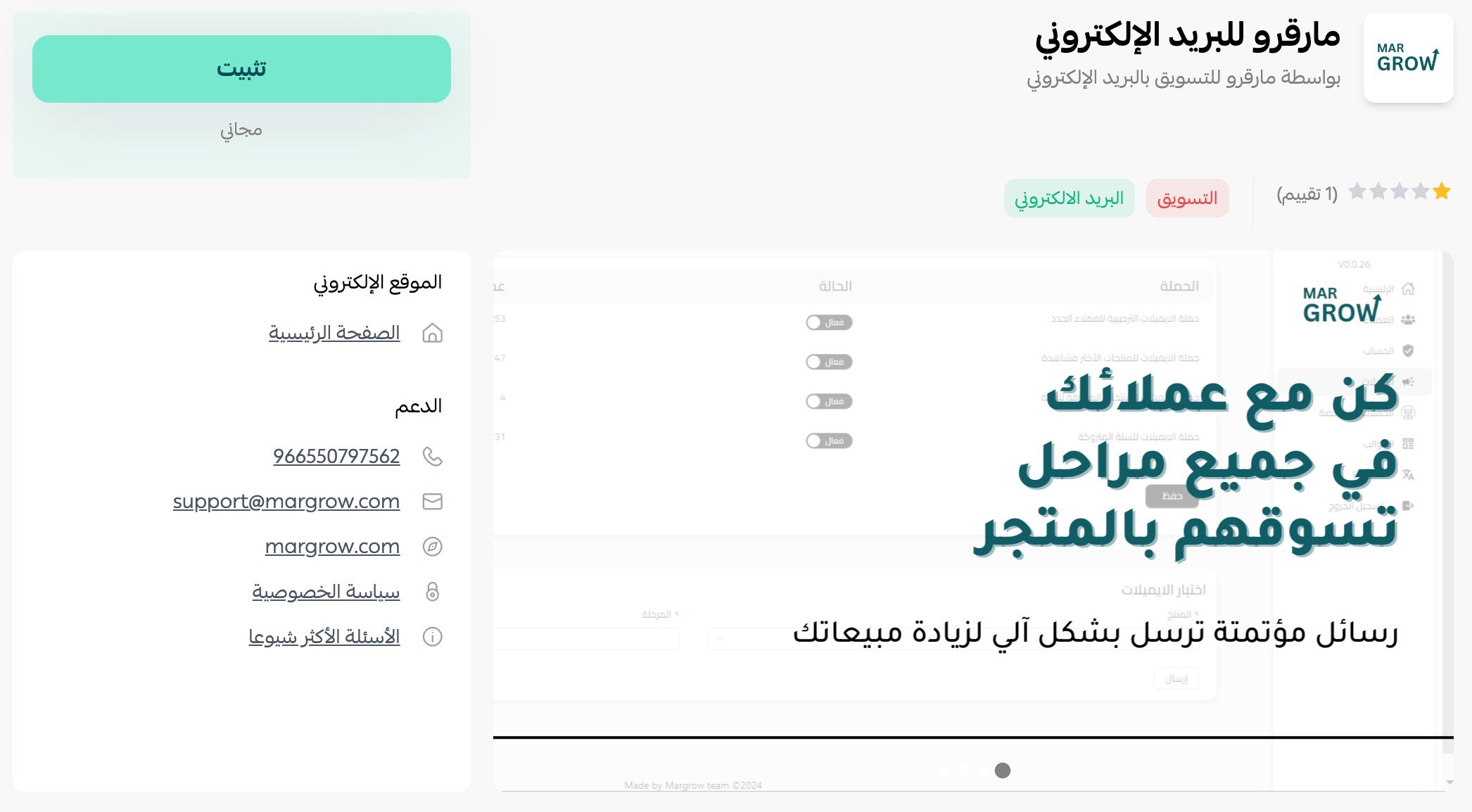
3. On the MarGrow app page, click (Install).
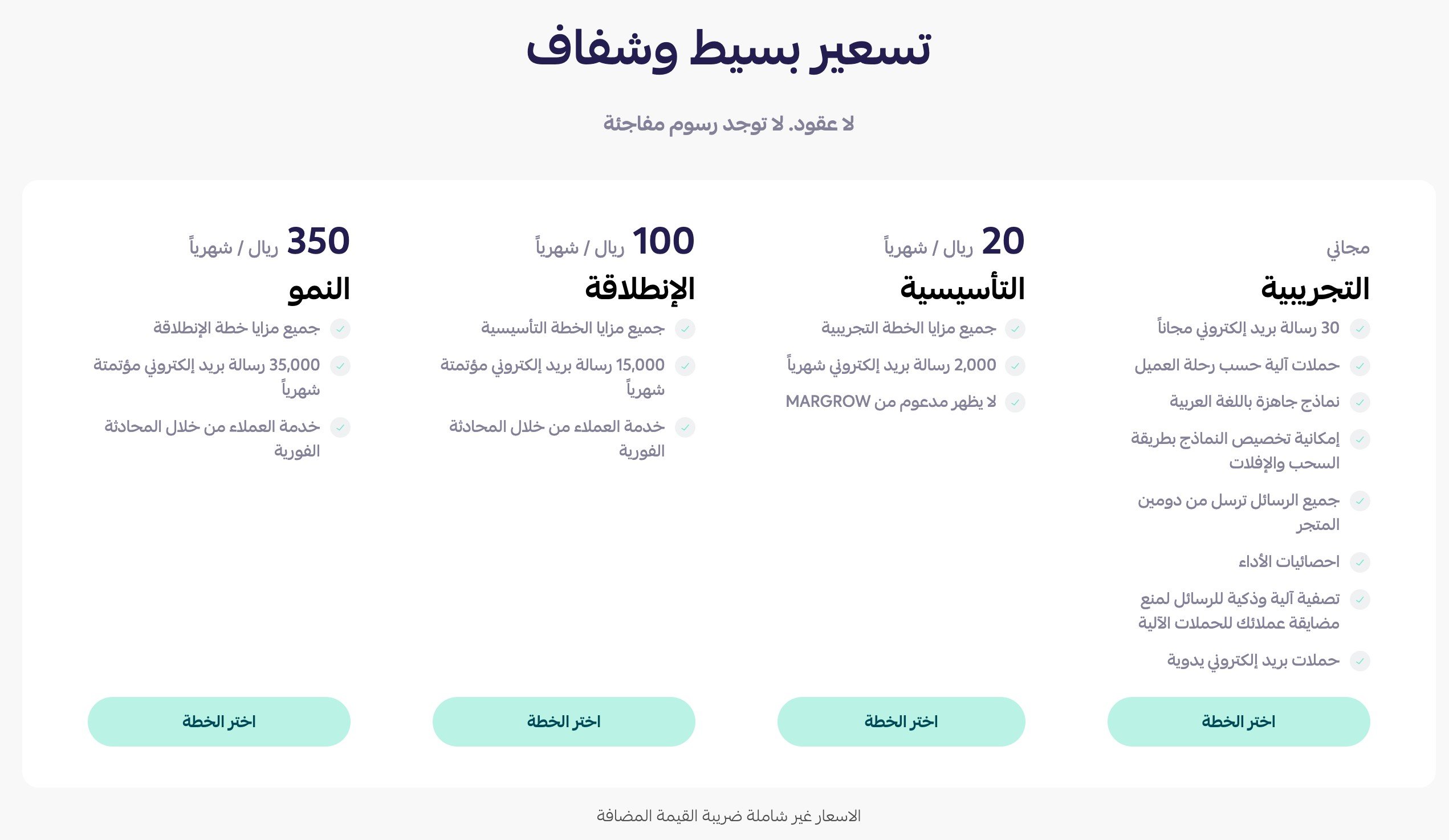
4. Choose the plan that fits your business.
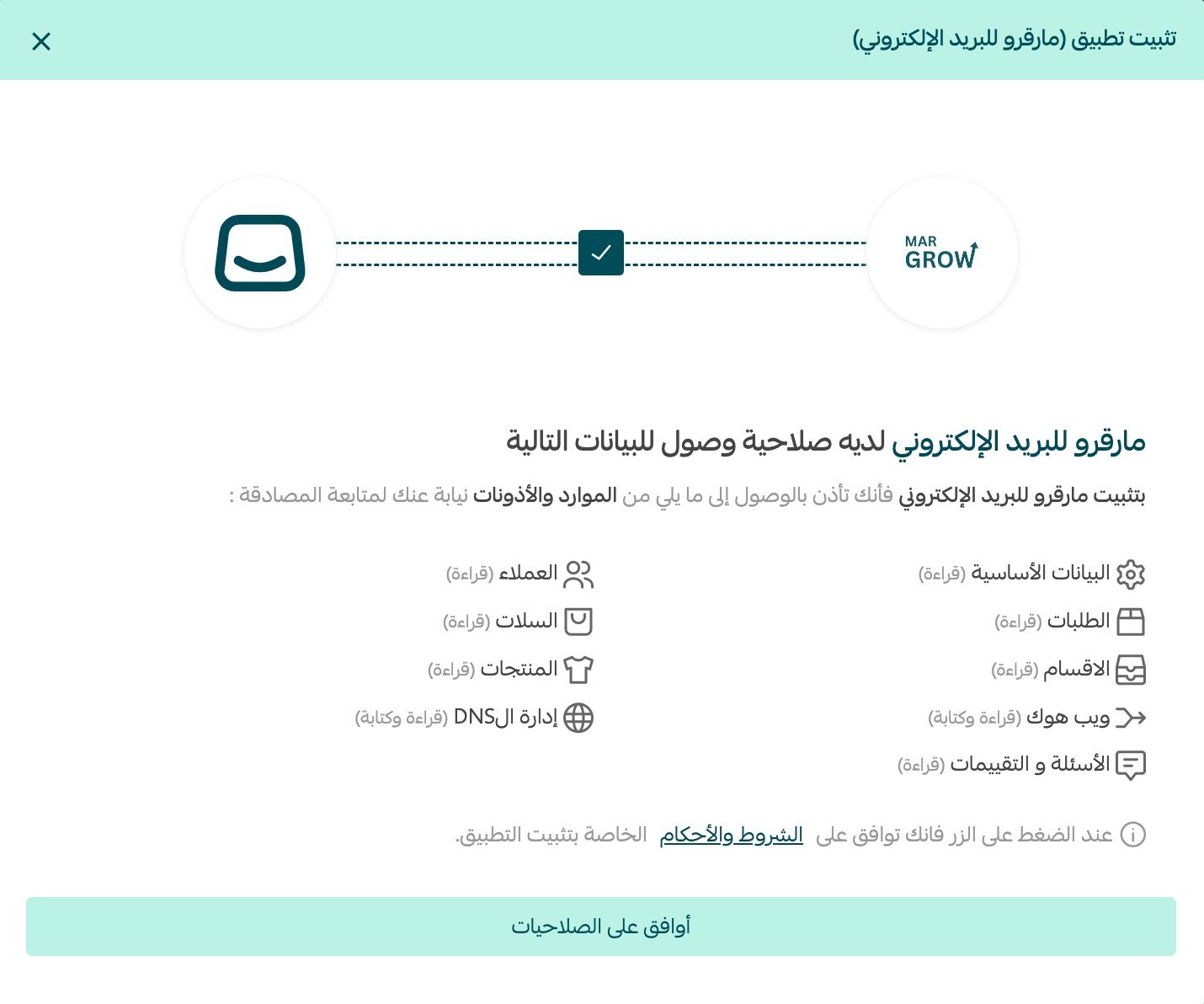
5. Check the permissions the app asks for, then click (Grant permission).
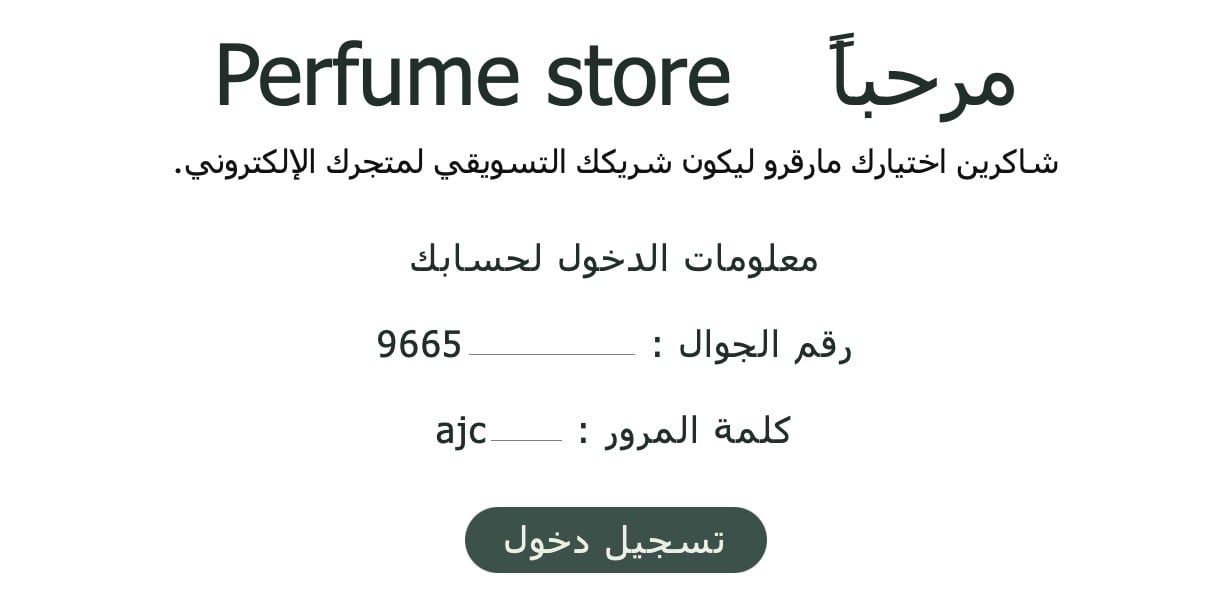
6. Open the email you receive and sign in to activate your MarGrow account.
Your MarGrow home page then looks like this.
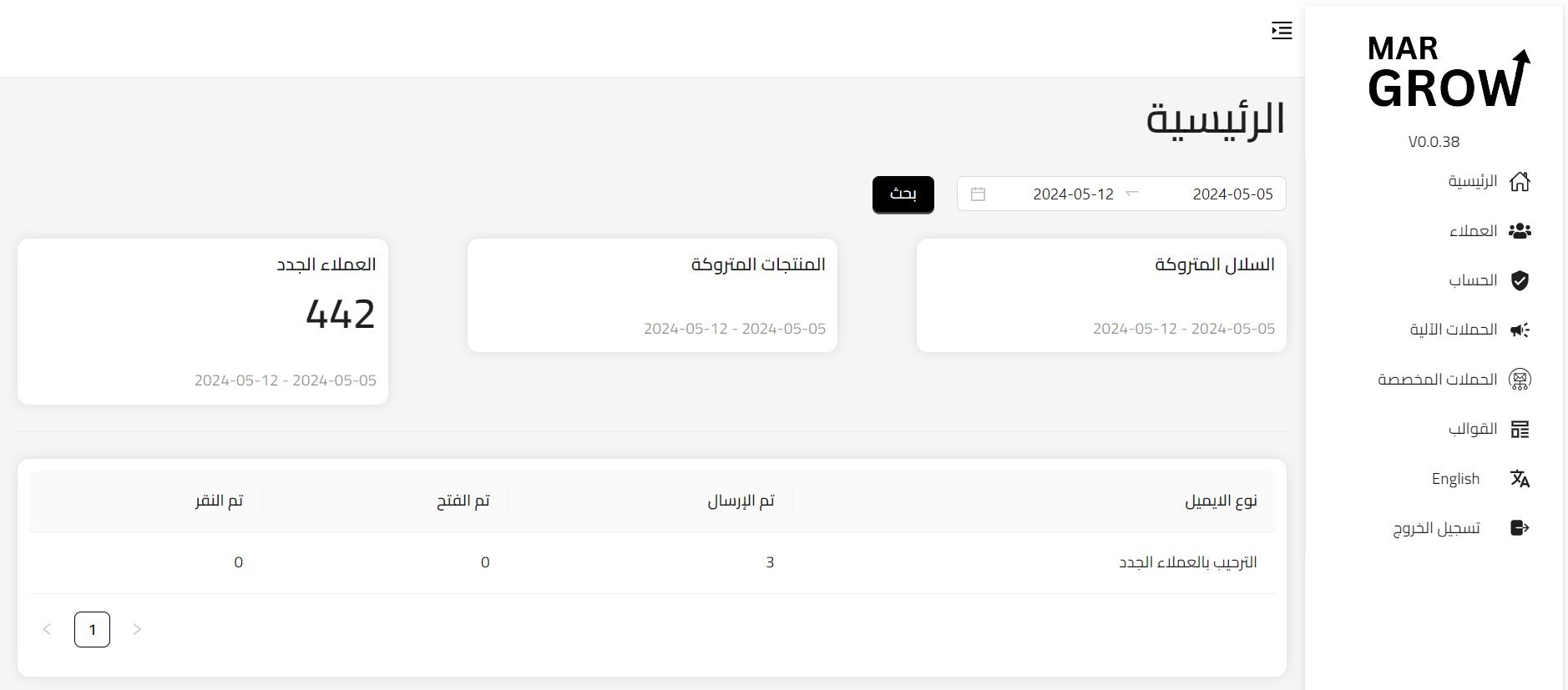
That's it — the app is now installed on your store.
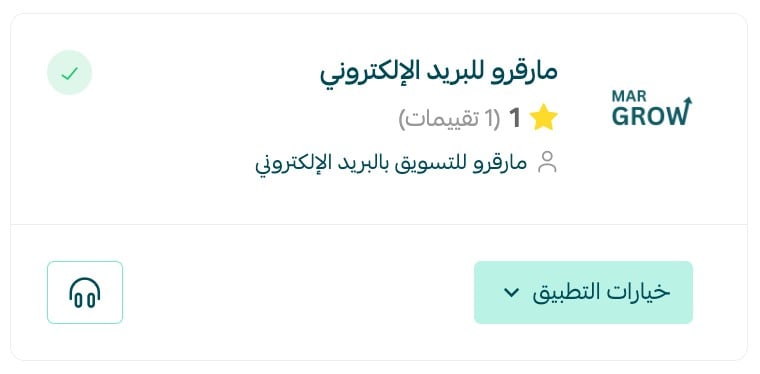
📝 Important notes
- MarGrow runs on its own account, so the activation email is part of the setup, not an optional extra.
- Campaigns are built and sent from MarGrow; your Salla dashboard handles installing and removing the app.
❓ Frequently asked questions
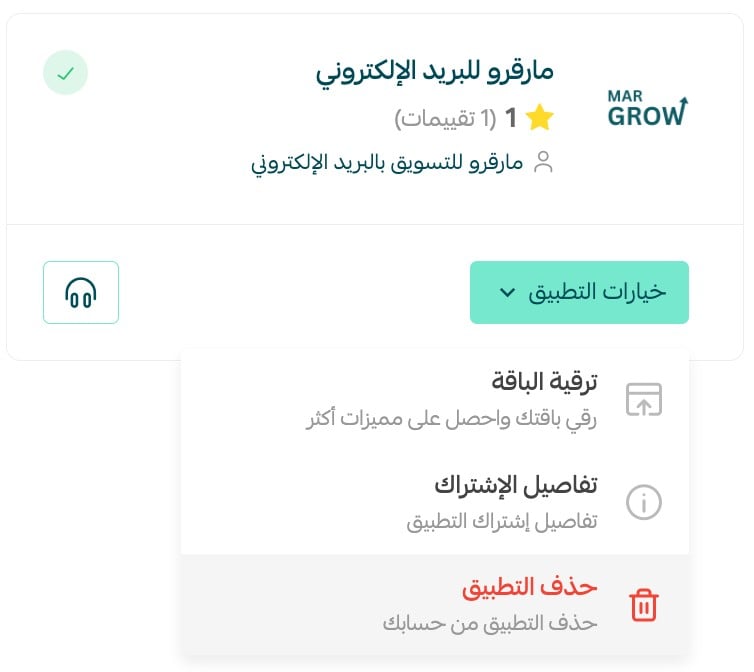
How do I remove the MarGrow app from my store?
1. From the side menu of your dashboard, click (Installed apps).

2. On the all apps page, find MarGrow, click (App options), then click (Delete app).
What can I send with MarGrow?
Personalized email campaigns based on each customer's interests, plus special offers, announcements for an occasion, and store news or updates.
Do I need a separate MarGrow account?
Yes. After you grant the app its permissions, you receive an email and sign in there to activate your MarGrow account.
How does MarGrow decide what to send to whom?
It studies how customers behave in your store and analyzes their interests, so each campaign can be matched to the customer receiving it.
Sending the same email to everyone is the fastest way to be ignored. Letting what customers actually browse and buy decide the message is what turns email marketing into repeat orders. For more details, visit the MarGrow app page.