Are you making your customers type their card details every single time they buy?
A digital wallet is an app that organizes a customer's online payments and stores their card details in encrypted form, so paying is quick and secure. Your Salla store can offer payment through digital wallets such as PayPal and stc pay, which makes online transactions easier for everyone involved. In this guide, you'll learn how to activate a digital wallet in your store and how to connect PayPal specifically.
Digital wallets let customers pay through a stored, encrypted card instead of entering details each time. Open Store settings, then Payment methods, and find the digital wallets section. Click Activate on the wallet you want, such as PayPal or stc pay, and enter the details it asks for.
📌 Article overview
- How to activate a digital wallet
- How to connect PayPal
- Frequently asked questions
🚀 How to activate a digital wallet
1. From the dashboard side menu, click (Store settings).

2. From the store settings page, click (Payment methods).
3. In the digital wallets section, click (Activate) on the wallet you want and enter the required details.

👣 How to connect PayPal
PayPal is a global company for sending and receiving money online. Members can transfer money, receive it, move it to a bank account, and shop online with it in e-commerce stores.
1. On the payment methods page, in the digital wallets section, find PayPal and click (Activate).

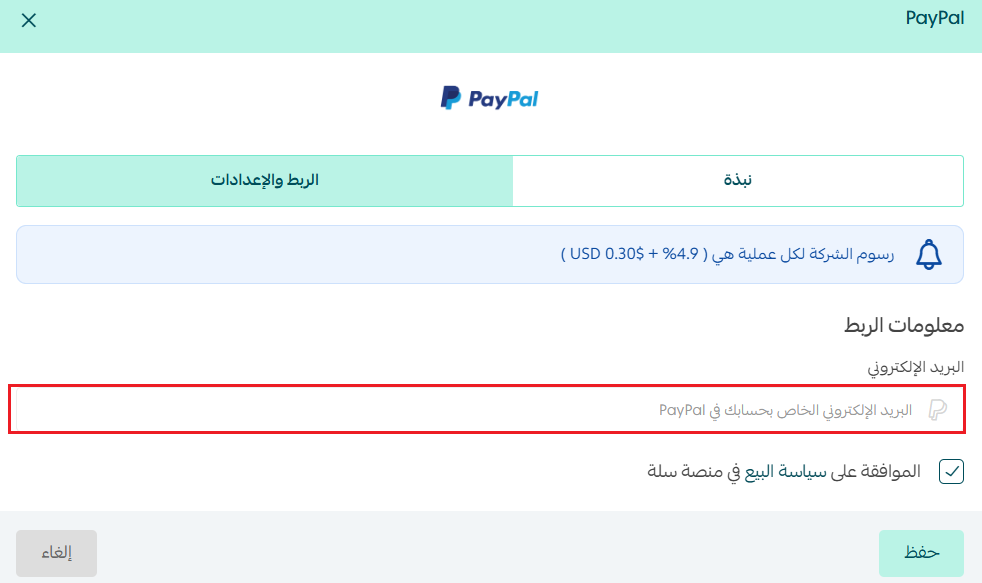
2. Enter the email address for your PayPal account in the field provided, then click (Save).
📝 Important notes
To use PayPal in your store, you first need to register on the PayPal website and activate your account: www.paypal.com.
For more details, see activating PayPal.
❓ Frequently asked questions
What has changed in the payout process?
Amounts under SAR 100 are no longer transferred straight to your merchant account. They stay in your account until the total reaches the minimum required for a transfer.
What is the minimum amount that can be transferred to a merchant?
SAR 100.
What happens if the total is less than SAR 100?
It isn't transferred to you right away. The amount stays in your merchant account until the total reaches the minimum required for a transfer.
Can I still move small amounts into my wallet?
Yes. You can still move small amounts into your wallet to use them or withdraw them whenever you want.
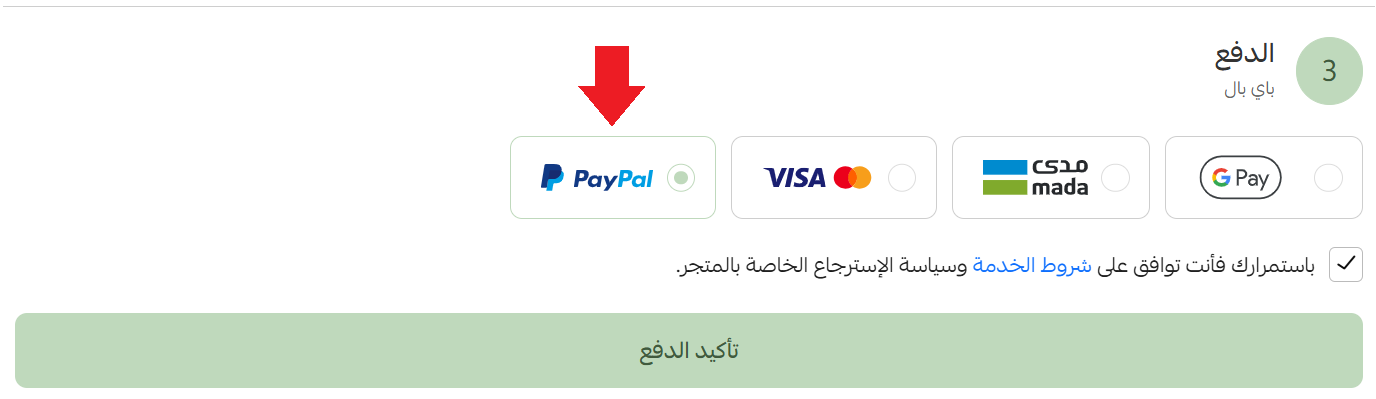
How do digital wallets appear in my store?
They appear like this:
How do I deactivate a digital wallet?
Click (Disable) on the wallet you want to switch off.

Support services
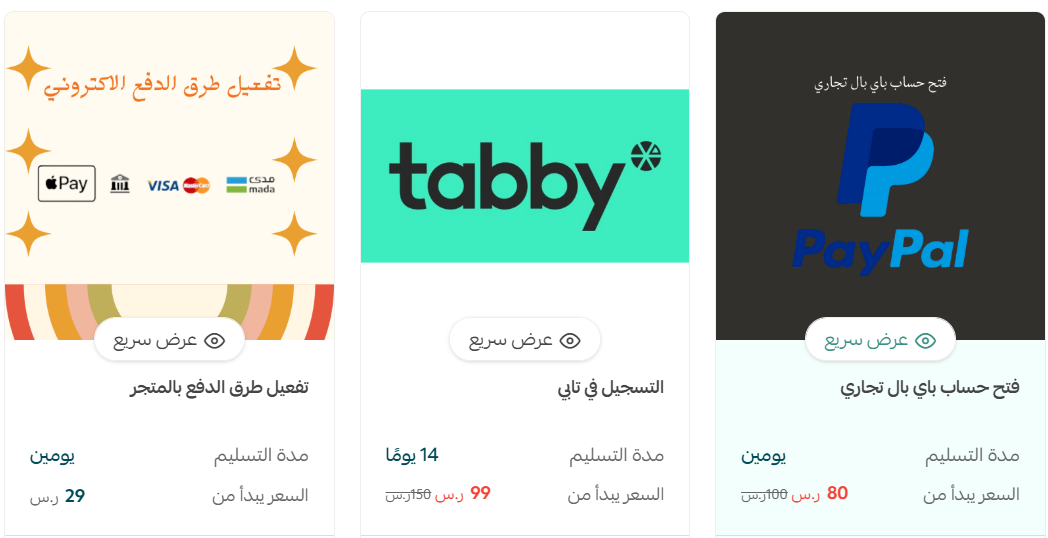
Merchant services can take this off your hands: activating payment methods for your store and connecting payment gateways, plus extras like opening a Tabby or Tamara account to widen the payment options in your store.
The fewer fields a customer has to fill in at checkout, the more of them finish the order — which is the whole point of offering a wallet they already use.