What actually brings a customer back for a second order?
A discount can win the first sale, but a reason to return is what builds a repeat customer base. The Loyalfy loyalty app gives your Salla store that reason: shoppers collect points for the actions you already want them to take, then spend those points on rewards. In this guide, you'll learn how customers earn points with Loyalfy, how to install the app on your store, and how to manage or remove it afterwards.
Loyalfy is a loyalty and rewards app you install from the Salla App Store. It lets customers earn points by placing orders, reviewing products, joining your loyalty program, and referring new shoppers to your store. Customers then redeem those points for rewards, which gives them a practical reason to buy from you again.
📌 Article overview
- How customers earn points with Loyalfy
- How to install Loyalfy on your store
- Frequently asked questions
🎯 How customers earn points with Loyalfy
Loyalfy turns everyday store activity into points. Your customers can collect points in four ways:
- Placing an order in your store.
- Leaving a product review.
- Signing up for your loyalty program.
- Sharing your store and referring new customers to it.
Points are then exchanged for the rewards you offer, so the program keeps working after the first purchase instead of ending with it.
👣 How to install Loyalfy on your store
1. From the dashboard side menu, click (Installed apps).

2. On the Salla App Store banner, click (Browse the Salla App Store).

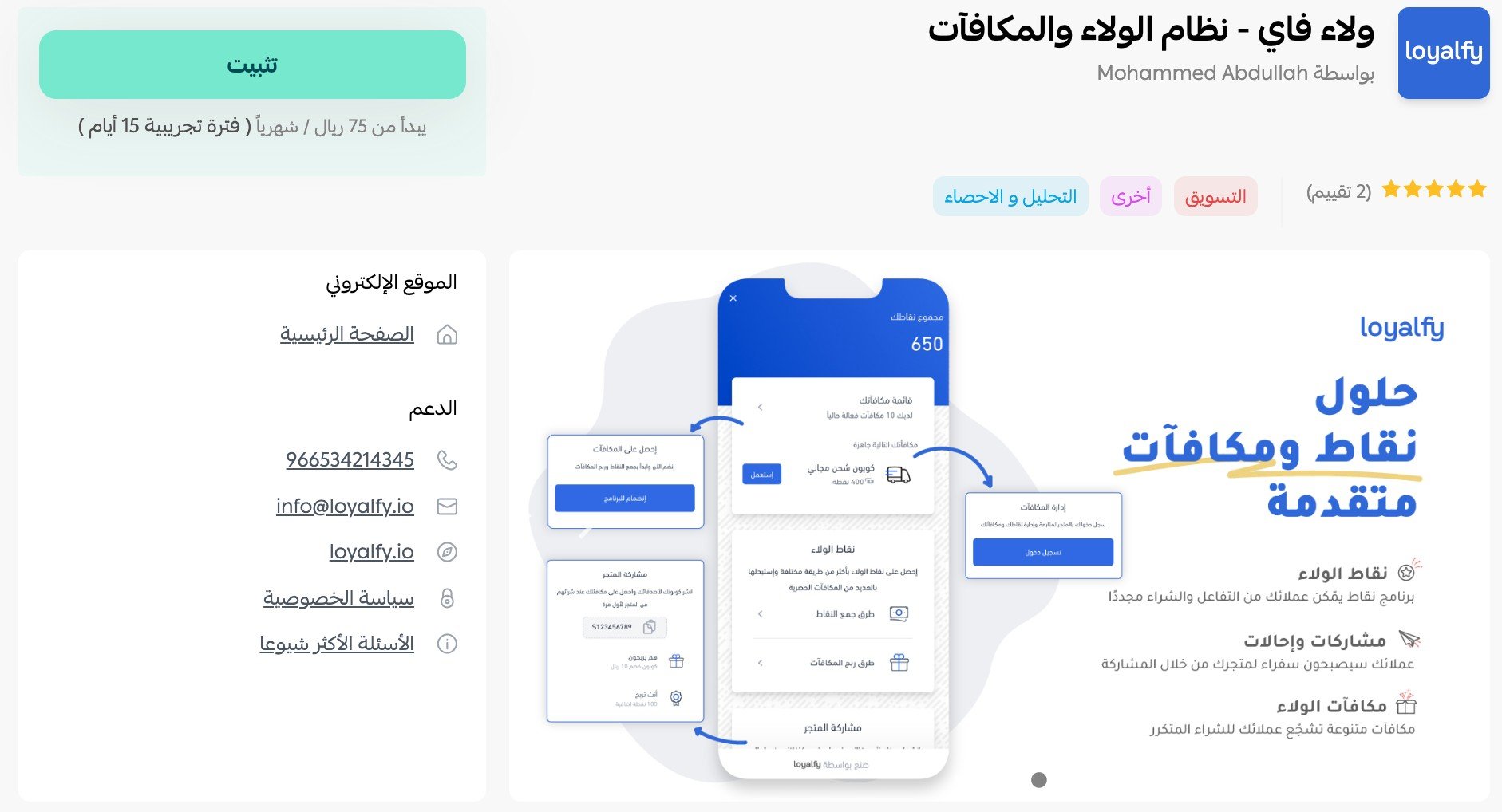
3. On the Loyalfy page, click (Install).
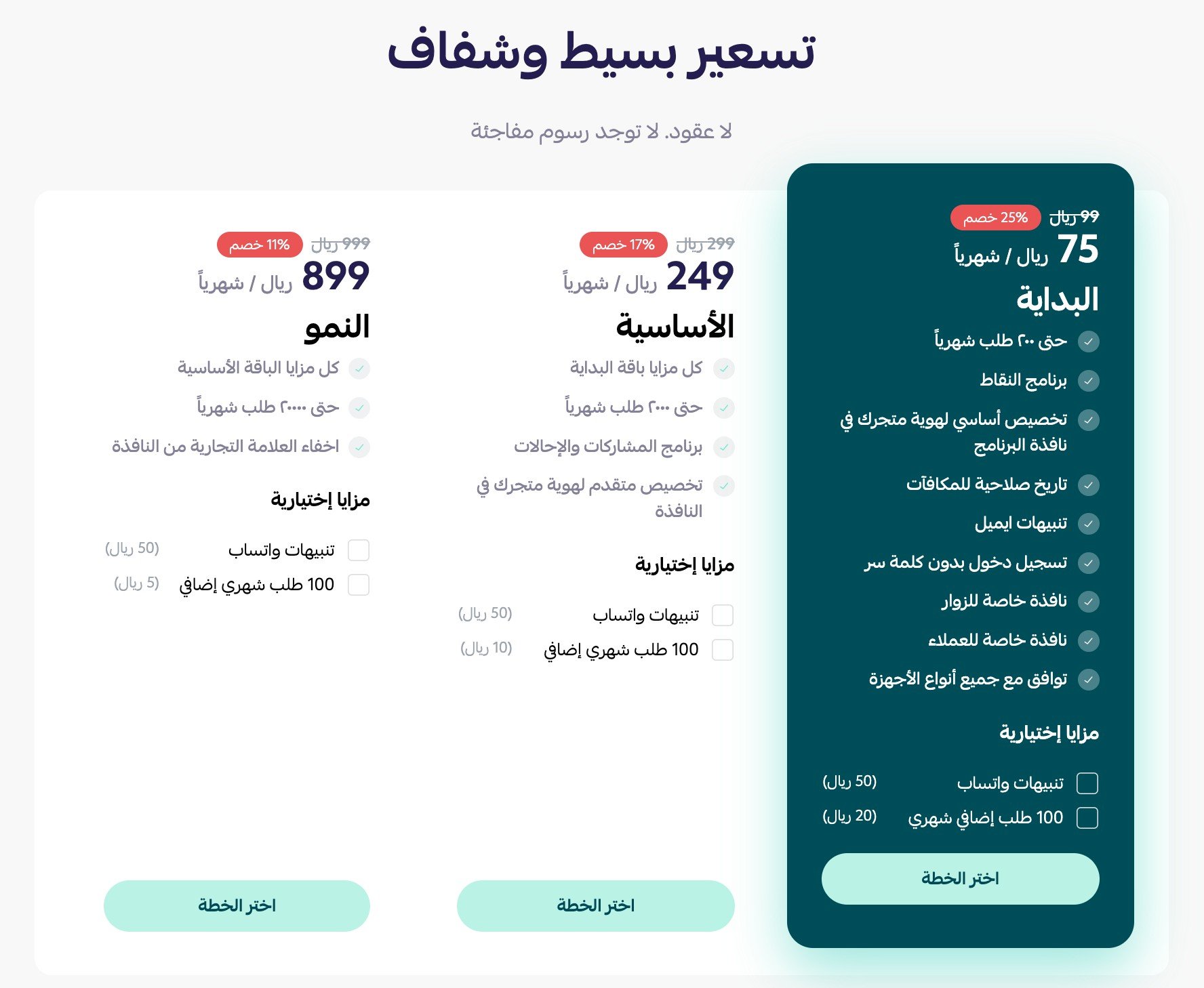
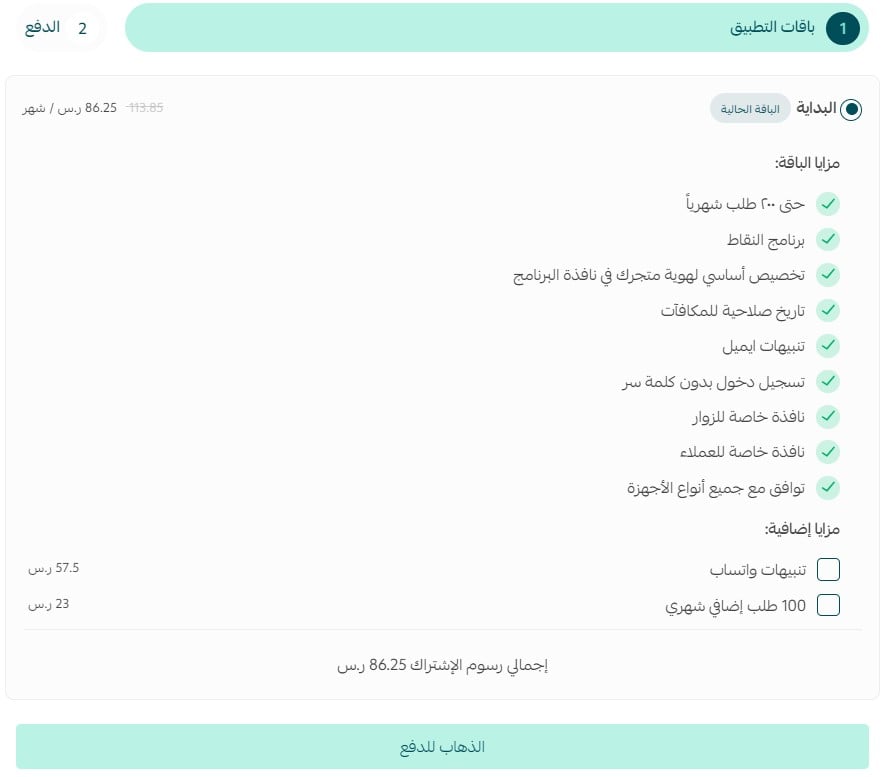
Then scroll to the bottom of the page and choose the plan that suits your business.
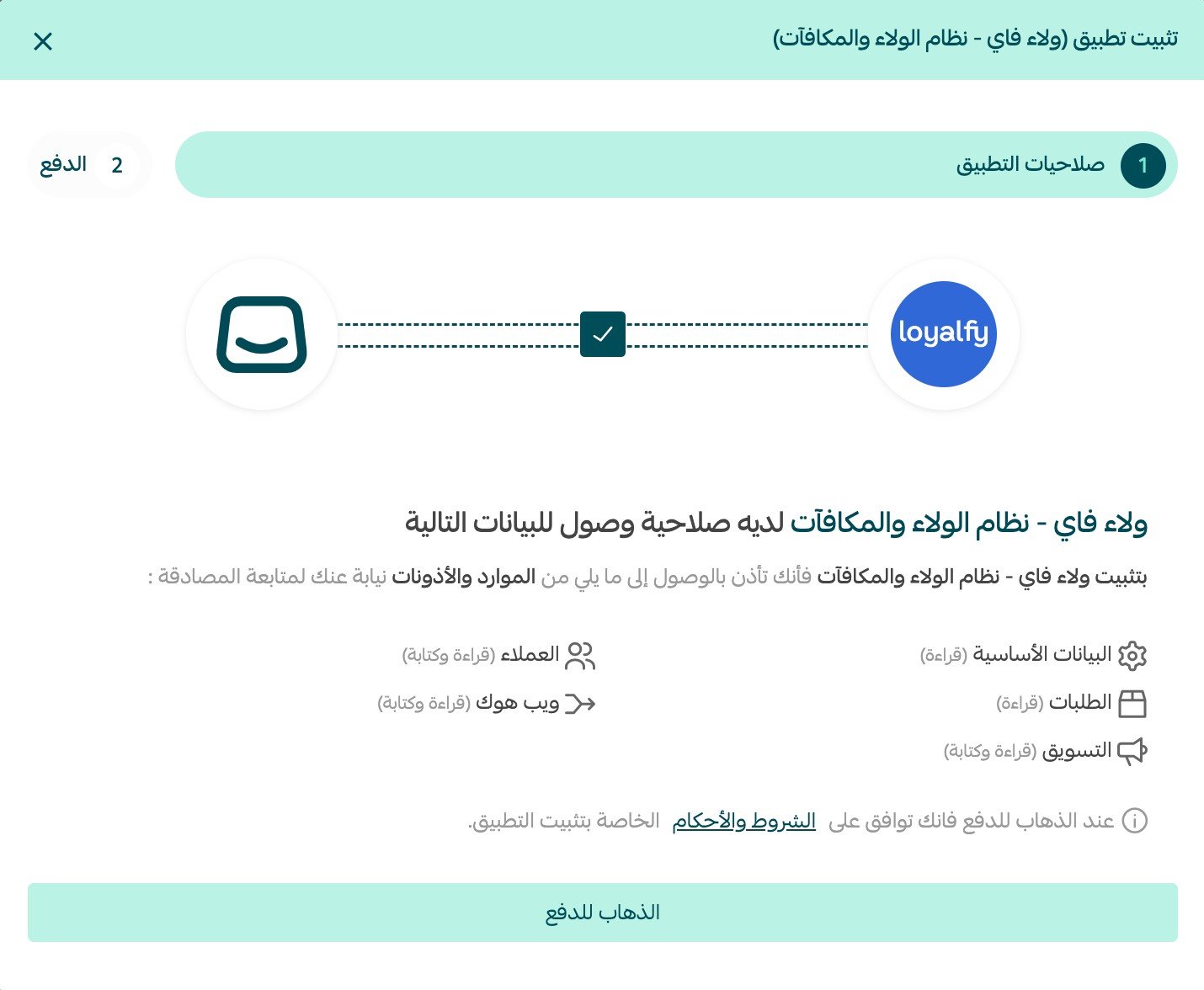
4. Review the permissions the app requests, then click (Go to payment).
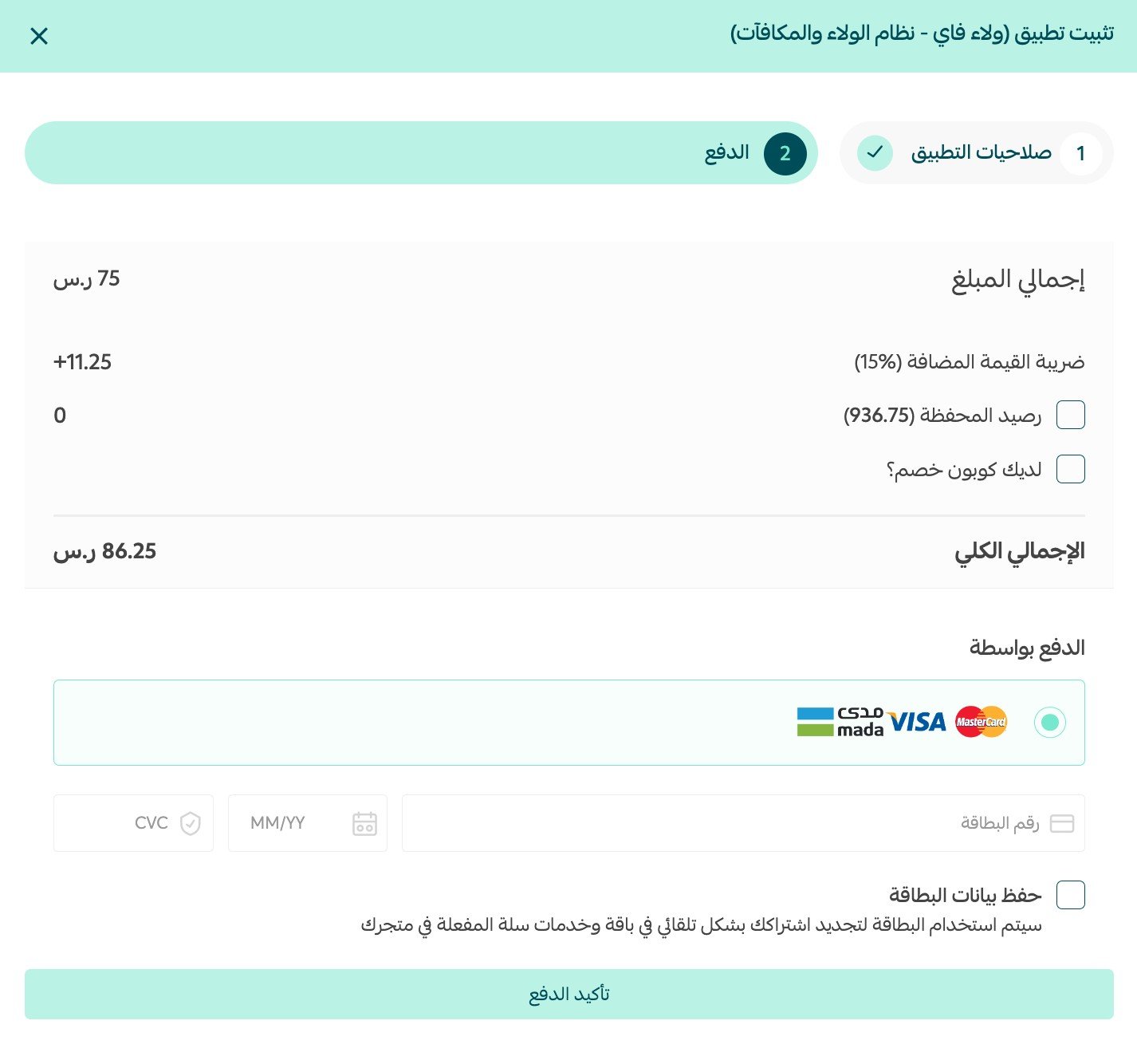
5. Complete the payment to finish installing the app.
Loyalfy is now installed on your store.
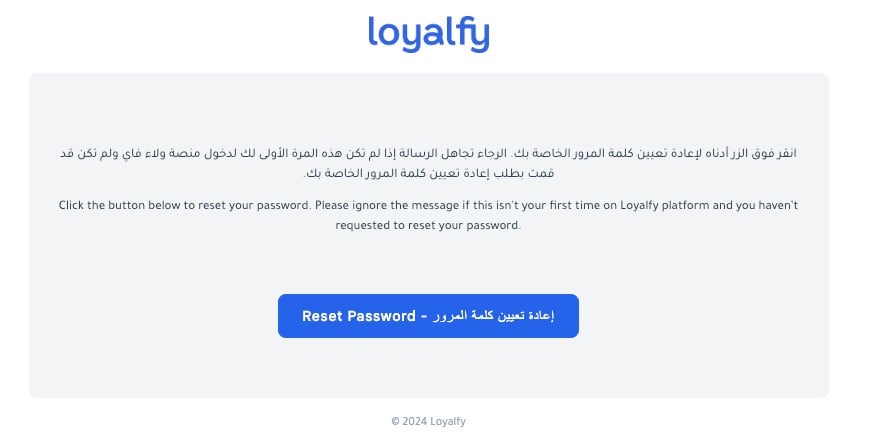
6. Check your email and set a password for your Loyalfy account. [Verify: the Arabic sentence stops after "set a password for your account on", so the account name is inferred from the next step.]
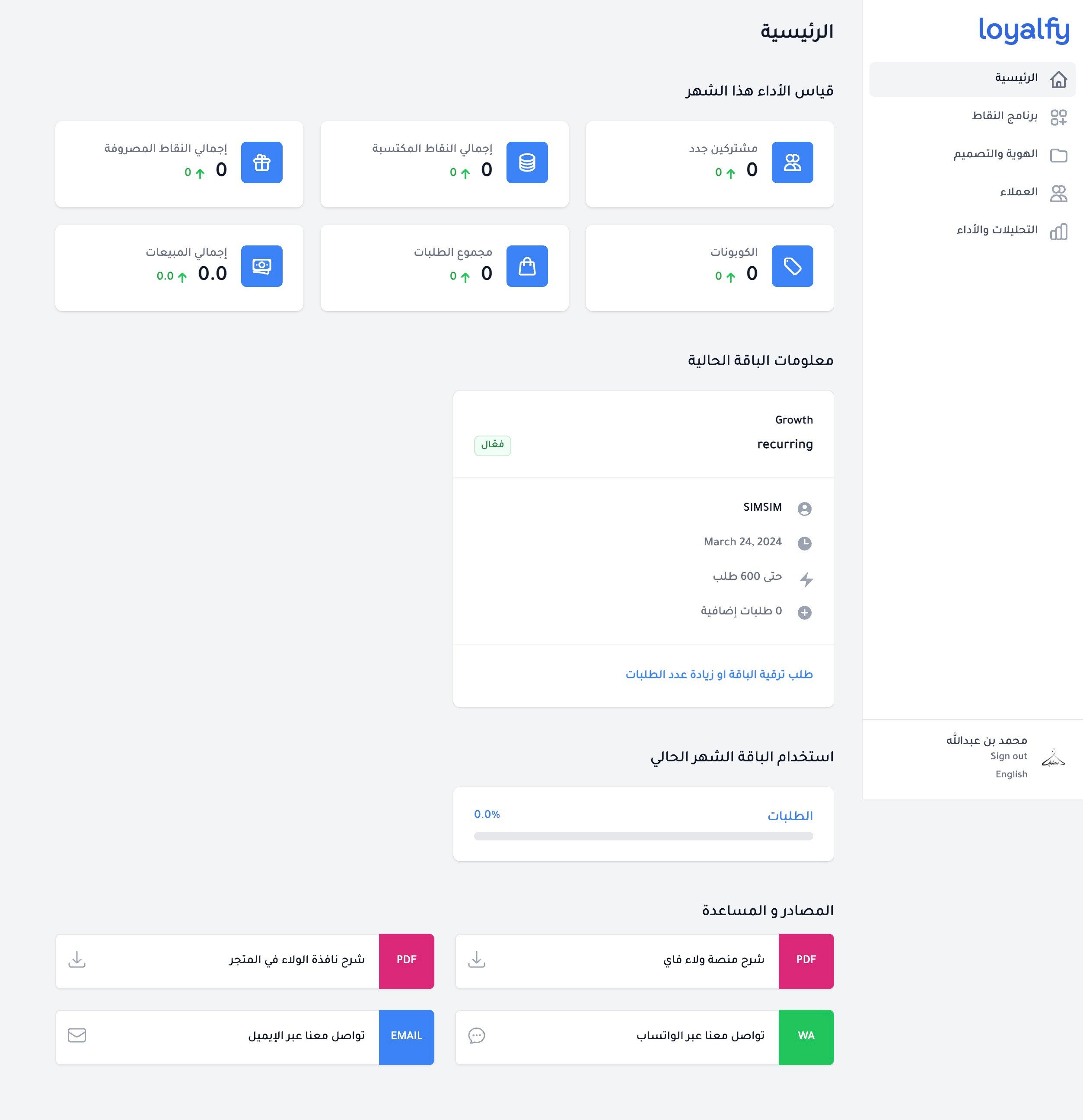
Once the password is set, the Loyalfy home page opens and looks like this:
📝 Important notes
Loyalfy is a paid app, so installation only completes after the payment goes through.
For more on running apps in your store, read managing your store apps.
❓ Frequently asked questions
Can I buy features I skipped during installation?
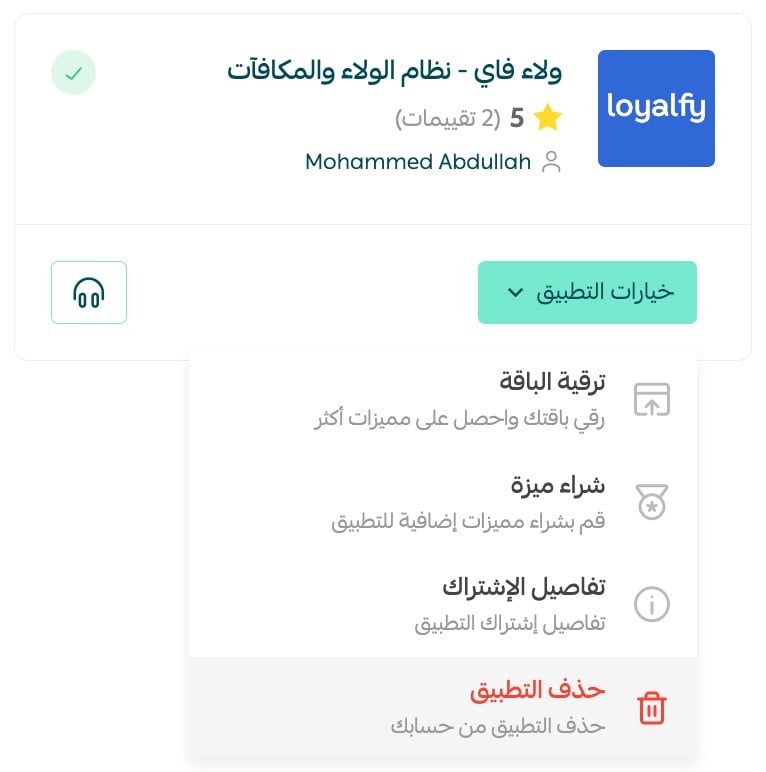
Yes. From the all apps page, open Loyalfy, click (App options), then click (Buy a feature).
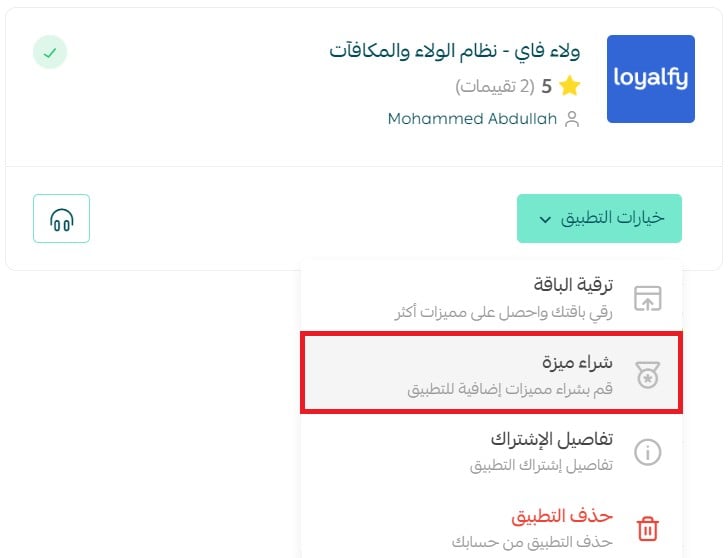
Select the features you want to add, then complete the payment to activate them.
How do I remove Loyalfy from my store?
1. From the dashboard side menu, click (Installed apps).
2. From the all apps page, open Loyalfy, click (App options), then click (Delete app).
Do customers need to join before they collect points?
Joining your loyalty program is itself one of the point-earning actions, so signing up is the customer's first reward rather than a barrier to it.
Can customers earn points without buying anything?
Yes. Alongside orders, points can be earned for reviewing products, joining the program, and referring new customers who reach your store through a shared link.
Do I manage the loyalty program inside my Salla dashboard?
Rewards and points are managed in the Loyalfy home page you reach with the account created during installation. Your Salla dashboard is where you install the app, buy extra features, and delete it.
Loyalty is a long game. Set the earning rules once, keep the rewards worth chasing, and the customers you already paid to acquire start returning on their own.