Want a discount coupon to work only when customers pay a certain way?
Sometimes a promotion only makes sense with a specific payment option — a discount for prepaid orders, for example, but not for cash on delivery. Salla lets you link a coupon to a specific payment method, so the discount applies only to the payment options you choose. In this guide, you'll learn how to link a coupon to a payment method, step by step.
To link a coupon to a specific payment method on Salla, open (Marketing tools) from the main menu, click (Discount coupons), then create a new coupon. In the (Included in the coupon) tab, choose the payment method the coupon covers — any method you leave out is excluded from the discount.
📌 Article overview
- How to link a coupon to a specific payment method
- Frequently asked questions
👣 How to link a coupon to a specific payment method
1. From the main menu of your store dashboard, click (Marketing tools).

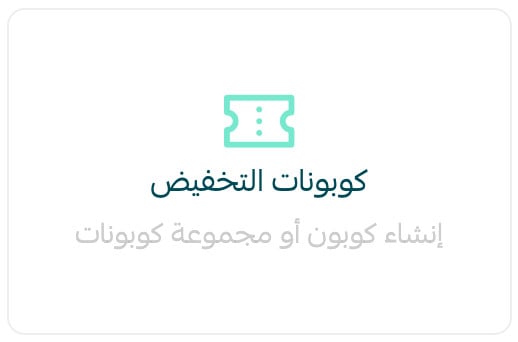
2. From the Marketing tools page, click (Discount coupons).
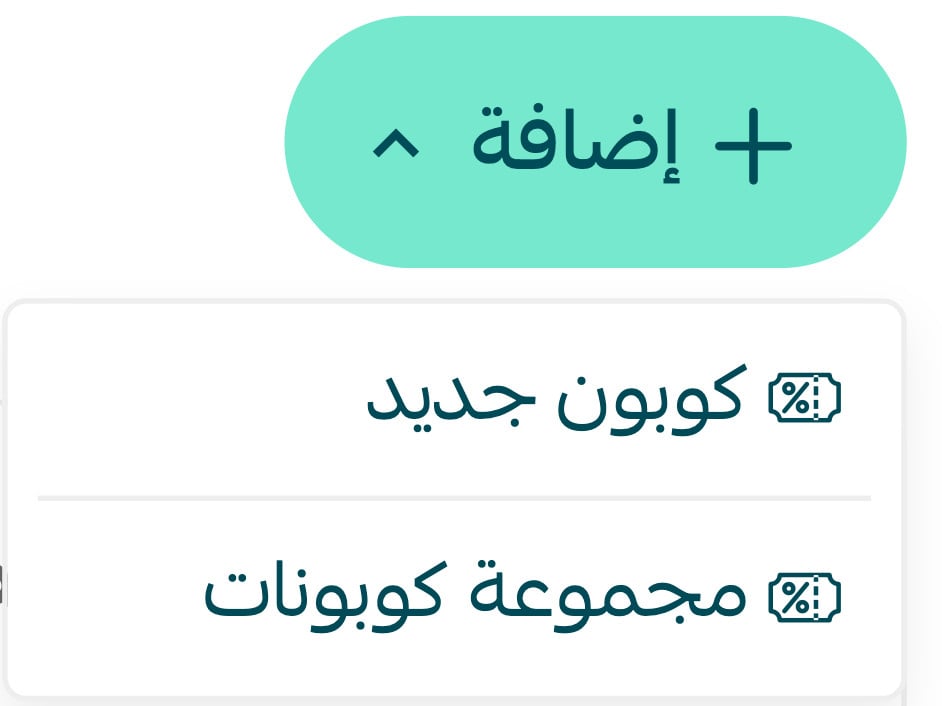
3. From the Marketing tools page, click (Add), then (New coupon).
4. Enter the required details in the (Coupon details) tab, then click the (Included in the coupon) tab.

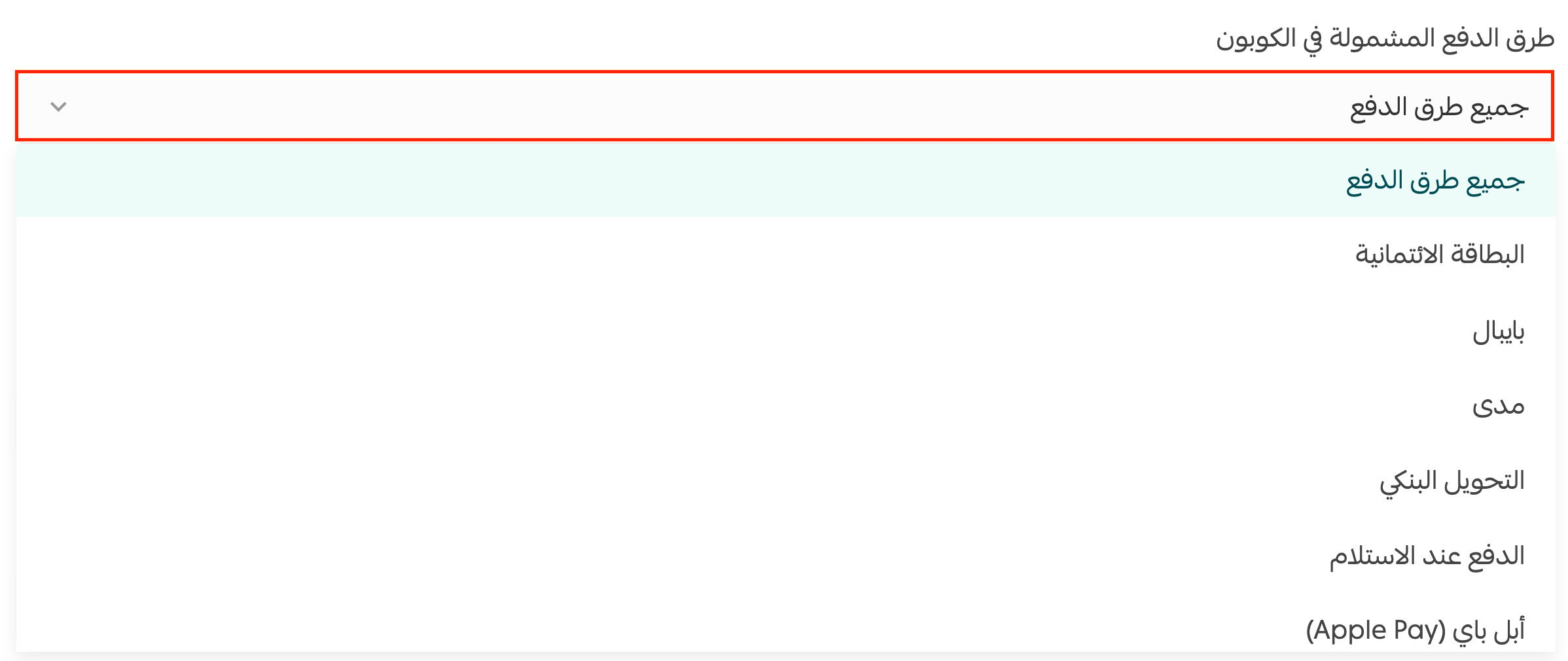
5. Choose the payment method included in the coupon.
For more details, see creating a new coupon.
❓ Frequently asked questions
What is the goal of linking a coupon to a specific payment method?
It gives you tighter control over your promotions: you decide which payment methods are covered by the coupon and exclude the rest.
What happens with payment methods I don't select?
The coupon simply won't apply to them — customers can still pay with those methods, but without the coupon discount.
Which plans include this feature?
The feature is available on the Plus and Pro plans.