What is Esnad Express?
An innovative postal service company based in Saudi Arabia, offering shipping, delivery, and distribution services across borders to meet the needs of online stores.
Steps to integrate with Esnad Express:
1. From the main menu, click on (Installed Apps).

2. From the installed apps, click (Browse Salla App Store) from the Salla App Store banner.

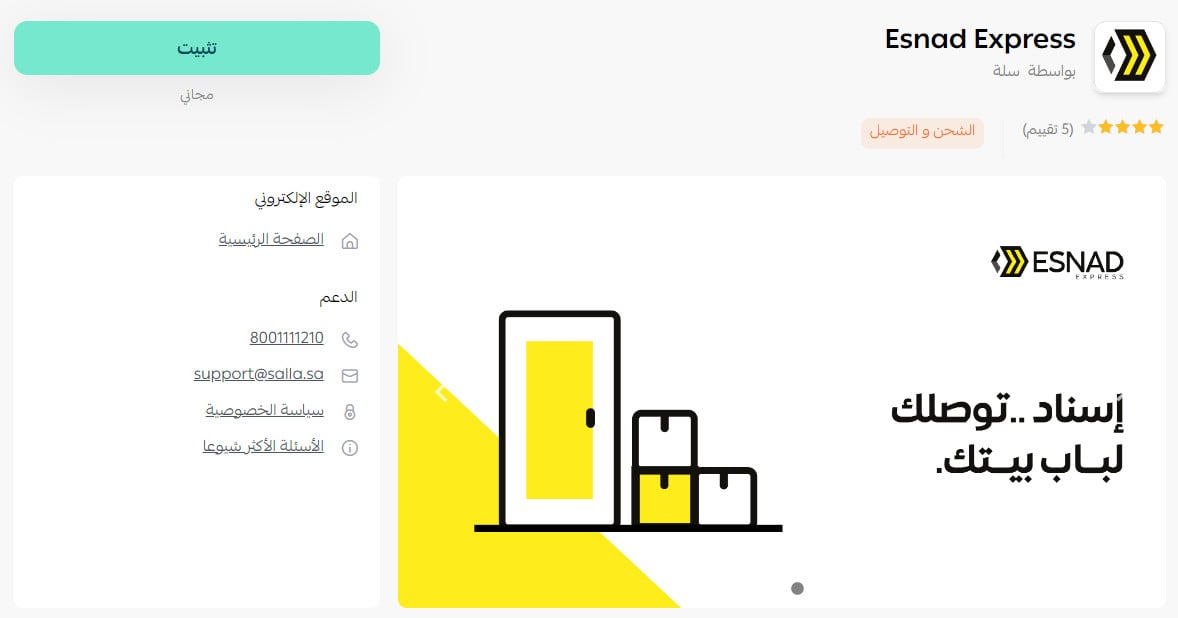
3. From the Esnad Express app,click (Install).Click (install).
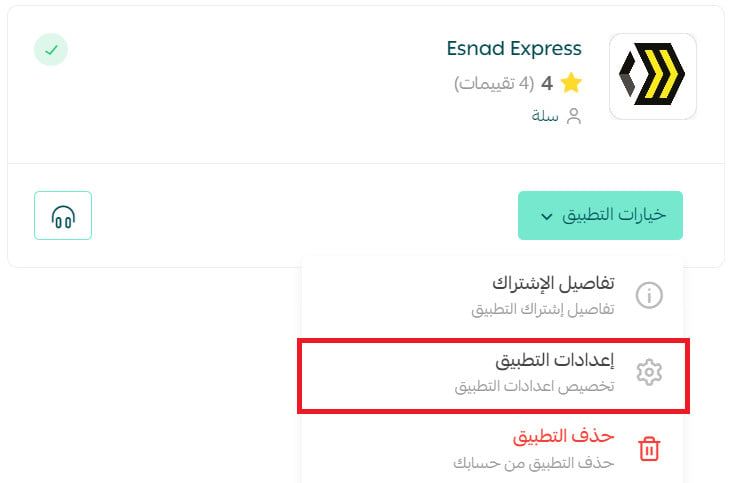
4. From the installed apps page, click (App Options) then (App Settings) from the Esnad Express app card.
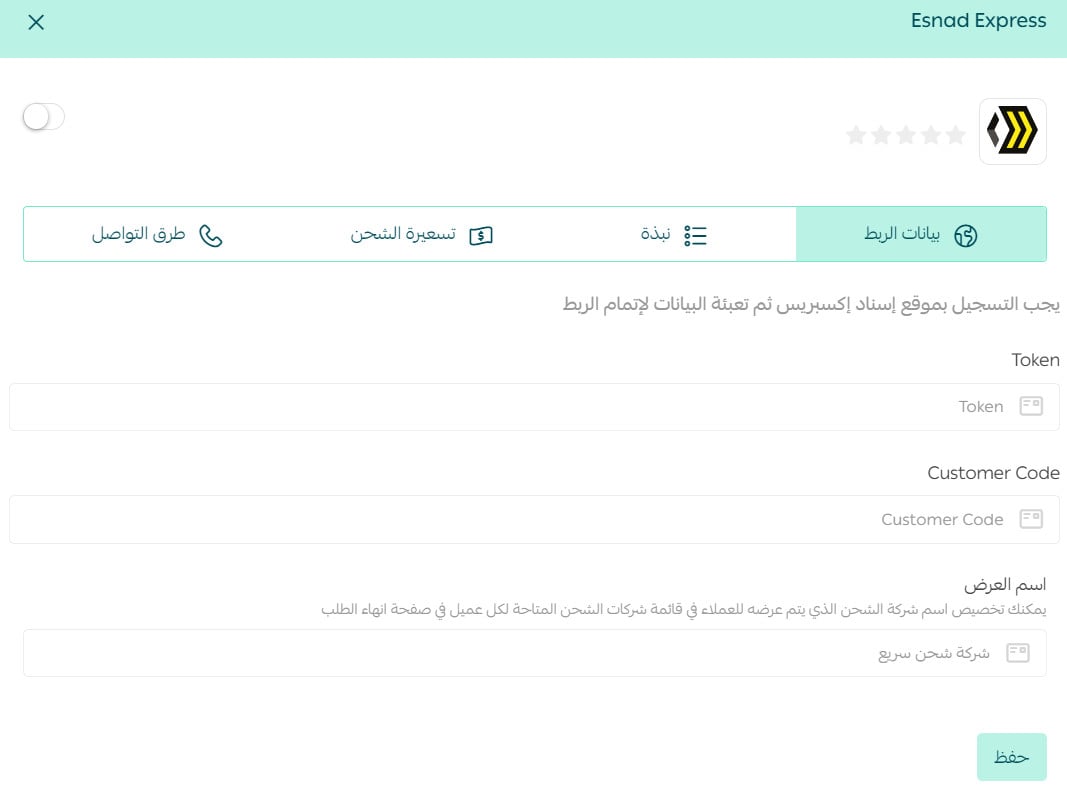
5. In the (Integration Data) tab, enter your Esnad Express account details and click Save.
Frequently Asked Questions
How can I set up shipping rates on Esnad Express?
1. From the main menu, click on (Installed Apps).

2. From the all apps page, click (App Options) then (App Settings) from the Esnad app.
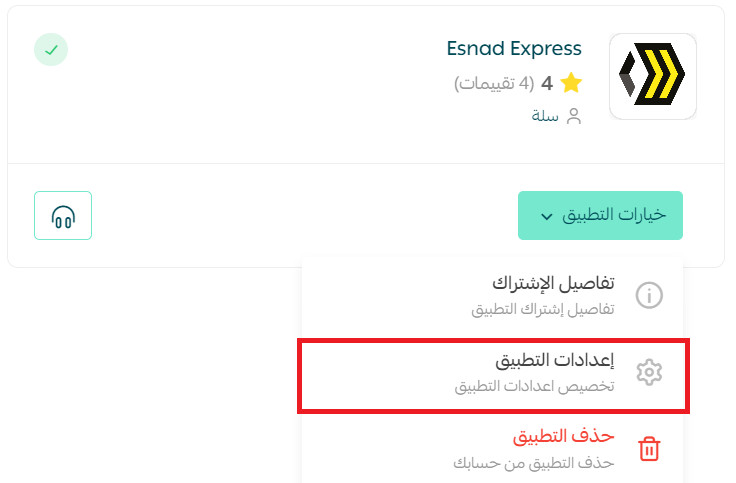
3. In the (Shipping Rates) tab, enter the shipping rates for the required cities and regions.
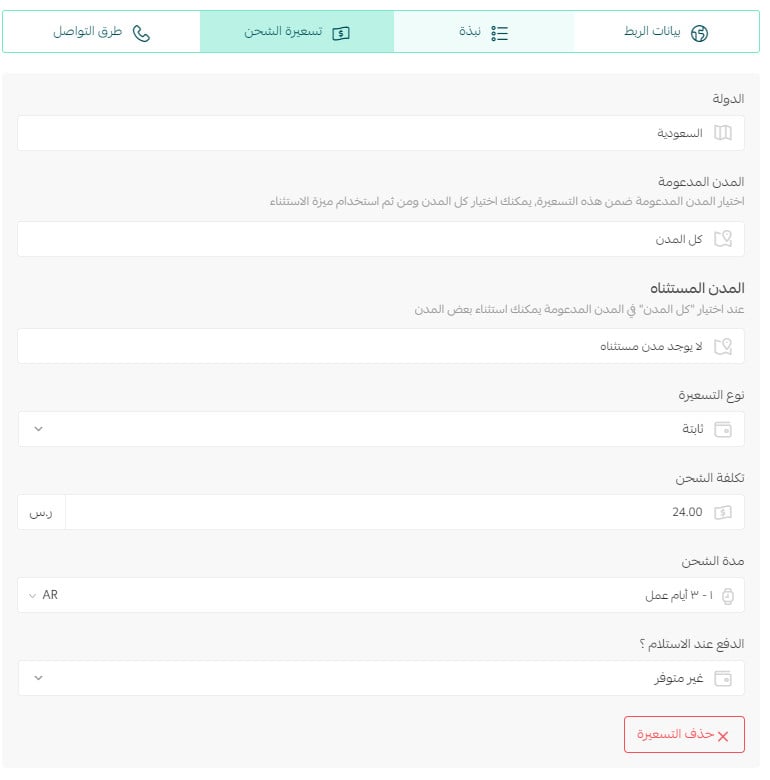
For more details onshipping and delivery settings
How can I temporarily disable the Esnad Express app in my store?
1. From the main menu, click on (Installed Apps).
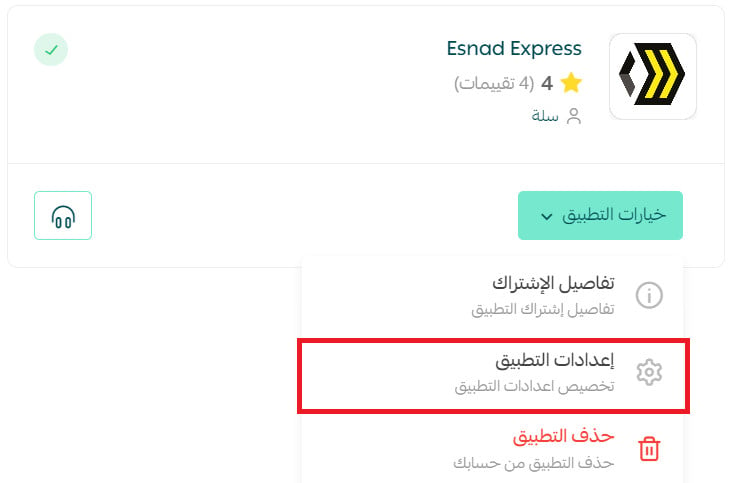
2. From the all apps page, click (App Options) then (App Settings) from the Esnad app.
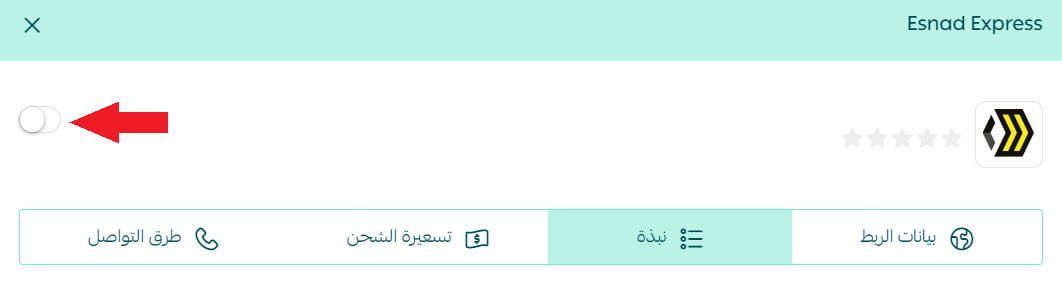
3. Enable or disable the shipping company option.
How can I remove the Esnad Express app from my store?
1. From the main menu, click on (Installed Apps).
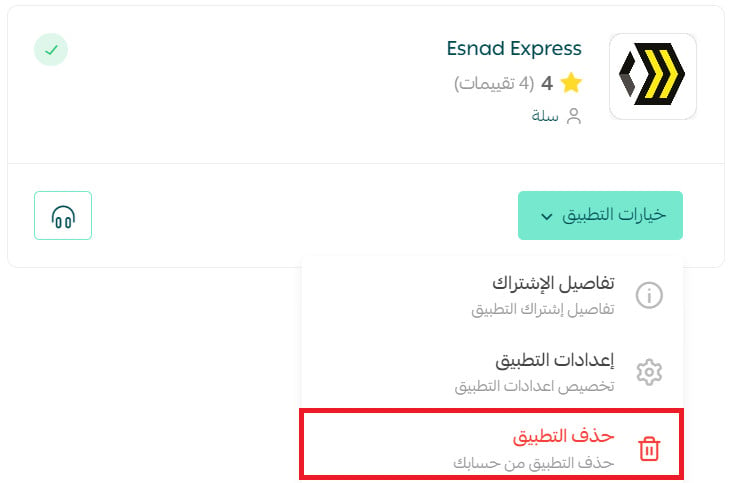
2. From the all apps page, click (App Options) then click (Delete App) from the Esnad Express app.
What are the supported cities for merchant pickup?
Riyadh
What are the supported cities for customer delivery&shipping?
All cities in the kingdom
What is the policy mechanism?
Esnad provides full integration with shipping and delivery companies, and the policy is printed automatically to reduce errors.
Is there a door-to-door service?
Yes
How is the shipping or delivery price calculated?
It is calculated based on the higher of weight or volume.
What is the delivery time within the merchant's city, and the shipping duration?
Same day or the next day, depending on the order time.