Need your store to do something no app in the Salla App Store covers?
That is exactly what a private app is for. When you install a private app from an external source, you are adding software a developer built for your store and no one else — a custom integration, an internal tool, or a link to a service you already use. It never appears in Salla App Store search results, and it never installs on another merchant's store. In this guide, you'll learn what a private app is, how one gets built and approved, and what your part in the process looks like.
A private app is built for a single store by a developer you hire. The developer registers on the Salla developer platform, creates a new app, sets its type to private, and fills in its details. The Salla team reviews the app against platform policy, and once it is approved it is published to your store only.
📌 Article overview
- What a private app is
- How to install a private app from an external source
- Important notes
- Frequently asked questions
🎯 What a private app is
A private app is an app created and developed specifically to handle custom jobs for your store, built by a software developer you bring in for the work.
Private apps are not listed in the Salla App Store and do not show up in its search results or on its home page. Only your store can see and use them.
👣 How to install a private app from an external source
1. Agree on the app details with your external developer — a company or an individual, either works.
2. Ask the developer to create an account on the developer platform.
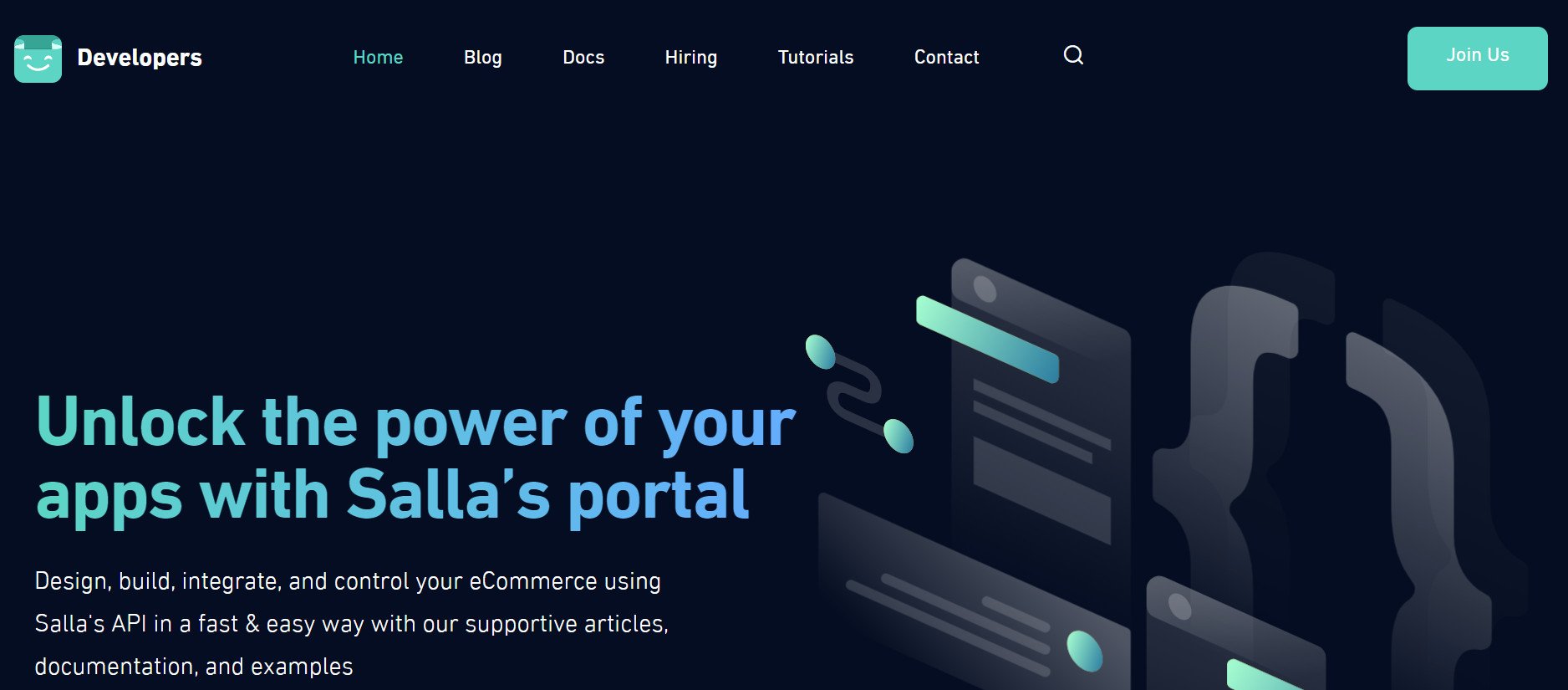
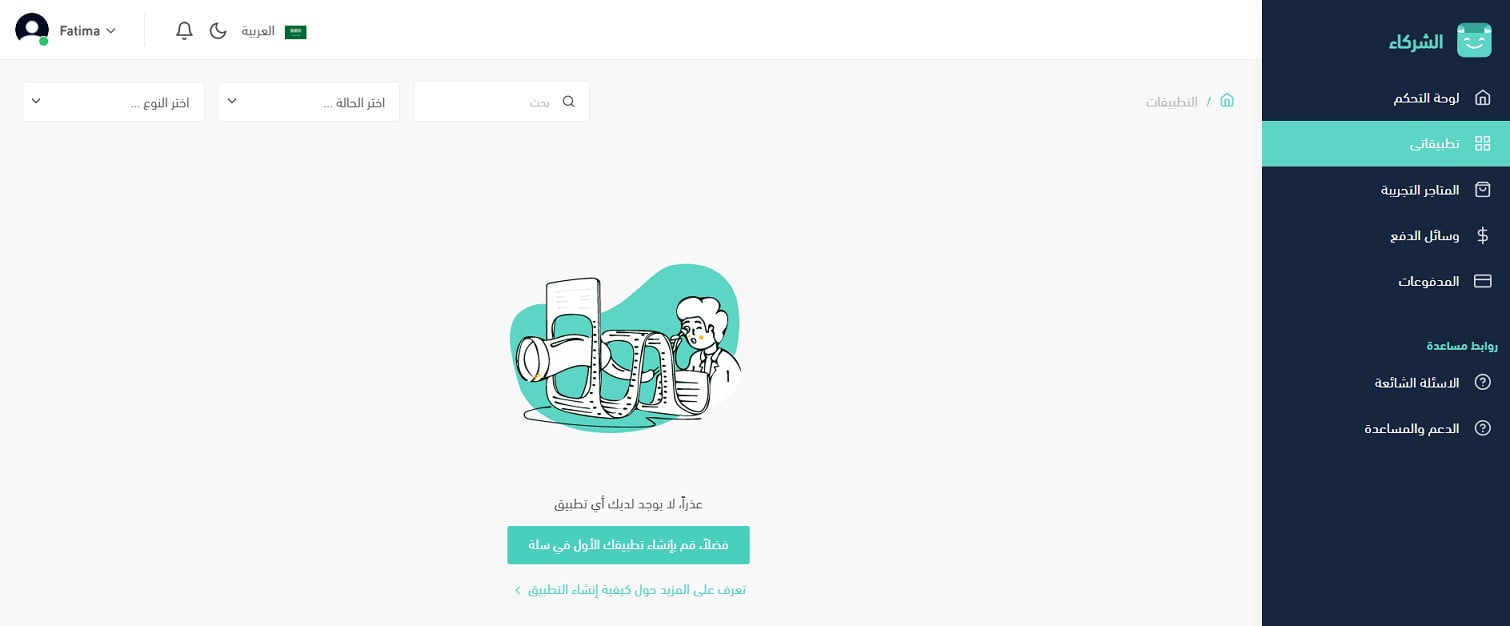
3. From the developer account, on the My apps page, the developer creates a new app.
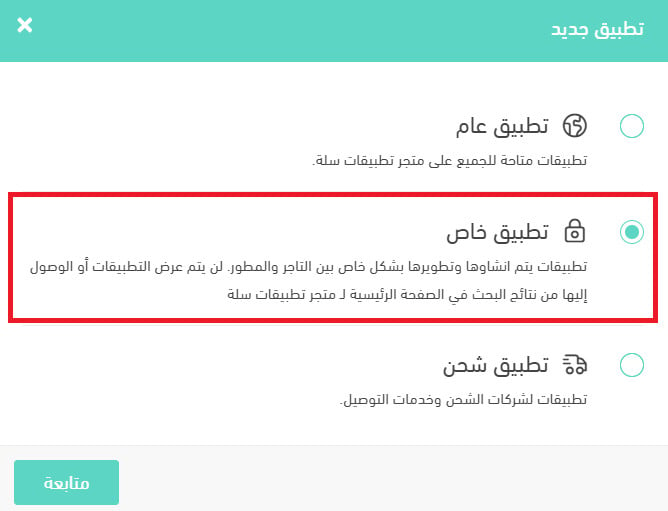
The app type must be set to private app, which keeps it off the Salla App Store and limits it to your store.
4. The developer fills in everything the app needs to run: app name, icon, type, trial period, and the rest of the required details.
5. The Salla team reviews the app before it goes live on your store, to confirm it meets the platform's terms.
📝 Important notes
A private app stays invisible to every other merchant. It will never surface in Salla App Store search or on the store's home page.
Review by the Salla team happens before publishing, so build in time for it when you plan the work with your developer.
For more details on creating your first app as a developer.
❓ Frequently asked questions
Can other merchants find or install my private app?
No. Private apps are not shown in Salla App Store search results or on its home page, and they are limited to the store they were built for.
Who creates the app — me or the developer?
The developer. You agree on the details, and the developer registers on the developer platform, creates the app, chooses the private app type, and enters the app data.
Does Salla review a private app before it goes live?
Yes. The Salla team reviews the app before it is published to your store to make sure it complies with the platform's terms.
What information does the developer need to provide?
App name, icon, type, trial period, and any other details the app needs in order to work.
A private app is the right choice when your store needs something off-the-shelf apps do not cover. Agree on the scope up front, let your developer handle the developer platform, and plan for the Salla review before you expect the app to be live.