Are your ad platforms seeing everything your store's customers actually do?
The Leadat app pushes your store's events straight to the ad platforms you advertise on, so your campaigns run on complete, reliable data. There's no code to write and no outside agency to hire — a few clicks connect your store directly to the platforms. In this guide, you'll learn how to install and activate the Leadat app on your Salla store.
Install Leadat from the Salla App Store, choose the plan that fits your business, then open the app page and click (Activate app). Enter the account identifiers for your social platforms, pick the events you want to track, and click (Save). Your store then sends those events directly to the ad platforms.
📌 Article overview
- What Leadat is
- How to install and activate the Leadat app
- Frequently asked questions
🎯 What Leadat is
Leadat gets the most out of your marketing campaigns on ad platforms. There's no need to write code or bring in a third party — in a few clicks you can send your store's events directly to the ad platforms.
🚀 How to install and activate the Leadat app
1. From the side menu of your dashboard, click (Installed apps).

2. On the Salla App Store banner, click (Browse the Salla App Store).

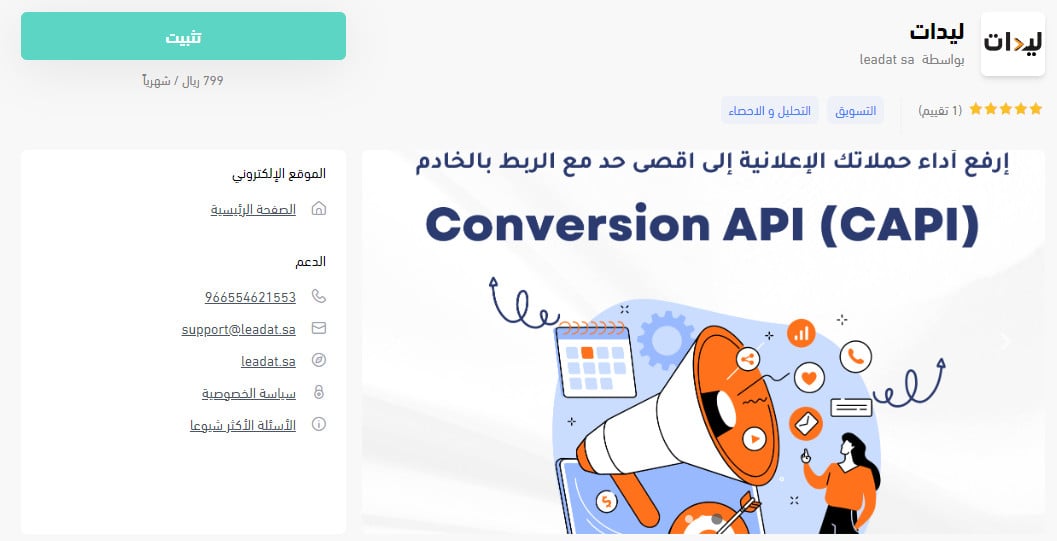
3. On the Leadat app page, click (Install).
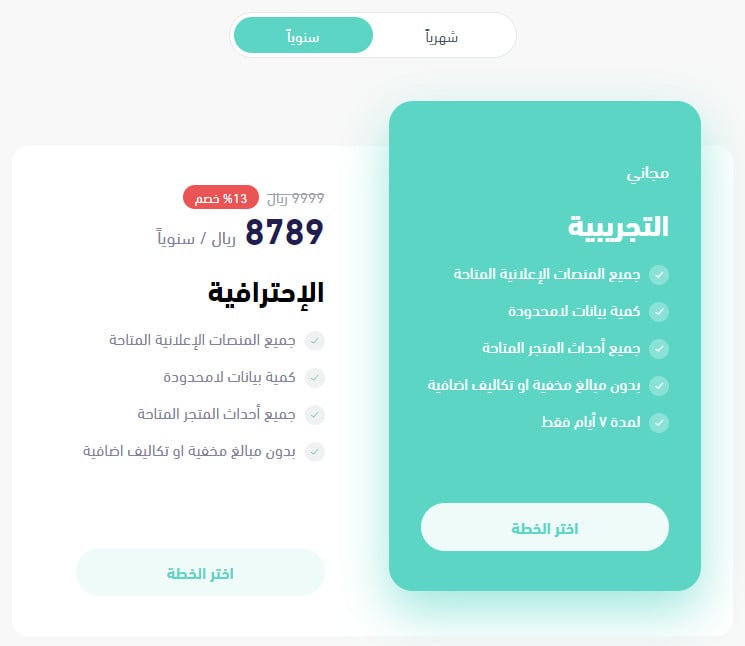
4. Choose the plan that suits the type and size of your business, then click (Choose plan).
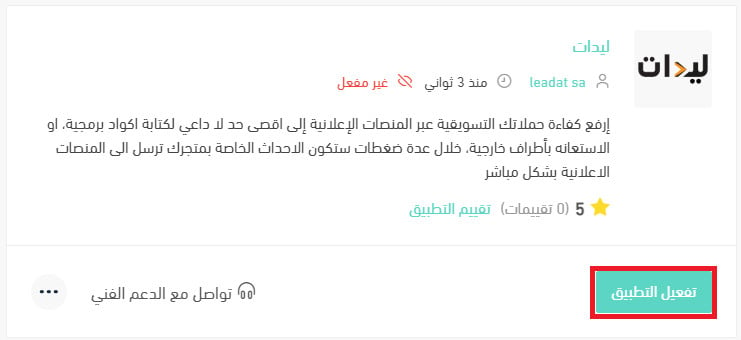
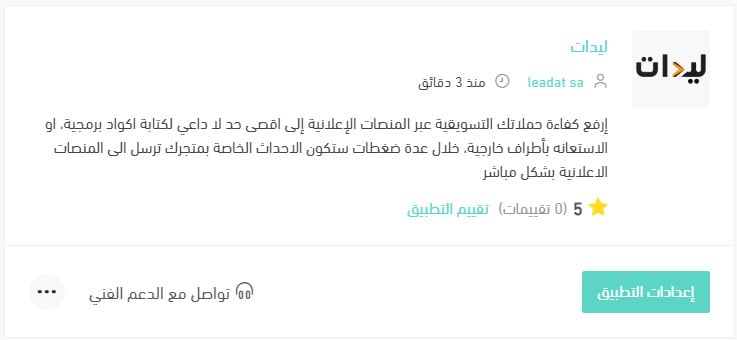
The app is now installed on your store, and it appears in your installed apps like this.

5. On the app page, click (Activate app).
Enter the identifiers for your social media accounts, choose the events you want to track, then click (Save).
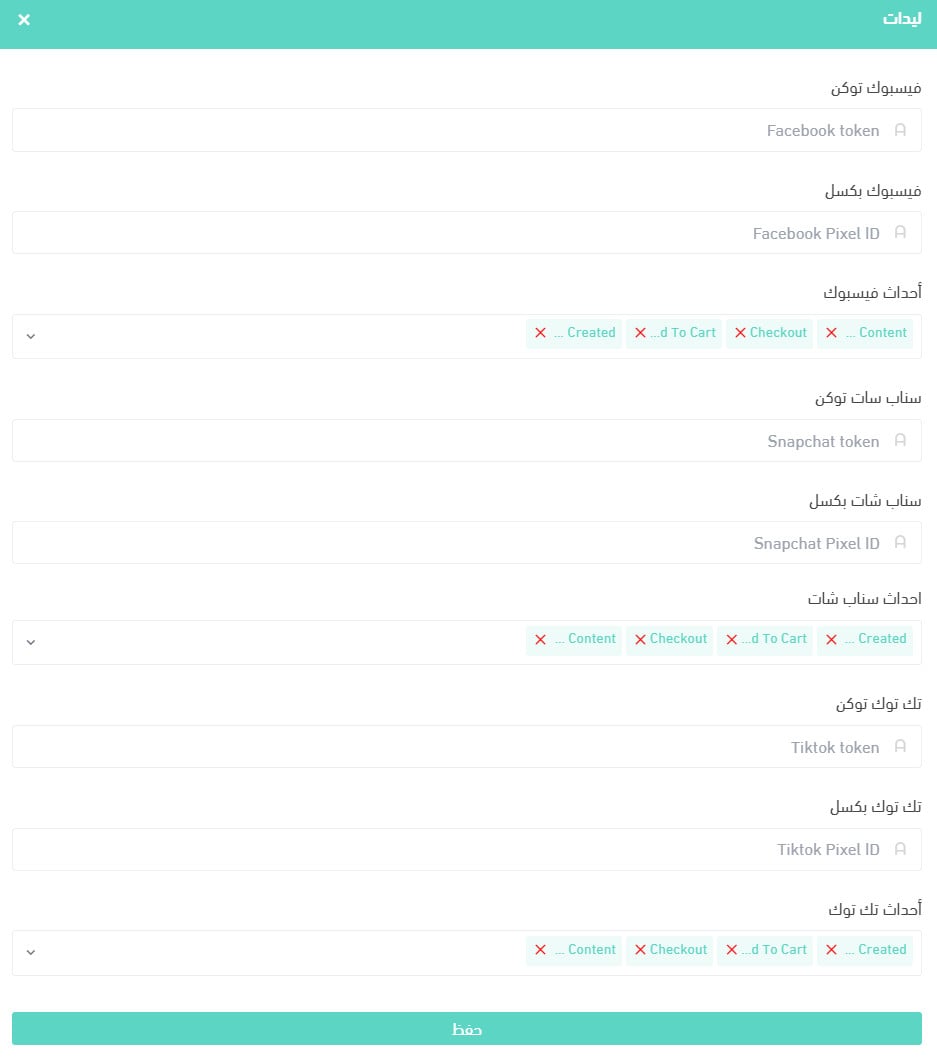
That's it — the Leadat app is now active on your store.
For more details, see managing your store's apps.
❓ Frequently asked questions
What is the Conversion API (CAPI)?
The Conversion API creates a direct connection between your marketing data — your online store's events — from your own server to the servers of social platforms such as Facebook, Instagram, Snapchat, Google, and Twitter. That direct connection improves personalized ad targeting, lowers your cost per action, and sharpens how you measure results, so your ad reaches the people who are interested in buying your products.
Why should you turn CAPI on?
Browsers and device makers are adopting privacy-first policies such as tracking prevention, the industry is moving toward a cookieless world, and ad-blocker extensions get in the way too — together they break the tracking of your digital campaigns across social platforms. The answer is a direct connection between your store and the ad platform's server, sending your store's events straight to that server without going through the browser.
What are the benefits of turning on the Conversion API (CAPI)?
1. Lower cost per action (CPA). Data that arrives by pixel is exposed to errors and to ad-blocker extensions, which distorts what gets recorded. Data sent through a direct Conversion API connection is reliable and clean, and that brings your advertising cost down.
2. Better measurement. The Conversion API helps you measure ad performance and referrals more accurately across your customer's full journey, from discovery to conversion. It also gives you a clearer picture of how a published ad affects results, both online and in offline conversions.
3. Better ad personalization. Additional customer information is included, which increases the number of matched events and the quality of each match, so you can personalize your ads more effectively.
Which events does Leadat send?
You choose them yourself. After activating the app, you enter your social account identifiers and select the events you want to track, then click (Save).
How do I remove the Leadat app from my store?
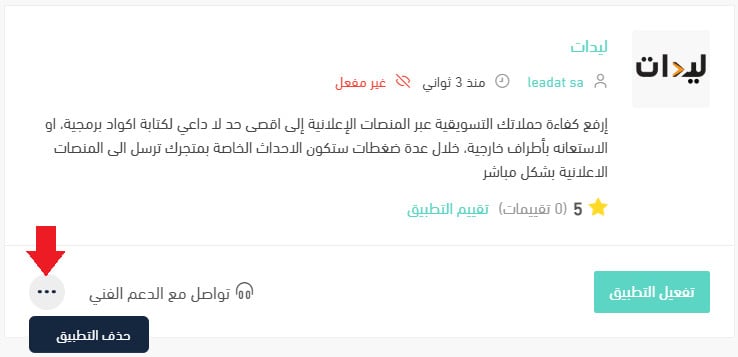
1. From the side menu of your dashboard, click (Installed apps).

2. On the all apps page, find the Leadat app, click the (...) icon, then click (Delete app), as shown in the image.