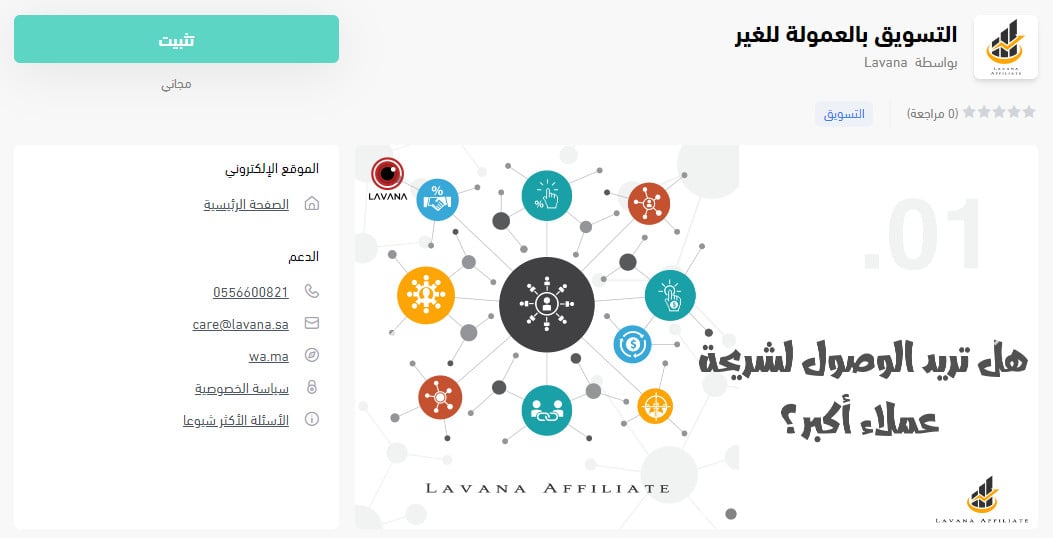
What if other people promoted your products for you, and you only paid when they brought you a sale?
The Lavana affiliate marketing app connects your Salla store to a third-party affiliate network. Affiliate marketing is the bridge between customers and store owners, and it works because both sides win: marketers earn a commission on what they sell, and you get reach you would otherwise have to buy. In this guide, you'll learn how to install the Lavana affiliate marketing app on your store.
Install it from the Salla App Store: click (Installed apps) in your dashboard's side menu, click (Browse the Salla App Store), open the third-party affiliate marketing app page, click (Install), and grant the permissions it asks for. A Lavana account is then created for your store automatically and opens in a separate window.
📌 Article overview
- What the Lavana affiliate marketing app is
- How to install the Lavana affiliate marketing app
- Frequently asked questions
🎯 What the Lavana affiliate marketing app is
Affiliate marketing is the technique that bridges customers and business or store owners, delivering the maximum benefit to both sides.
🚀 How to install the Lavana affiliate marketing app
1. From the side menu of your dashboard, click (Installed apps).

2. On the Salla App Store banner, click (Browse the Salla App Store).

3. On the third-party affiliate marketing app page, click (Install).
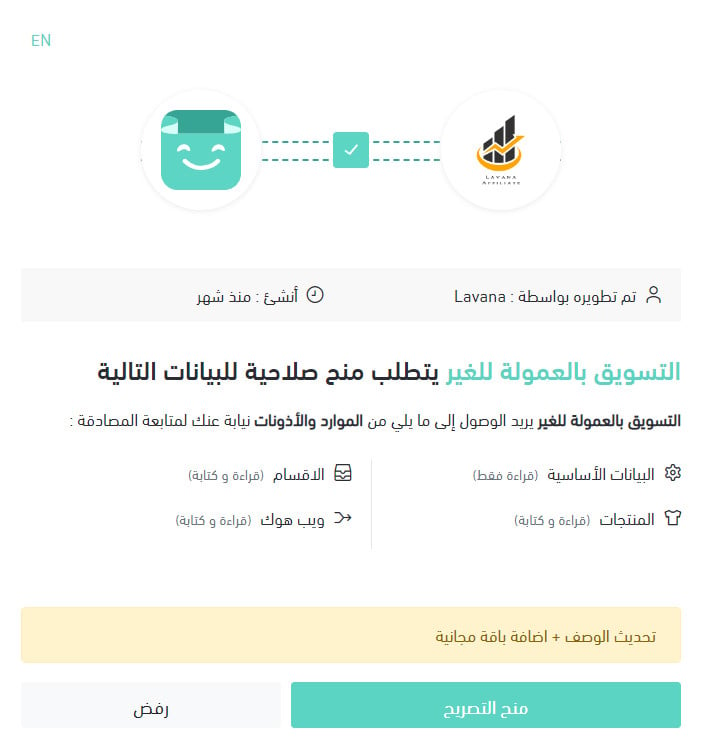
4. Review the permissions the app requests, then click (Grant permission).
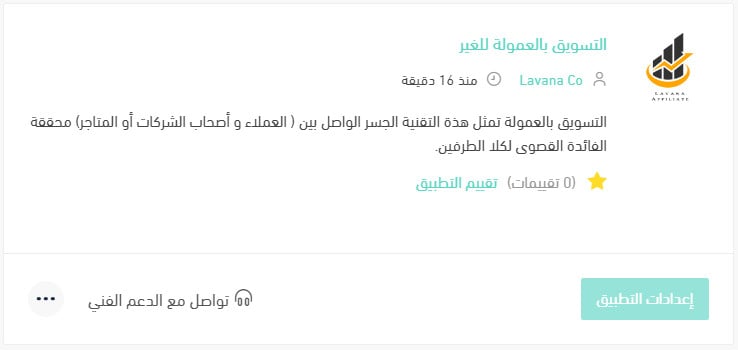
The app is now installed on your store, and it appears in your installed apps like this.
An affiliate marketing account is also created for your store automatically and opens in a separate window, ready to use, like this.

For more details, see managing your store's apps.
❓ Frequently asked questions
Do I need to create an account before installing the app?
No. Once the app is installed and you grant the permissions, an account is created for your store automatically and opens in a separate window, ready to use.
Is there an activation step after installing?
The install flow ends at granting permissions, and the account opens on its own from there. [Verify: whether the app also has to be activated from the (App options) menu, as other Salla apps do.]
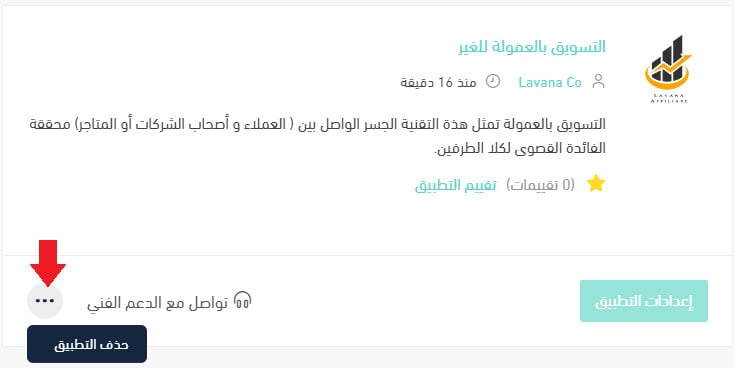
How do I remove the affiliate marketing app from my store?
1. From the side menu of your dashboard, click (Installed apps).

2. On the all apps page, find the third-party affiliate marketing app, click the (...) icon, then click (Delete app), as shown in the image.