What would it be worth if your existing customers came back instead of shopping around on price?
The Bonat app adds a customer loyalty program to your Salla store — a points and rewards system that keeps the customers you already have and lifts your sales. You install it from the Salla App Store, and your Bonat account opens in its own page so you can set up how points are earned and what they buy. In this guide, you'll learn how to install the Bonat loyalty app.
From your dashboard's side menu, click (Installed apps), then (Browse the Salla App Store). Open the Bonat app page, click (Install), review the permissions, and click (Grant permission). The app then appears in your installed apps, and the Bonat sign-in page opens in a separate window ready for you to configure your loyalty program.
📌 Article overview
- What the Bonat app is
- How to install the Bonat app
- Frequently asked questions
🎯 What the Bonat app is
Bonat is a customer loyalty system that helps you hold on to your customers and increase your sales.
🚀 How to install the Bonat app
1. From the side menu of your dashboard, click (Installed apps).

2. On the Salla App Store banner, click (Browse the Salla App Store).

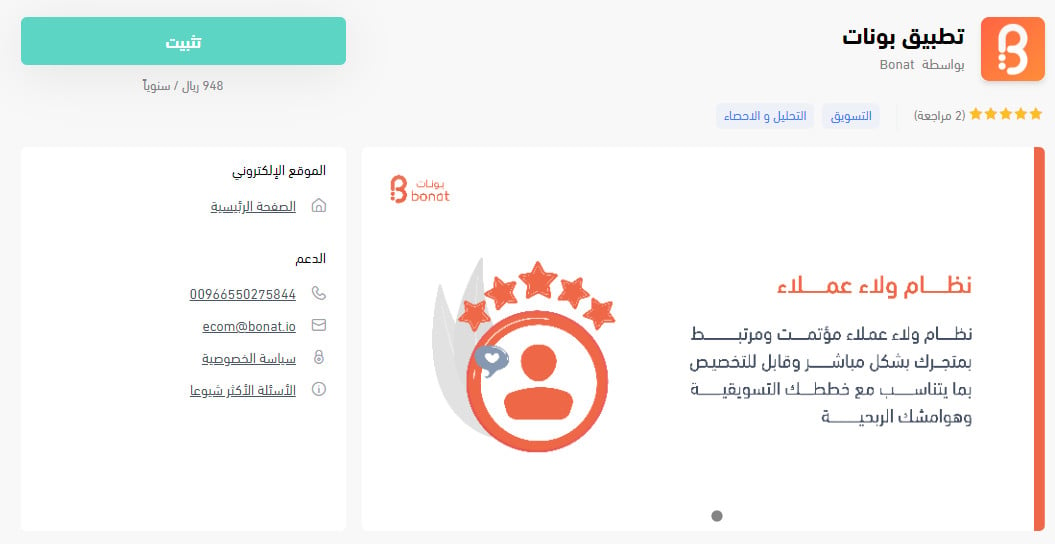
3. On the Bonat app page, click (Install).
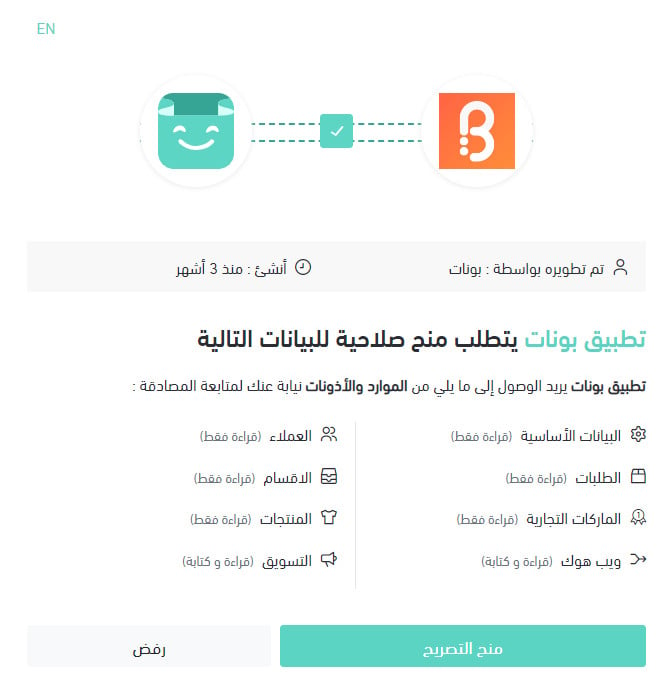
4. Review the permissions the app requests, then click (Grant permission).
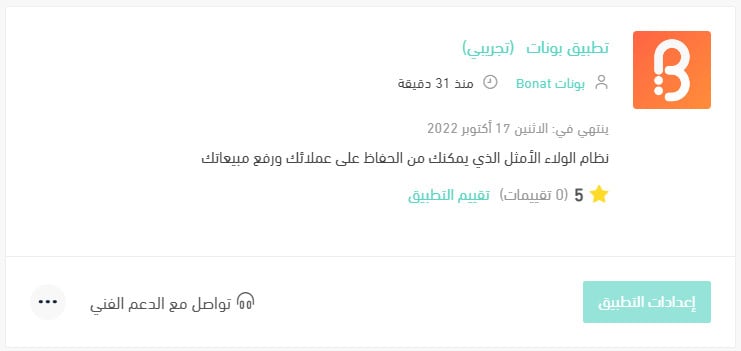
The app is now installed on your store, and it appears in your installed apps like this.
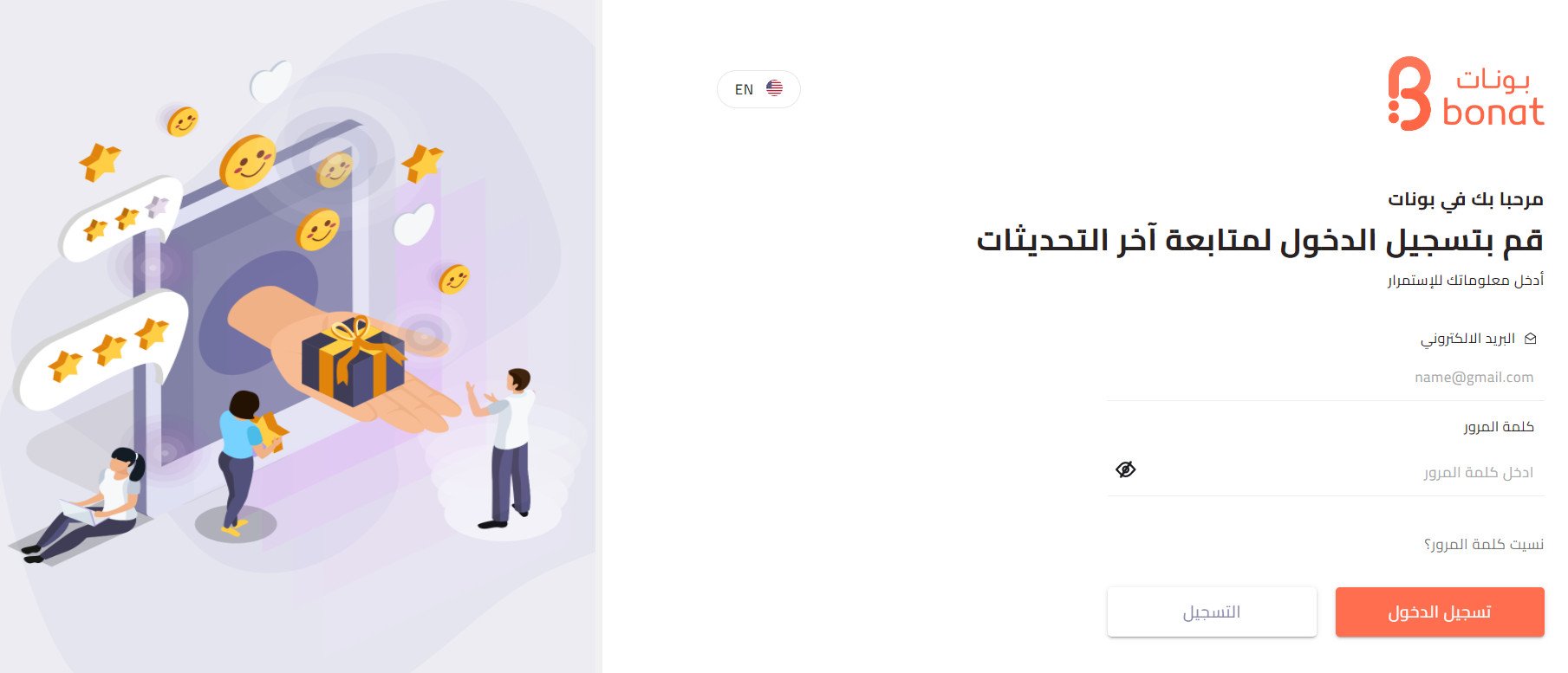
The sign-in page for your Bonat account also opens in a separate page.
For more details, see managing your store's apps.
❓ Frequently asked questions
Why do loyalty programs like Bonat matter?
1. They encourage customers to buy again and keep them engaged.
2. They raise your average invoice value.
3. They raise your average order size.
4. They reduce abandoned carts.
5. They strengthen your relationships with customers.
6. They build an emotional connection that gets you past price comparison.
What are Bonat's main features?
1. A flexible points system.
2. Different reward types.
3. A dashboard for analyzing how your loyalty program performs.
4. Different ways for customers to earn points.
5. An app icon you can style to match your store's identity.
6. A 30-day free trial.
7. Monthly and annual plans.
How do I subscribe to the service?
From the Bonat home page, click (Request a trial).
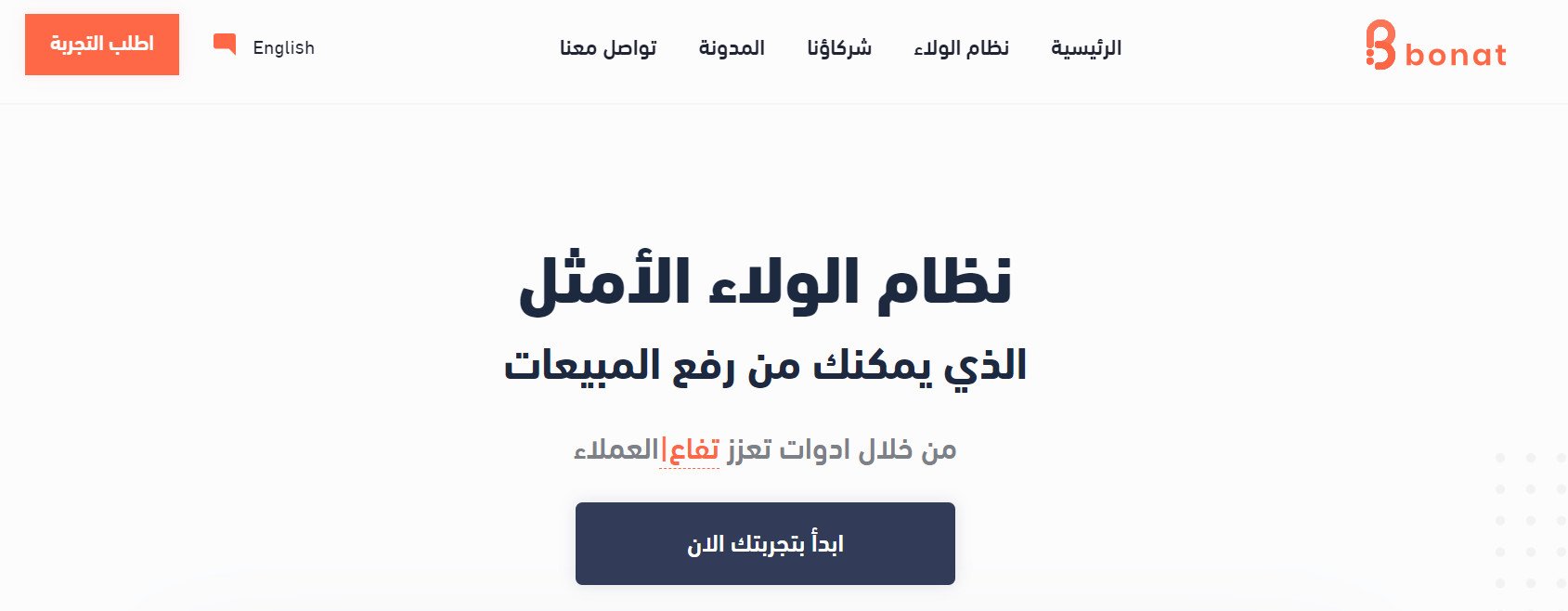
Enter the details requested, then click (Send).
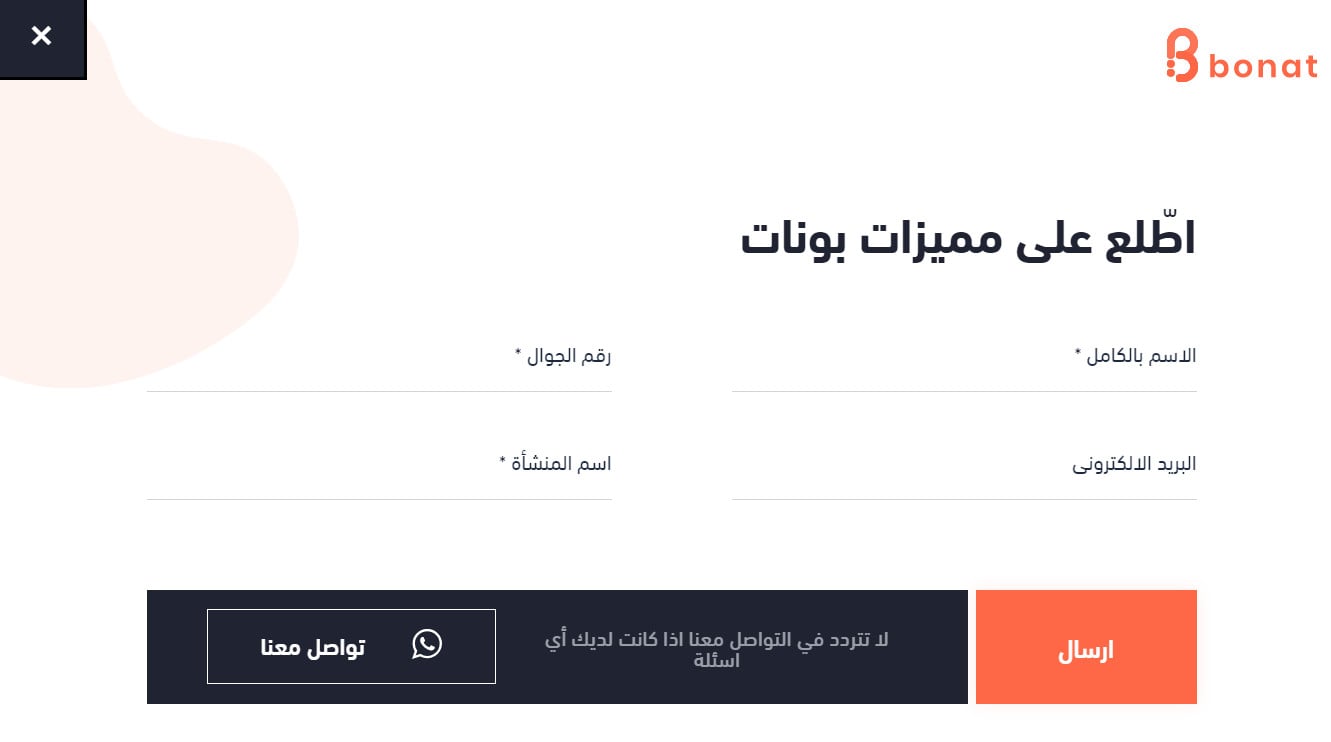
After you request the trial, a sales representative gets in touch to walk you through the service and complete the trial and subscription.
How does the subscription work?
The service is billed as a monthly subscription.
Are there any other costs?
There is a one-time cost covering the tablet, the tablet stand, training, and installation.
What is the policy for subscribing with more than one branch?
You can subscribe with an unlimited number of branches, and each branch adds an extra fee.
Are there fees or a commission on the pre-order service?
The service is free, and only the bank's commission is deducted.
How do rewards work?
You control the number of rewards and the points for each item from your own dashboard.
Can more than one person use the dashboard?
Yes. From the dashboard you can add multiple users — a branch manager, a marketing manager, an accountant, and so on — each with different permissions.
How do I remove the Bonat app from my store?
1. From the side menu of your dashboard, click (Installed apps).

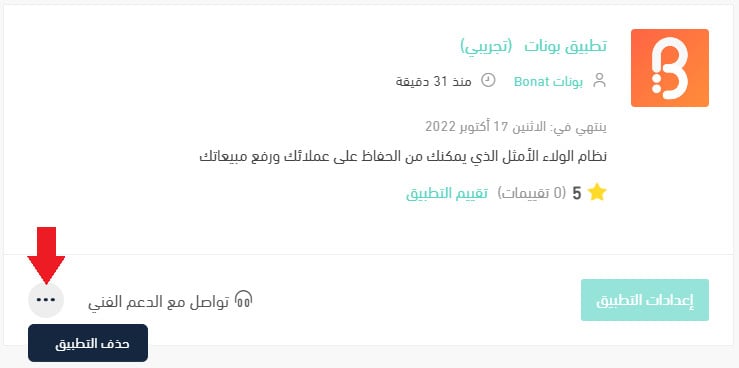
2. On the all apps page, find the Bonat app, click the (...) icon, then click (Delete app), as shown in the image.