How can I change my information on Salla?
If you want to update your personal information such as your username, phone number, or email address:
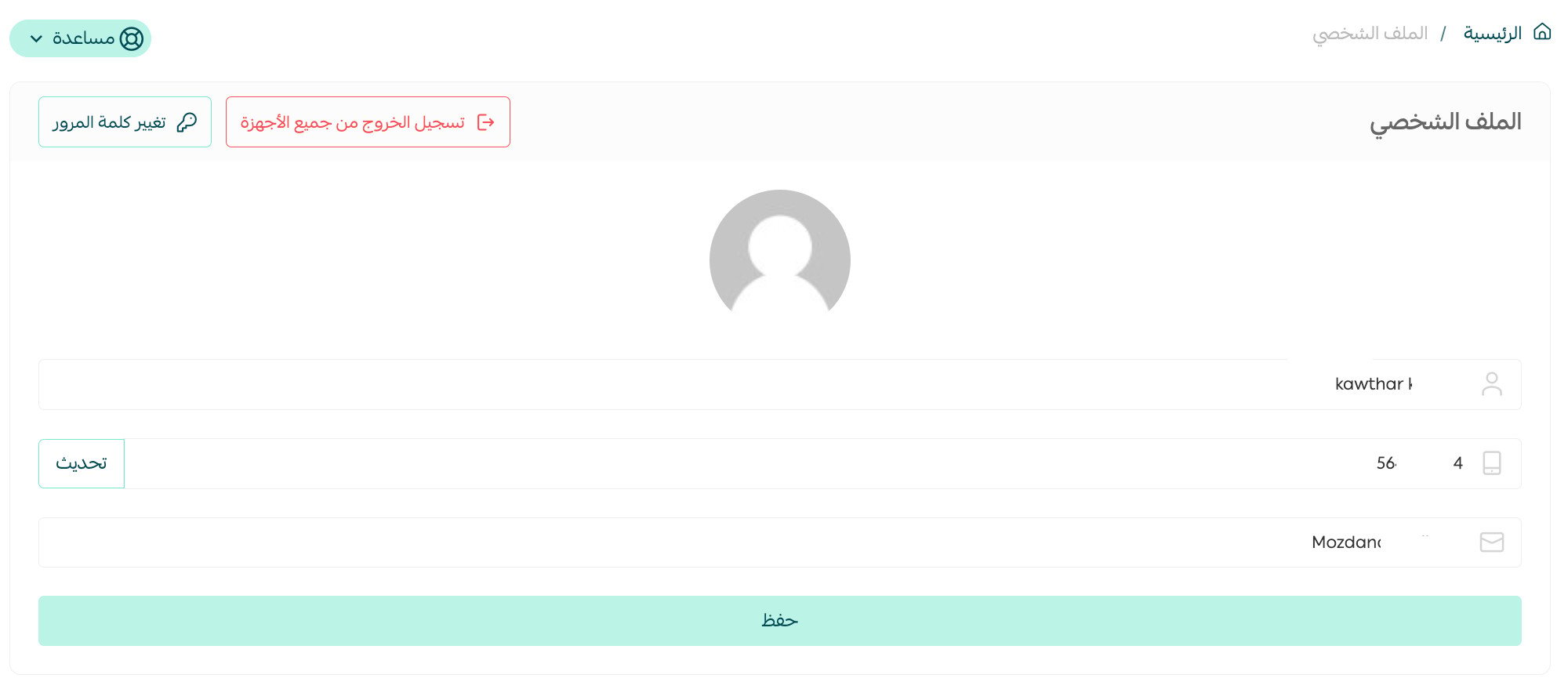
Go to the far left of the dashboard and click on Username, then select Profile.
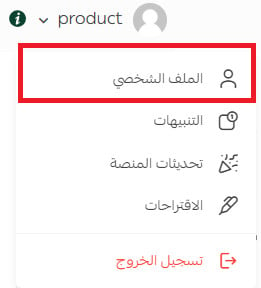
2. Update your personal information as needed, then click Save.
How can I change my store password?
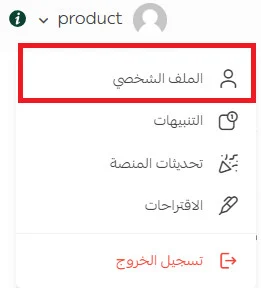
Go to the far right of the dashboard, click on Username, then select Profile.
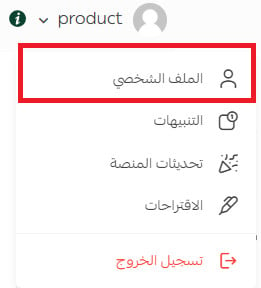
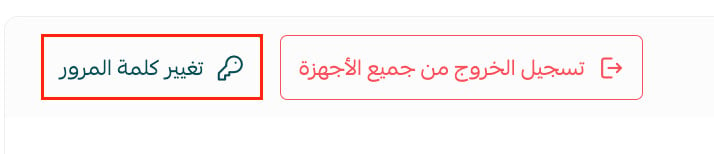
2. Change your store password by clicking Change Password.
3. A window will open where you can enter your current and new password, then click Save changes.
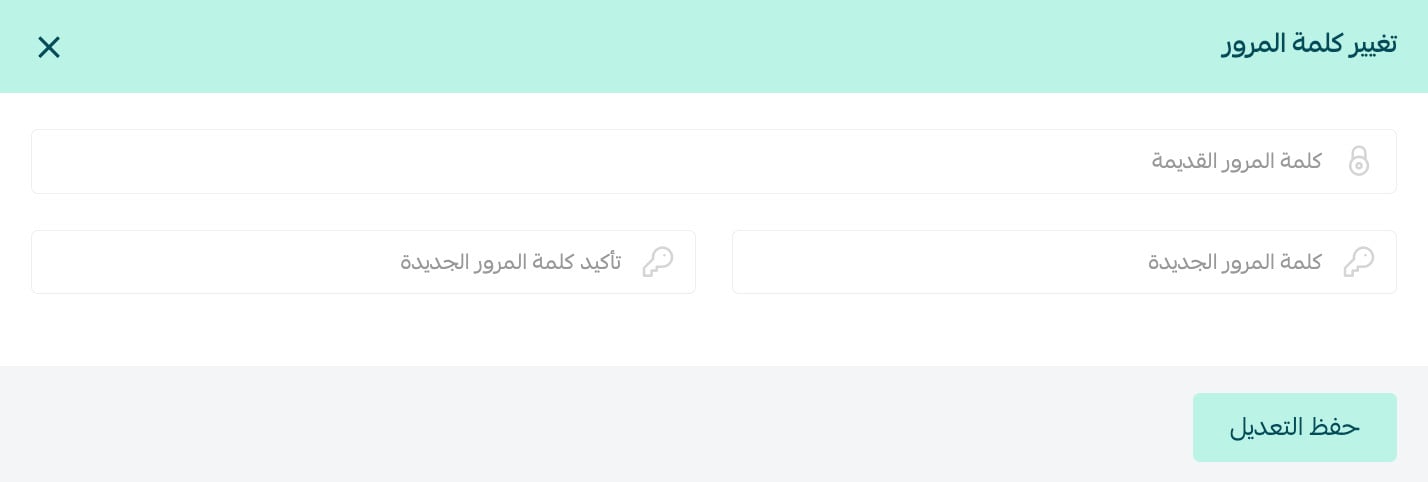
Your password will be updated successfully.
How can I change the mobile number used to receive the OTP (verification code)?
You can update the mobile number linked to your account by following these steps:
- From the dashboard, go to the far left and click Username, then select Profile.
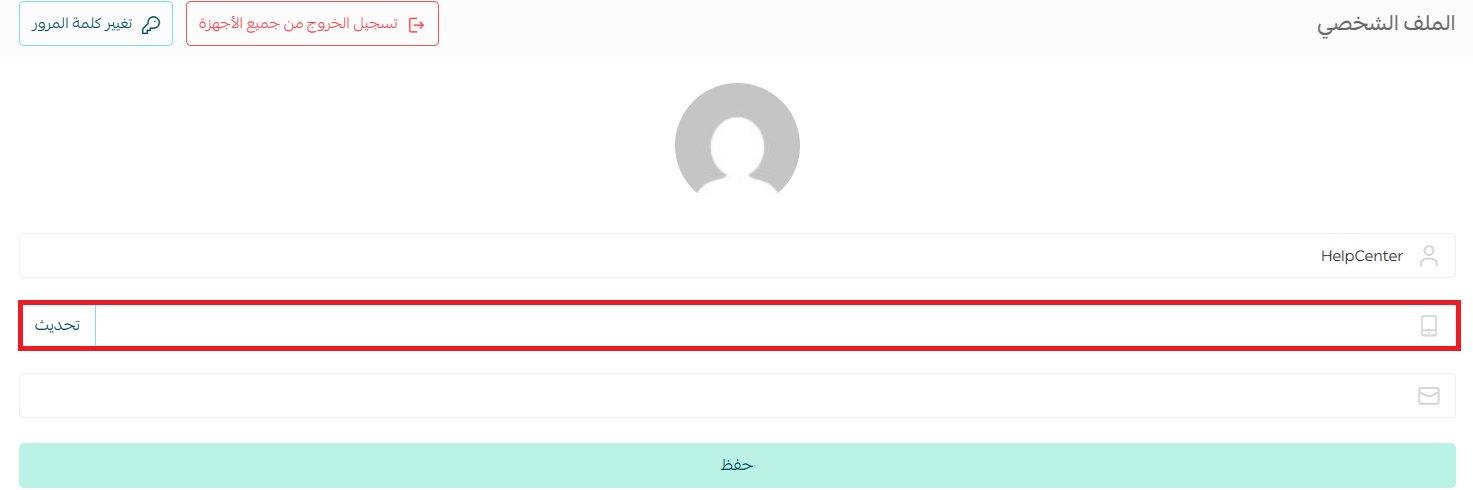
- Update the mobile number with the desired one, then click Save to confirm the change.
Can I change my store name on Salla?
Yes, you can do this from Store Settings, then Basic Settings.
What are the password requirements?
The password must:
- Be more than 12 characters long
- Include an uppercase letter
- Include a lowercase letter
- Include a symbol
How can I change my store name?
From the side dashboard, click Store settings.

2. Go to Basic settings.

3. The store information page will appear. Update your store name as needed, then click Save.
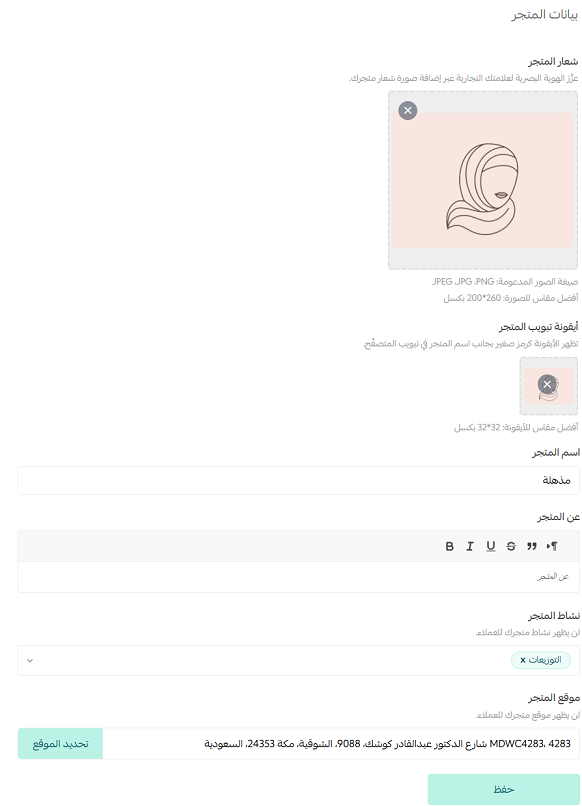
How can I change my store activity?
From the side dashboard, click (Store Settings).
2. Go to Basic settings.
3. Go to the Store Activity section, select the appropriate activity for your store, then click Save.

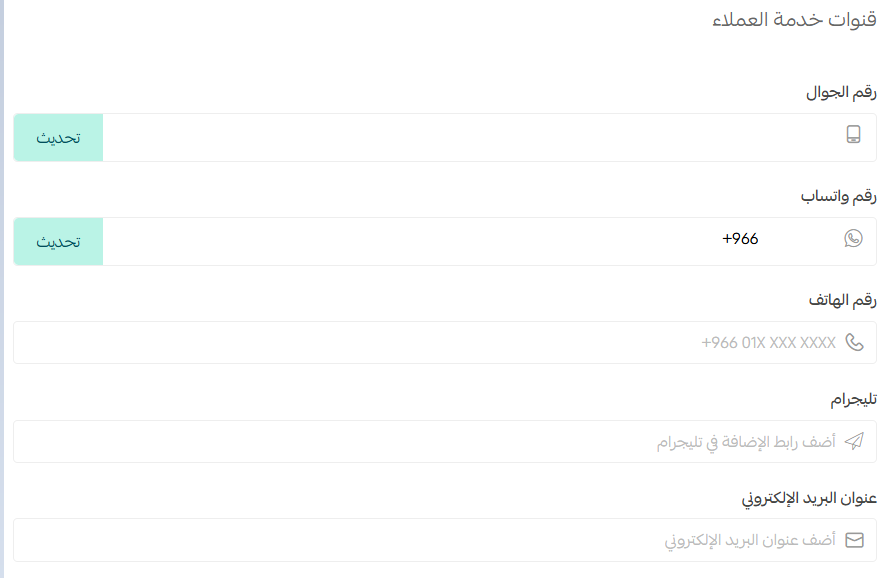
How can I add contact numbers to my store?
From the side dashboard, click Store settings.
2. Go to Basic settings.
3. Go to the Customer Service Channels section and add your contact details via WhatsApp, phone, Telegram, or email so customers can reach your store.