Are your inventory counts, invoices, and sales records scattered across separate tools?
The FAAINEX platform brings them together in one place. FAAINEX is an accounting and inventory management solution that helps you organize and track stock efficiently, with analytical reports that support strategic decisions. It also offers strong tools for managing accounts and invoices, plus a cloud point-of-sale system for smoother payments and sales. In this guide, you'll learn how to connect the FAAINEX app to your Salla store and how to remove it.
To connect FAAINEX to your Salla store, open (Installed apps) from your dashboard, browse the Salla App Store, and install the FAAINEX platform app. Choose a plan, approve the permissions, and complete payment. FAAINEX then emails you your login credentials so you can start managing inventory, accounts, and invoices.
📌 Article overview
- How to install the FAAINEX platform app
- How to delete the FAAINEX platform app
- Frequently asked questions
🚀 How to install the FAAINEX platform app
1. From the main menu of your store dashboard, click (Installed apps).

2. From the Salla App Store banner, click (Browse Salla App Store).

3. From the FAAINEX platform app page, click (Install).

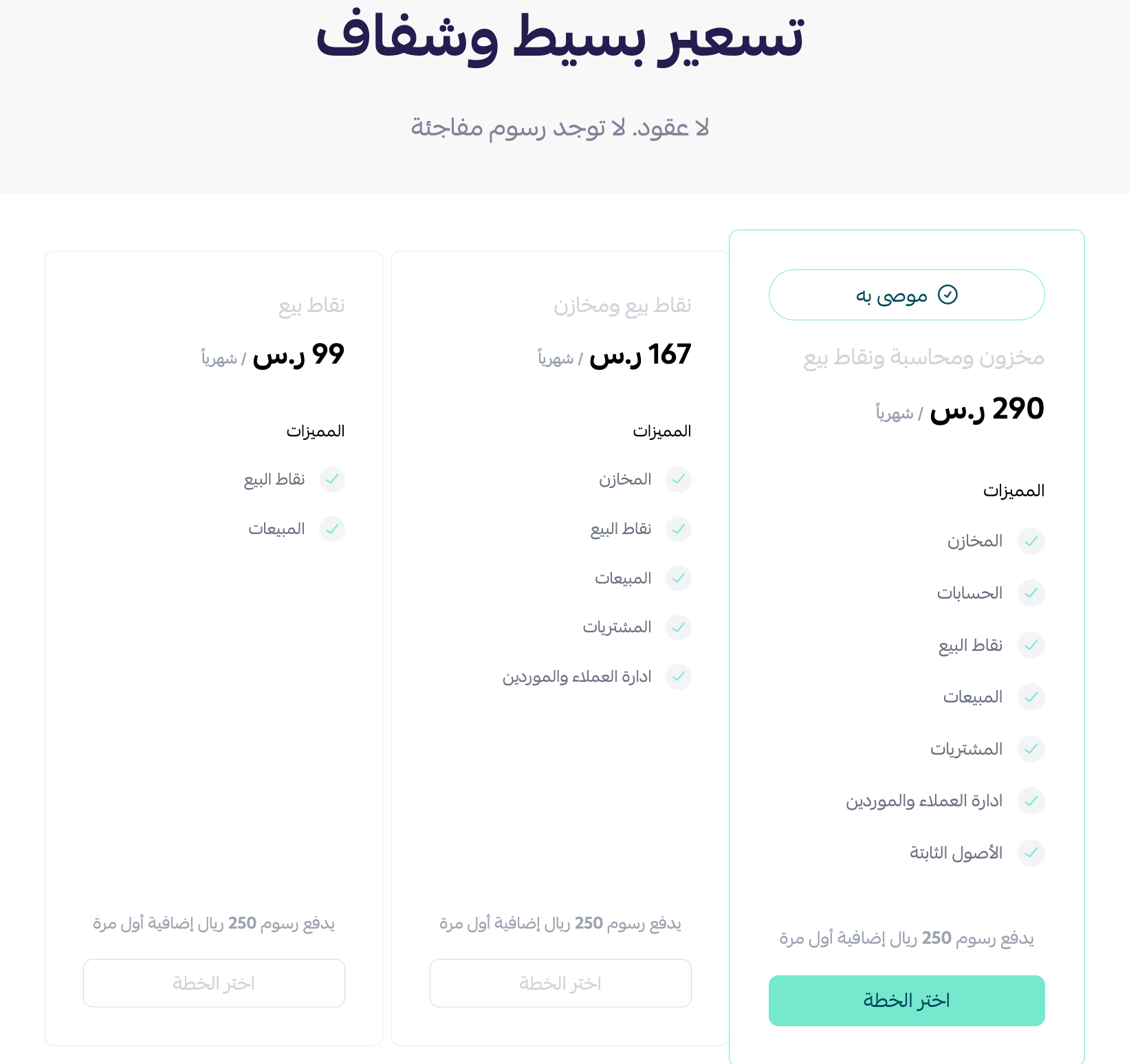
4. Choose the plan that fits the size and nature of your business, then click (Choose plan).
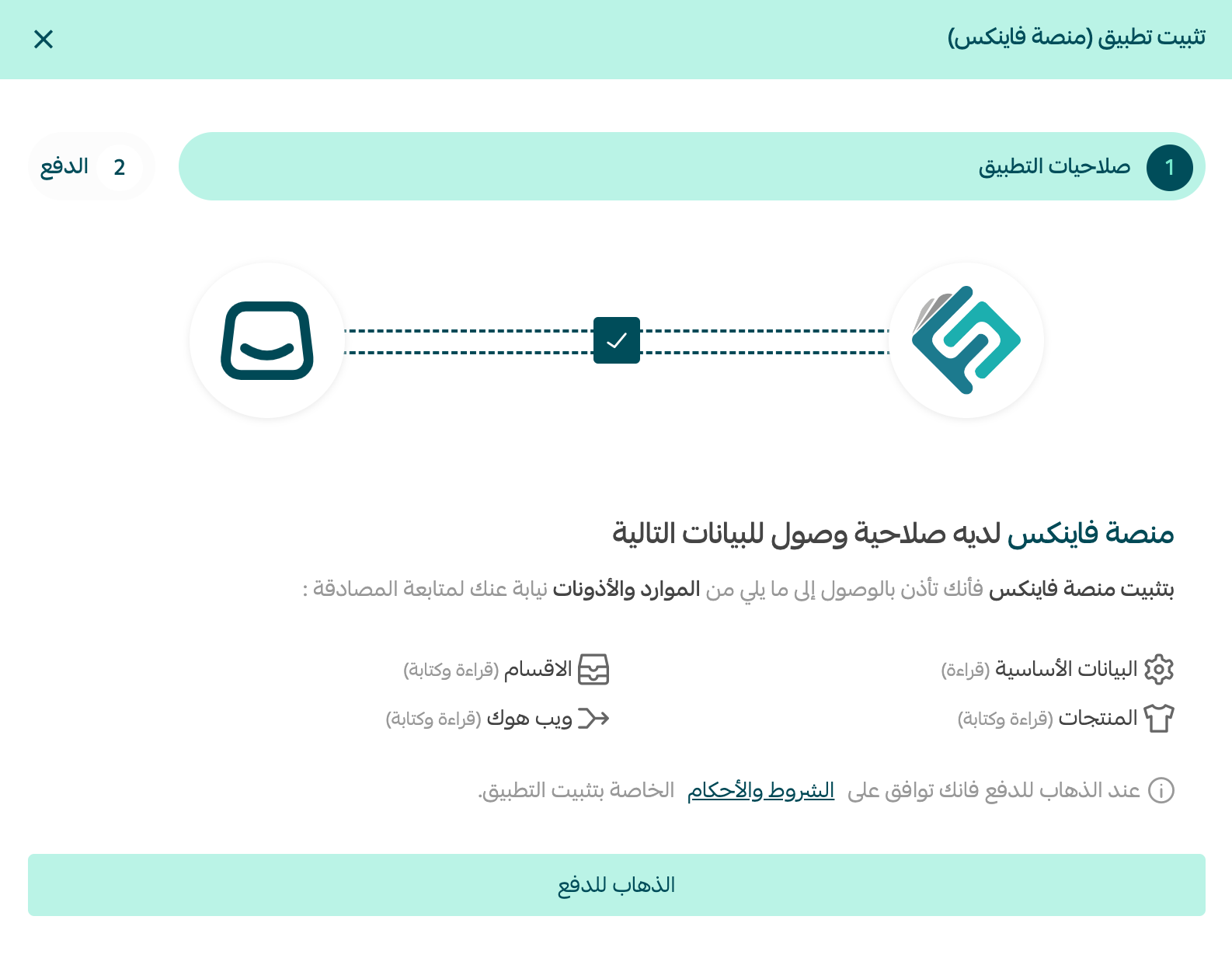
5. Review the requested permissions, then click (Go to payment).
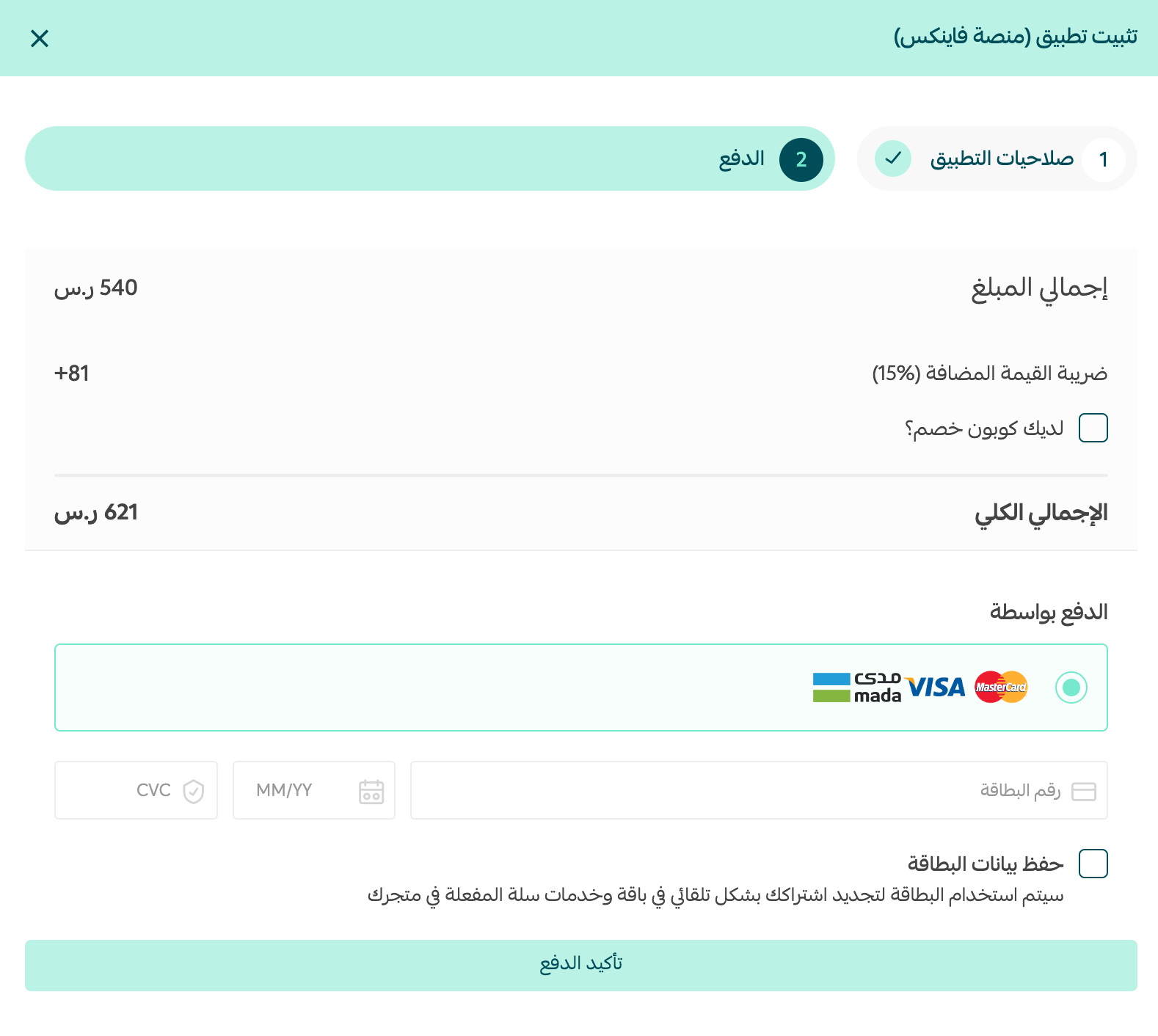
6. Enter your card details, then click (Confirm payment).
That's it — the FAAINEX platform app is now installed on your store.

Once the installation is complete, FAAINEX sends your platform login credentials to your email.

For more details, see managing your store's apps.
How to delete the FAAINEX platform app
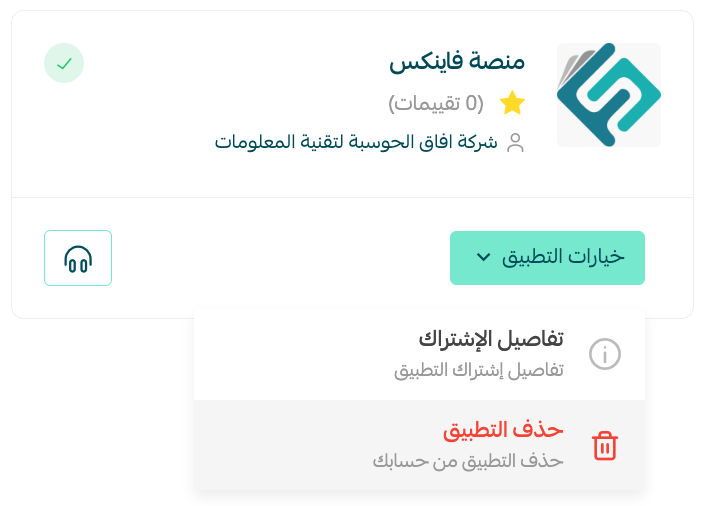
From the FAAINEX platform app, click (App options), then click (Delete app).
For more details about the FAAINEX platform.
Frequently asked questions
❓ How can I monitor my inventory levels?
You can track item quantities at the branch or warehouse level, with reporting options for stock balances and sales.
❓ How can I track product movement between branches?
The platform lets you make transfers and receipts between branches easily, with accurate reports on item movement and stock levels.
❓ Can I use barcodes to record products?
Yes. The platform includes barcode support so you can register products quickly and look up their details, including prices and available offers.
❓ Does the platform support multiple payment methods?
Yes. It supports a range of payment methods such as cash, bank, and electronic payment, which makes selling easier.
With inventory, accounting, and point of sale in one system, FAAINEX gives you a clearer picture of your business — so your decisions rest on numbers, not guesswork.