Ready to start selling online but not sure what the first step looks like?
Every Salla store begins the same way: with an account. Creating a new Salla account takes a few minutes and a handful of details about you and your business, and it is the gateway to your dashboard, your storefront, and every tool Salla gives you to sell. In this guide, you'll learn exactly what to enter at each step, how to verify your mobile number, and what happens once your account is live.
To create a new Salla account, open the Salla registration page and enter your merchant name, email address, mobile number, and a password. Click Register to accept Salla's terms of use, then confirm the verification code sent to your phone. Add a few details about your business and how ready your store is, and your dashboard opens.
📌 Article overview
- What you need before you register
- How to create a new Salla account, step by step
- Support services for setting up your store
- Additional learning resources
- Frequently asked questions
What you need before you register
Have these four details ready and the whole process takes a couple of minutes:
- Your merchant name.
- Your email address.
- A mobile number you can receive an SMS on, since Salla sends a verification code to it.
- A password for your account.
👣 How to create a new Salla account
1. Go to the registration page and enter the details Salla asks for:
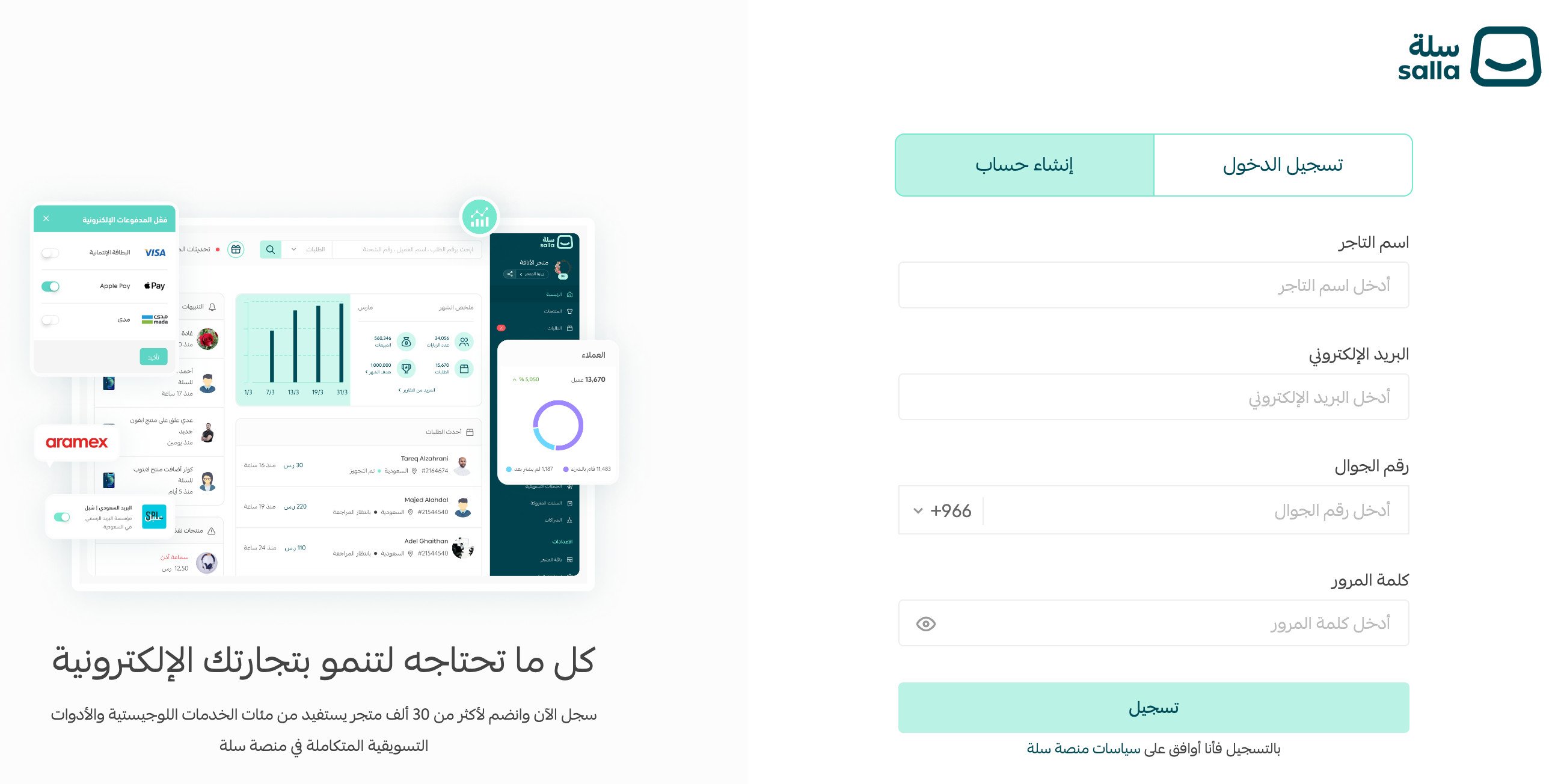
1. Merchant name.
2. Email address.
3. Mobile number.
4. Password.
2. Once every field is filled in, click (Register). Clicking it confirms that you accept Salla's terms of use.
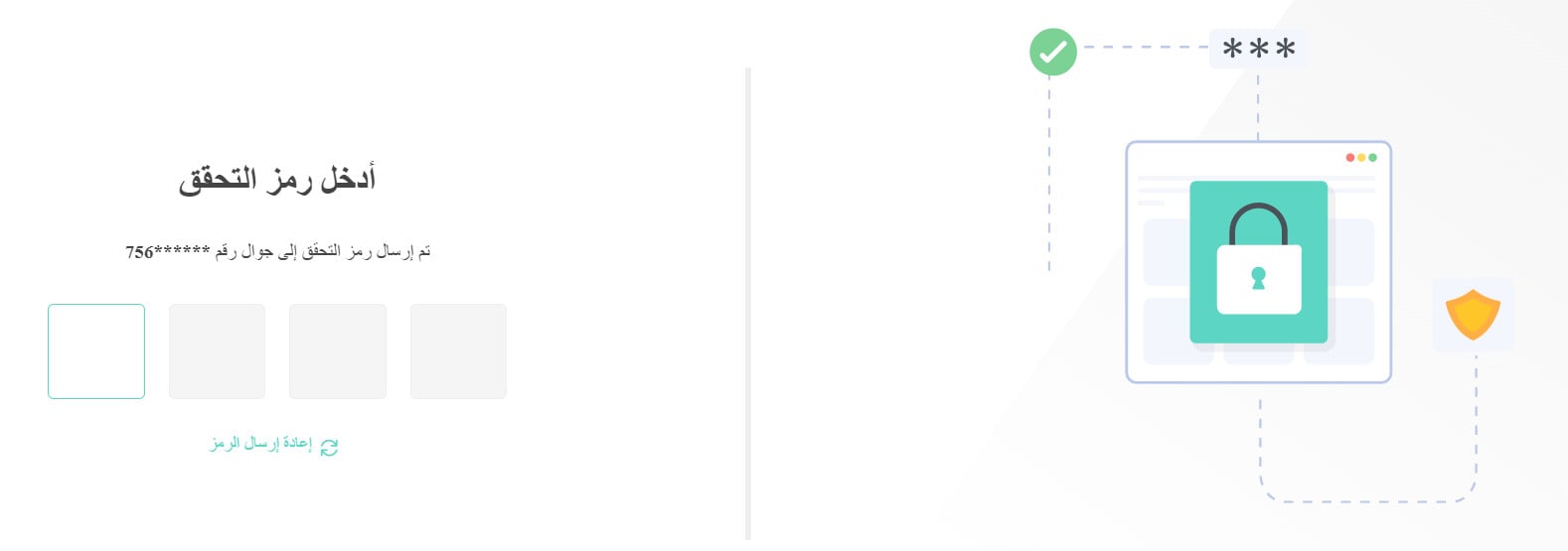
3. Enter the verification code Salla sends to your phone. This confirms the mobile number you entered belongs to you.
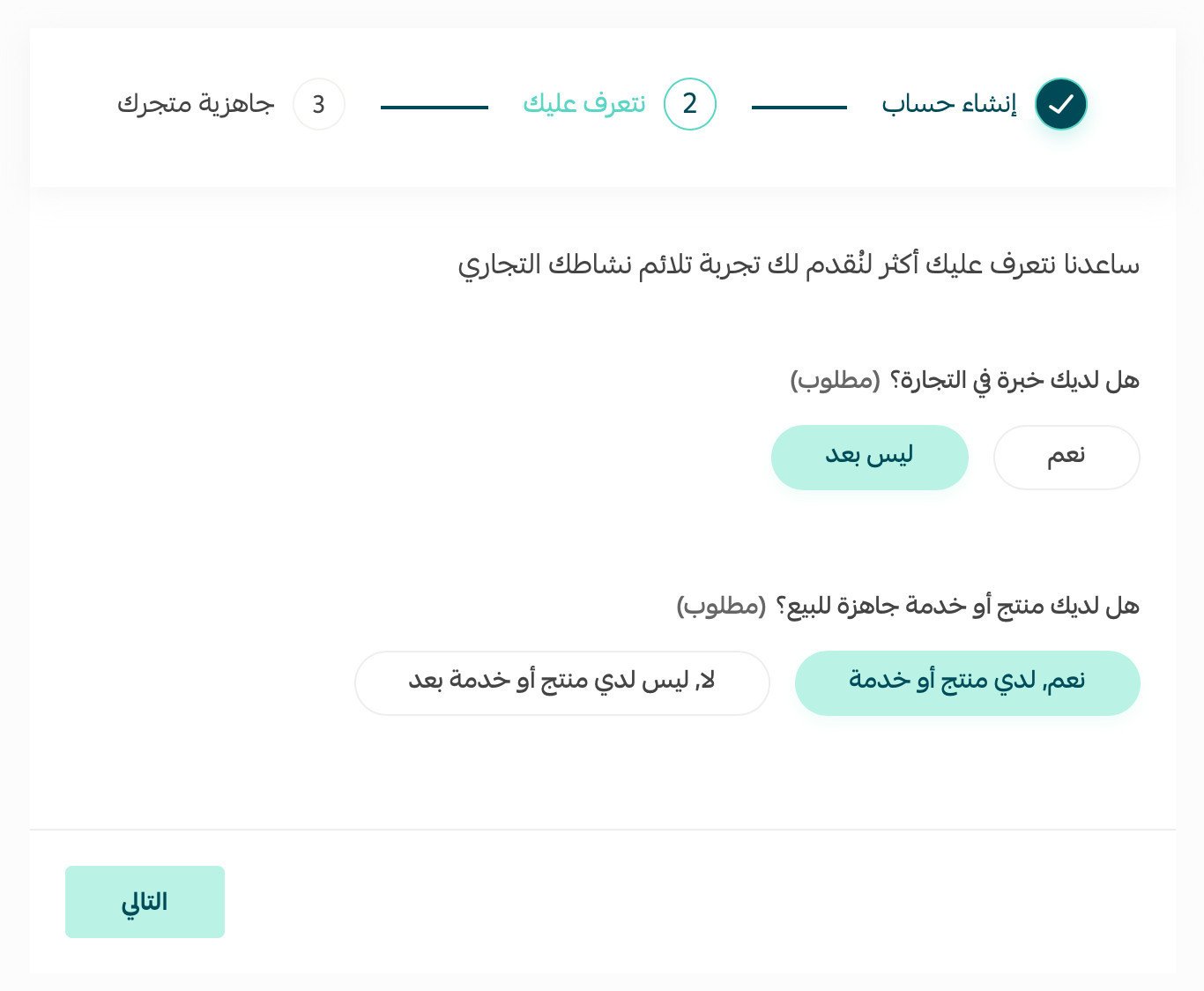
4. After the code is accepted, you land on the new account page. Fill in the details about you and your business so Salla can tailor the dashboard to the kind of store you are running.
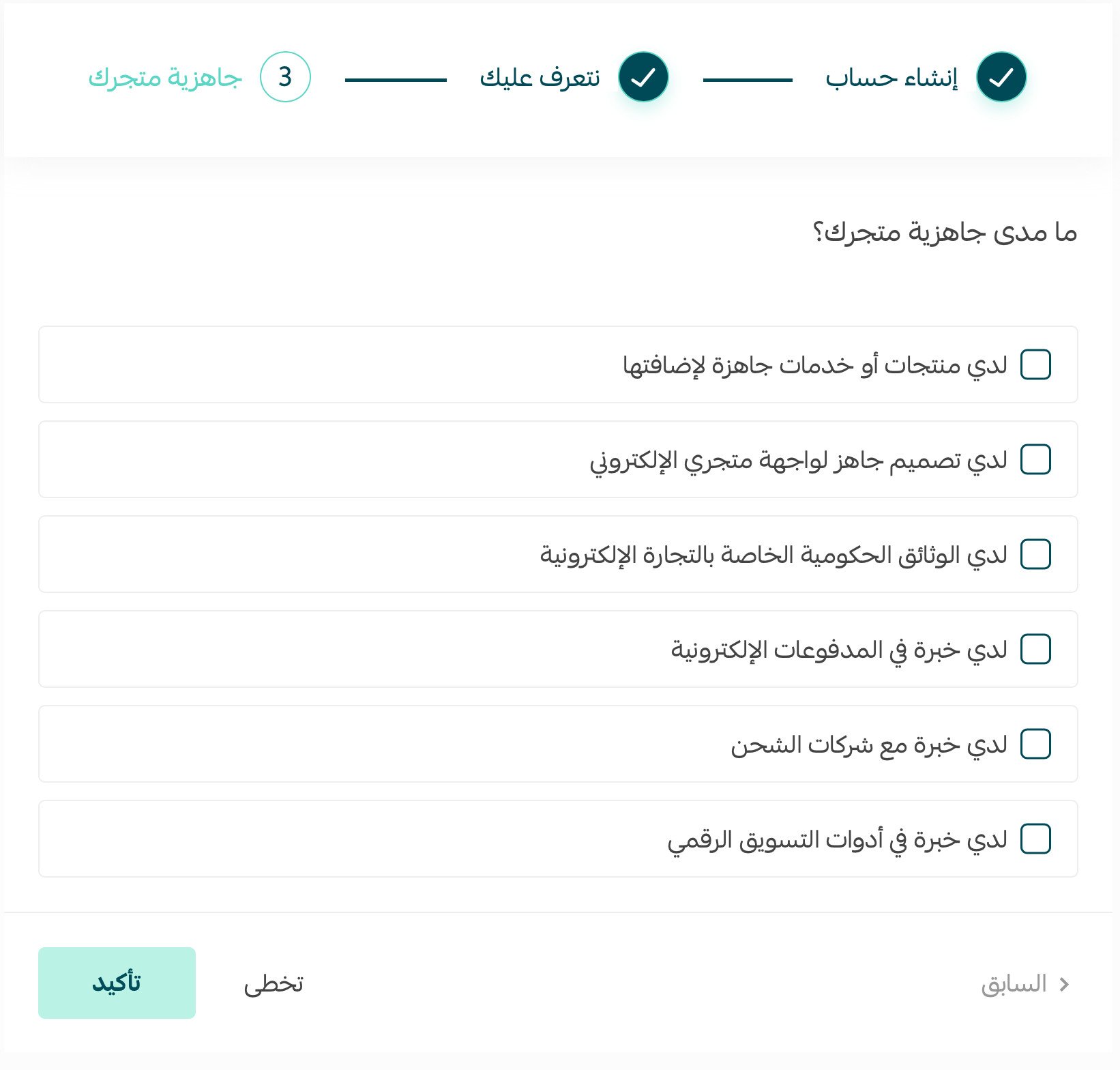
5. Select how ready your store is today, then click (Confirm).
From here you move on to customizing your store's information.
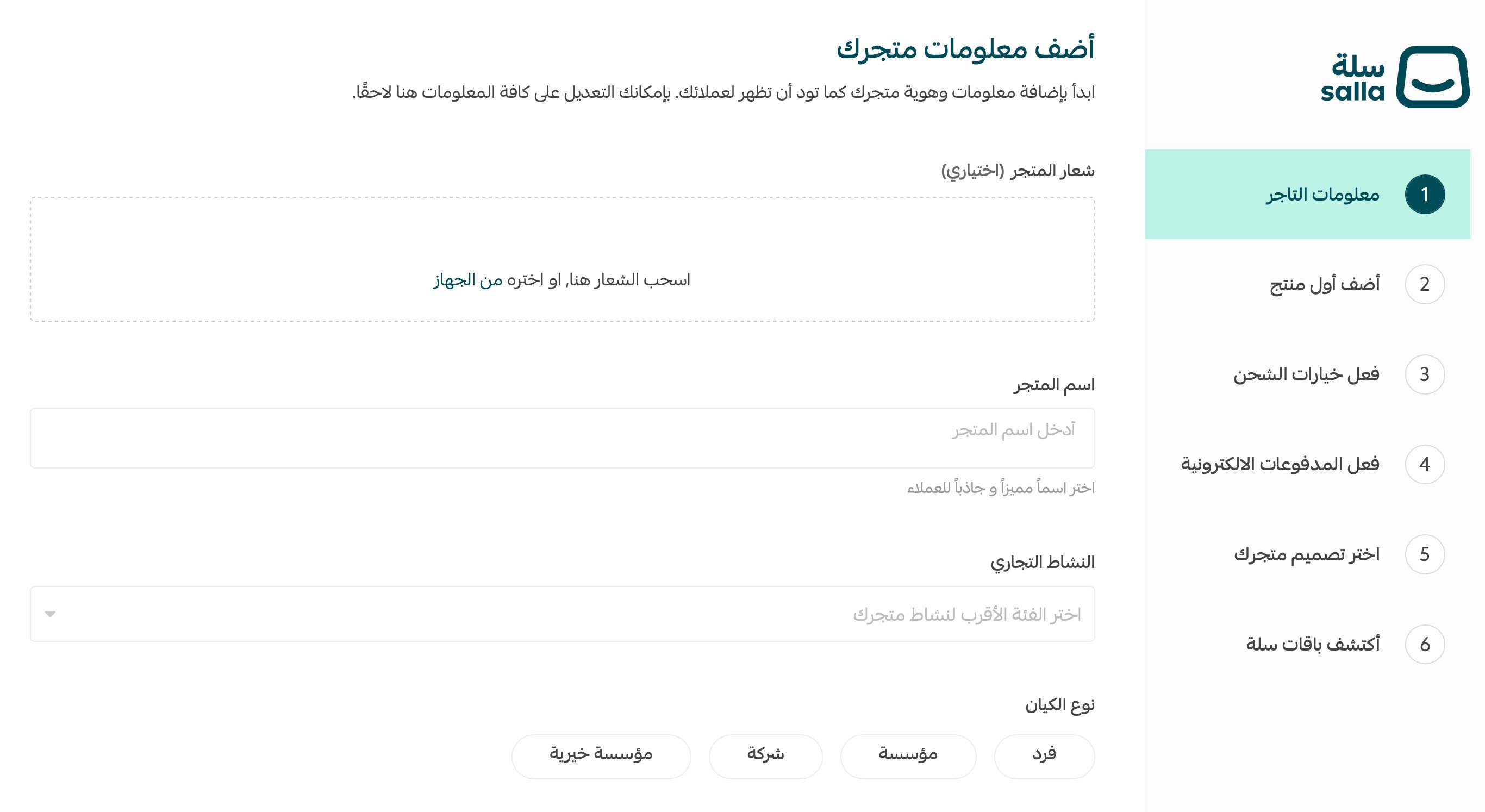
For the full walkthrough, see customizing and creating a new store on Salla.
📝 Important notes
Use a mobile number you can access right away — registration only completes after the verification code is confirmed.
The email address you enter becomes your login and the address Salla uses to reach you, so use one you check regularly.
Support services for setting up your store
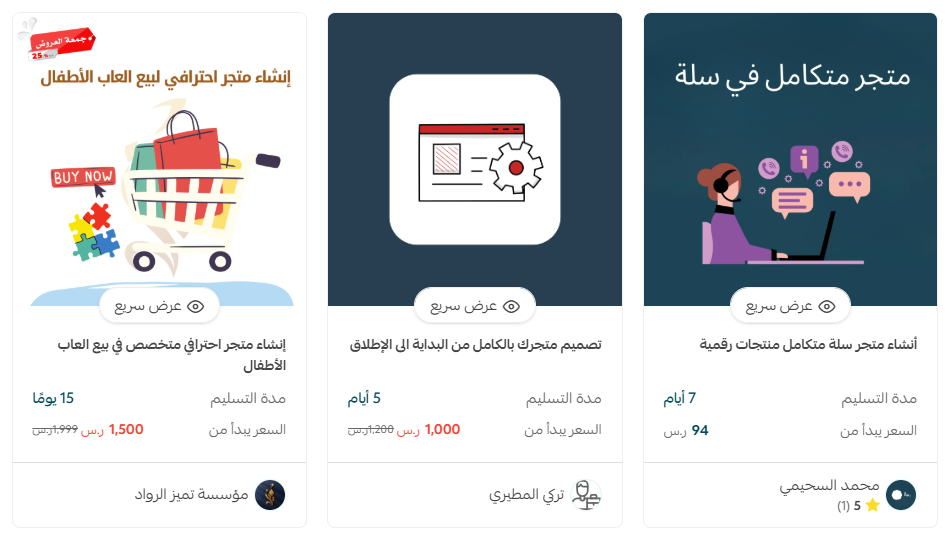
If you would rather not build the store alone, trusted specialists in store creation can take your store from an empty account to launch — theme design, payment method activation, and everything in between.
Additional learning resources
To go deeper on building a professional online store and the tools and tactics that bring customers in, enroll in the store creation course from Salla Academy.

Frequently asked questions
❓ What details do I need to create a Salla account?
Four: your merchant name, your email address, your mobile number, and a password you choose.
❓ Do I have to verify my mobile number?
Yes. Salla sends a verification code by SMS to the number you entered, and the account is only created once you enter that code.
❓ What happens right after I verify my number?
You are taken to the new account page, where you add details about you and your business, choose how ready your store is, and then move on to customizing your store information.
❓ Can someone set the store up for me?
Yes. Salla's trusted experts offer store creation services that cover everything from theme design to activating payment methods.
Creating the account is the quick part. What you do next — naming the store, choosing a theme, adding your first products — is what turns it into a store customers buy from.