Your shipping partner decides how fast an order reaches the customer and how much of the margin survives the trip.
Xturbo is a logistics provider that offers shipping and internal distribution for online stores, with fast, secure delivery and a quality guarantee behind it. You connect it to your store from the Salla App Store, activate the company, and set your own shipping rates by city and region. In this guide, you'll learn how to connect Xturbo, how to price your shipping, how to switch the company off again, and what the service covers.
Xturbo is a logistics provider that handles door-to-door shipping and internal distribution for online stores. To connect it, open Installed apps in your dashboard, browse the Salla App Store, activate the Xturbo app, then open the connection details tab and click activate company.
📌 Article overview
- What Xturbo is
- How to connect your store to Xturbo
- Frequently asked questions
🎯 What Xturbo is
Xturbo provides a range of logistics services, including shipping and internal distribution for online store owners, with a quality guarantee and fast, secure delivery.
🚀 How to connect your store to Xturbo
1. From the dashboard side menu, click (Installed apps).

2. On the Salla App Store banner, click (Browse the Salla App Store).

3. On the Xturbo app, click (Activate app).
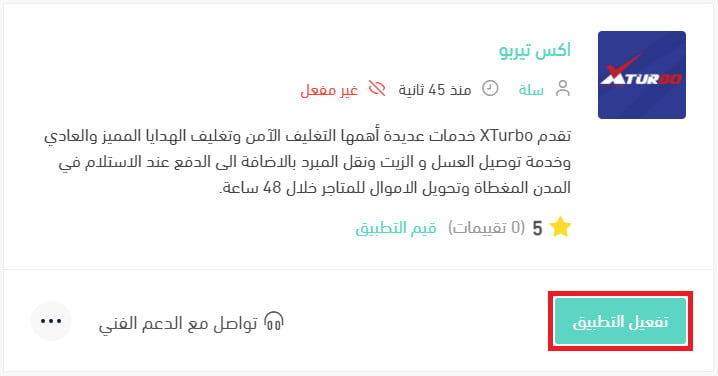
If the app is not installed in your store yet, install it first. For the full walkthrough, see installing an app from the Salla App Store.
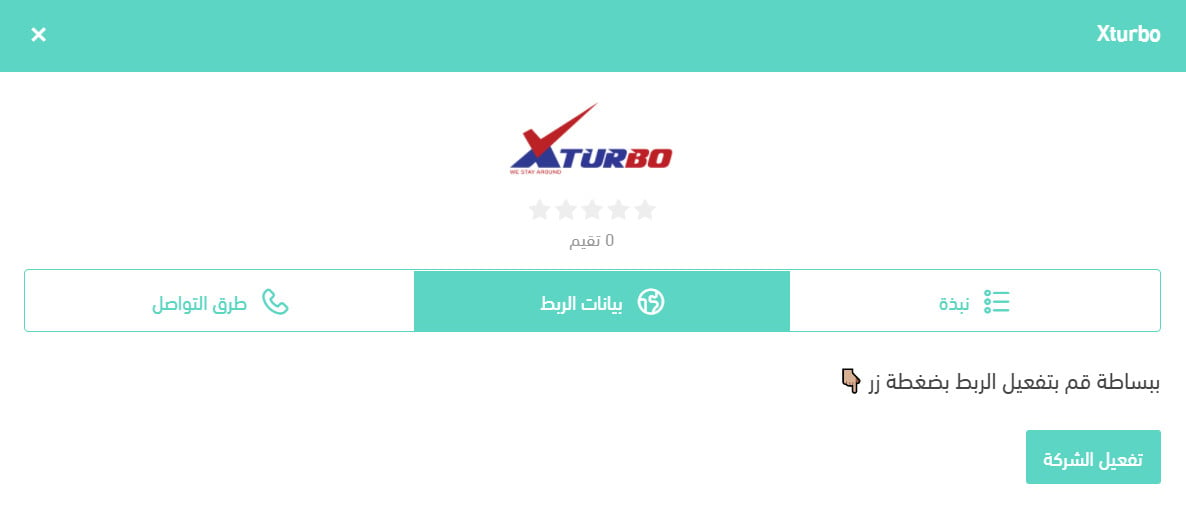
4. From the (Connection details) tab, click (Activate company).
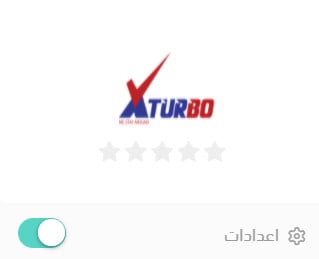
The company logo then appears on your shipping companies page like this.
❓ Frequently asked questions
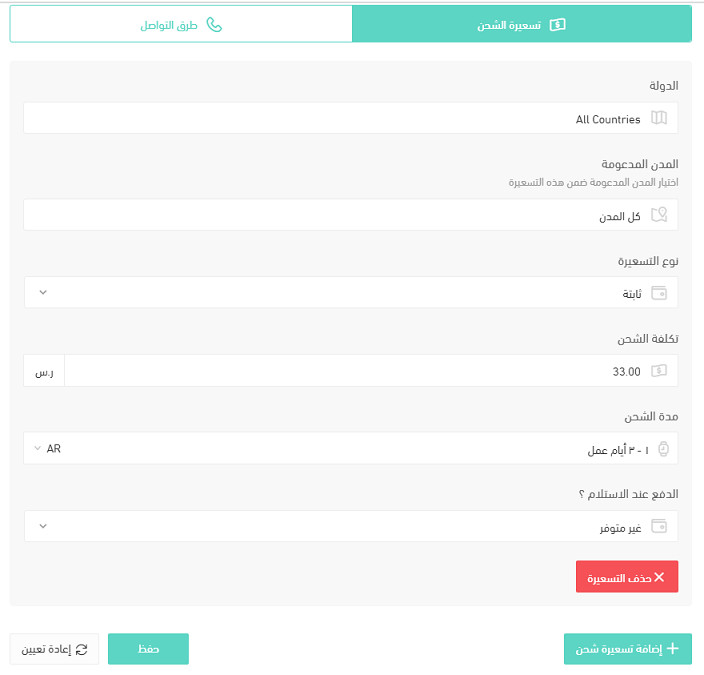
How do I set up Xturbo shipping rates?
1. From the dashboard side menu, click (Installed apps).

2. On the all apps page, find the Xturbo app and click (App settings).
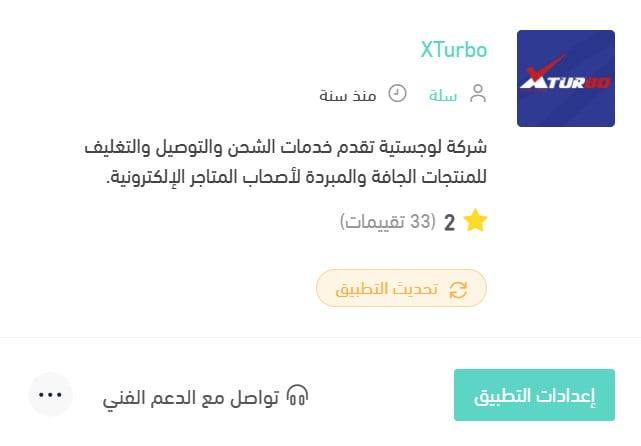
3. From the (Shipping rates) tab, enter your rates for the cities and regions you want.
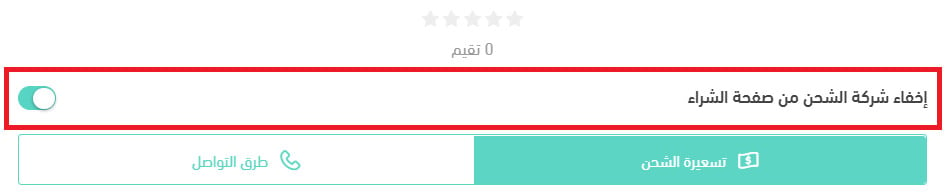
How do I switch an app off temporarily in my store?
1. From the dashboard side menu, click (Installed apps).
2. On the all apps page, find the Xturbo app and click (App settings).
3. Switch the (Hide shipping company from the checkout page) option on or off.
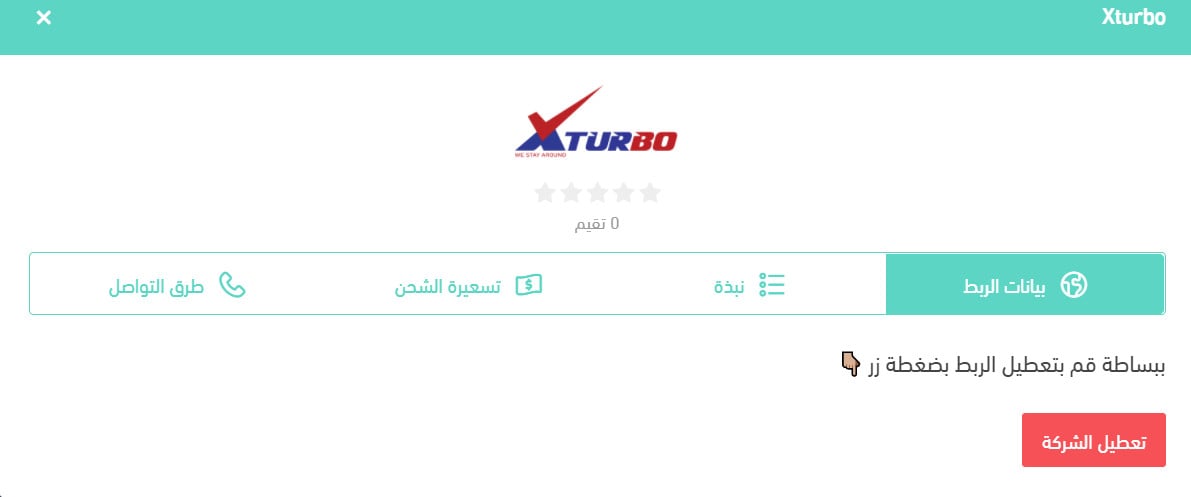
How do I deactivate the company in my store?
From the company's (Connection details) tab, click (Deactivate company) and it is switched off in your store.
What services does Xturbo offer?
Xturbo specializes in door-to-door delivery and shipping, plus these services:
- Express shipping within 24 hours inside the same city and 48 hours between cities, with shipment tracking.
- Cash on delivery, free of charge.
- Transfer of collected amounts to stores within 48 hours, free of charge.
- Free exchanges and returns when the recipient does not accept the shipment, so neither the customer nor the merchant absorbs the loss.
All of it is priced competitively at SAR 30 within a city and SAR 47 between cities, VAT included. Xturbo commits to customer satisfaction and takes the steps needed to keep the service smooth and secure.
Which cities are supported for merchant pickup?
Riyadh, Al-Kharj, Jeddah, Makkah, Taif, Madinah, Dammam, Al-Ahsa, Jubail City, Jubail Industrial, Khobar, Dhahran, Qatif, Hofuf, Tarout, Saihat, Safwa, Anak, Umm Al-Sahek, Buraidah, Al-Badayea, Al-Bukayriyah, Al-Khabra, Riyadh Al-Khabra, Unaizah, Ar-Rass, Khamis Mushait, Abu Arish, Ahad Al-Masarihah, Ahad Rafidah, Baish, Ash-Shuqaiq, Samtah, Abha, Jazan, Sabya, Damad, Sarat Abidah, Ras Tanura, Yanbu, An-Nabhaniyah, Ash-Shamasiyah, Al-Mithnab.
[Verify: three entries in the Arabic pickup list run two city names together with no separator — Al-Khabra with Riyadh, Al-Khabra with Unaizah, and Yanbu with An-Nabhaniyah. They are read here as the separate cities they appear as in the coverage list below. Confirm before publishing.]
Which regions are covered?
1. Western region: Jeddah, Makkah, Madinah, Al-Jumum, Taif, Yanbu, Badr.
2. Eastern region: Dammam, Khobar, Al-Ahsa, Jubail City, Jubail Industrial, Dhahran, Qatif, Saihat, Umm Al-Sahek, Anak, Tarout, Abqaiq, Hofuf, Safwa, Ras Tanura.
3. Central region: Riyadh, Al-Kharj, Al-Majmaah, Az-Zulfi, Al-Ghat, Al-Artawiyah, Al-Muzahimiyah, Ad-Dahna, Ushaiqer, Shaqra, Rawdat Sudair, Hawtat Sudair, Ushayrah Sudair, Jalajil, Umm Sudrah.
4. Southern region: Khamis Mushait, Abu Arish, Ahad Al-Masarihah, Ahad Rafidah, Baish, Ash-Shuqaiq, Samtah, Abha, Jazan, Damad, Ad-Darb, Sabya, Sarat Abidah.
5. Qassim region: Buraidah, Al-Badayea, Al-Bukayriyah, Al-Khabra, Riyadh Al-Khabra, Unaizah, Ar-Rass, An-Nabhaniyah, Ash-Shamasiyah, Al-Mithnab, Uyun Al-Jiwa.
6. Northern region: Tabuk, Hail.
How are cash on delivery amounts settled?
By bank transfer, 48 hours after the order is received.
When is the best time to reach Xturbo customer service?
Between 12:00 and 15:00.
Does the merchant get a report of collected amounts and stock?
Yes, both are available.
How is an order sent to the company?
Through the app.
Is there shipment tracking?
Yes.
How does the waybill work?
It is issued and sent automatically.
Is cash on delivery available, what does it cost, and is card payment supported?
Yes, at no cost beyond the bank's own fees.
What is the maximum weight that can be shipped?
300 kg.
Are storage, fulfillment, and packaging available?
Fulfillment and packaging are available now. Storage and gift wrapping are coming soon.
Is refrigerated shipping available, and at what temperature?
Yes, between 8 and 15 °C.
Can liquid products be shipped?
Yes. Liquid and refrigerated shipping are both offered.
What is the maximum number of boxes that can be shipped at once?
Whatever the merchant requests.
Can valuables be shipped, and are they insured?
No, this is not offered.
Is two-hour delivery available?
No, this is not offered.
How do I change a customer's address after the waybill is issued?
Through customer service, by WhatsApp or phone.
Is shipping available within the same city and between cities?
Yes. Same-city shipments are picked up the same day, and coverage extends to 45 cities.
Is door-to-door pickup and delivery available?
Yes, door to door is the service Xturbo provides.
Once the company is connected and your rates are set, shipping runs from the same dashboard as the rest of your orders. Set the rates deliberately: they are the number a customer sees at checkout, and the one that decides whether the order goes through.