Shipping is the part of the order your customer actually sees.
Yamamah Express is a transport and logistics company that handles storage, order preparation, and parcel delivery for online stores. You connect it to your Salla store through the Salla App Store, then set its rates once and let orders flow to the carrier on their own. In this guide, you'll learn how to connect Yamamah Express, how to set up its shipping rates, how to hide or delete the app, and what the service currently covers.
Yamamah Express is a transport and logistics company you connect through the Salla App Store. Install the app, grant the permissions it asks for, then open its app settings and enter shipping rates for the cities you serve. Its pickup and delivery coverage is Riyadh for now.
📌 Article overview
- What Yamamah Express is
- How to connect Yamamah Express to your Salla store
- Frequently asked questions
🎯 What is Yamamah Express?
Yamamah Express specializes in transport and logistics services, built on simple tools and integrated solutions meant to keep delivery fast and efficient for the businesses it works with.
The company was founded to serve both businesses and individuals, using modern technology and trained staff, and working to a defined quality standard.
🚀 How to connect Yamamah Express to your Salla store
1. From the dashboard side menu, click (Installed apps).

2. On the Salla App Store banner, click (Browse the Salla App Store).

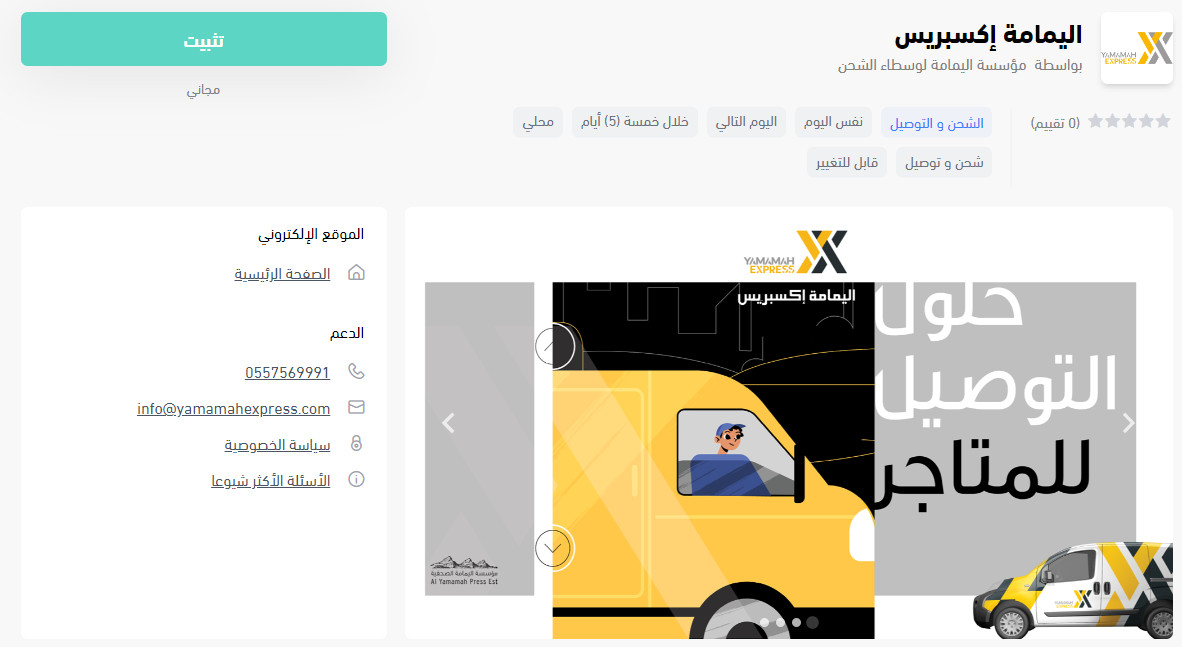
3. On the Yamamah Express app page, click (Install).
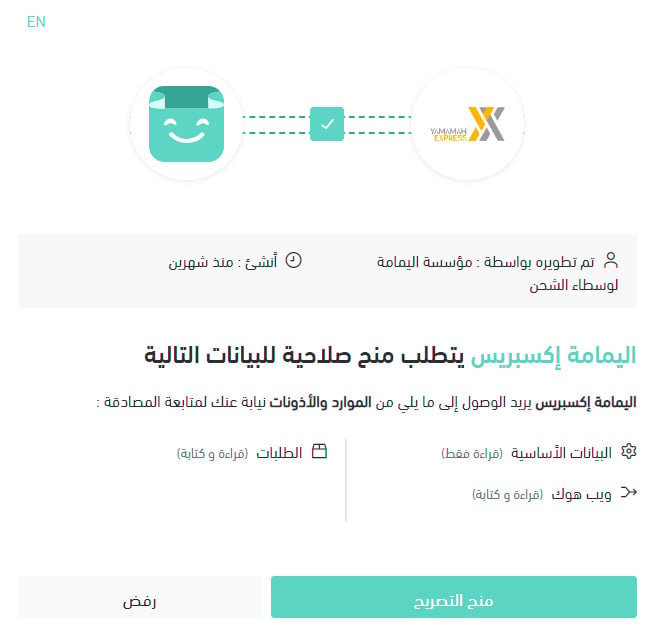
4. Review the permissions the app requests, then click (Grant permission).
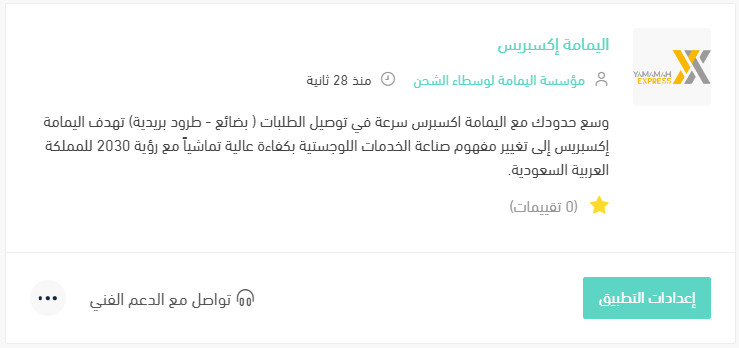
Your Salla store is now connected to your Yamamah Express account.
For more on managing your store's apps.
❓ Frequently asked questions
How do I set up Yamamah Express shipping rates?
1. From the dashboard side menu, click (Installed apps).

2. On the all apps page, find the Yamamah Express app and click (App settings).
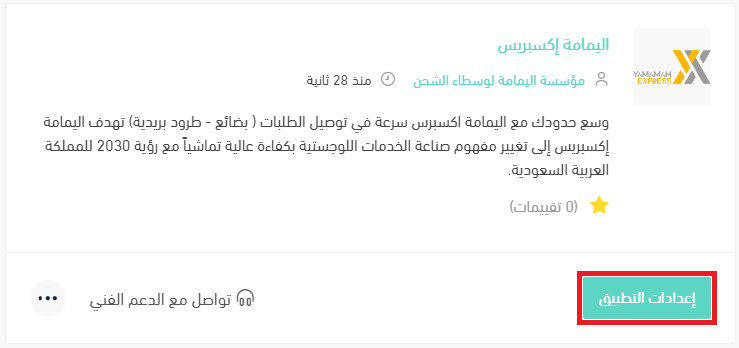
3. On the (Shipping rates) tab, enter your rates for the cities and regions you serve.
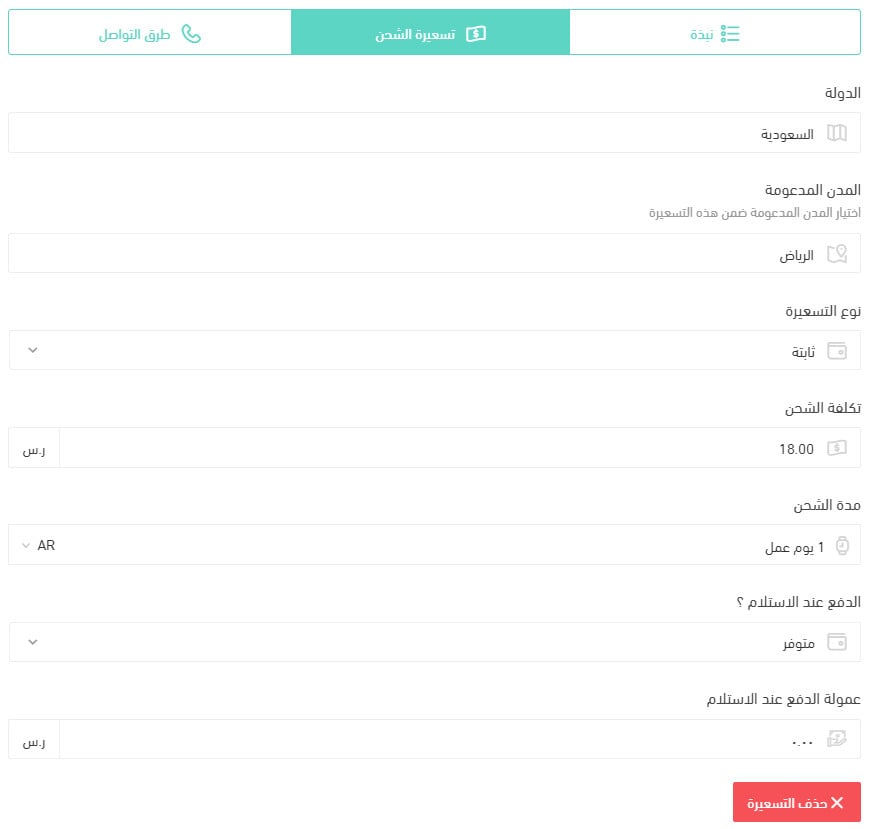
For more on shipping and delivery option settings.
How do I temporarily turn the app off in my store?
1. From the dashboard side menu, click (Installed apps).
2. On the all apps page, find the Yamamah Express app and click (App settings).
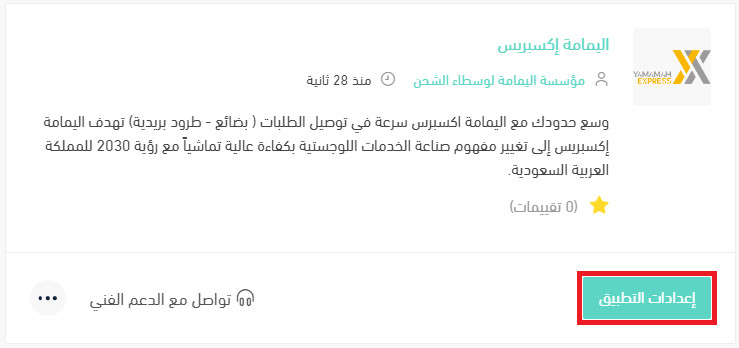
3. Turn the (Hide the shipping company from the checkout page) option on or off.

How do I delete the Yamamah Express app from my store?
1. From the dashboard side menu, click (Installed apps).
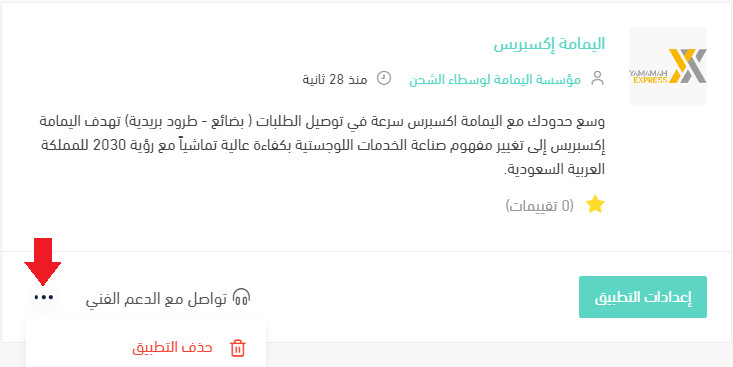
2. On the all apps page, find the Yamamah Express app, click the (...) icon, then click (Delete app), as shown in the image.
Which areas are covered for store pickup?
Storage, order preparation, and pickup are offered in Riyadh for now.
Which cities are covered for customer shipping and delivery?
Parcel delivery to customers runs in Riyadh for now.
How are payments and cash on delivery settled?
Settlement happens weekly, by bank transfer.
📝 Important notes
Both pickup and delivery are limited to Riyadh at the moment, so check where your customers are before you offer this carrier at checkout.
Cash on delivery is settled on the same weekly transfer as the rest of your amounts.
A carrier with tight coverage can still be the right choice if most of your orders land in one city. Match the carrier to where your customers actually are, rather than to the widest map.