Is slow delivery costing you repeat customers?
Adding Vision shipping to your Salla store gives shoppers a door-to-door delivery option at checkout and gives you one place to set rates city by city. The app is installed from the Salla App Store, so there is nothing to configure outside your dashboard. In this guide, you'll learn how to install Vision, set your shipping rates, and hide or remove the app when you need to.
Vision is a shipping company you can connect to your Salla store through the Salla App Store. Open (Installed apps) from your dashboard side menu, browse the store, install the Vision app, and grant the permissions it requests. Your shipping rates are then set per city from the app settings.
📌 Article overview
- What Vision shipping is
- How to connect Vision to your store
- Setting your shipping rates
- Temporarily hiding or deleting the app
- Frequently asked questions
🎯 What is Vision shipping and delivery?
Vision runs a door-to-door shipping and delivery service built around shorter delivery times, competitive pricing, and consistent quality. Customer service requests are handled within 24 working hours.
🚀 How to connect Vision to your store
1. From the dashboard side menu, click (Installed apps).

2. On the Salla App Store banner, click (Browse the Salla App Store).

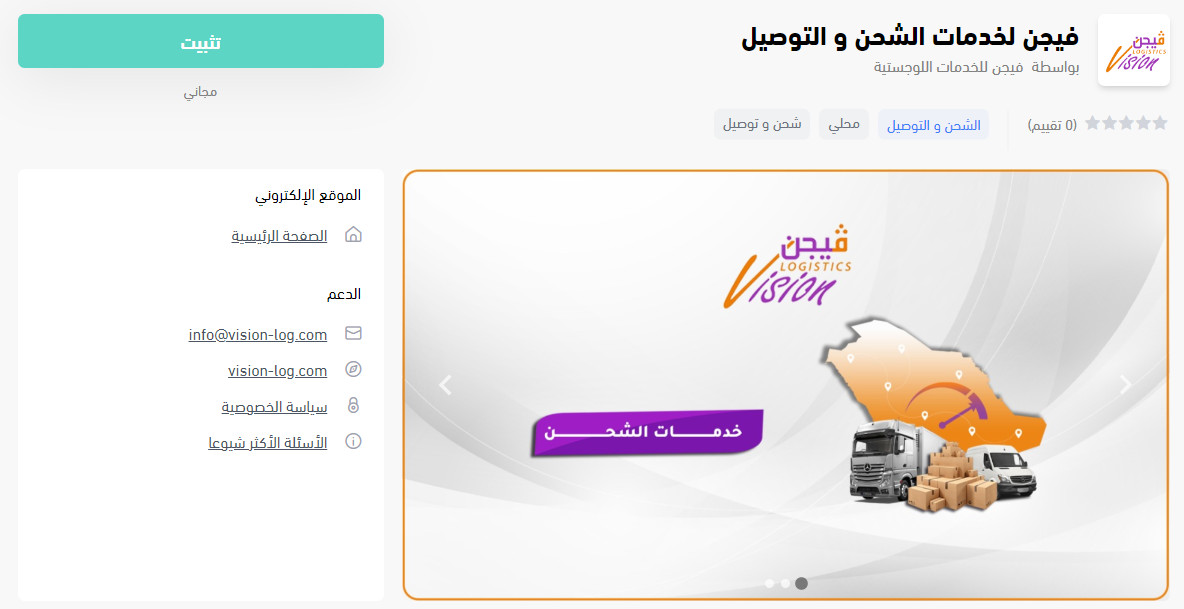
3. On the Vision app page, click (Install).
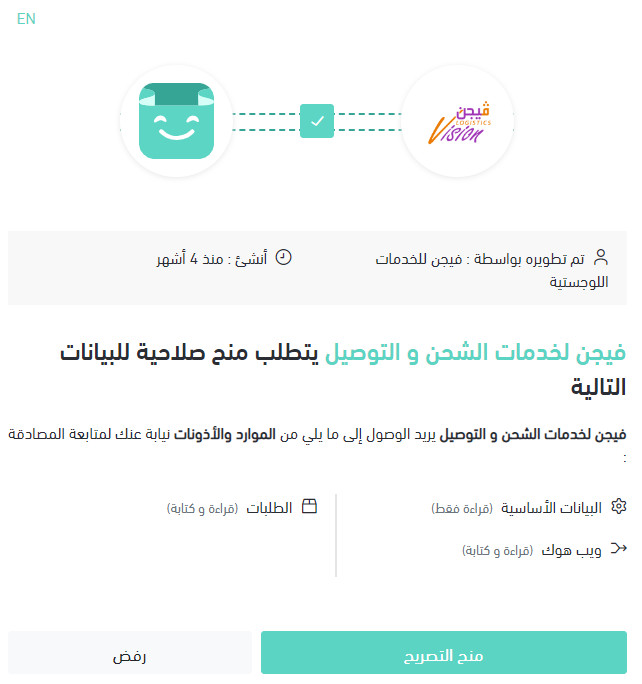
4. Review the permissions the app requests, then click (Grant permission).
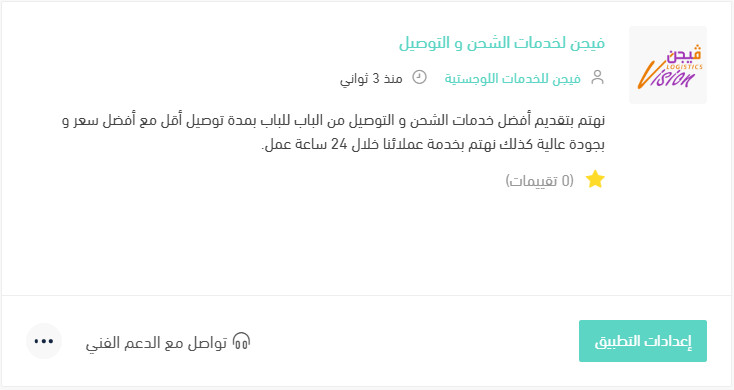
Your Salla store is now connected to your Vision account.
For more on managing your store's apps.
❓ Frequently asked questions
Does Vision collect and deliver door to door?
Yes. The service covers pickup and delivery from door to door.
How quickly does Vision handle customer service requests?
Within 24 working hours.
How do I set my Vision shipping rates?
1. From the dashboard side menu, click (Installed apps).

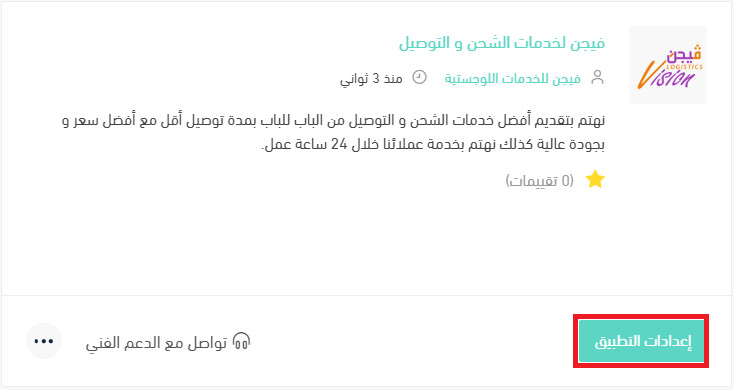
2. On the all apps page, find the Vision app and click (App settings).
3. Open the (Shipping rates) tab and enter the rates for the cities and regions you want.
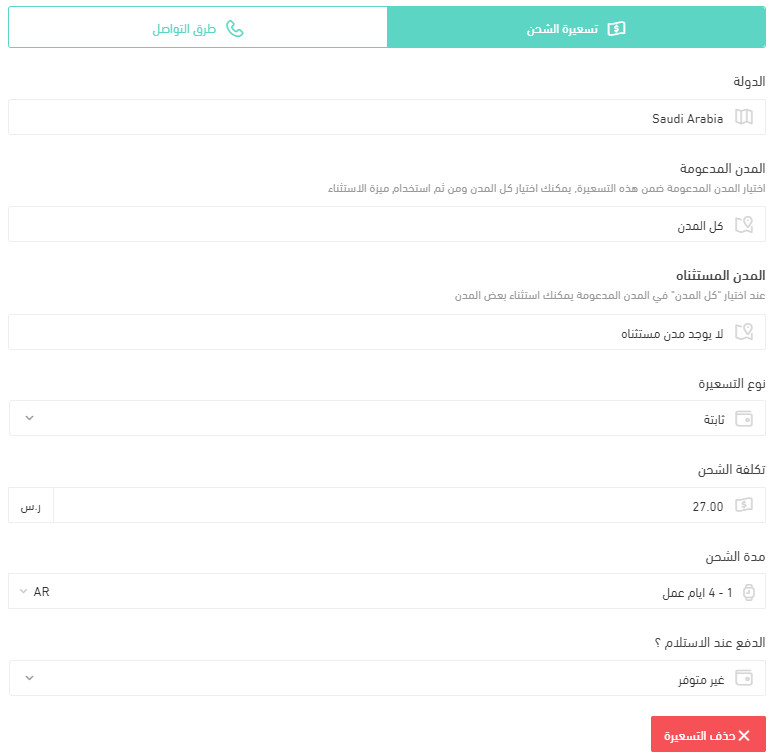
For more on shipping and delivery option settings.
How do I temporarily turn the app off in my store?
1. From the dashboard side menu, click (Installed apps).
2. On the all apps page, find the Vision app and click (App settings).
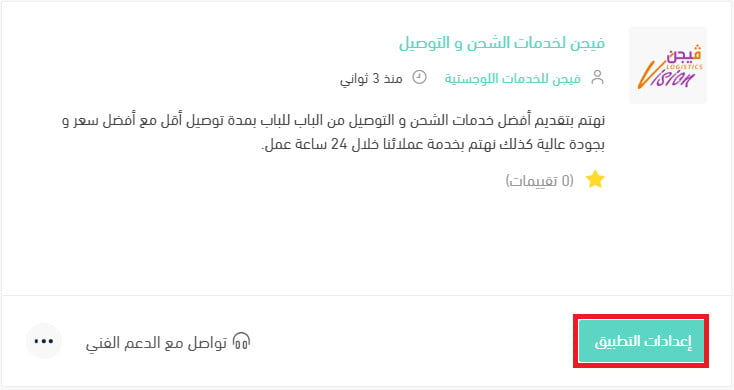
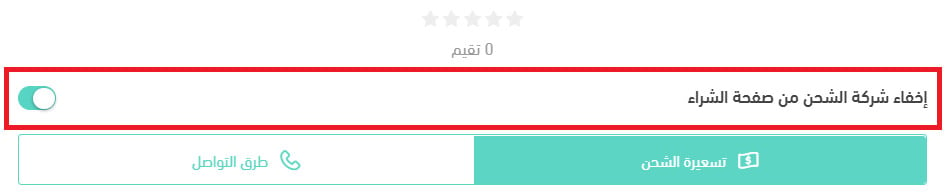
3. Turn the (Hide the shipping company from the checkout page) option on or off.
How do I delete the Vision app from my store?
1. From the dashboard side menu, click (Installed apps).
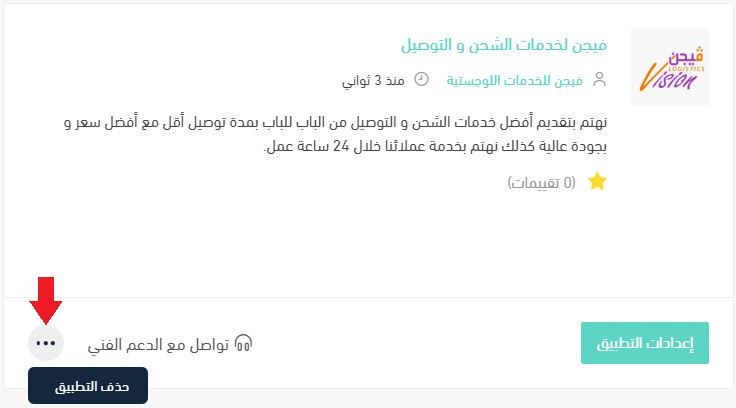
2. On the all apps page, find the Vision app, click the (...) icon, then click (Delete app), as shown in the image.
📝 Important notes
Hiding the shipping company from checkout leaves the app installed, so your rates and settings are still there when you switch it back on.
Deleting the app removes Vision as a delivery option for new orders, so set up a replacement carrier before you remove it.
A second carrier is worth having even if you rarely use it — it is the option you fall back on the week your usual company is running behind.