Do you have a TikTok account your customers have never been told about?
TikTok - Follow Us is a Smartarget app that points shoppers to your TikTok profile so they can start following you. TikTok sends a lot of traffic to online stores, and a follower is someone you can retarget later and bring back for new arrivals, restocks, and offers. The app shows a clear but non-intrusive message inviting visitors to follow you. In this guide, you'll learn how to install TikTok - Follow Us, connect it to your Smartarget account, and manage it from your store.
To connect TikTok - Follow Us, open (My installed apps) from your dashboard's side menu, browse the Salla App Store, and install the app. Pick a plan, grant the requested permissions, click (Activate app), then paste your Smartarget user ID into the field provided and click (Save).
📌 Article overview
- What TikTok - Follow Us does
- How to connect TikTok - Follow Us to your store
- Frequently asked questions
🎯 What TikTok - Follow Us does
The app surfaces your TikTok profile inside your store with a message that is easy to notice and easy to ignore. Shoppers who follow you become an audience you can reach again on TikTok, which is what turns a single visit into repeat traffic.
🚀 How to connect TikTok - Follow Us to your store
1. From the side menu of your dashboard, click (My installed apps).

2. From the Salla App Store banner, click (Browse Salla App Store).

3. On the TikTok - Follow Us app page, click (Install).
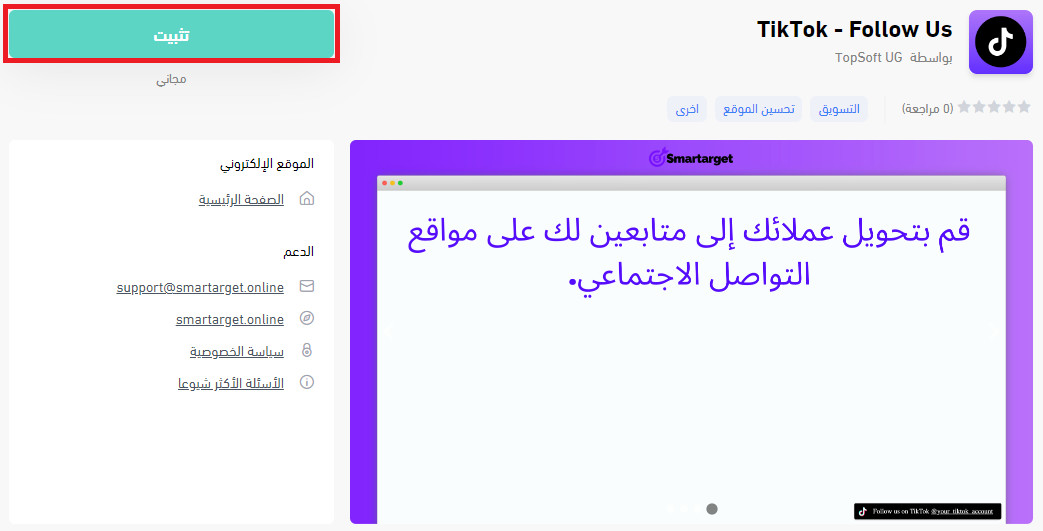
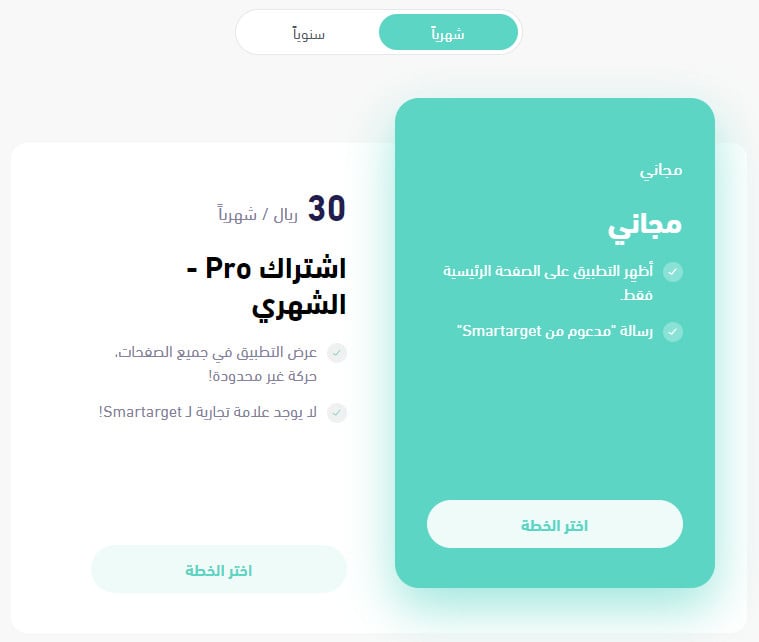
Then choose the plan that fits your business.
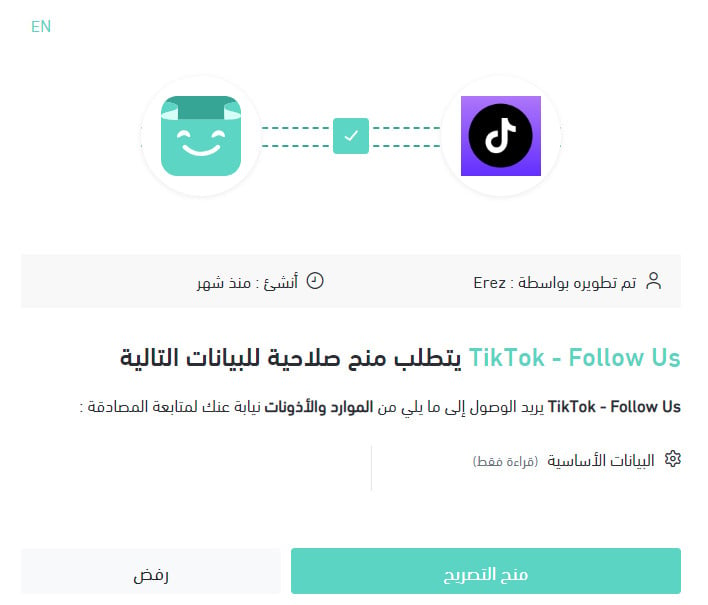
4. Review the permissions the app needs, then click (Grant permission).
TikTok - Follow Us is now installed in your store.
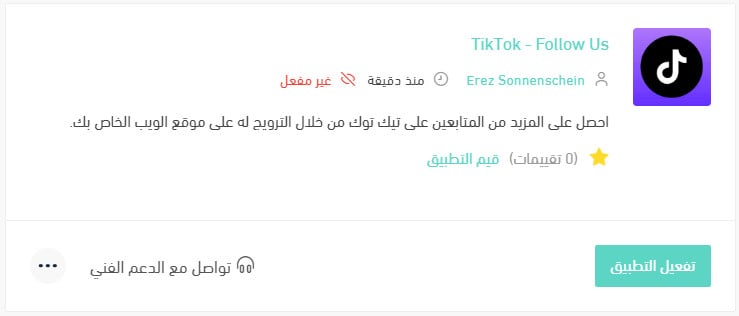
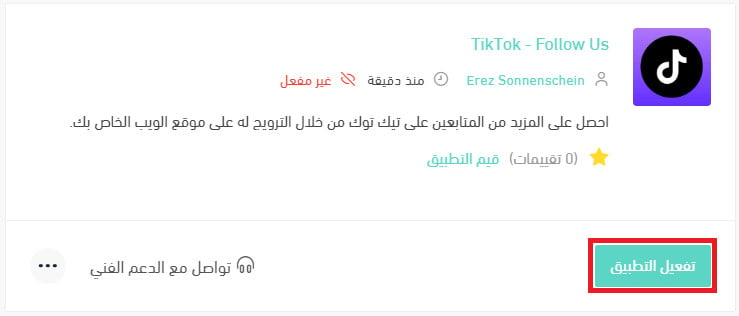
5. From the installed apps page, click (Activate app) on TikTok - Follow Us.
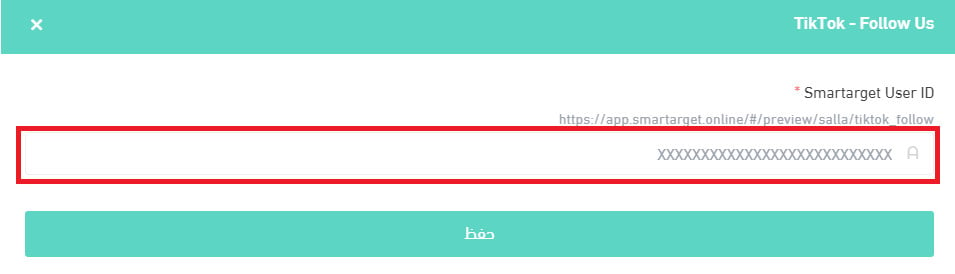
6. Paste your Smartarget user ID into the field provided, then click (Save).
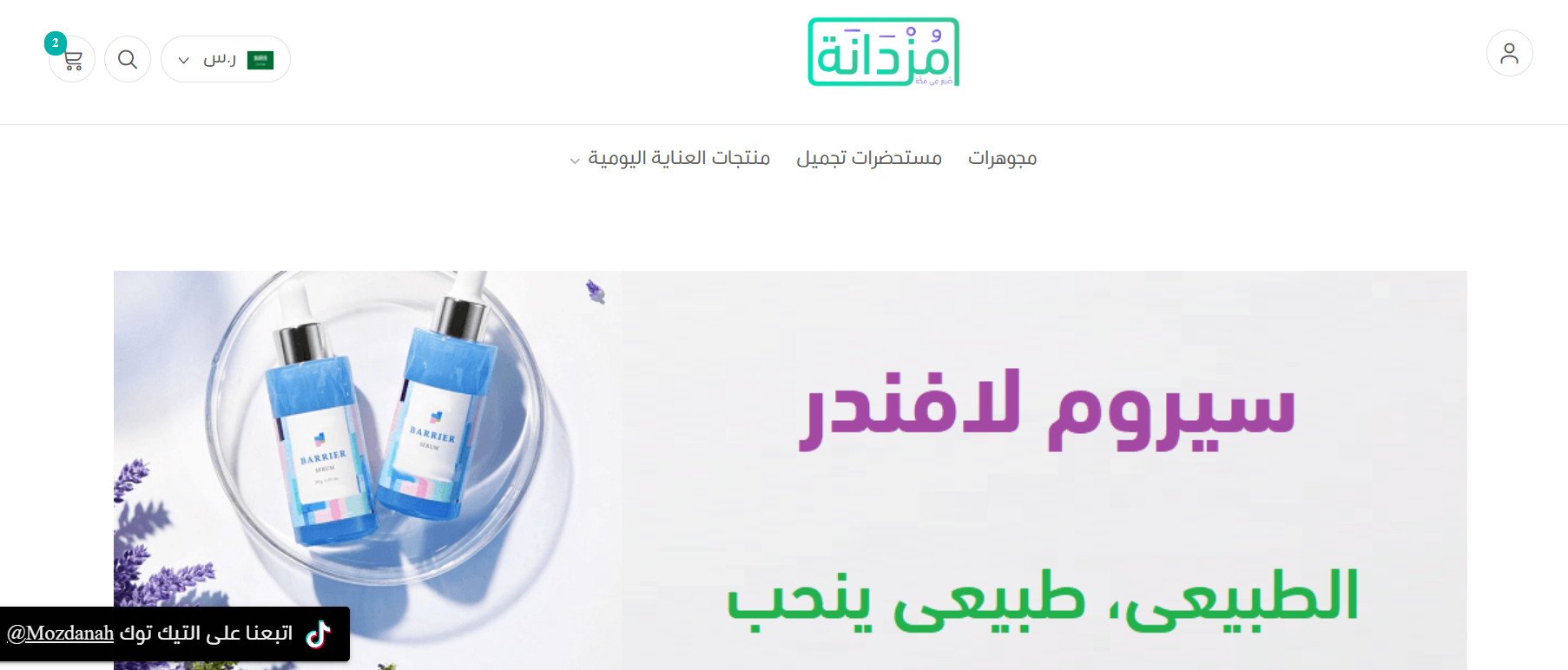
TikTok - Follow Us is now active in your store. Adjust its settings to match the way your business works.
For more details, see managing your store's apps.
❓ Frequently asked questions
How do I create a Smartarget account?
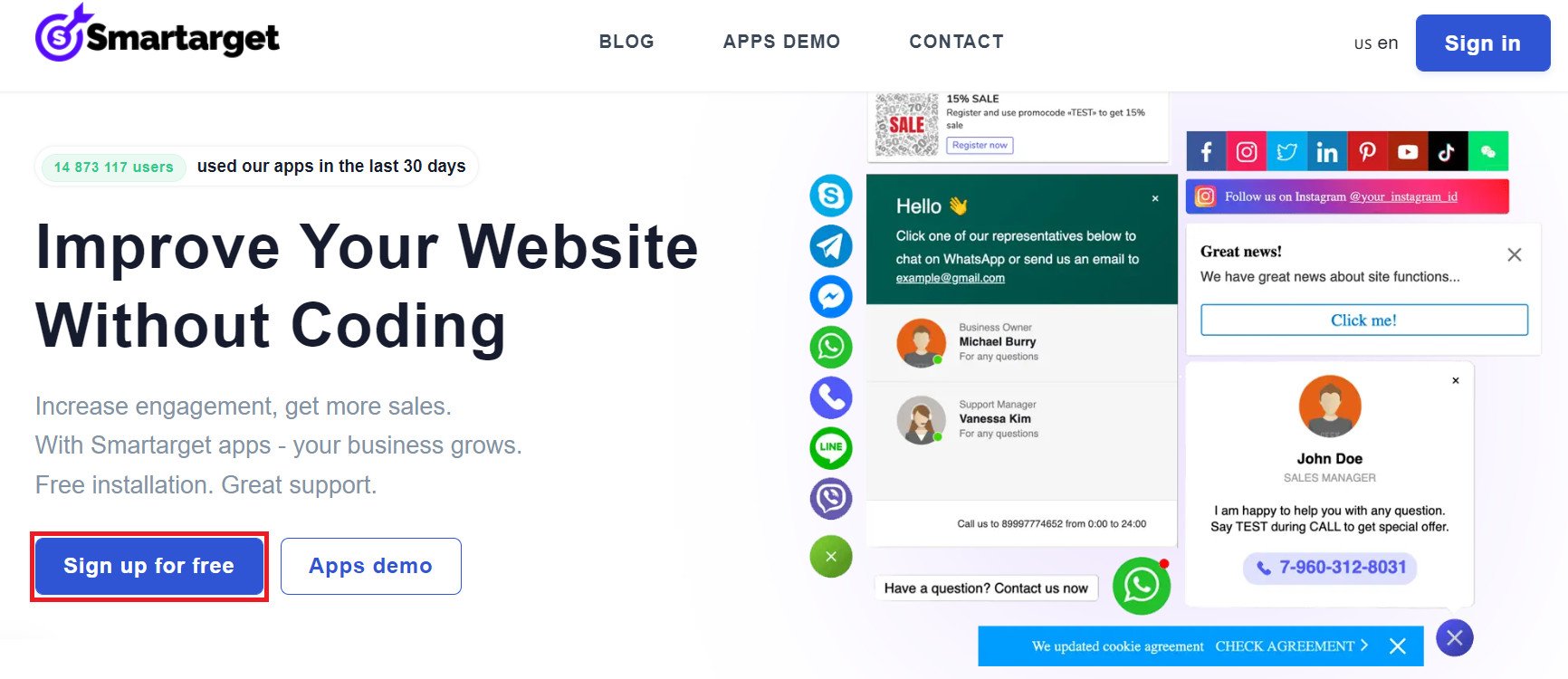
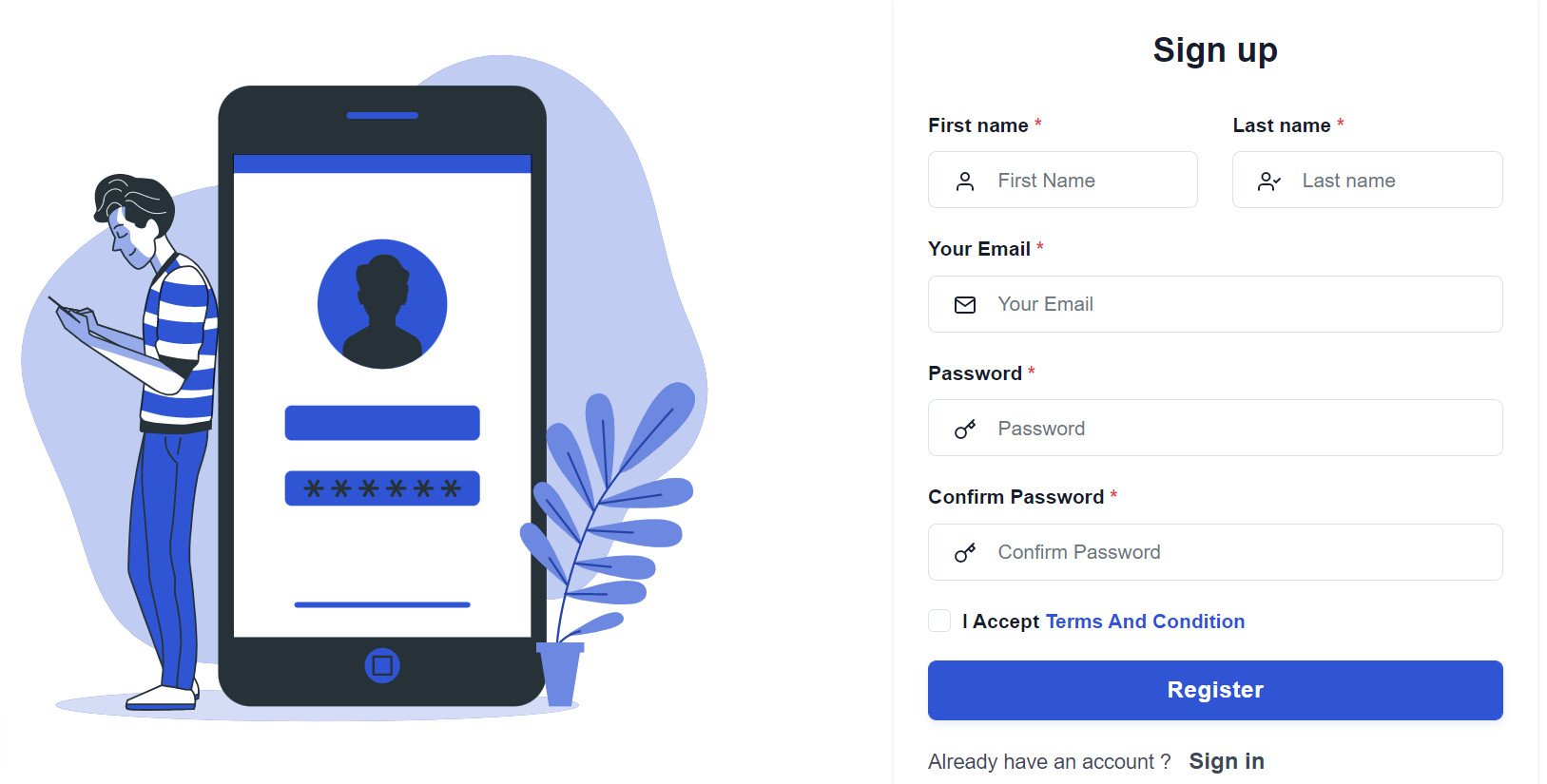
1. From the Smartarget home page, click (Sign up free).
2. Enter the required details, then click (Register).
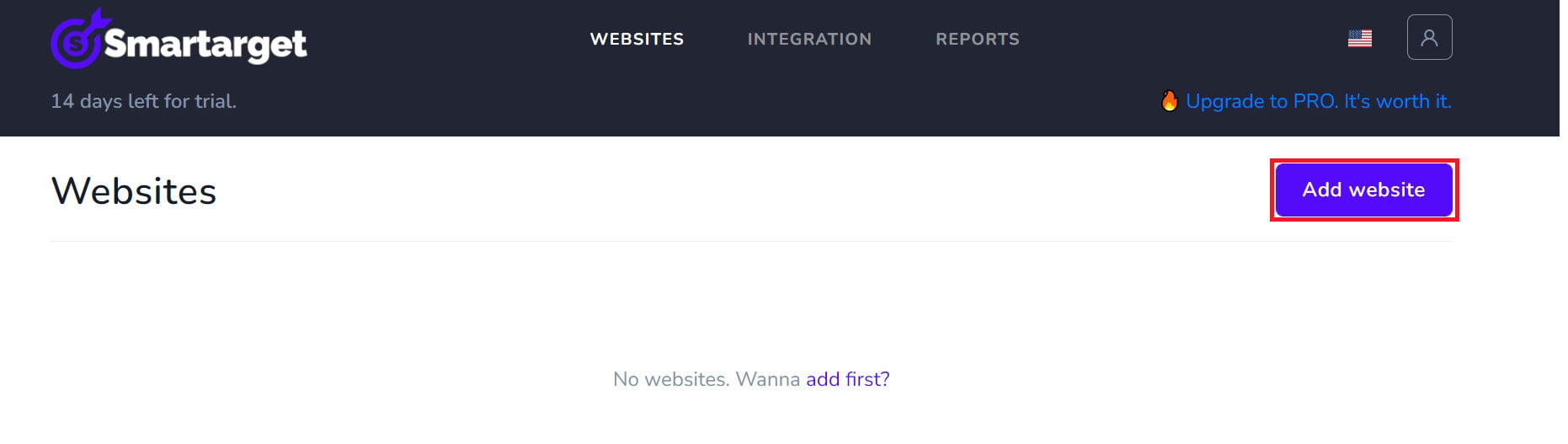
3. Confirm your account from the email you receive, sign in, then click (Add website).
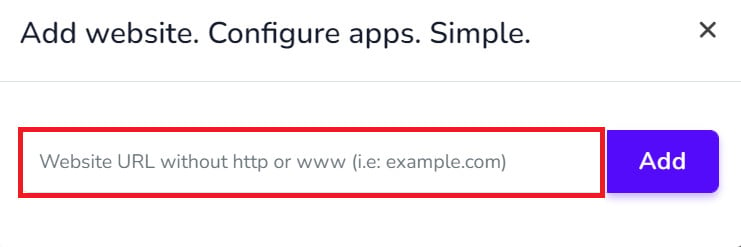
Then add your Salla store domain.
4. To add TikTok - Follow Us to your store, click (Contact App).
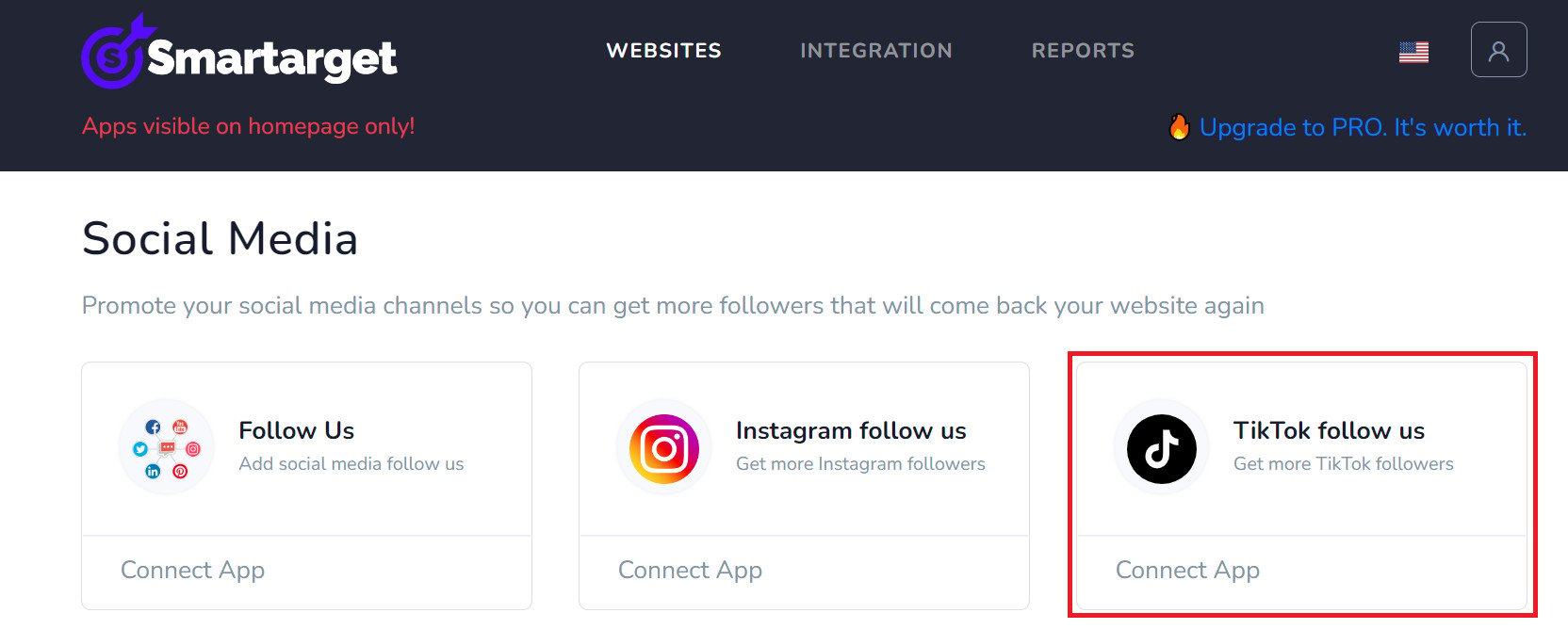
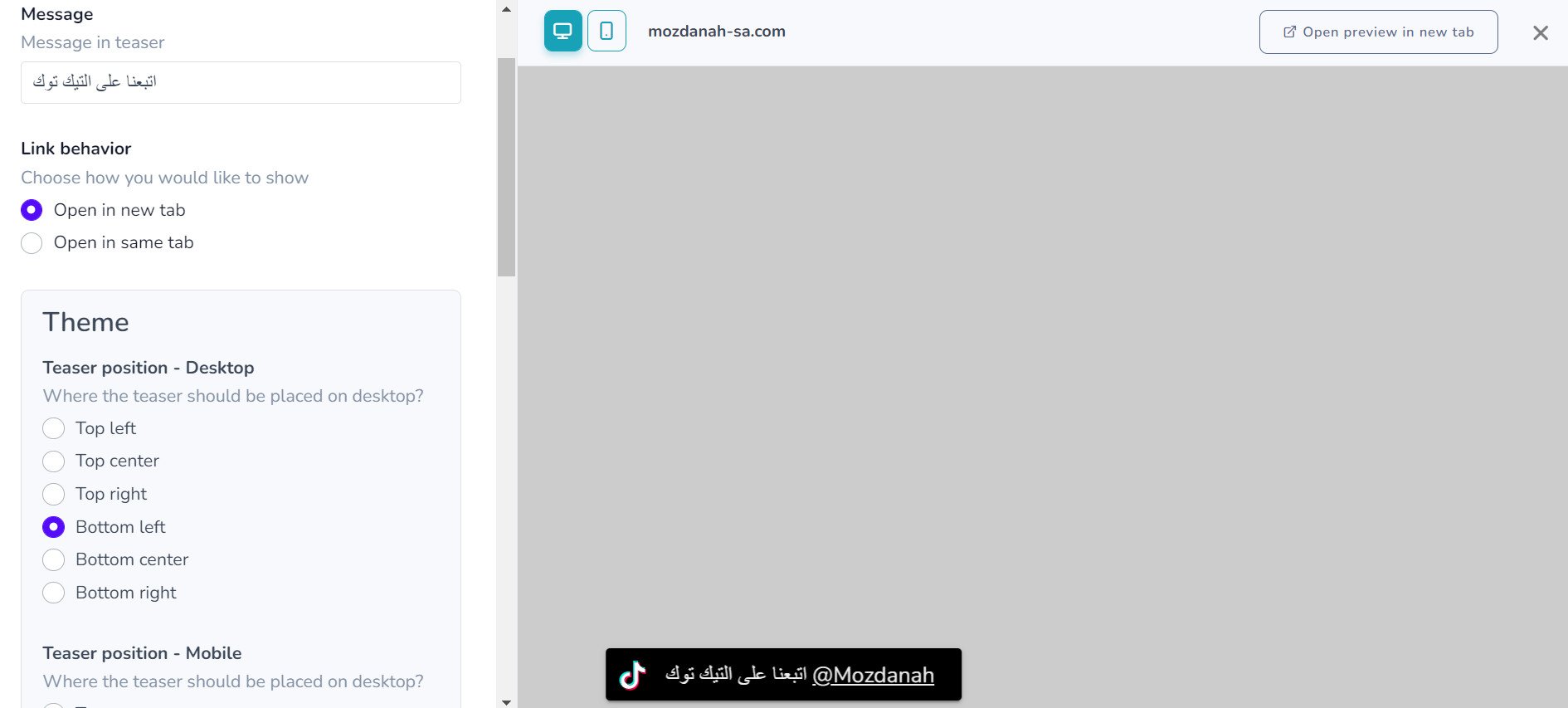
Choose the TikTok - Follow Us settings that suit your store, then click (Save setting).
Where do I copy my Smartarget user ID from?
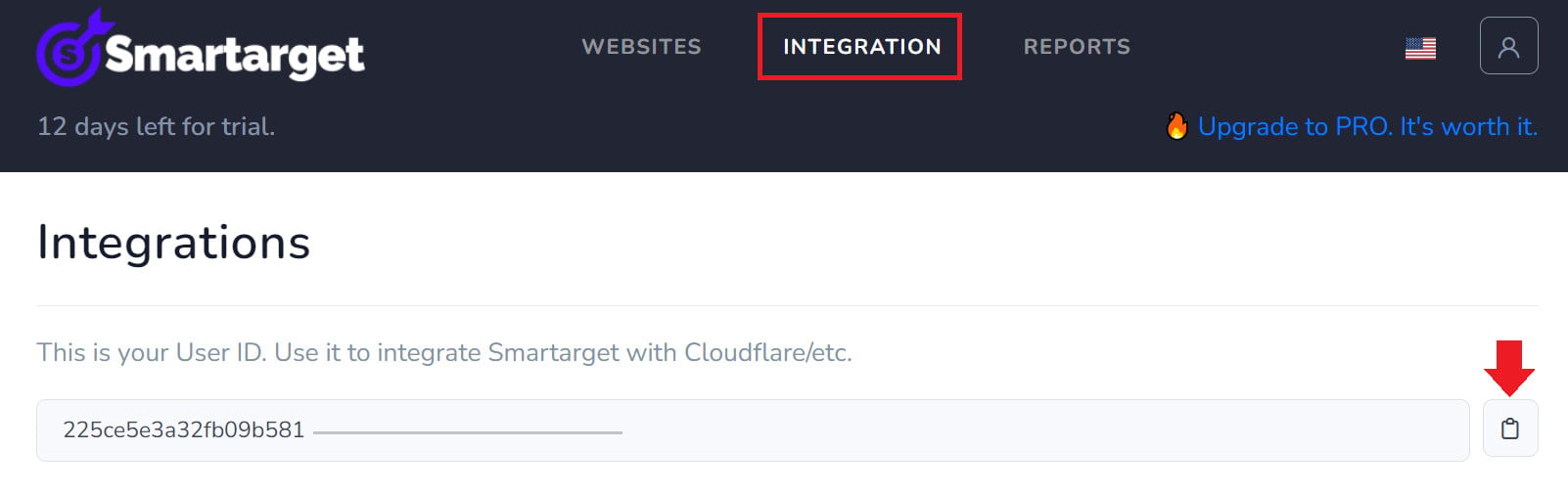
In your Smartarget account, open the (INTEGRATION) page, then click the copy button next to your user ID.
How do I remove TikTok - Follow Us from my store?
1. From the side menu of your dashboard, click (My installed apps).

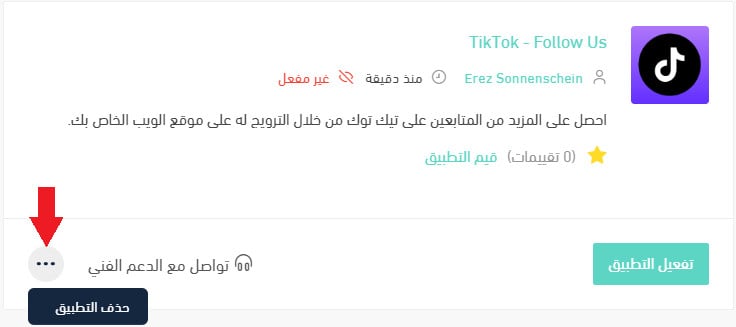
2. On the all apps page, find TikTok - Follow Us, click the (...) icon, then click (Delete app), as shown below.
Traffic you pay for disappears the moment the budget stops. Followers do not. Asking for the follow while a shopper is already in your store is the cheapest audience you will ever build.