How long does a customer in another city wait before your parcel reaches their door?
Starlinks is a logistics provider that gives online stores delivery coverage across every city in Saudi Arabia. Connecting Starlinks to your Salla store adds it as a shipping option at checkout, lets you price delivery for the cities and regions you serve, and gives your customers live tracking on their parcels. In this guide, you'll learn how to install the app, set your shipping rates, hide the carrier at checkout temporarily, and remove the app.
To connect Starlinks to your Salla store, open (My installed apps), browse the Salla App Store, and install the Starlinks app. Review the permissions and click (Grant permission). Then open the app settings and enter your shipping rates for the cities and regions you deliver to.
📌 Article overview
- What Starlinks does
- How to connect Starlinks to your store
- Frequently asked questions
🎯 What Starlinks does
Starlinks provides logistics support that lets online stores deliver orders to every city in Saudi Arabia, through a distribution network covering the whole country. It also offers same-day delivery within the merchant's own city, fast delivery to major cities in two to three days, and live parcel tracking so customers can see where their shipment is.
🚀 How to connect Starlinks to your store
1. From the side menu of your dashboard, click (My installed apps).

2. From the Salla App Store banner, click (Browse Salla App Store).

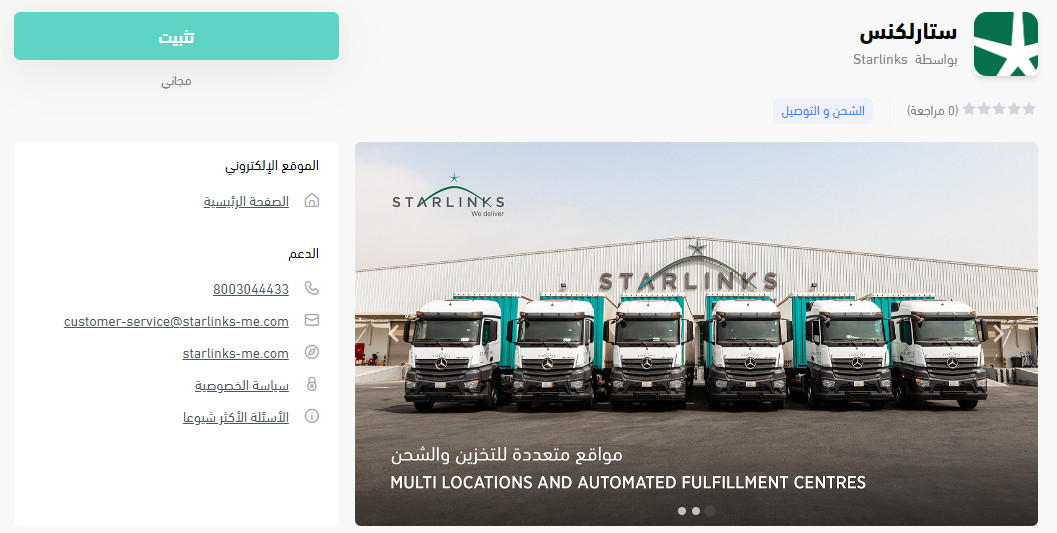
3. On the Starlinks app page, click (Install).
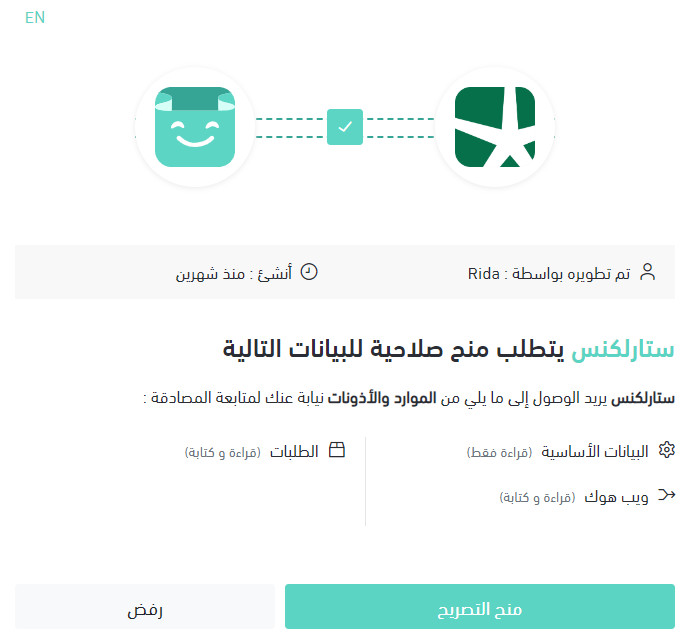
4. Review the permissions the app needs, then click (Grant permission).
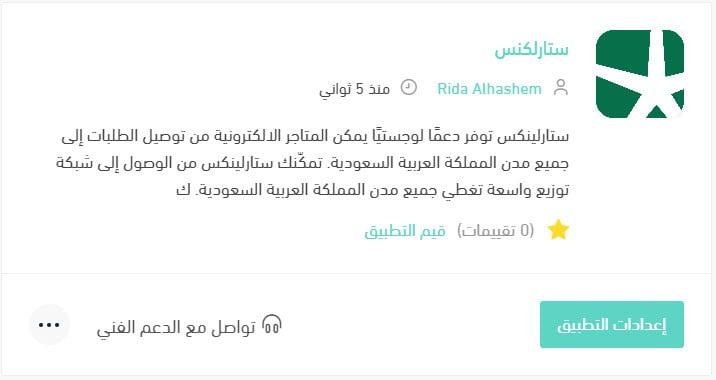
Your Salla store is now linked to your Starlinks account.
For more details, see managing your store's apps.
❓ Frequently asked questions
How do I set my Starlinks shipping rates?
1. From the side menu of your dashboard, click (My installed apps).

2. On the all apps page, find Starlinks and click (App settings).
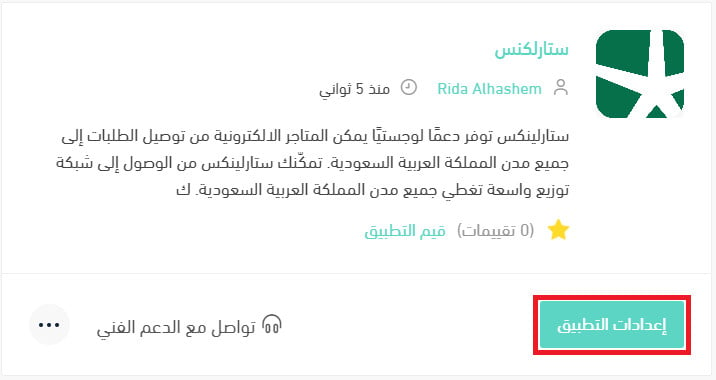
3. Open the (Shipping rates) tab and enter your rates for the cities and regions you serve.
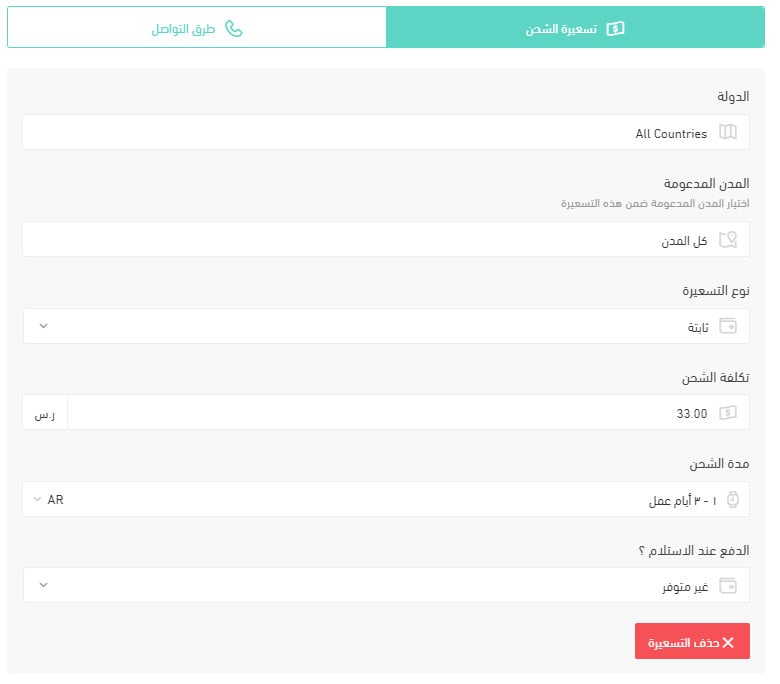
For more details, see shipping and delivery option settings.
How do I pause the app temporarily?
1. From the side menu of your dashboard, click (My installed apps).
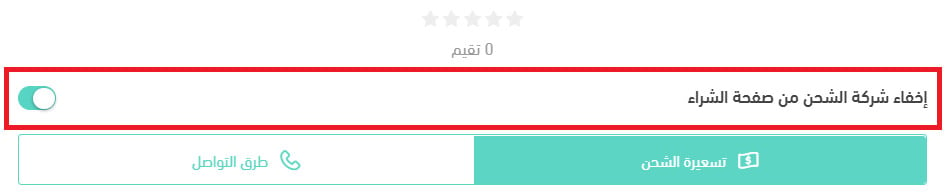
2. On the all apps page, find Starlinks and click (App settings).
3. Turn the (Hide shipping company from the checkout page) option on or off.
How do I remove the Starlinks app from my store?
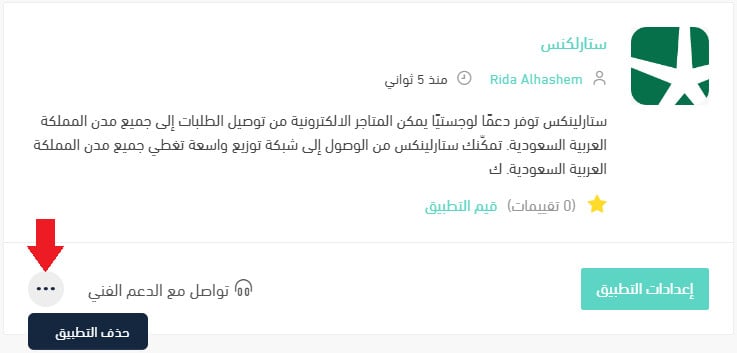
1. From the side menu of your dashboard, click (My installed apps).
2. On the all apps page, find Starlinks, click the (...) icon, then click (Delete app), as shown below.
Coverage is only half the promise. Priced correctly and switched on at checkout, a carrier like Starlinks turns delivery from a question your customers ask into one they never have to.