Need a carrier that collects orders from you and sorts them by destination?
Shahna Tech delivery collects shipments from merchants, sorts them by region, and delivers them across Saudi Arabia. Connecting the app to Salla lets you create waybills and manage checkout rates from your dashboard. In this guide, you'll learn how to install Shahna Tech, set its shipping rates, manage the app, and review the service terms stated in the source.
To connect Shahna Tech delivery to Salla, install the app from the Salla App Store and grant its requested permissions. The company then contacts you to register your details. Create a waybill for each order, coordinate with your account manager, and use the app settings to control regional checkout rates.
📌 Article overview
- How to connect Shahna Tech delivery to your Salla store
- How to set Shahna Tech shipping rates
- How to disable or remove the app
- Frequently asked questions
🚀 How to connect Shahna Tech delivery to your Salla store
1. From the dashboard side menu, click (Installed apps).

2. From the Salla App Store banner, click (Browse the Salla App Store).

3. On the Shahna Tech app page, click (Install).
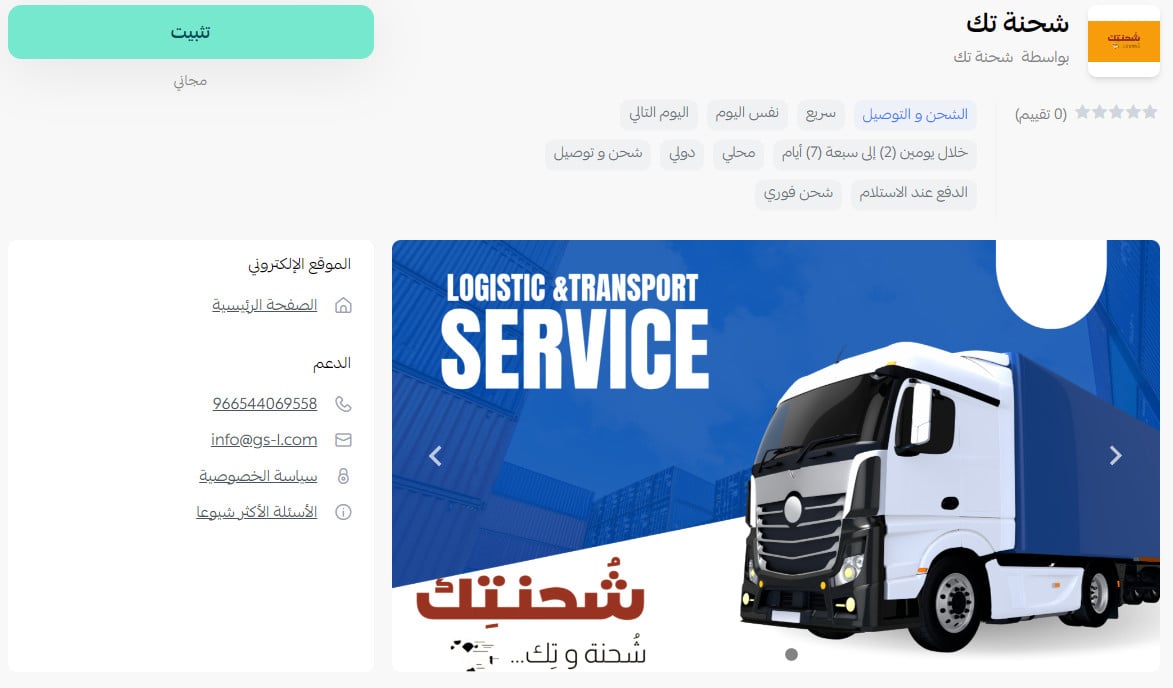
4. Review the requested permissions, then click (Grant permission).
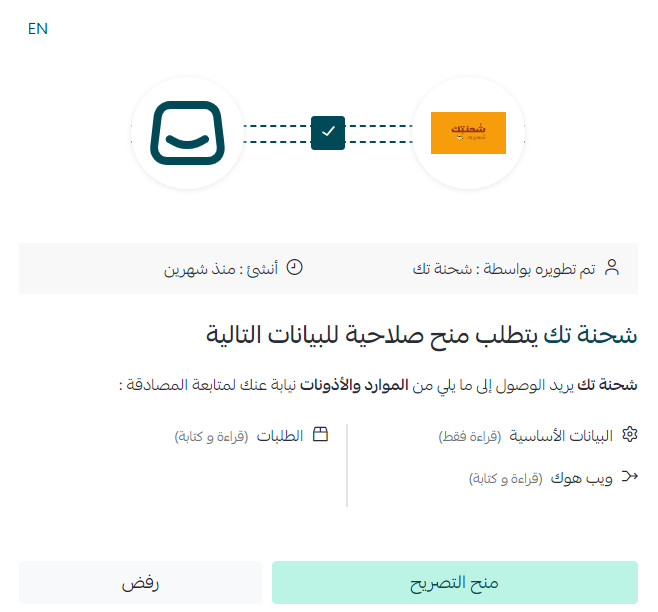
The Shahna Tech app is now installed on your store.
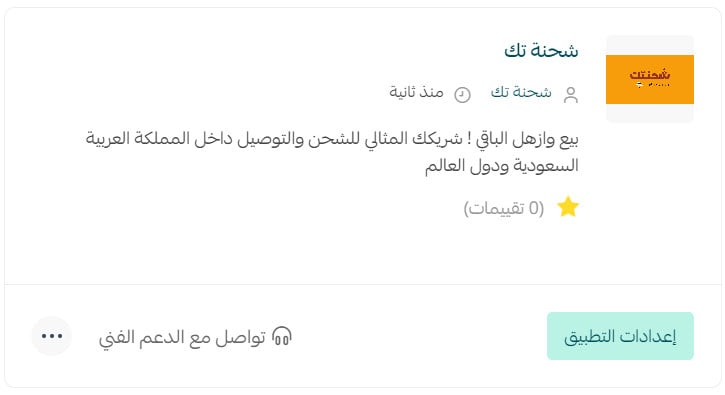
For more details, see managing your store apps.
👣 How to set Shahna Tech delivery rates
1. From the dashboard side menu, click (Installed apps).

2. On the all apps page, find Shahna Tech and click (App settings).
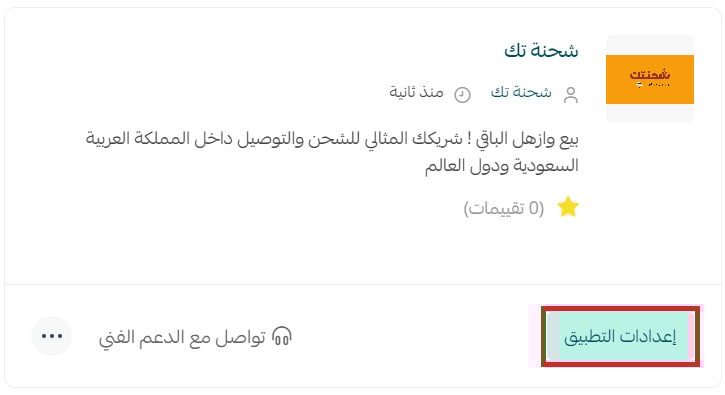
3. Open the (Shipping rates) tab, then enter the rates for the cities and regions you want.
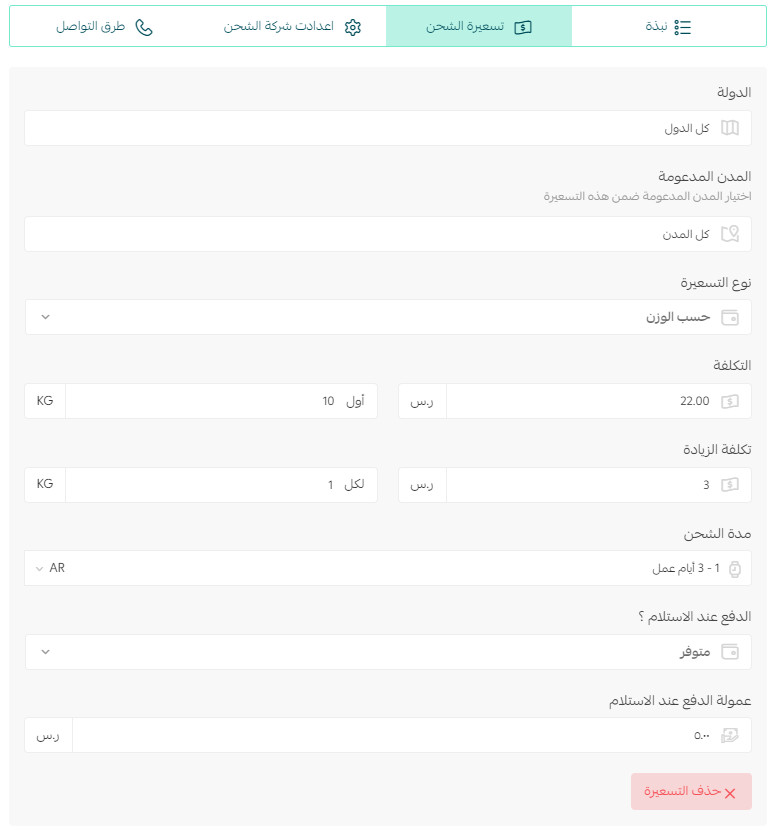
For more details, see shipping and delivery option settings.
✅ How to disable or remove Shahna Tech
Temporarily hide Shahna Tech at checkout
1. From the dashboard side menu, click (Installed apps).
2. On the all apps page, find Shahna Tech and click (App settings).
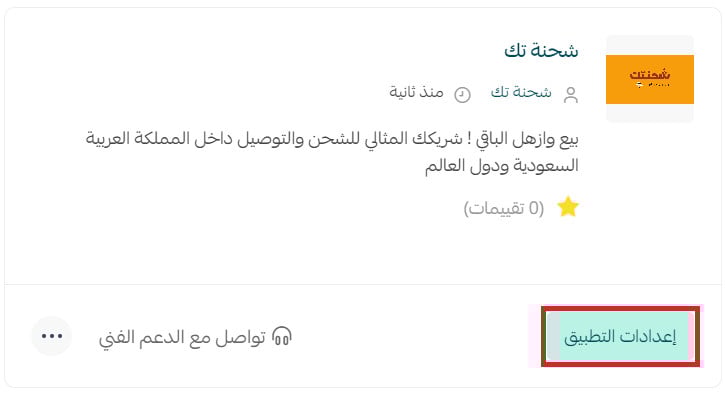
3. Turn (Hide shipping company from checkout) on to disable the option, or off to show it again.

Remove Shahna Tech from your store
1. From the dashboard side menu, click (Installed apps).
2. On the all apps page, find Shahna Tech, click the (...) icon, then click (Delete app).
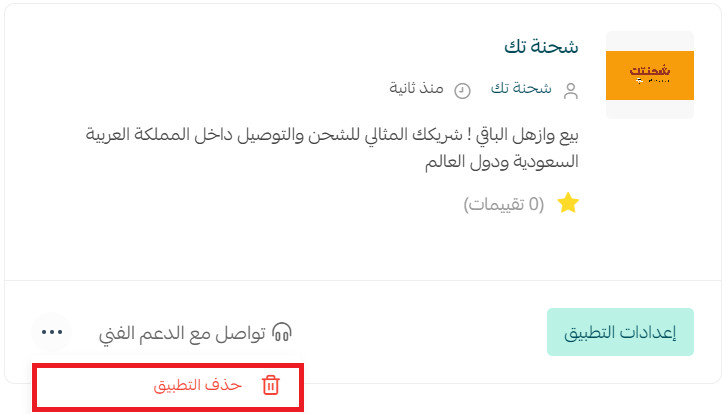
❓ Frequently asked questions about Shahna Tech delivery
Which merchant cities does Shahna Tech support?
The listed merchant locations are Dammam, Qatif, Dhahran, Khobar, Safwa, Saihat, Tarout, Darin, Al Awamiyah, Anak, Rahimah, Al Nabiyah, Ras Tanura, Al Hazm, Umm Al Sahik, Riyadh, Jeddah, Makkah, and Taif.
Which customer destinations does Shahna Tech deliver to?
The source states that delivery is available to cities across Saudi Arabia.
How do I contract and register with Shahna Tech?
Install the app. The company then contacts you to register your information.
How often are amounts settled?
Amounts are transferred weekly or monthly.
When can I contact customer support?
The stated support hours are 9:00 AM–12:00 midnight. The source does not specify operating days.
Can I receive financial and inventory reports?
Yes.
How do I send an order to Shahna Tech?
Create the shipping waybill, then follow up with your account manager.
Does Shahna Tech provide shipment tracking?
Yes. Tracking access is provided when your account is created.
How are multi-carton shipments handled?
The source instructs merchants to place the items in one carton and use one waybill.
How do I change a customer address after issuing the waybill?
Contact customer support.
Does Shahna Tech ship within and between cities?
Yes.
Does Shahna Tech offer door-to-door delivery?
Yes.
Does Shahna Tech offer international shipping?
The source says shipping is available to Gulf countries. Confirm the currently supported destinations before offering the option.
Who do I contact if there is a shipment problem?
Contact your account manager or technical support.
Can Shahna Tech ship liquid products?
Yes, if the product is sealed securely.
What is the maximum number of cartons per customer?
The stated limit is 3 cartons per customer. Contact your account manager to request an exception.
Can Shahna Tech ship valuable products, and are they insured?
The source states an insurance limit of SAR 3,000.
Does Shahna Tech offer delivery within two hours?
Yes. The listed locations are the Eastern Province, Riyadh, Jeddah, Makkah, and Taif.
What areas does the carrier cover inside and outside cities?
Coverage boundaries vary by city.
Does two-hour delivery include restaurants or food?
Yes.
Does Shahna Tech provide refrigerated shipping?
No, not currently.
Does Shahna Tech provide storage, preparation, and packaging?
No, not currently.
What are the minimum and maximum shipment weights?
No minimum is stated. The maximum is 15 kg.
Does Shahna Tech support cash on delivery and card payment?
Cash on delivery costs SAR 5 in Dammam, Riyadh, and Jeddah, and SAR 8 in other Saudi cities. [Verify: the source does not answer whether card payment on delivery is available.]
When is a courier sent for collection?
A courier is assigned automatically when you create the waybill.
Can an undelivered order be returned, and what does it cost?
Yes. The source says the return costs the full shipment amount. [Verify: confirm whether this means the original shipping fee or the value of the goods.]
What happens if a shipment is delayed, lost, or damaged?
Shahna Tech says it bears the cost when damage is confirmed. [Verify: the source does not explain the claim process or answer the delay and loss parts of the question.]
How long does delivery take?
Delivery takes place on the same day or the next day.
📝 Important notes
Confirm the official English brand spelling, current international destinations, card-payment availability, return-fee meaning, and damage-claim terms before publication.
Once your account is active, create each waybill promptly and keep the checkout rates aligned with the region-specific fees in your carrier agreement.