How many carts go cold in your store simply because nobody followed up?
A customer who leaves a full cart behind is rarely gone for good — they just need a nudge in the place they actually read. Nerachat is a WhatsApp bot that sends order and abandoned cart notifications from your store automatically, so customers are reminded you're there without you writing a single message by hand. In this guide, you'll learn what Nerachat does, how to install it on your Salla store, how to link it to your WhatsApp number, and how to remove it.
To connect Nerachat, open (Installed apps) from your dashboard's side menu, click (Browse the Salla App Store), open the Nerachat app page, and click (Install). Choose a plan and complete payment, then click (Grant permission). Link your WhatsApp number, click (Activate app), enter your account details, and click (Save).
📌 Article overview
- What is the Nerachat WhatsApp bot?
- How to connect your store with Nerachat
- Frequently asked questions
🎯 What is the Nerachat WhatsApp bot?
Nerachat helps you grow sales and profit by keeping in touch with your customers professionally, using a bot that sends order and abandoned cart notifications automatically over WhatsApp.
Those automatic messages remind customers that your store is still there and that support is a message away — which keeps existing customers close, brings abandoned carts back, and gives you more chances to sell.
🚀 How to connect your store with Nerachat
1. From the side menu of your dashboard, click (Installed apps).

2. From the Salla App Store banner, click (Browse the Salla App Store).

3. From the Nerachat app page, click (Install) to install a trial version.
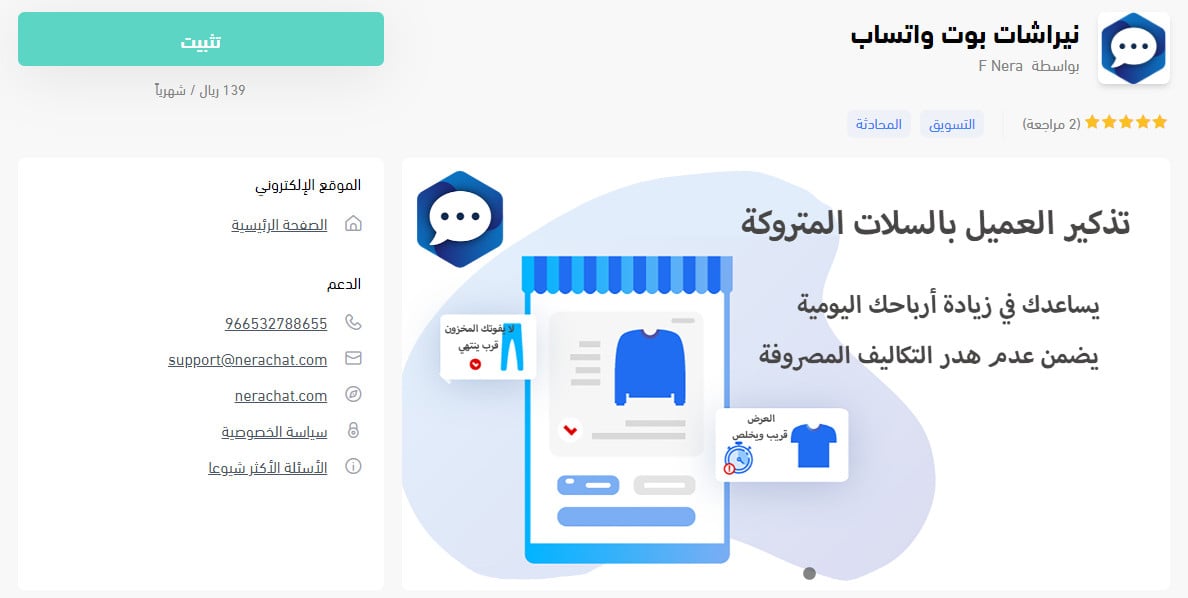
4. At the bottom of the app page, click (Choose plan) on the plan that fits your needs, then complete payment.
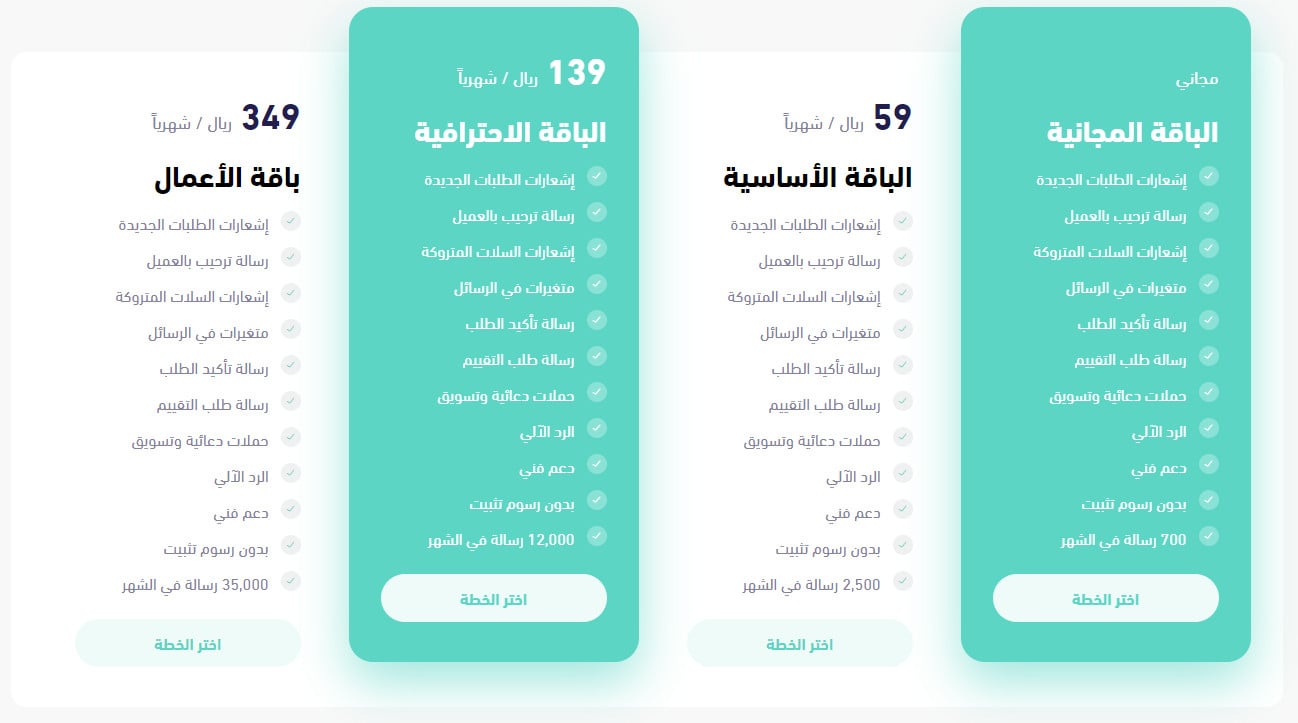
5. Review the permissions the app asks for, then click (Grant permission).
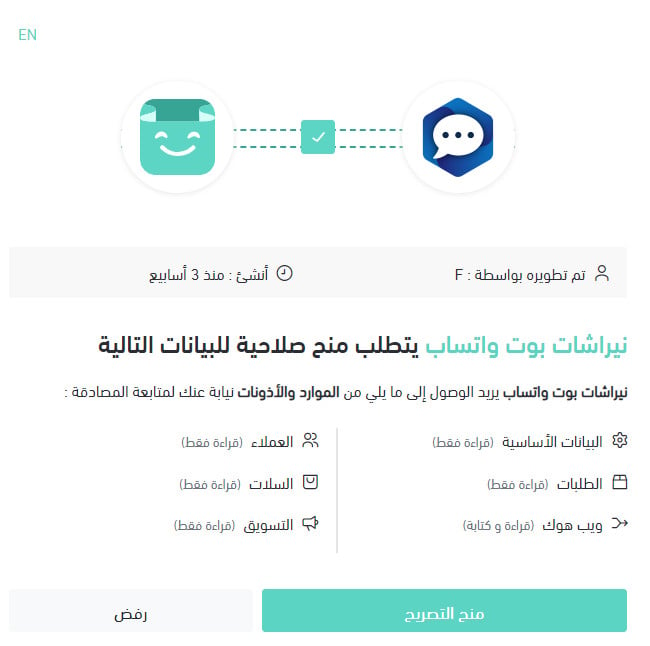
The Nerachat app is now installed on your store.
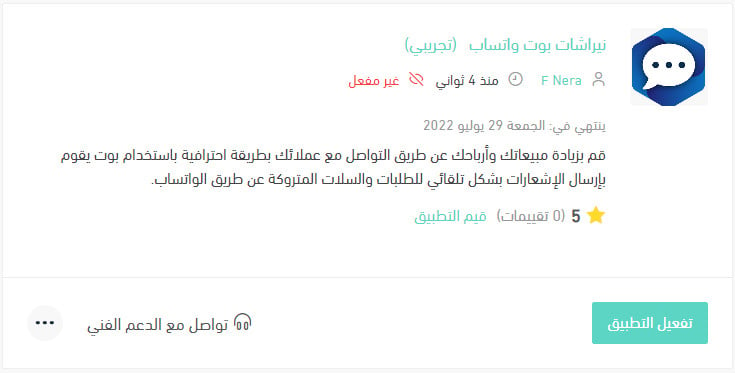
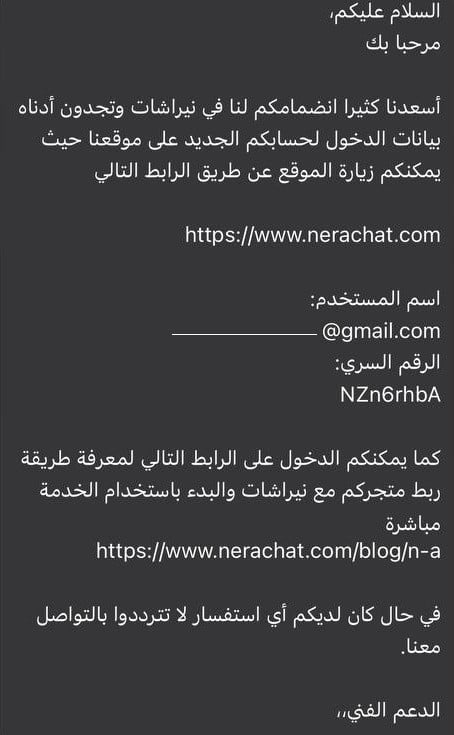
6. Check your WhatsApp number for your sign-in details.
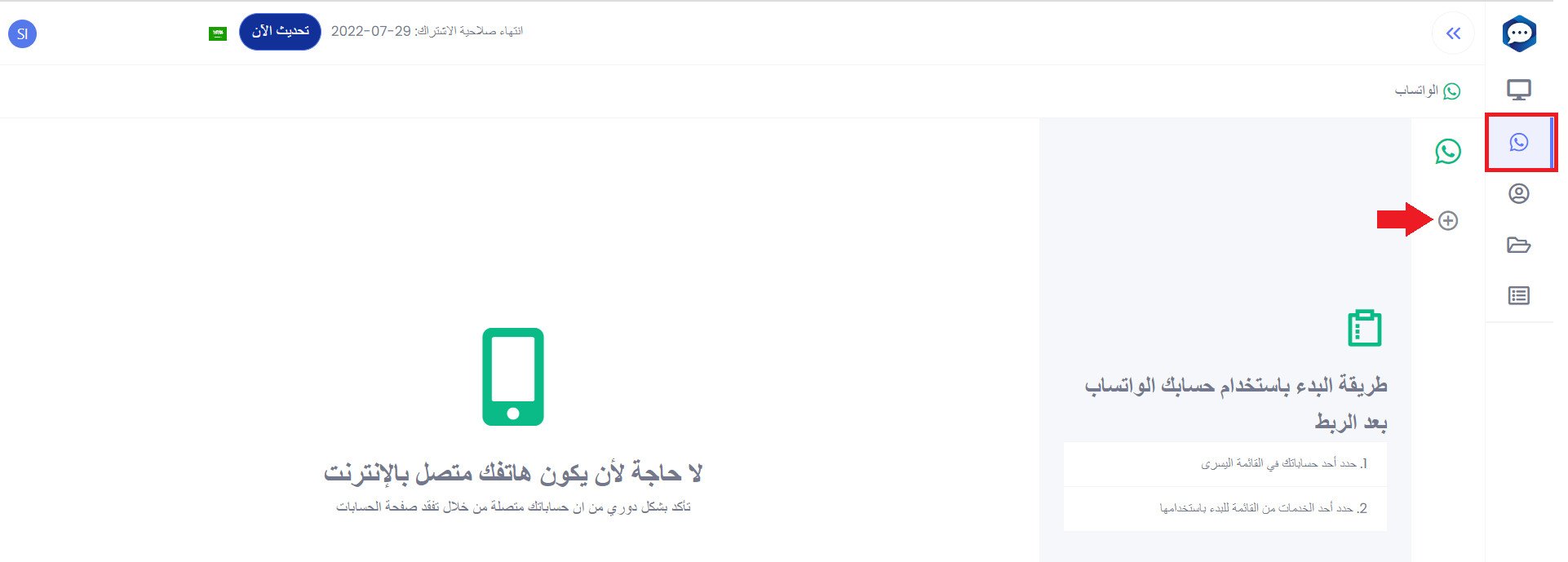
7. Link your Nerachat account to your WhatsApp number, following the steps at this link.
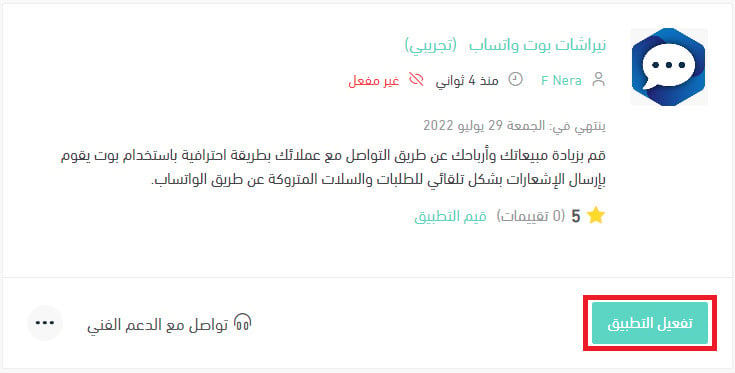
8. From the installed apps page in your store, click (Activate app).
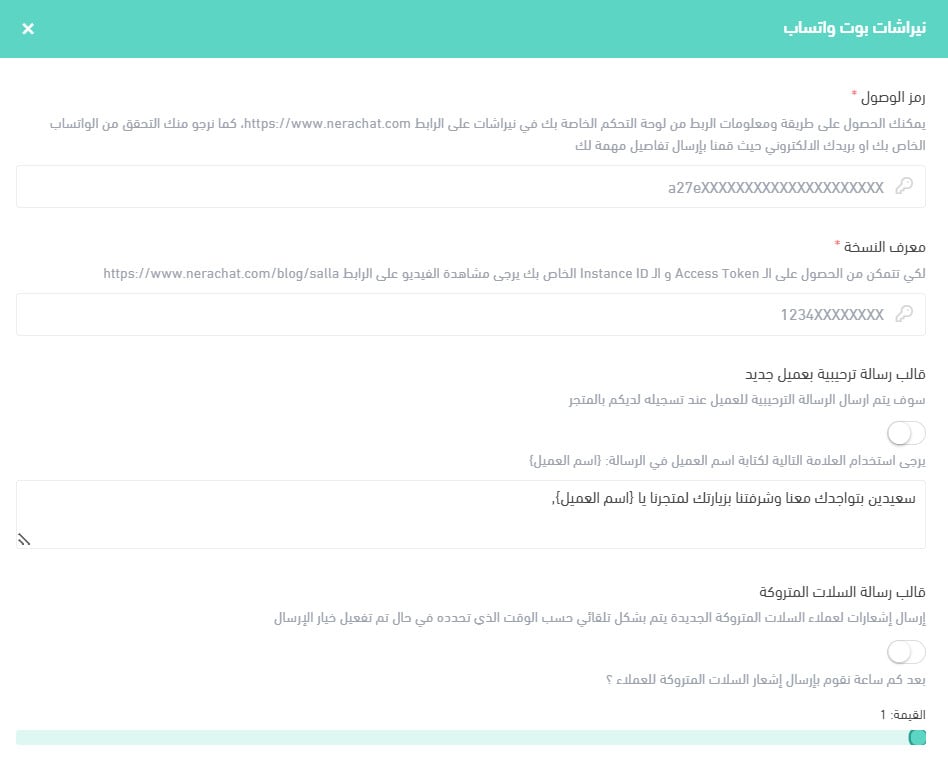
9. Enter your Nerachat account details (access token and instance ID), customize the message templates you want sent to customers, then click (Save).
❓ Frequently asked questions
What does the Nerachat bot send to my customers?
Order notifications and abandoned cart reminders, sent automatically over WhatsApp. You choose the wording yourself through the message templates in the app's settings.
Where do I find my Nerachat sign-in details?
They arrive on your WhatsApp number once the app is installed on your store.
What do I enter when I activate the app?
Your Nerachat access token and instance ID, both from your Nerachat account. You also set your message templates on the same screen before clicking (Save).
How do I remove the Nerachat app from my store?
1. From the side menu of your dashboard, click (Installed apps).

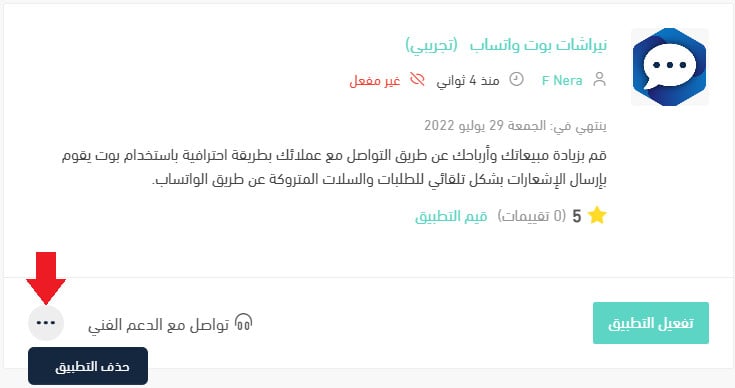
2. On the all-apps page, find the Nerachat app, click the (...) icon, then click (Remove app), as shown below.
An abandoned cart reminder works best when it sounds like a person, not a system. Write your templates the way you'd message a customer yourself, and let the bot handle the timing.