Do you want one partner to store your stock, prepare your orders, and deliver them?
Warehousing and delivery are usually two separate headaches, and stitching them together costs you time on every order. The Najiz Express integration connects your Salla store to a logistics, storage, and supply chain company that picks up from Riyadh, Dammam, and Madinah, and delivers anywhere in the Kingdom. You install it from the Salla App Store and set your own shipping rates by city. In this guide, you'll learn how to connect Najiz Express to your store, price your shipping, and what the company covers.
To connect Najiz Express, open (My installed apps) in your Salla dashboard, click (Browse Salla App Store), open the Najiz Express app page, and click (Install). Review the permissions and click (Grant permission). Your Salla store is then linked to your Najiz account.
📌 Article overview
- What is Najiz Express?
- How to connect Najiz Express to your Salla store
- Frequently asked questions
🎯 What is Najiz Express?
Najiz was founded in 2020 and works in logistics, storage, and supply chain services, and it is part of the e-commerce apps ecosystem.
🚀 How to connect Najiz Express to your Salla store
1. From the side menu of your dashboard, click (My installed apps).

2. From the Salla App Store banner, click (Browse Salla App Store).

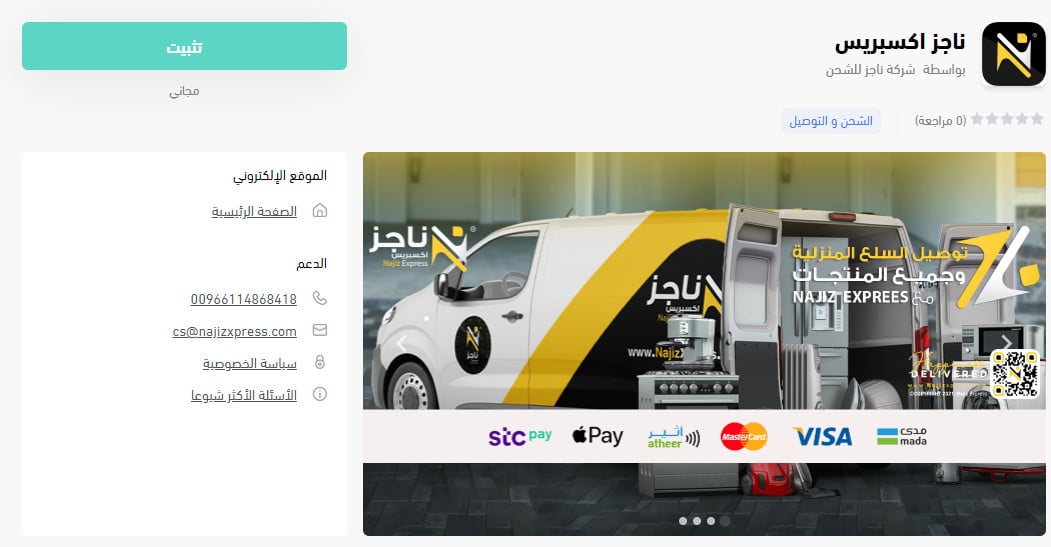
3. From the Najiz Express app page, click (Install).
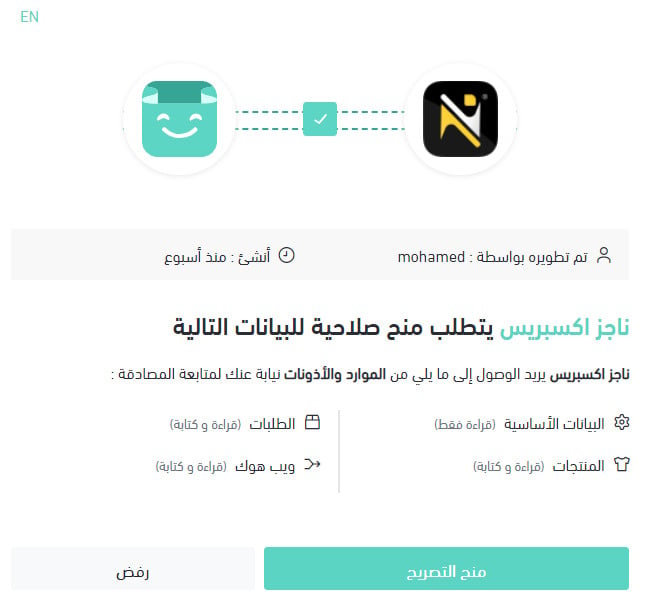
4. Review the permissions the app asks for, then click (Grant permission).
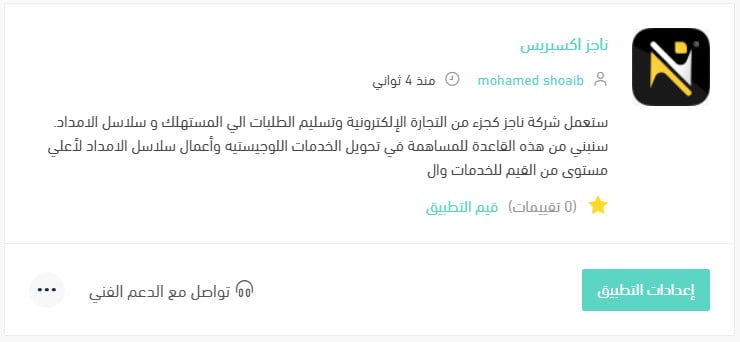
Your Salla store is now linked to your Najiz account.
For more details, read managing my store's apps.
❓ Frequently asked questions
How do I set up shipping rates for Najiz?
1. From the side menu of your dashboard, click (My installed apps).

2. On the all apps page, find the Najiz app and click (App settings).
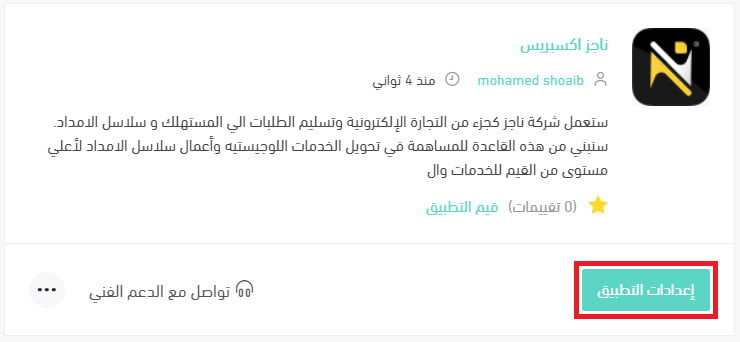
3. Open the (Shipping rates) tab and enter your rates for the cities and regions you want to serve.
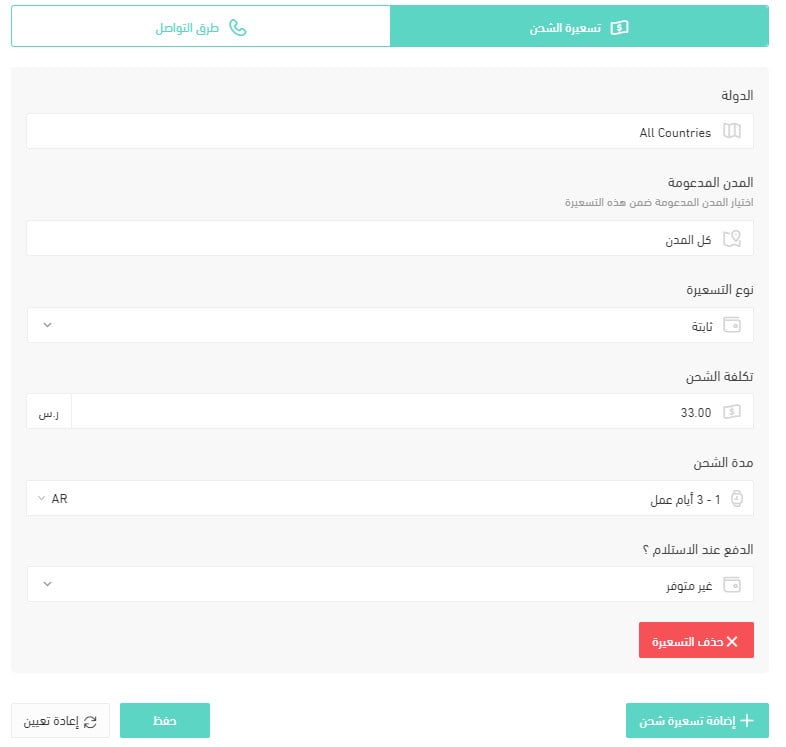
For more details, read shipping and delivery option settings.
How do I hide Najiz at checkout without removing it?
1. From the side menu of your dashboard, click (My installed apps).
2. On the all apps page, find the Najiz app and click (App settings).
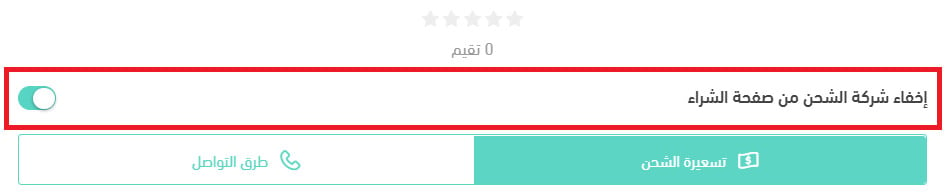
3. Turn the (Hide the shipping company from the checkout page) option on or off. [Verify: the Arabic asks how to disable an app temporarily but answers with this checkout-visibility toggle, which hides the courier rather than pausing the app.]
How do I remove the Najiz app from my store?
1. From the side menu of your dashboard, click (My installed apps).
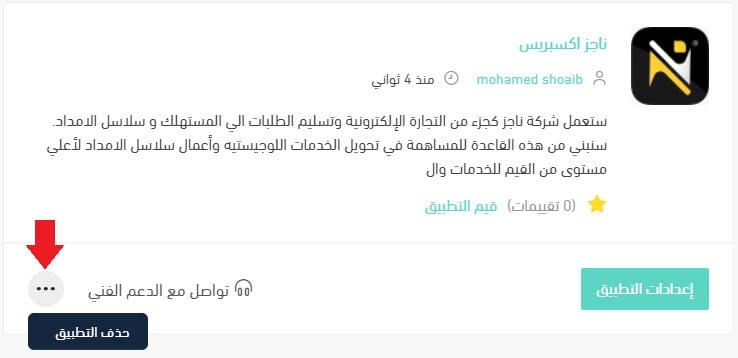
2. On the all apps page, find the Najiz app, click the (...) icon, then click (Remove app), as shown below.
What Najiz Express covers
Which cities are supported for merchant pickup?
Storage, order preparation, and order pickup are currently offered in Riyadh, Dammam, and Madinah.
Which cities are supported for customer delivery and shipping?
Orders are delivered anywhere in the Kingdom.
How are amounts settled, including cash on delivery?
Settlement happens weekly by bank transfer.
How does contracting and connecting work?
Through the official contact channels listed in the app, or by filling in the partnership request form on the company website named in the app description.
Pick the courier whose pickup cities match where your stock actually sits. Set your rates before you go live, and shipping stops being something you think about every morning.