How many of your customers hear from you between the order confirmation and the next sale?
Most stores stay silent in that gap, and that is where repeat revenue quietly leaks away. The Menaflow integration connects your Salla store to a marketing platform built for Middle East e-commerce, so you can reach your audience over email, SMS, and WhatsApp from one place. You install it from the Salla App Store and sign in or create a Menaflow account as part of the setup. In this guide, you'll learn how to connect Menaflow to your store, what you can do with it, and how to remove the app.
To connect Menaflow, open (My installed apps) in your Salla dashboard, click (Browse Salla App Store), open the Menaflow app page, and click (Install). Grant the permissions, then sign in to Menaflow or register a new account, confirm it by email, and choose the store you want to connect.
📌 Article overview
- What is Menaflow?
- How to connect Menaflow to your Salla store
- Frequently asked questions
🎯 What is Menaflow?
Menaflow is a marketing platform for e-commerce businesses in the Middle East. It carries a number of features that are the first of their kind in the industry, and it lets you engage your audience over email, SMS, and WhatsApp. [Verify: the opening Arabic sentence starts with a stray word and never states plainly what Menaflow is.]
🚀 How to connect Menaflow to your Salla store
1. From the side menu of your dashboard, click (My installed apps).

2. From the Salla App Store banner, click (Browse Salla App Store).

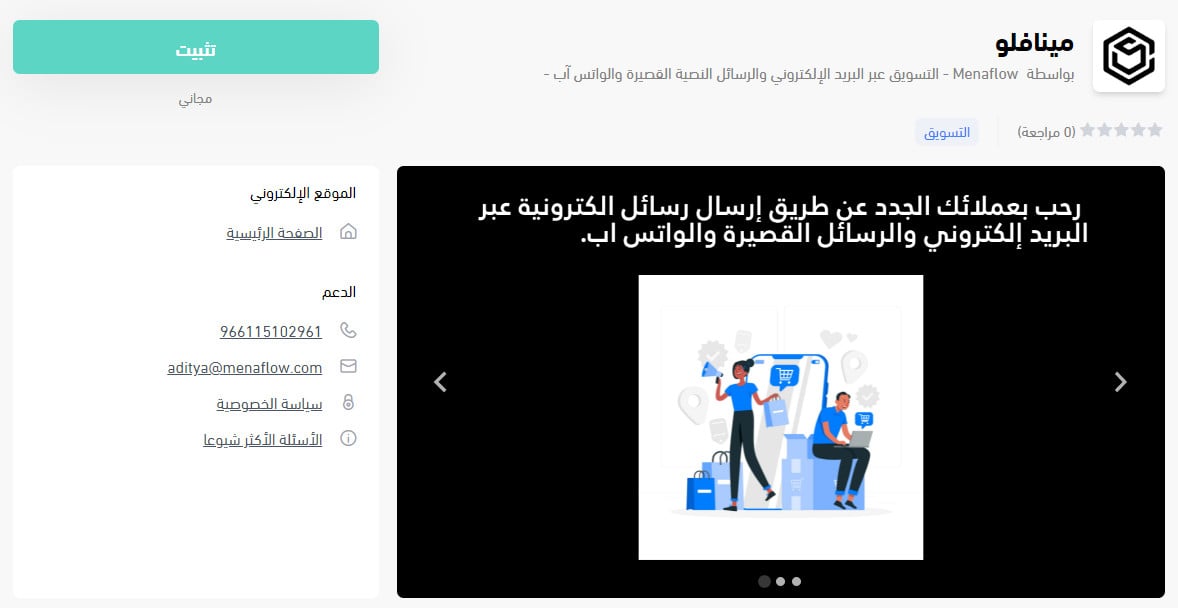
3. From the Menaflow app page, click (Install).
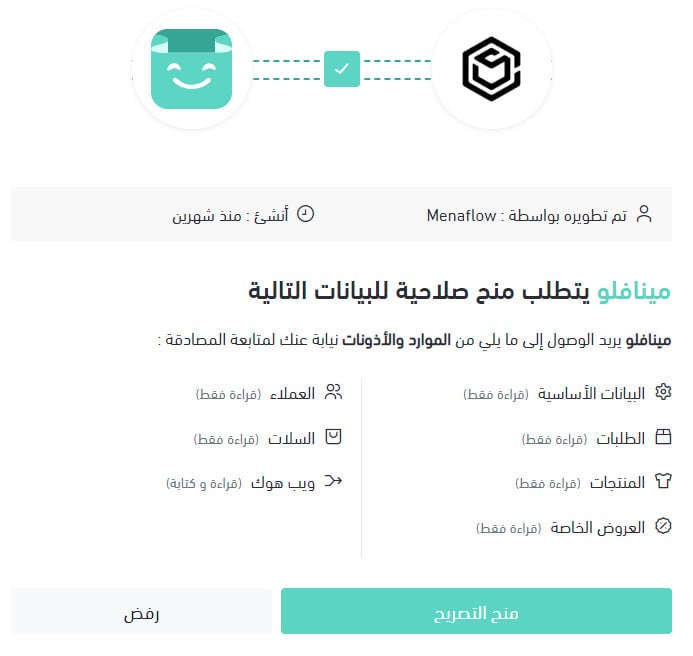
4. Review the permissions the app asks for, then click (Grant permission).
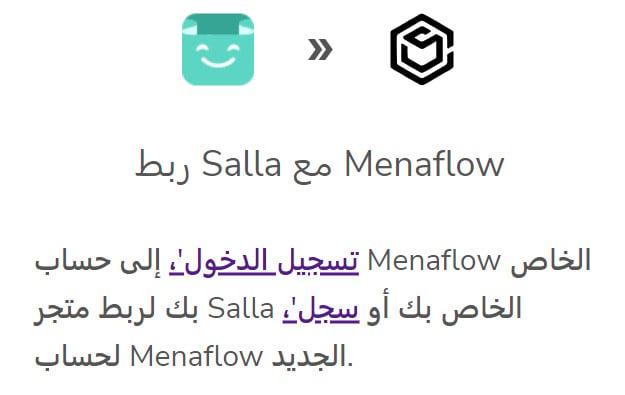
5. Sign in to your Menaflow account, or click (Register) to create a new one.
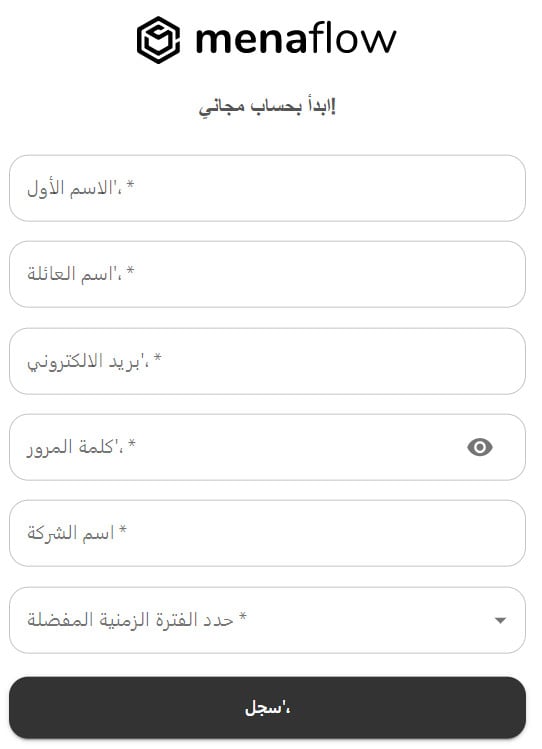
If you are creating a new account, enter the details it asks for, then click (Register).
6. Activate your Menaflow account through the link sent to your email.

7. Once the account is confirmed, choose the workspace or store you want to work on, then click (Connect).
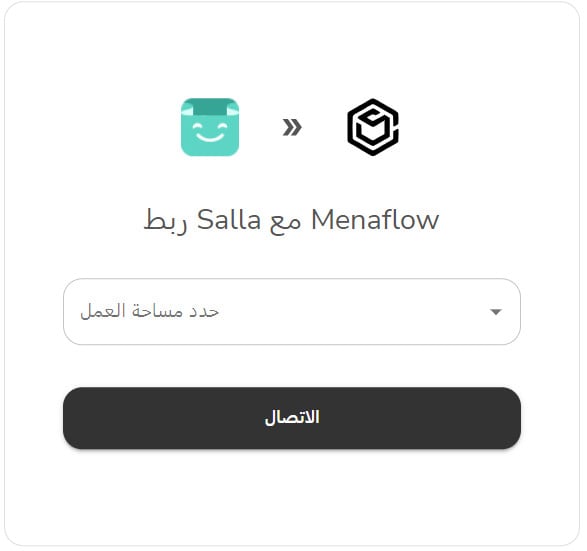
Your Menaflow account page then looks like this:
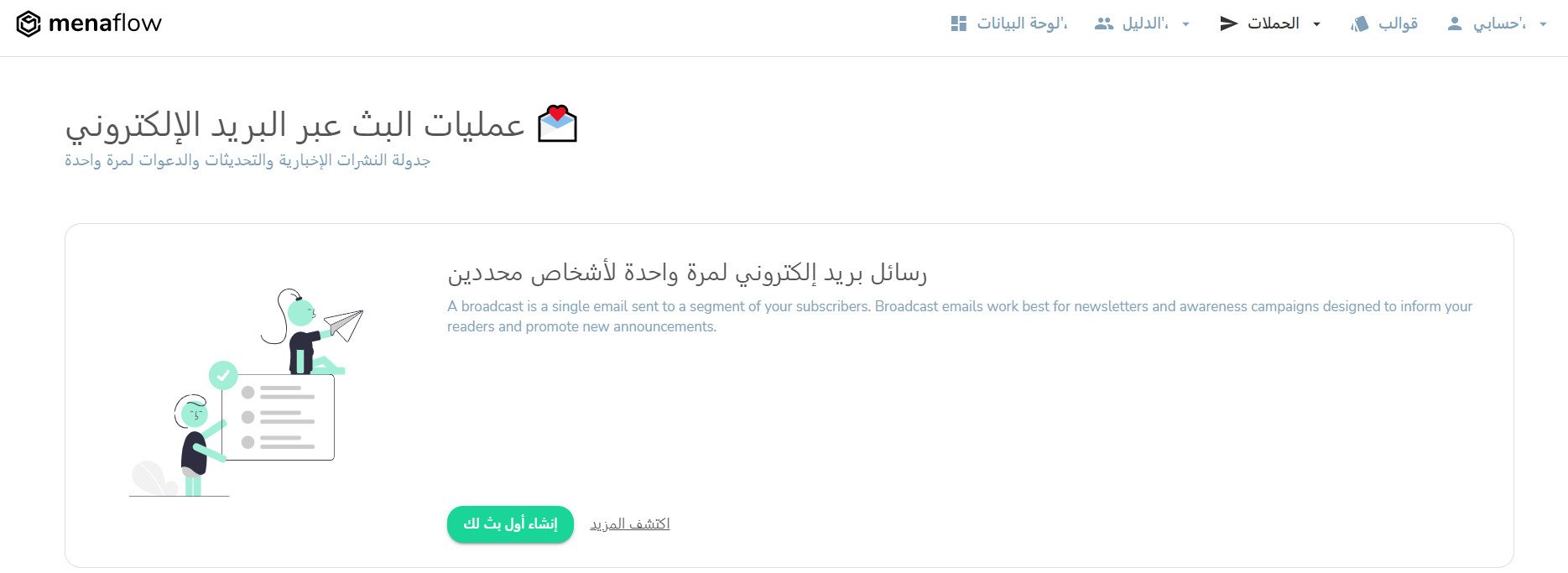
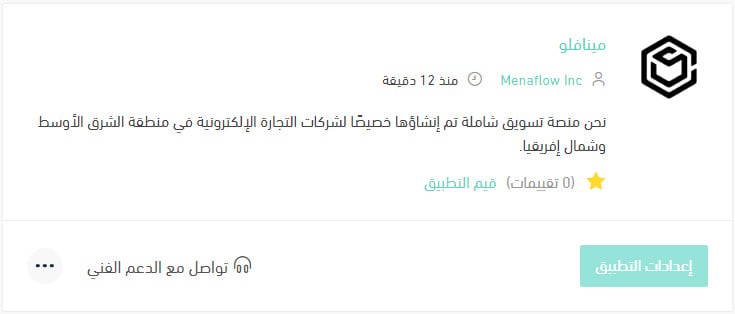
The Menaflow app is now installed on your store, and it appears in your installed apps like this:
For more details, read managing my store's apps.
❓ Frequently asked questions
What can I do once my store is connected to Menaflow?
1. Welcome new customers with messages sent over email, SMS, and WhatsApp.
2. Track and recover abandoned carts, and grow your revenue 11.5x by sending timely notifications to your audience on whichever channel they use most — email, SMS, or WhatsApp.
3. Send automatic order confirmation messages and keep customers updated on their orders in real time.
How do I remove the Menaflow app from my store?
1. From the side menu of your dashboard, click (My installed apps).

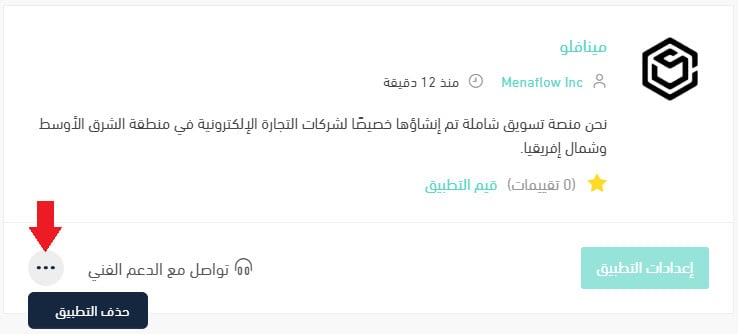
2. On the all apps page, find the Menaflow app, click the (...) icon, then click (Remove app), as shown below.
How do I get support?
If you need help, send an email to hello@muxemail.com. [Verify: the support address is on the muxemail.com domain rather than a Menaflow domain.]
📝 Important notes
The 11.5x revenue figure comes from Menaflow and is quoted as it appears in the source. Treat it as the vendor's claim, not a guaranteed result for your store.
Messaging works when it is timely, not when it is loud. Connect Menaflow, start with the two moments that already matter — the abandoned cart and the order update — and build from there.