Looking for a shipping provider with delivery, fulfillment, and refrigerated service?
Logistico shipping provides logistics solutions and integrated services for merchants. The source introduces its coverage as Riyadh, while its FAQ later claims nationwide coverage. This guide explains how to install Logistico, set shipping rates, manage the app, and review the service terms supplied in the Arabic article.
To connect Logistico shipping to Salla, install the app from the Salla App Store and grant its requested permissions. Agree on the merchant quotation and contract, then add the approved rate to the Salla waybill. Use App settings to configure checkout rates or temporarily hide the carrier.
📌 Article overview
- How to connect Logistico shipping to Salla
- How to set Logistico shipping rates
- Logistico coverage and service terms
- How to disable or remove the app
- Frequently asked questions
💡 What is Logistico shipping?
Logistico provides logistics solutions and integrated services intended to meet customer requirements. [Verify: the introduction says the service is customized for coverage in Riyadh, but the FAQ says merchant and customer coverage extends to all cities in Saudi Arabia.]
🚀 How to connect Logistico shipping to Salla
1. From the dashboard side menu, click (Installed apps).

2. From the Salla App Store banner, click (Browse the Salla App Store).

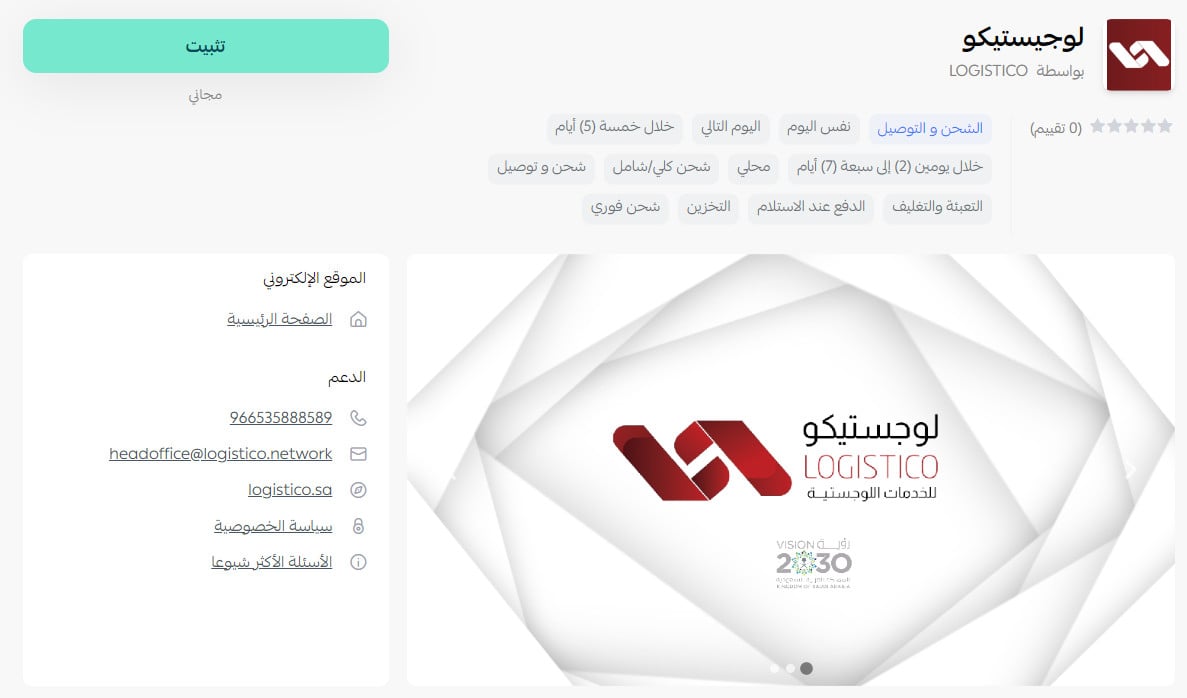
3. On the Logistico app page, click (Install).
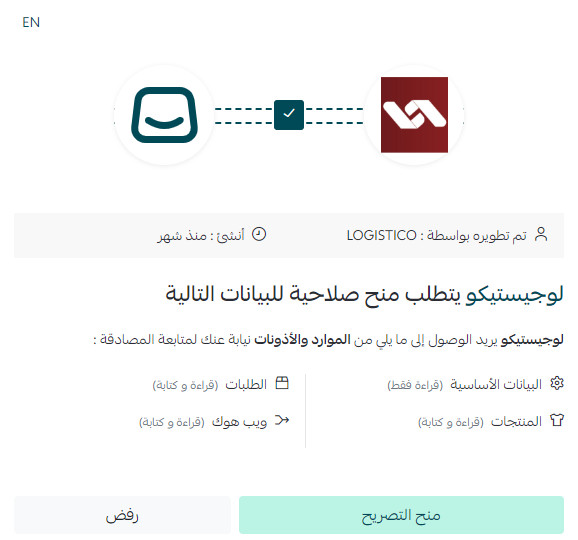
4. Review the requested permissions, then click (Grant permission).
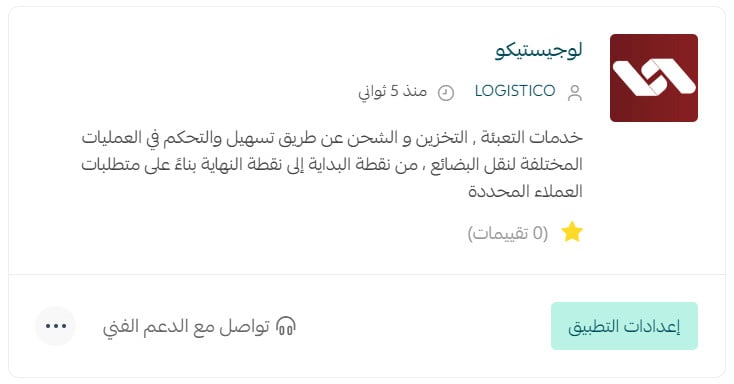
Your Salla store is now connected to your Logistico account.
For more details, see managing your store apps.
💰 How to set Logistico shipping rates
1. From the dashboard side menu, click (Installed apps).

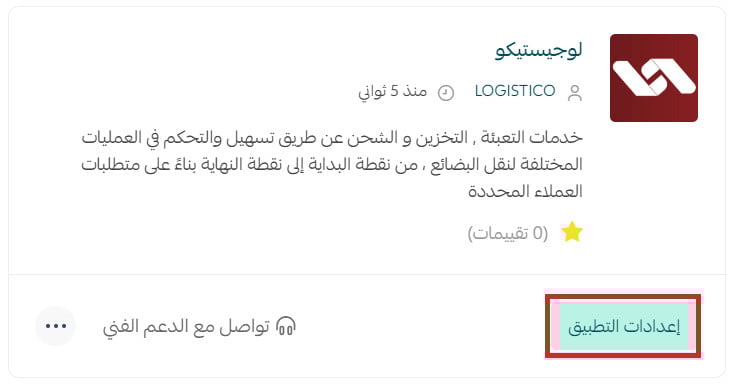
2. On the all apps page, find Logistico and click (App settings).
3. Open the (Shipping rates) tab, then enter the rates for the required cities and regions.
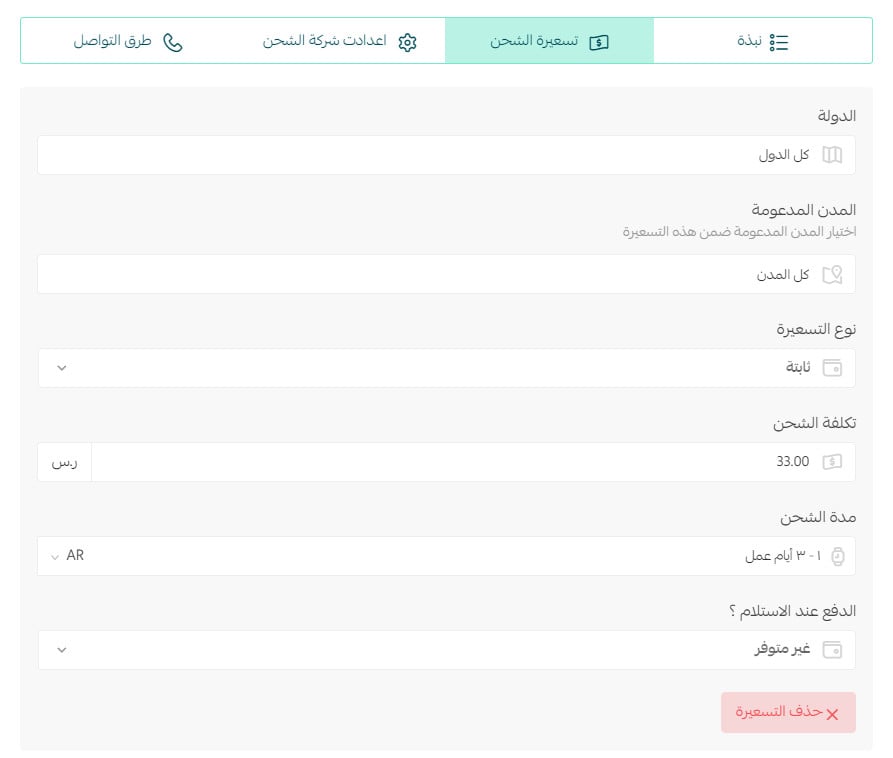
For more details, see shipping and delivery option settings.
❓ Frequently asked questions about Logistico shipping
Which merchant cities does Logistico support?
The FAQ says all cities in Saudi Arabia. [Verify: this conflicts with the introduction, which describes coverage as Riyadh.]
Which customer destinations does Logistico serve?
The FAQ says all cities in Saudi Arabia. Confirm the current service areas with Logistico before enabling rates.
How do I contract and connect with Logistico?
After installing the app through Salla, agree on the merchant quotation. Once the contracts are approved, add the agreed rate to the shipping waybill through Salla.
How are amounts settled?
At the end of each month, Logistico issues an invoice for storage, fulfillment, and delivery services, along with cash-on-delivery amounts. [Verify: the source does not explain whether COD amounts are paid to the merchant or included as invoice line items.]
When can I contact customer service?
The stated hours are 10:00 AM–10:00 PM. The source does not specify operating days or a time zone.
Can I receive financial and inventory reports?
Yes.
How do I send an order to Logistico?
The merchant completes order processing. [Verify: the source does not identify the dashboard action or explain how this hands the order to Logistico.]
Does Logistico provide shipment tracking?
Yes.
How do I create a shipping waybill?
After processing the order, prepare and pack it, confirm it, then print the shipping waybill.
How are shipments with multiple cartons handled?
Use a separate waybill for each carton.
How can I change the customer address after issuing a waybill?
The account manager updates the customer address through the logistics system.
Does Logistico ship within and between cities?
Yes.
Does Logistico offer door-to-door delivery?
Yes.
Who do I contact if there is a shipment problem?
Contact customer service using the number shown on the shipment-tracking website. [Verify: the source does not provide the website or phone number.]
Can Logistico ship liquid products?
Yes.
What is the maximum number of cartons per shipment?
The stated maximum is 2 cartons.
Can Logistico ship valuable products, and are they insured?
Yes, and insurance is available. [Verify: the source does not state the maximum coverage, eligibility, exclusions, or claim process.]
Does Logistico offer delivery within two hours?
No.
What are the delivery boundaries inside and outside a city?
The source defines the boundary as the checkpoints at the city entrance. Confirm the applicable boundary for each city.
Does two-hour delivery include restaurants or food?
No. The source also says that two-hour delivery is not available.
Does Logistico offer refrigerated shipping?
Yes. The source states a vehicle temperature of -4°C. Confirm the supported temperature range and product eligibility before shipping.
Does Logistico offer storage, fulfillment, and packaging?
Yes.
What are the minimum and maximum shipment weights?
The source states only 15 kg. [Verify: it does not say whether this is the minimum, maximum, or both.]
Does Logistico support cash on delivery and card payment?
Cash on delivery is available according to the merchant agreement. [Verify: the source does not state the fee or separately answer whether card payment on delivery is available.]
How is the shipping or delivery price calculated?
The source answers, “when the customer receives the order,” which describes timing rather than a calculation method. [Verify: the pricing formula is missing.]
When is a courier sent for home collection?
At the time agreed with the merchant.
Can an undelivered order be returned, and what does it cost?
Returns are available according to the merchant agreement. The source does not state a fixed return fee.
What happens if a shipment is delayed or damaged?
The carrier is responsible for shipments after the order is prepared. However, the source says the carrier is not responsible for breakage when the fulfillment team or merchant does not notify it or attach a (Fragile) label. [Verify: delay handling, compensation, and the claim process are not provided.]
How long does delivery take within the merchant's city?
The stated delivery time is within 24 hours.
⚙️ How to disable or remove Logistico shipping
Temporarily hide Logistico at checkout
1. From the dashboard side menu, click (Installed apps).

2. On the all apps page, find Logistico and click (App settings).
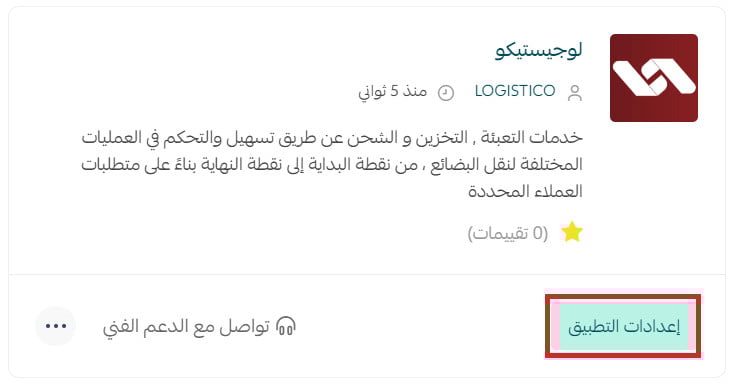
3. Turn (Hide shipping company from checkout) on to hide Logistico, or off to show it again.

Remove Logistico from your store
1. From the dashboard side menu, click (Installed apps).

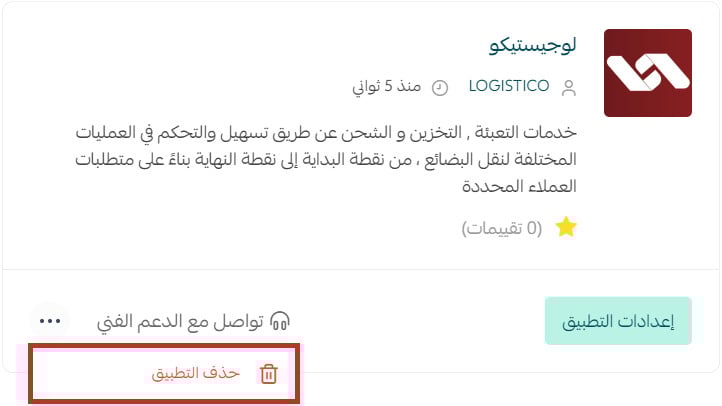
2. On the all apps page, find Logistico, click the (...) icon, then click (Delete app).
Is the Logistico app available on every Salla plan?
No. The source says the app is available on the Pro and Special plans. Confirm current plan eligibility before publication.
📝 Important notes
Confirm Logistico's current coverage, plan eligibility, support route, insurance terms, weight limit, COD and card-payment terms, pricing formula, and claim process before publication.
Agree on rates and service terms in writing, label fragile cartons clearly, and assign a separate waybill to every carton.