Want to automate your store's affiliate-marketing connection with LinkAraby?
The LinkAraby affiliate marketing app is designed for merchants enrolled in the LinkAraby platform. It connects a Salla store to the platform so merchants can support affiliate-driven sales workflows. In this guide, you'll learn how to install, activate, register for, and remove the app.
To connect LinkAraby to Salla, install the app, grant the requested permissions, activate it, enter your LinkAraby Account ID, and save. A LinkAraby merchant account is required, and the platform's team may contact you to complete technical setup and test the connection before affiliate campaigns begin.
📌 Article overview
- What the LinkAraby affiliate marketing app does
- How to install and activate LinkAraby
- How to register as a LinkAraby merchant
- How commissions and successful sales are handled
- How to remove the app
💡 What is the LinkAraby affiliate marketing app?
The LinkAraby app is intended for Salla merchants who subscribe to the LinkAraby affiliate marketing platform. It helps automate supported store operations between Salla and LinkAraby.
🚀 How to connect LinkAraby affiliate marketing to Salla
1. From the dashboard side menu, click (Installed apps).

2. From the Salla App Store banner, click (Browse the Salla App Store).

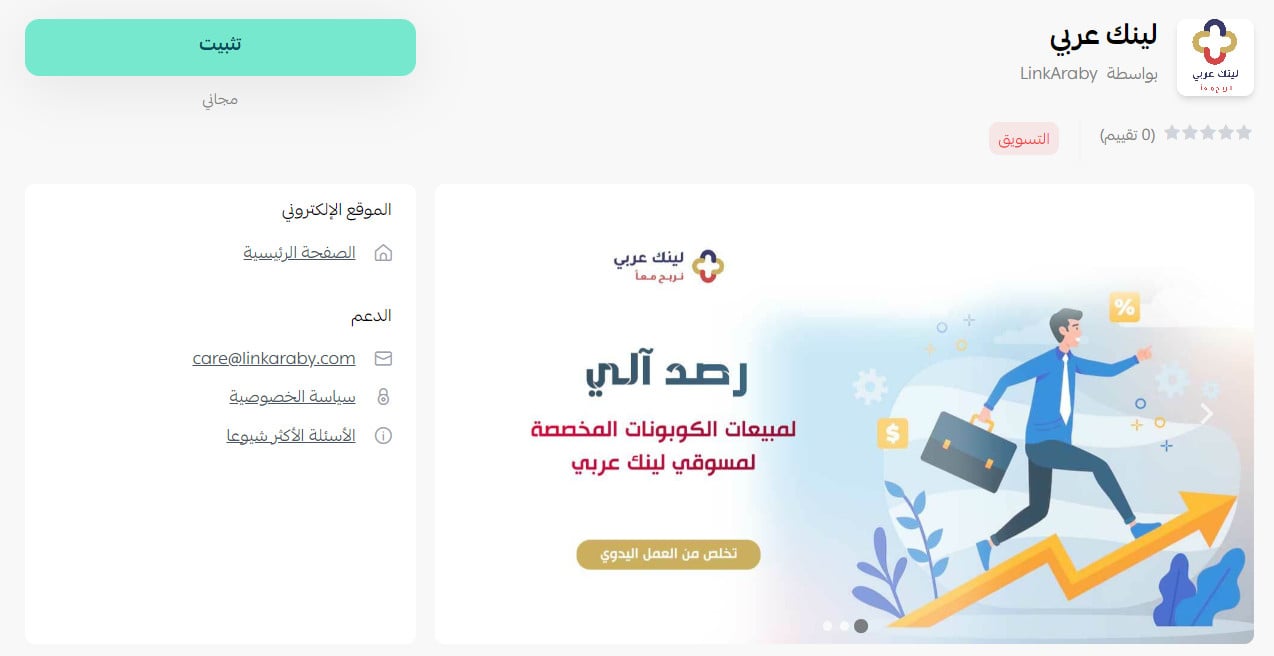
3. On the LinkAraby affiliate marketing app page, click (Install).
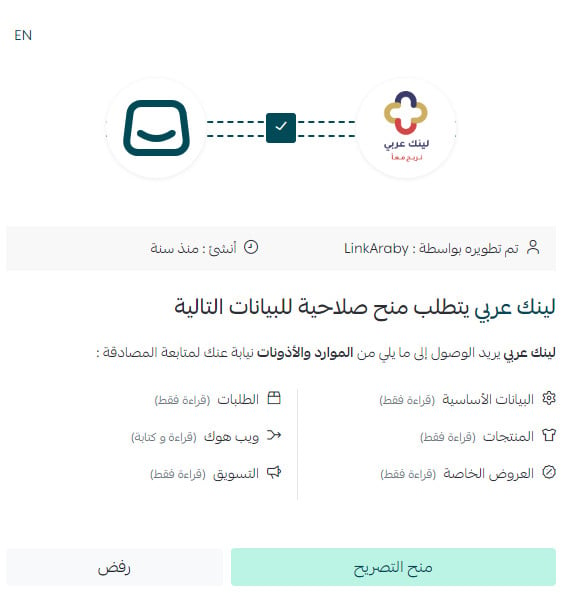
4. Review the requested permissions, then click (Grant permission).
The LinkAraby app is now installed on your store.
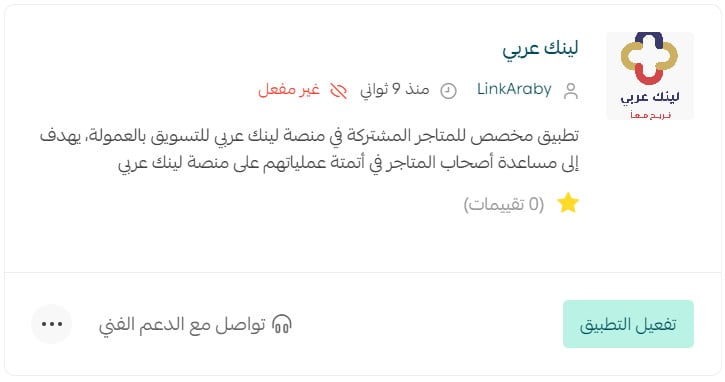
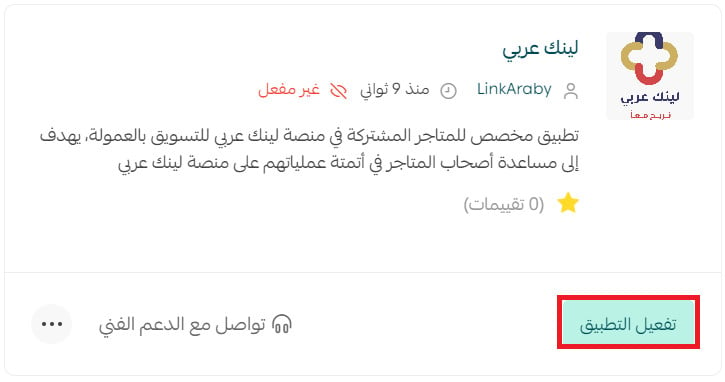
5. On the Installed apps page, find the LinkAraby card and click (Activate app).
Enter the LinkAraby Account ID associated with your LinkAraby account, then click (Save).
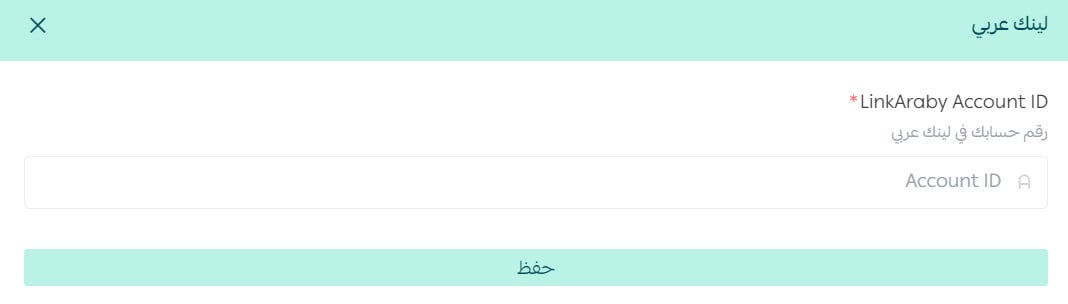
The LinkAraby app is now active on your store.
For more details, see managing your store apps.
❓ Frequently asked questions about LinkAraby
How do I register as a merchant on LinkAraby?
1. From the merchant section of the LinkAraby home page, click (Register now).
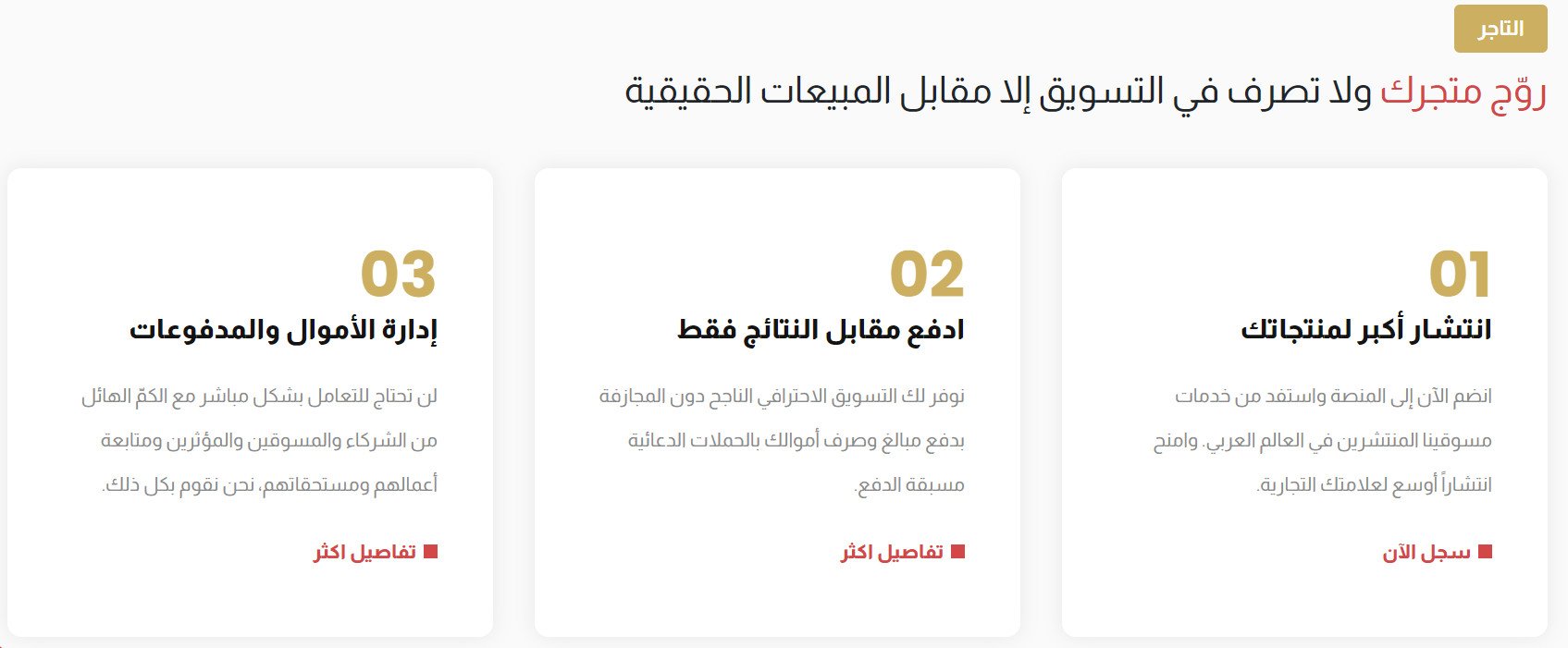
2. Enter the required details, then click (Register).
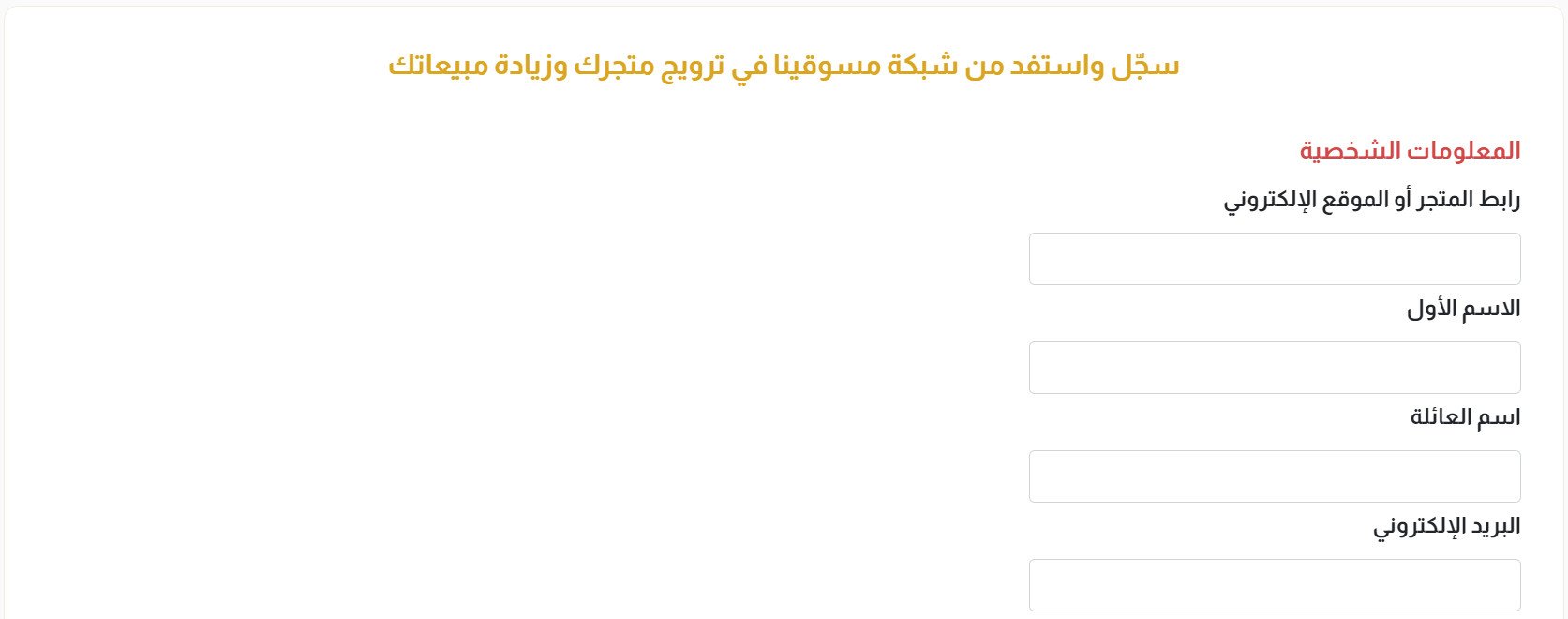
After you complete the form and accept the service agreement, the LinkAraby team reviews the application and determines the technical connection method for your store. The source says the team then emails the registered address with setup steps.
After you complete those steps, the team contacts you to test the connection and sends a marketing link for a trial purchase. This lets you check the connection and understand how affiliates use the link. Contact is generally by email or WhatsApp using the details in your application, so make sure they are accurate. [Verify: confirm the current onboarding stages, contact channels, testing process, and expected timelines.]
How are commissions paid to affiliates who generate sales?
The source says the merchant transfers the amount due to the account of Smart Offers for E-Marketing Establishment. LinkAraby then credits the affiliates' commission balances, and affiliates can request payment through a supported method. It also says LinkAraby covers bank-transfer fees. [Verify: confirm the current contracting entity, invoice and transfer process, payment schedule, supported payout methods, fees, and taxes.]
Does a merchant pay a subscription fee to join LinkAraby?
The source states that merchant enrollment is free and that merchants pay a commission based on performance rather than a subscription fee. [Verify: confirm current pricing, minimum commitments, commission terms, and any setup or service fees.]
What counts as a successful sale?
The source defines successful sales as completed orders generated by LinkAraby affiliates. Canceled orders are not commissionable, while orders still being delivered before the current invoice date move to the next invoice. [Verify: confirm the current attribution rules, order-status definitions, invoice cutoff, return treatment, and dispute process.]
For additional details, see the LinkAraby merchant FAQ.
How do I remove LinkAraby from my store?
1. From the dashboard side menu, click (Installed apps).

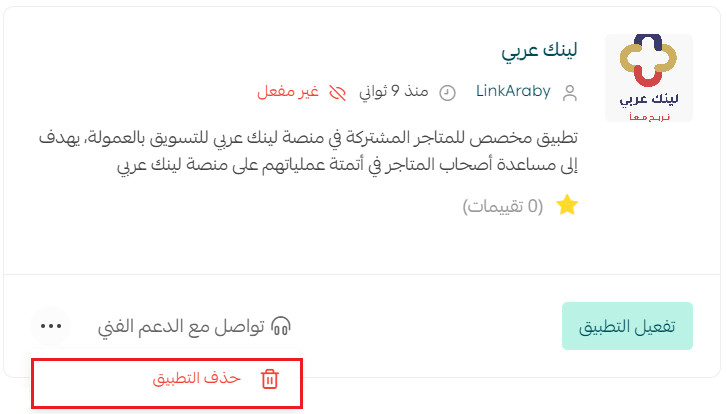
2. On the all apps page, find LinkAraby, click the (...) icon, then click (Delete app).
📝 Important notes
Confirm the current service agreement, onboarding process, pricing, commission attribution, invoicing, settlement, payout, refund, and dispute terms with LinkAraby before publication.
The source interface uses “LinkAraby Account ID,” but the public Arabic website does not present a clear Latin-script brand standard. Confirm the preferred English spelling with the app owner.