Are your store's books still living in a spreadsheet you update at the end of every month?
Accounting is the part of running a store that quietly eats your evenings, and it is the part regulators care most about. Irad by Dafater is a Salla app that links your store to Dafater, a Saudi cloud accounting platform, so you can manage your finances and inventory remotely and stay compliant with the Zakat, Tax and Customs Authority. In this guide, you'll learn how to install the app, choose a plan, open your Dafater account, and remove the app if you need to.
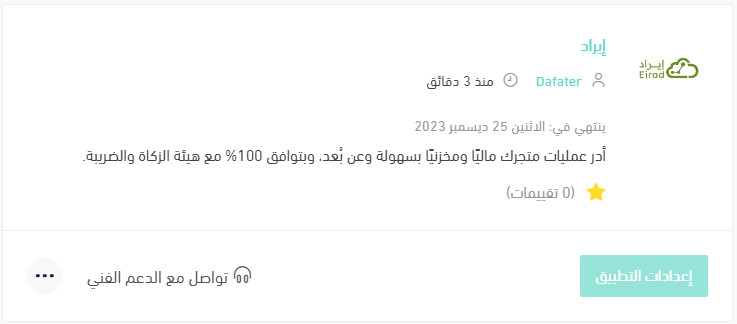
Irad is the Salla app for Dafater, a cloud accounting platform. It links your store to your Dafater account so orders, finances, and inventory are managed in one place. Install it from the Salla App Store, choose a plan, confirm payment, grant the permissions it asks for, then open Dafater Home.
📌 Article overview
- What the Irad app by Dafater does
- How to connect Irad to your store for accounting
- Frequently asked questions
🚀 How to connect Irad by Dafater for accounting
1. From the side menu of your dashboard, click (Installed apps).

2. From the Salla App Store banner, click (Browse the Salla App Store).

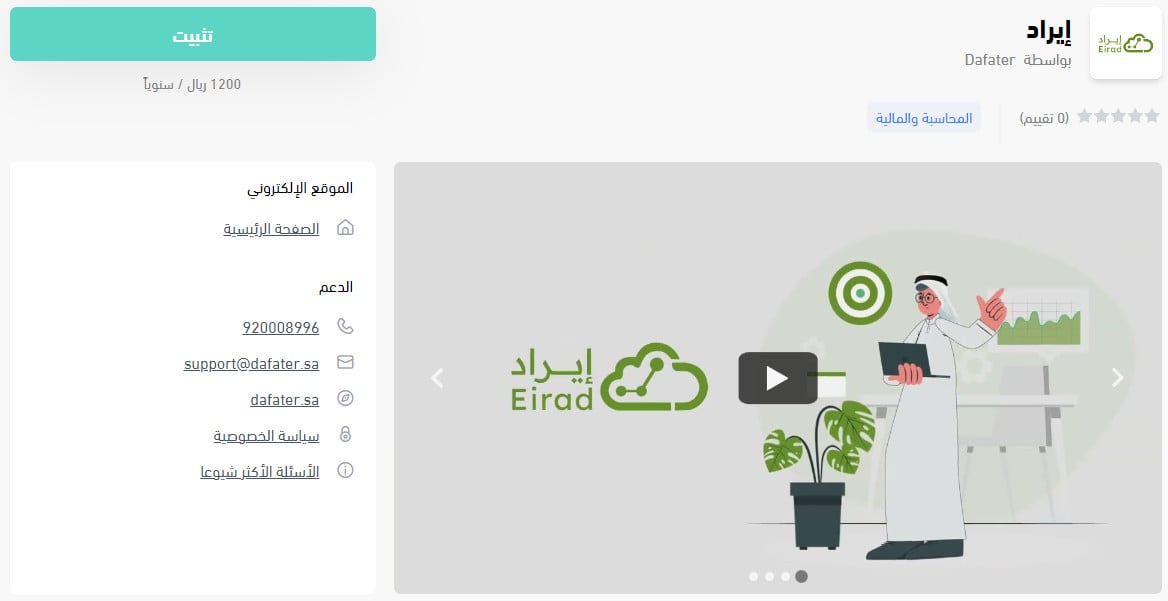
3. On the Irad app page, click (Install).
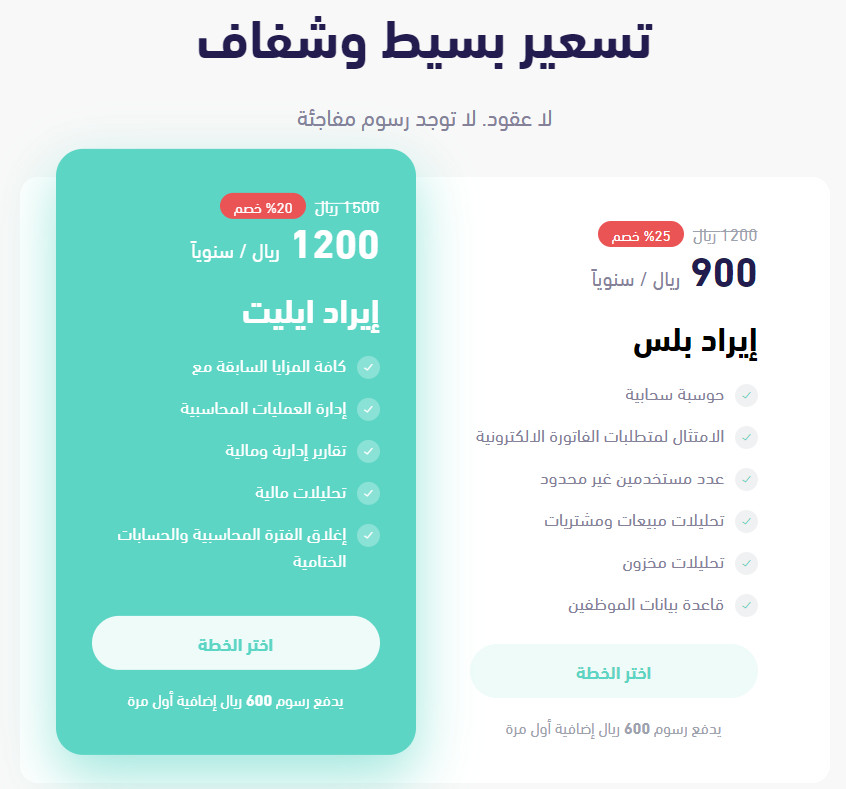
4. Choose the plan that fits the size and type of your business, then click (Choose plan).
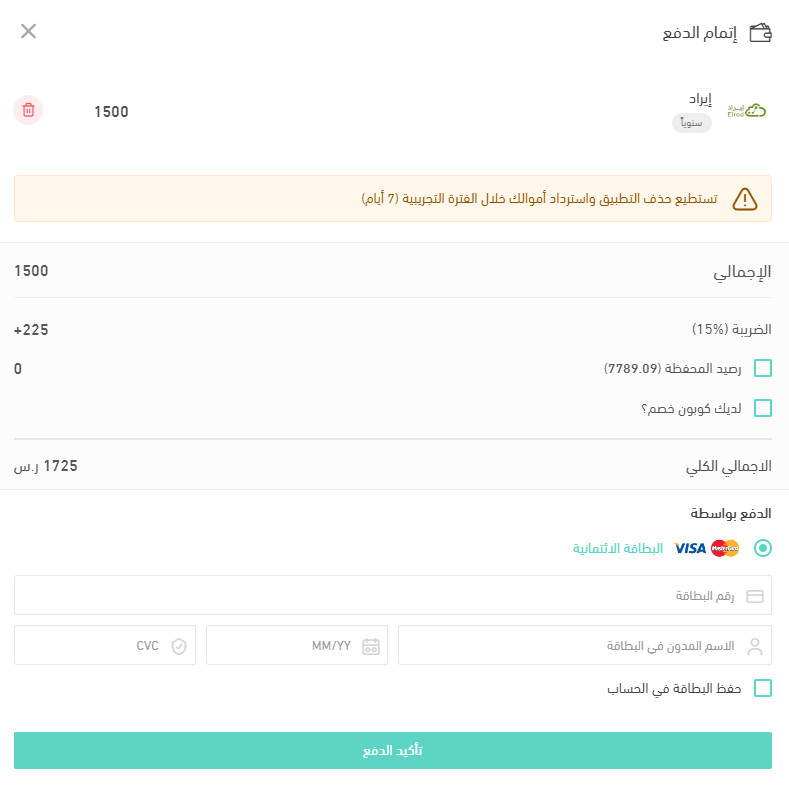
5. Select the payment method that works for you, then click (Confirm payment).
📝 Important notes
You can delete the app and get your money back within a 7-day trial period.
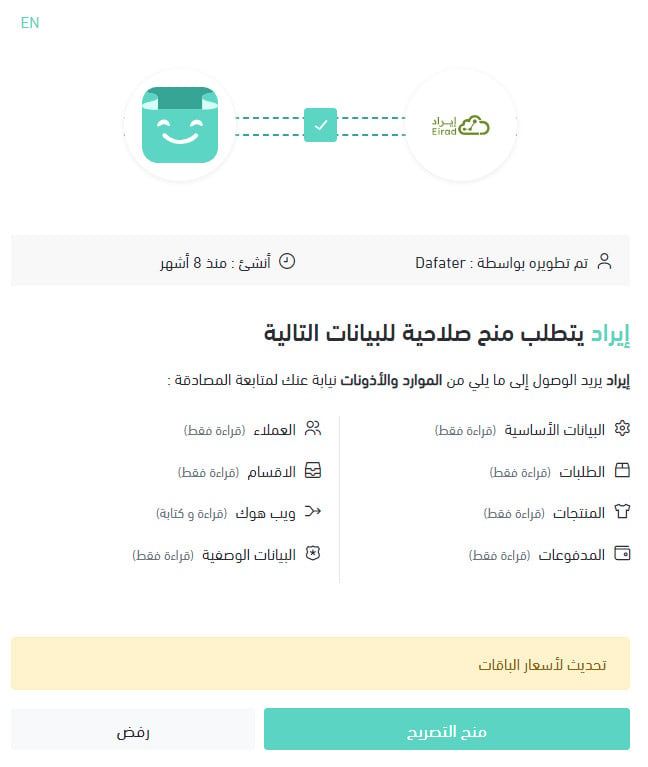
6. Review the permissions the app asks for, then click (Grant permission).
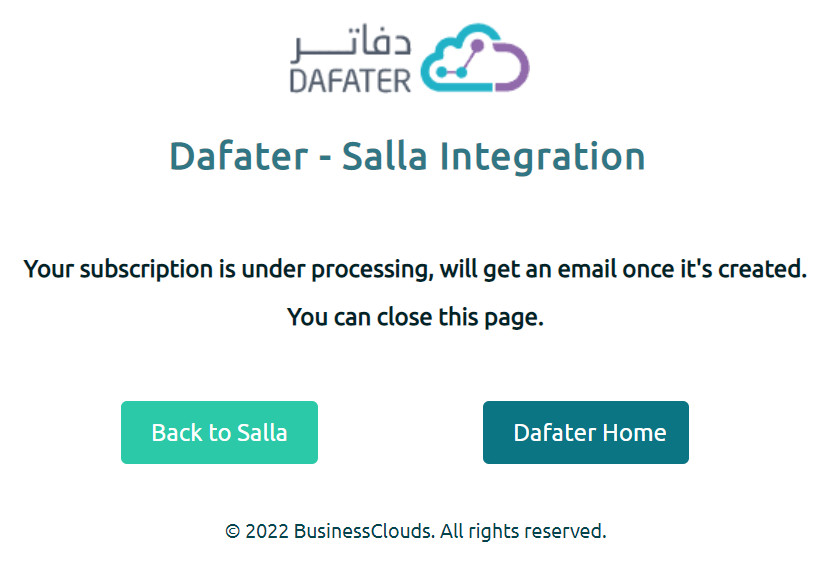
7. To open your Dafater account page, click (Dafater Home).
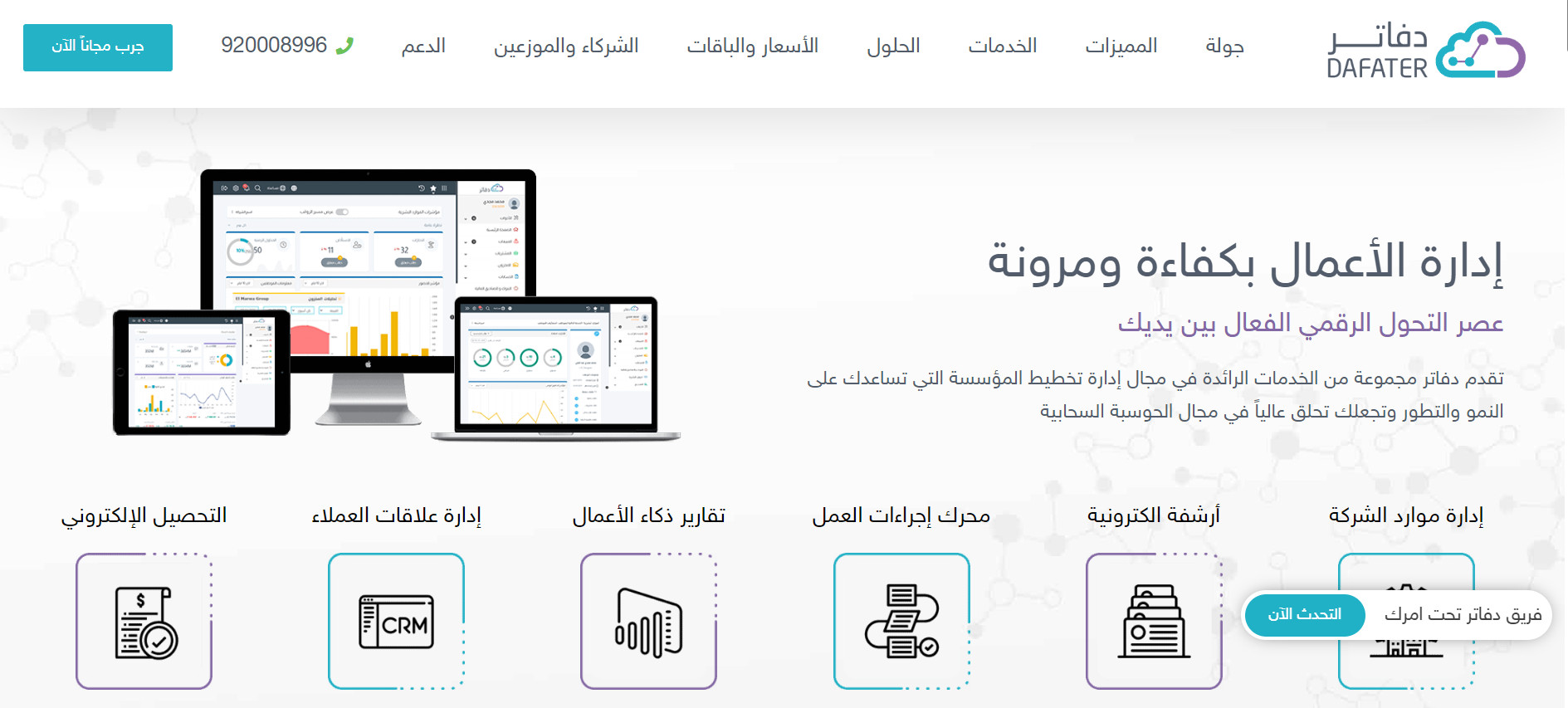
Your Dafater home page looks like this:
That's it. Your Salla account is connected to Dafater, and you can start importing orders and following your business from one place.
For more details, see managing your store apps.
❓ Frequently asked questions
Which Dafater plan is right for me?
Start by deciding which parts of your business you want to run through Dafater. The goal is to take only the plan you actually need, and nothing more.
Picking the right plan is one of the things a phone consultation with the Dafater business solutions specialists is for. They hold advanced managerial and financial accounting qualifications and have enough experience running online businesses to understand your situation and shape the right setup around it.
For more details, see the most common questions about Dafater.
How do I remove the Irad app from my store?
1. From the side menu of your dashboard, click (Installed apps).

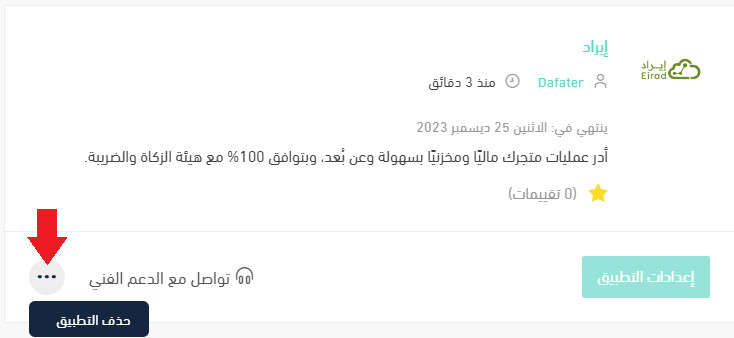
2. On the all apps page, find the Irad app, click the (...) icon, then click (Delete app), as shown below.
Where do I open Dafater after installation?
Open the installed Irad app, then click (Dafater Home) to go to your Dafater account page.
Clean books are not just a compliance chore. Once your orders flow into your accounting automatically, you can see your real margins, and that changes what you decide to sell.