Is your delivery partner the reason customers hesitate before they check out?
Flowxpress is a licensed parcel delivery company operating in Saudi Arabia, built around the idea that a courier should feel like part of your team rather than a line item on an invoice. Connecting Flowxpress to your Salla store makes it available as a shipping option at checkout and lets you price delivery for the cities and regions you serve. In this guide, you'll learn how to install the app, set your shipping rates, pause it temporarily, and remove it if you need to.
To connect Flowxpress, open (My installed apps) from your dashboard's side menu, browse the Salla App Store, and install the Flowxpress app. Review the permissions it asks for and click (Grant permission). Your Salla store is then linked to your Flowxpress account.
📌 Article overview
- What Flowxpress does
- How to connect Flowxpress to your store
- Frequently asked questions
🎯 What Flowxpress does
Flowxpress delivers parcels for online stores in Saudi Arabia under a licence from the communications authority. The company positions itself as a service partner rather than a pure carrier, with integrity, accountability and social responsibility as its stated values.
🚀 How to connect Flowxpress to your store
1. From the side menu of your dashboard, click (My installed apps).

2. From the Salla App Store banner, click (Browse Salla App Store).

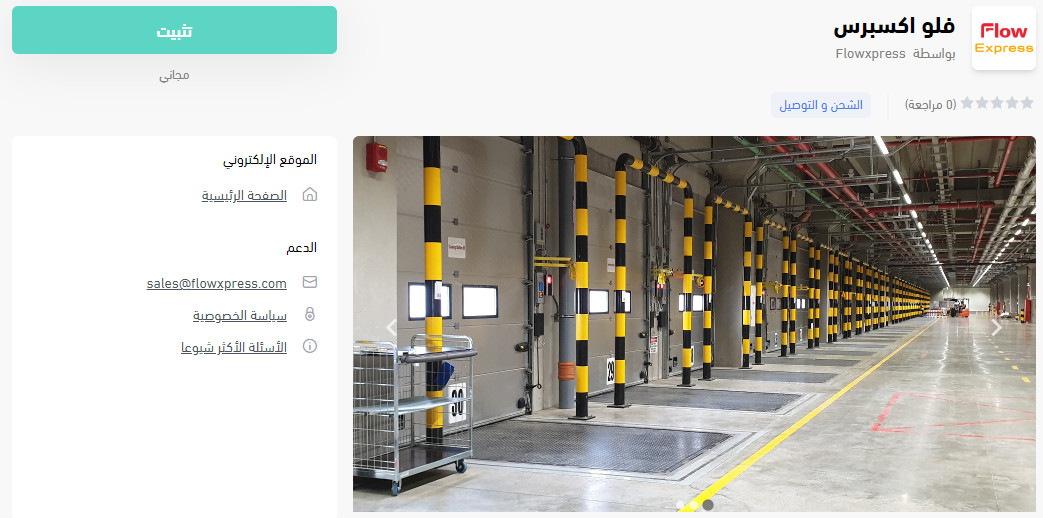
3. On the Flowxpress app page, click (Install).
4. Review the permissions the app needs, then click (Grant permission).
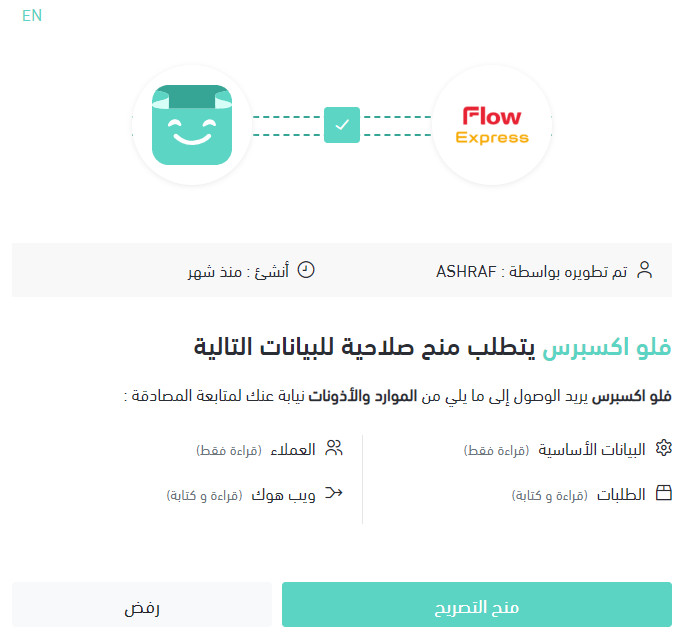
Your Salla store is now linked to your Flowxpress account.
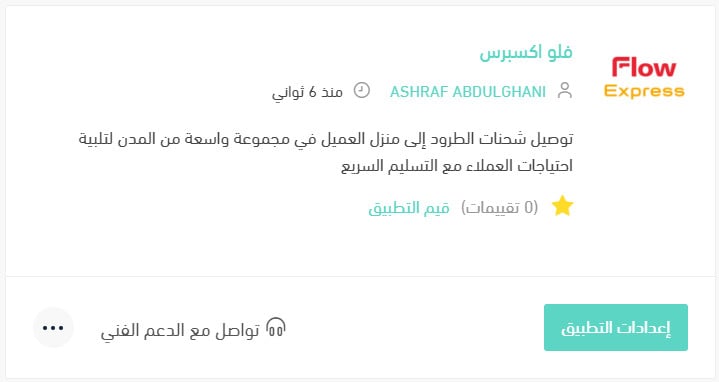
For more details, see managing your store's apps.
❓ Frequently asked questions
How do I set up my shipping rates with Flowxpress?
1. From the side menu of your dashboard, click (My installed apps).

2. On the all apps page, find the Flowxpress app and click (App settings).
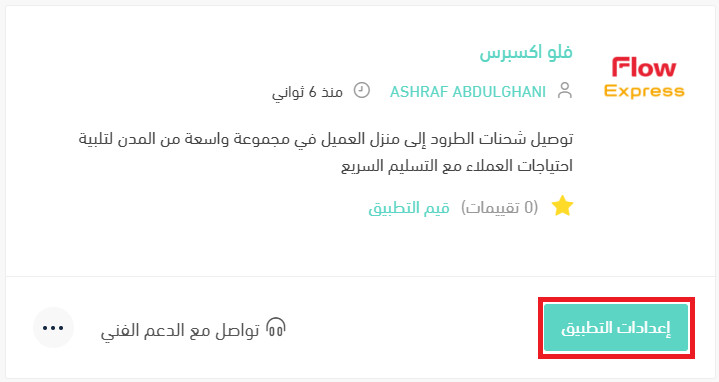
3. From the (Shipping rates) tab, enter your rates for the cities and regions you deliver to.
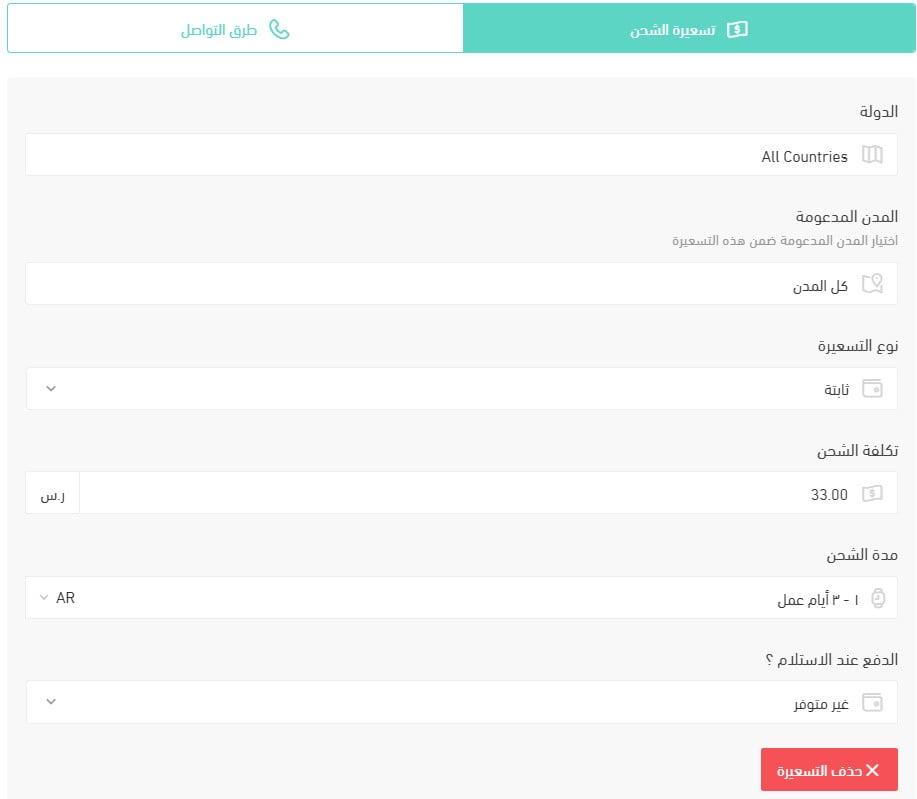
For more details, see shipping and delivery option settings.
How do I switch an app off temporarily?
1. From the side menu of your dashboard, click (My installed apps).
2. On the all apps page, find the Flowxpress app and click (App settings).
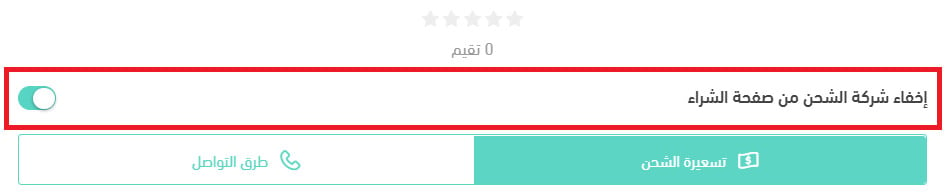
3. Turn the (Hide shipping company from the checkout page) option on or off.
How do I remove Flowxpress from my store?
1. From the side menu of your dashboard, click (My installed apps).
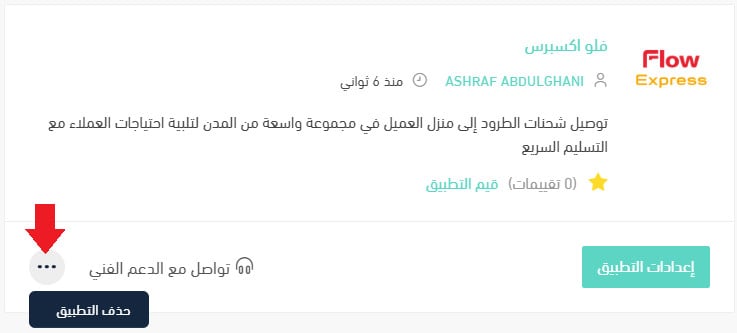
2. On the all apps page, find Flowxpress, click the (...) icon, then click (Delete app), as shown below.
Shipping is the last promise you make before the money leaves the customer's account. Pick the carrier you trust to keep it, price it honestly at checkout, and let the app do the rest.