Is packing and shipping orders quietly taking over your working day?
At some point, storing stock in your own space and packing every order by hand stops scaling. Flextock is a logistics provider that stores your products, prepares them for shipping quickly and at a lower cost, and connects to your Salla store as an app, so shipping rates and orders are handled from your dashboard. In this guide, you'll learn how to install the Flextock app, set your shipping rates, hide the carrier at checkout temporarily, and remove the app.
Flextock is a logistics provider that stores your products, prepares them for shipping, and delivers them. To connect it, open Installed apps in your Salla dashboard, browse the Salla App Store, install the Flextock app, and grant the permissions it requests. Then set your shipping rates in the app settings.
📌 Article overview
- What Flextock offers
- How to connect Flextock to your store
- Frequently asked questions
🚀 How to connect the Flextock shipping company
1. From the side menu of your dashboard, click (Installed apps).

2. From the Salla App Store banner, click (Browse the Salla App Store).

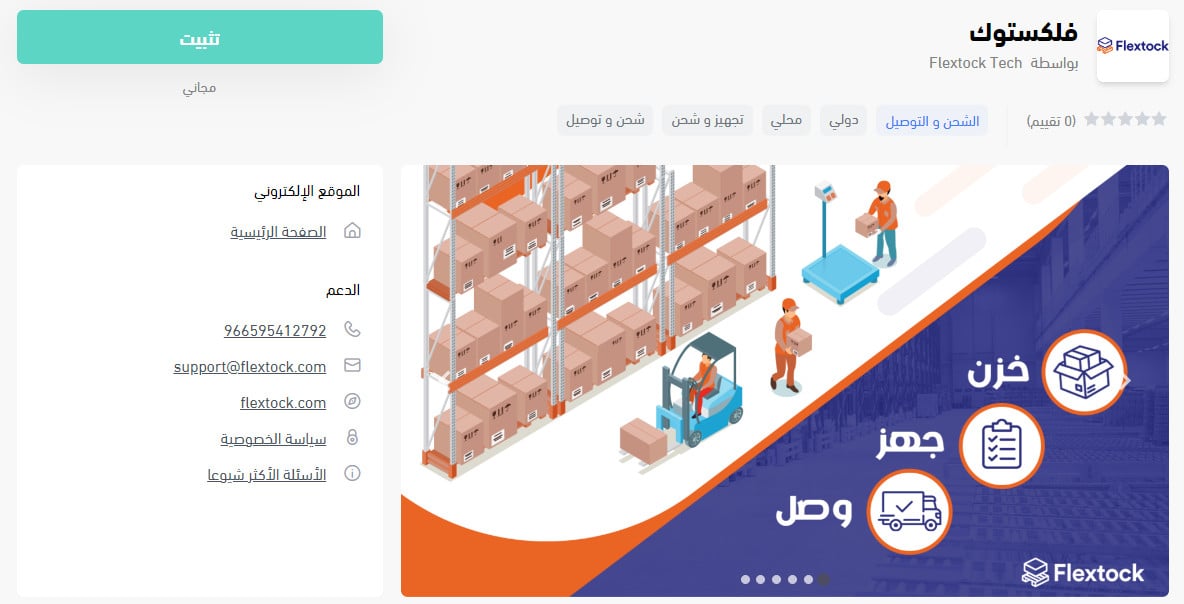
3. On the Flextock app page, click (Install).
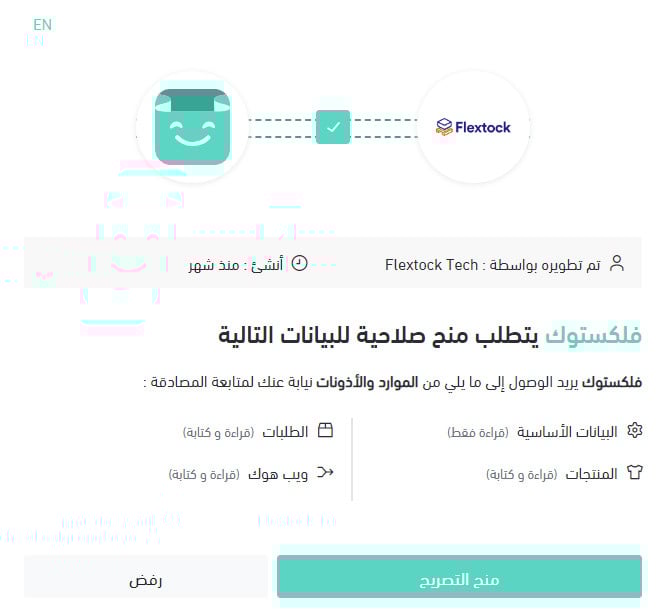
4. Review the permissions the app asks for, then click (Grant permission).
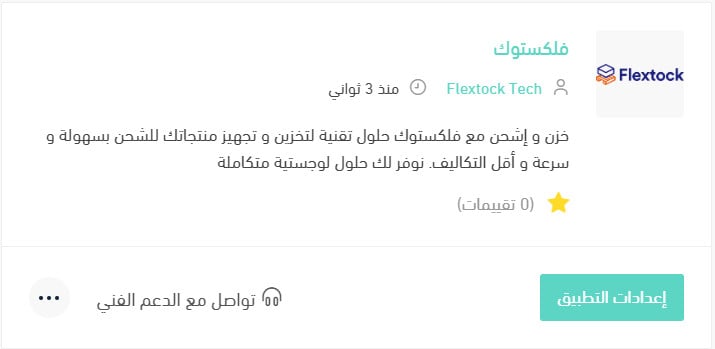
Your Salla store is now connected to your Flextock account.
For more details, see managing your store apps.
❓ Frequently asked questions
How do I set up shipping rates for Flextock?
1. From the side menu of your dashboard, click (Installed apps).

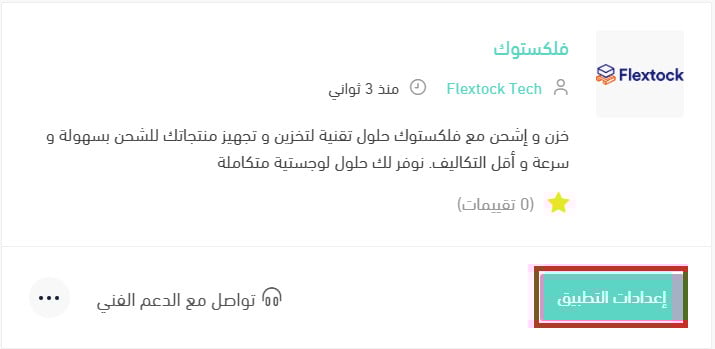
2. On the all apps page, find the Flextock app and click (App settings).
3. Open the (Shipping rates) tab, then enter your rates for the cities and regions you deliver to.
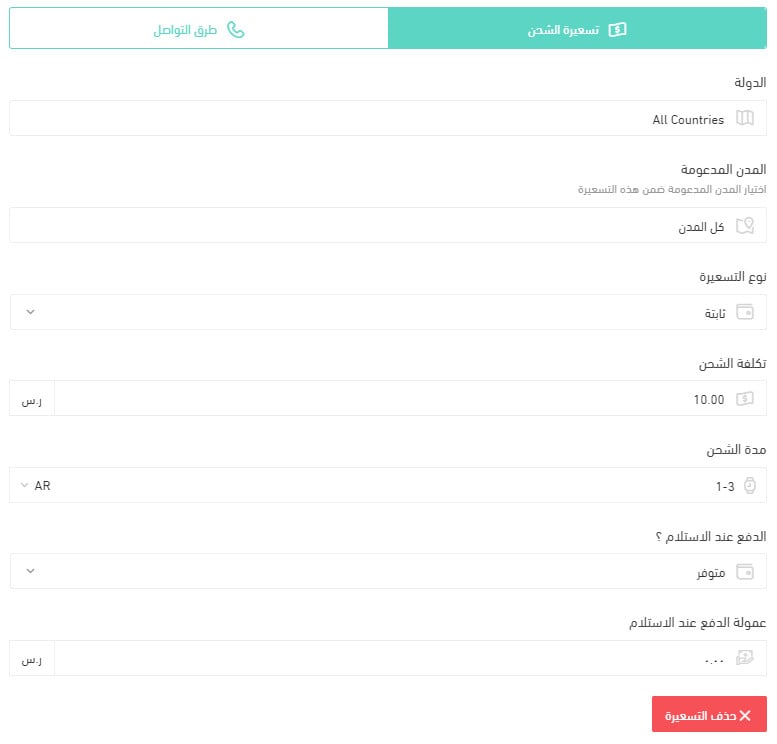
For more details, see shipping and delivery option settings.
How do I temporarily turn off an app in my store?
1. From the side menu of your dashboard, click (Installed apps).
2. On the all apps page, find the Flextock app and click (App settings).
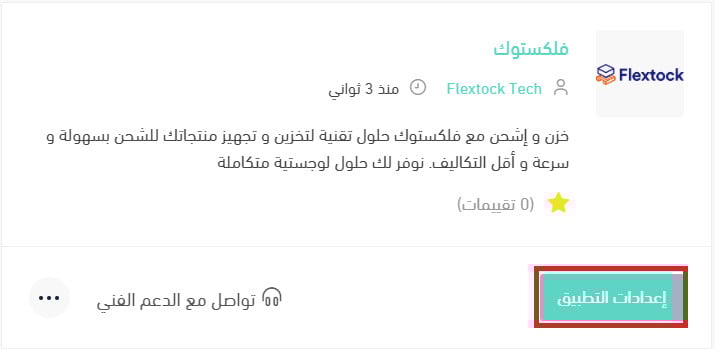
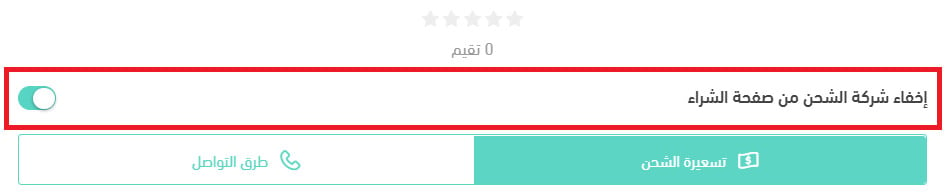
3. Turn the (Hide the shipping company from the checkout page) option on or off.
How do I remove the Flextock app from my store?
1. From the side menu of your dashboard, click (Installed apps).
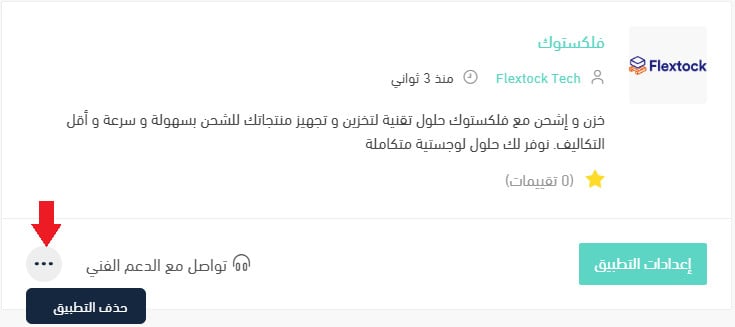
2. On the all apps page, find the Flextock app, click the (...) icon, then click (Delete app), as shown below.
Handing storage and fulfillment to a logistics partner buys back the hours you currently spend packing. Set your rates carefully first, so the convenience does not quietly eat your margin.