Are visitors landing on your store, looking around, and leaving without ever talking to you?
A visitor with a question and nobody to ask usually becomes a lost sale. Drdsh is a customer communication tool that puts a direct line between you and the people browsing your store, so a passing visitor can turn into a paying customer. You connect Drdsh to your Salla store from the Salla App Store in a few minutes, and everything is handled inside your dashboard. In this guide, you'll learn what Drdsh is, how to install and activate it, how to link it to your Drdsh account, and how to remove it if you no longer need it.
Drdsh is a customer communication tool you connect through the Salla App Store. Open Installed apps in your dashboard, browse to the Drdsh app, install it, grant the permissions it requests, activate it, then paste your Drdsh account ID into the settings field and save. The connection is complete.
📌 Article overview
- What Drdsh is
- How to connect Drdsh to your store
- Important notes
- Frequently asked questions
🎯 What Drdsh is
Drdsh is a complete communication system that brings you closer to your customers and helps you turn store visitors into real customers in a smart way.
👣 How to connect Drdsh to your store
1. From the side menu in your dashboard, click (Installed apps).

2. On the Salla App Store banner, click (Browse the Salla App Store).

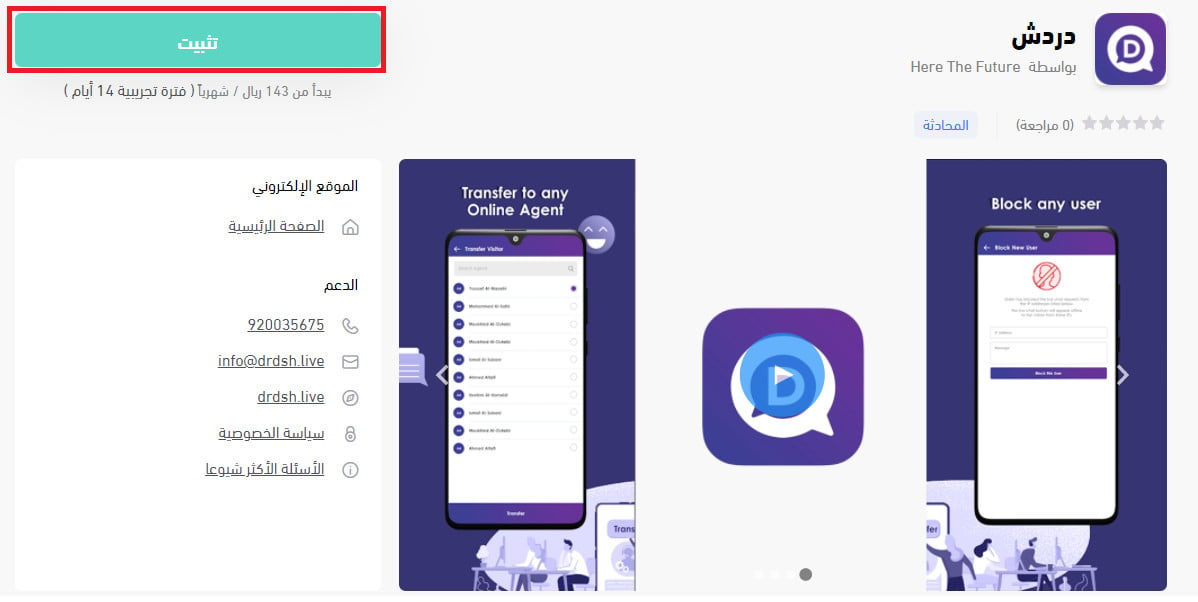
3. On the Drdsh app page, click (Install).
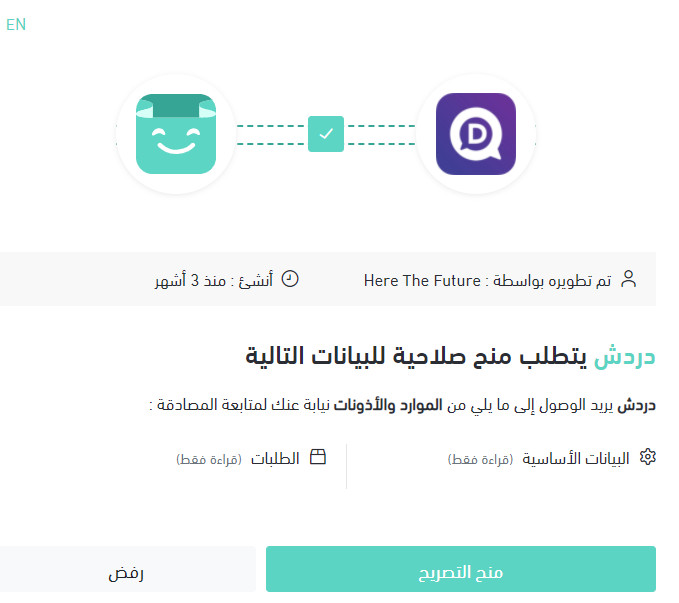
4. Review the permissions the app is asking for, then click (Grant authorization).
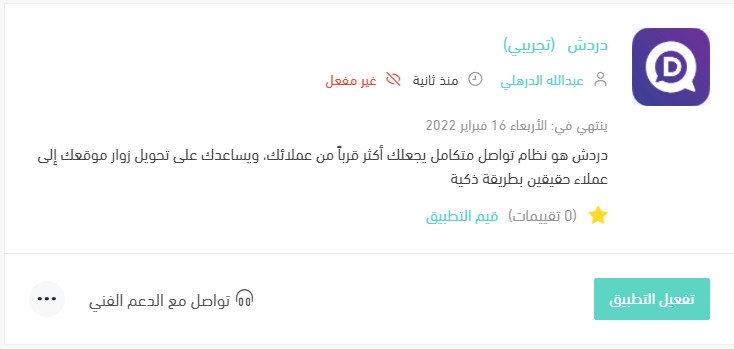
The Drdsh app is now installed on your store.
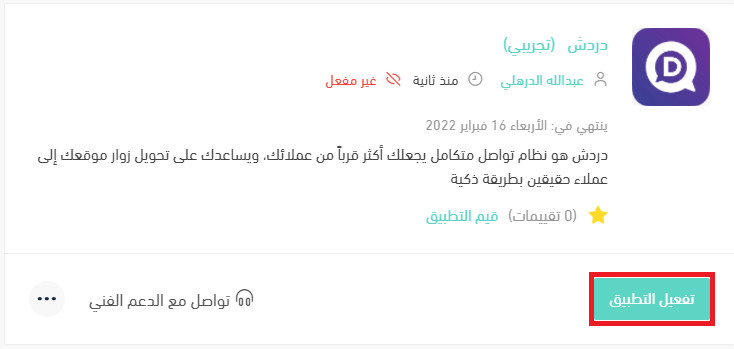
5. Click (Activate app).
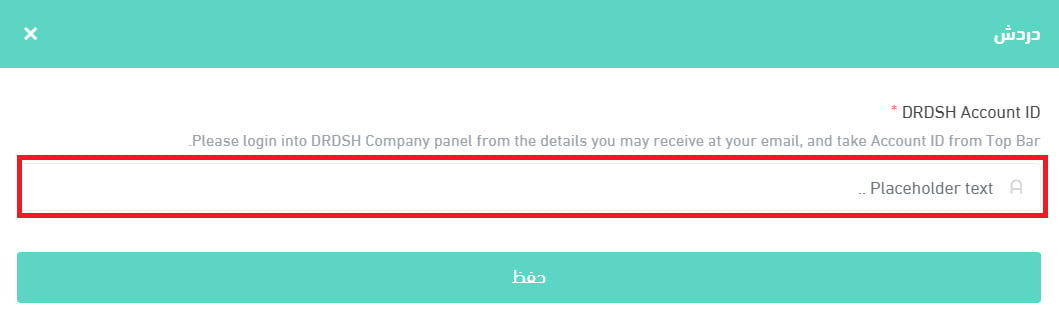
6. Paste your Drdsh account ID into the field provided, then click (Save).
📝 Important notes
You need a Drdsh account before step 6 — the account ID comes from Drdsh, not from Salla. Create the account first if you don't have one.
Installing the app and activating it are two separate steps. The connection only works once you have activated the app and saved your account ID.
For more details on managing my store apps.
❓ Frequently asked questions
How do I create a new Drdsh account?
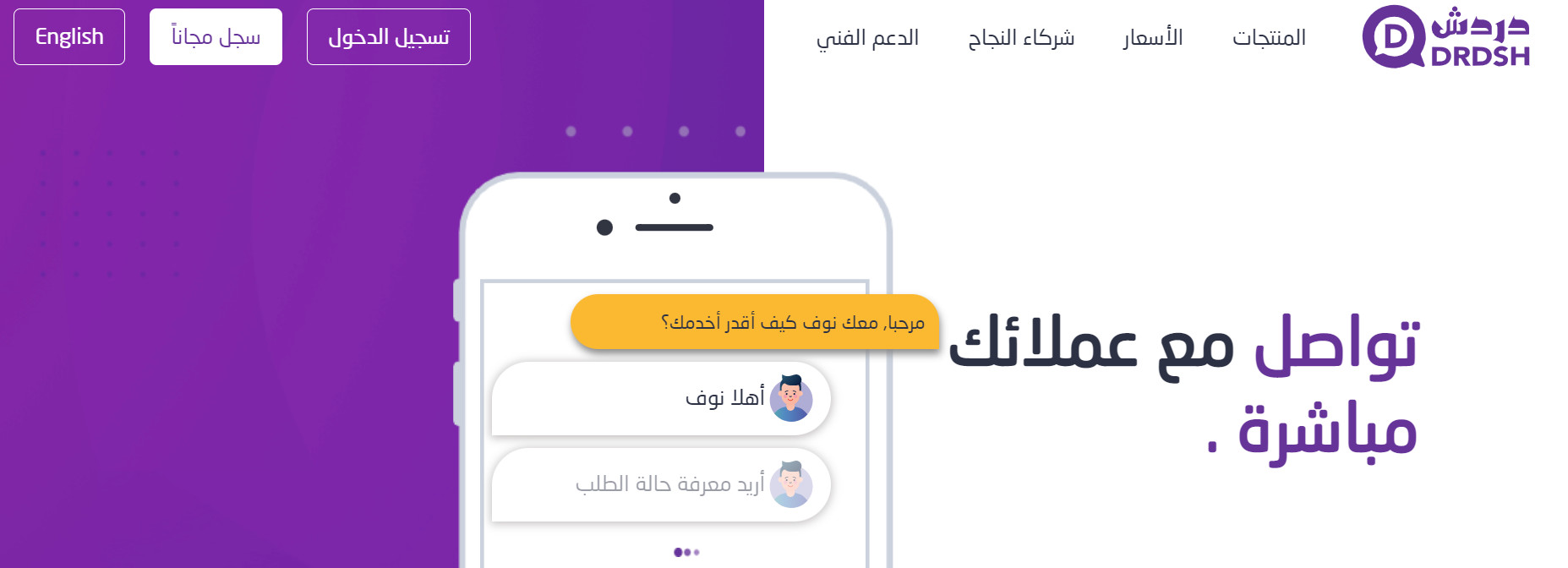
From the Drdsh home page, click (Sign up free).
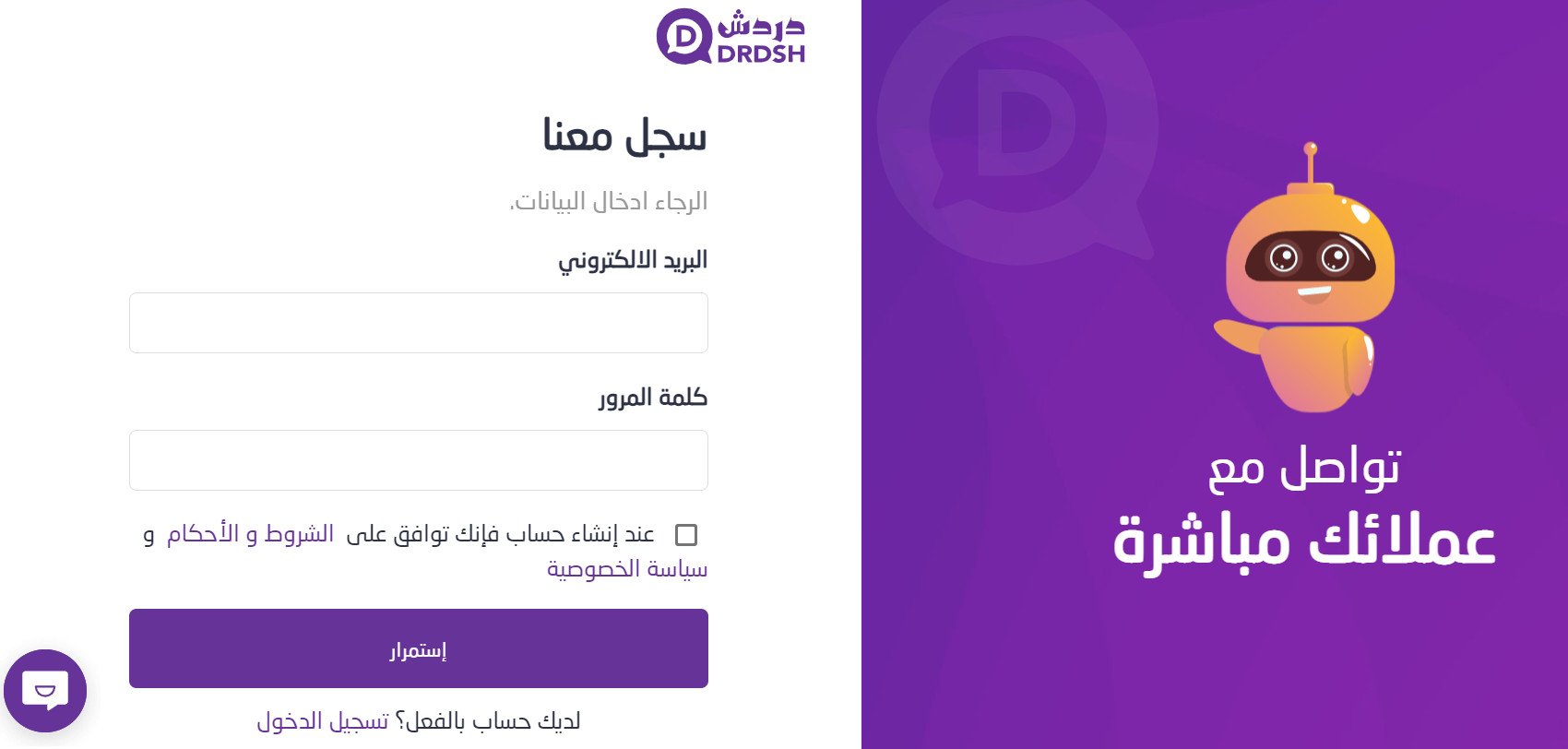
Enter the details it asks for, then click (Continue).
How do I remove the Drdsh app from my store?
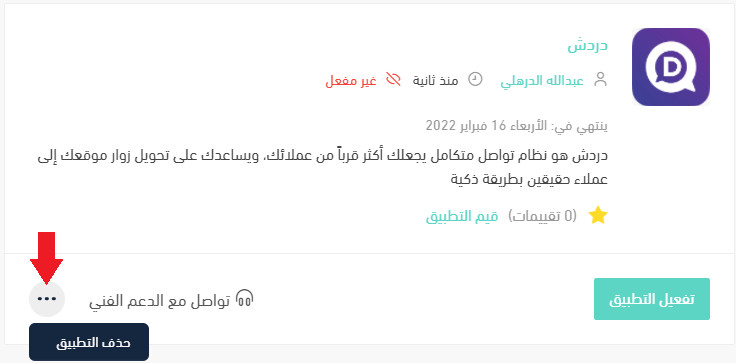
1. From the side menu in your dashboard, click (Installed apps).

2. On the All apps page, find the Drdsh app, click the (...) icon, then click (Delete app), as shown in the image.
Where do I find the Drdsh app in Salla?
In the Salla App Store. Open (Installed apps) from your dashboard side menu, click (Browse the Salla App Store), and open the Drdsh app page from there.
Why is the app asking me to grant authorization?
Because the app needs access to parts of your store to work. Step 4 shows you exactly what it is requesting, and installation only continues after you approve it.
Connecting Drdsh takes a few minutes, but the payoff comes from what you do afterwards. Answer quickly, and the visitors who would have left with an unanswered question stay long enough to buy.