Do you know what stops a shopper right before they finish checkout?
Connecting Chatra with Salla gives you a free live chat window on your store, so you can answer questions while the customer is still on the page. Chatra is built for collecting feedback you can act on: spotting problems, capturing contact details, and understanding your customers better. In this guide, you'll learn how to create a Chatra account, copy your chat widget code, and activate the connection in your Salla store.
To connect Chatra with Salla, sign up at chatra.com with your email, open (Chat widget) from the side menu, and copy the full tracking code. Then open (Installed apps) in your Salla dashboard, click (App settings) on the Chatra app, paste the code, and click (Activate connection).
📌 Article overview
- What is Chatra?
- How to connect your Salla store with Chatra
- Frequently asked questions
🎯 What is Chatra?
Chatra is a free instant messaging service used to collect actionable feedback that improves your store. It helps you identify problems, gather contact details, and understand your customers better.
🚀 How to connect your Salla store with Chatra
The connection happens in two stages:
1. Sign up for Chatra.
2. Paste the Chatra tracking code into your Salla store.
Stage one: sign up for Chatra
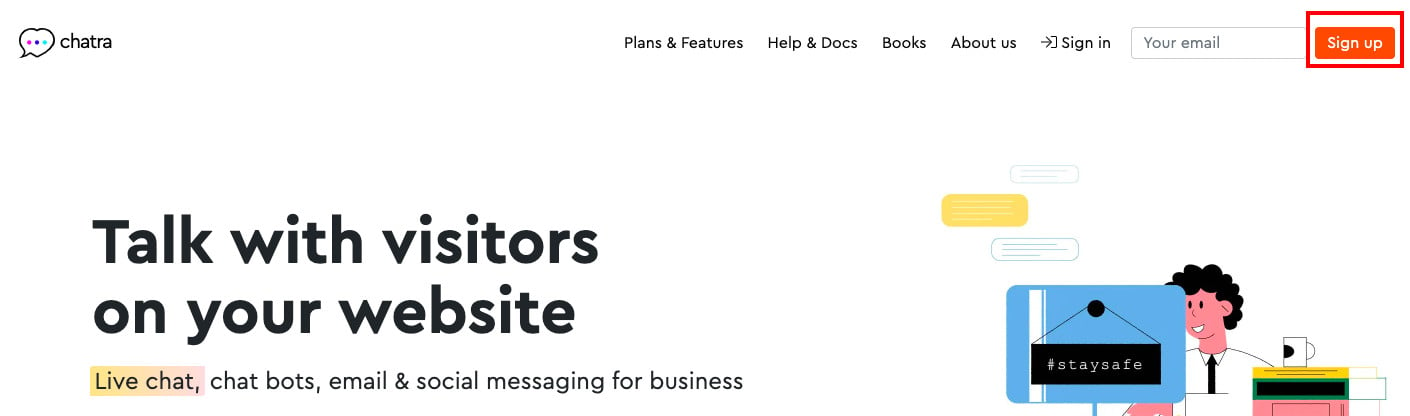
1. Go to the Chatra website, then click (Sign up) to register.
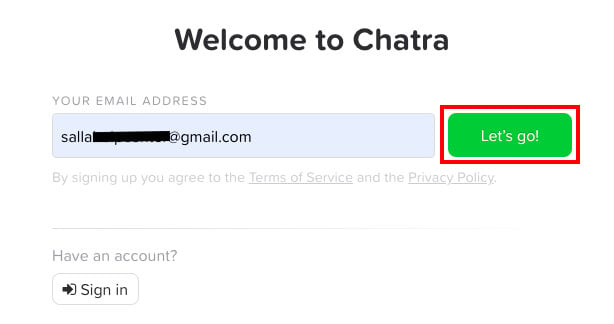
2. Enter your email address, then click (Let's go).
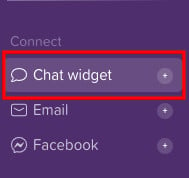
3. You land in your Chatra account. From the side menu, click (Chat widget).
4. Copy the tracking code in full so you can paste it into your store.
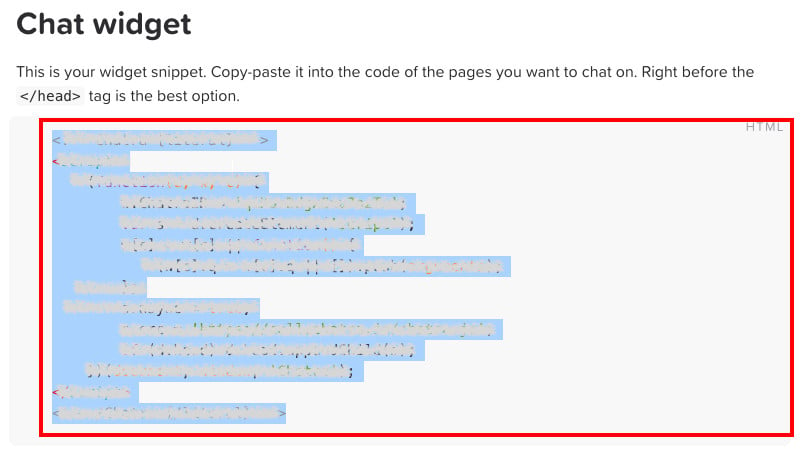
Stage two: paste the Chatra tracking code into your Salla store
1. From the side menu of your dashboard, click (Installed apps).

2. On the Chatra app, click (App settings).
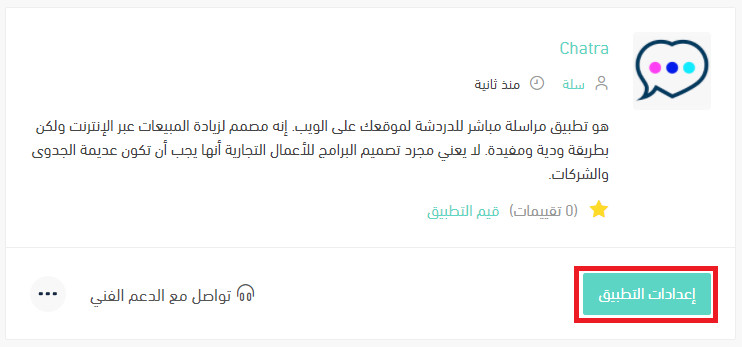
If the app isn't installed in your store yet, install it first. For more details, see installing an app from the Salla App Store.
3. Paste the tracking code you copied from Chatra in stage one, then click (Activate connection).
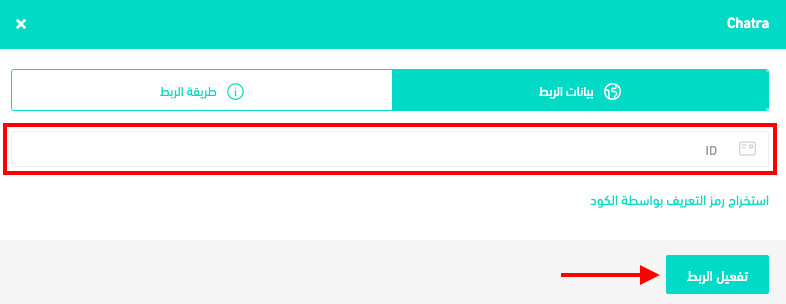
❓ Frequently asked questions
Why use Chatra?
- You can reach customers who abandoned their cart or got stuck at the checkout step.
- You can save answering time by seeing what a customer is typing before they hit send.
- You can follow a customer through your store: the pages they're on, their location, and the type of device they're using.
Is Chatra free or paid?
Chatra is a free instant messaging service.
Can I disconnect my store from my Chatra account?
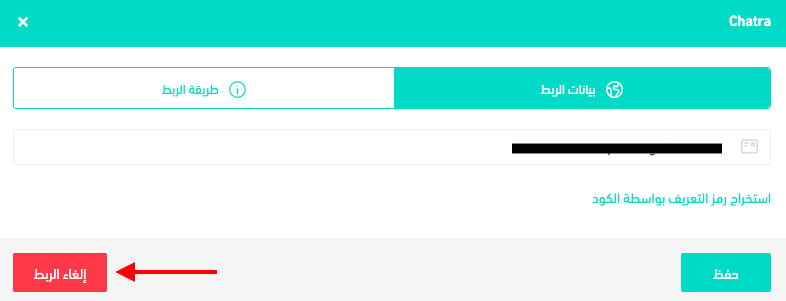
Yes. On the Chatra connection page, click (Disconnect).