How many carts are sitting half-finished right now, with no one following up on them?
Bevatel Business Chat puts that follow-up on WhatsApp, where your customers already are. The app chases abandoned carts, tells customers when their order status changes, and answers order status questions automatically, so conversations that used to need a person now run on their own. In this guide, you'll learn how to install Bevatel Business Chat, activate it, and remove it if you no longer need it.
Bevatel Business Chat is a Salla app that connects your store to WhatsApp. Open (Installed apps) from your dashboard side menu, browse the Salla App Store, install the app, grant the permissions it requests, activate it, then enter the details it asks for and save.
📌 Article overview
- What Bevatel Business Chat is
- How to connect Bevatel Business Chat to your store
- Frequently asked questions
🎯 What is Bevatel Business Chat?
Bevatel Business Chat is an app that lets a business talk to its customers faster and more effectively, so more of those conversations turn into sales. It follows up abandoned carts over WhatsApp, notifies customers when their order status changes, and lets customers check an order's status through an automated reply.
🚀 How to connect Bevatel Business Chat to your store
1. From the dashboard side menu, click (Installed apps).

2. On the Salla App Store banner, click (Browse the Salla App Store).

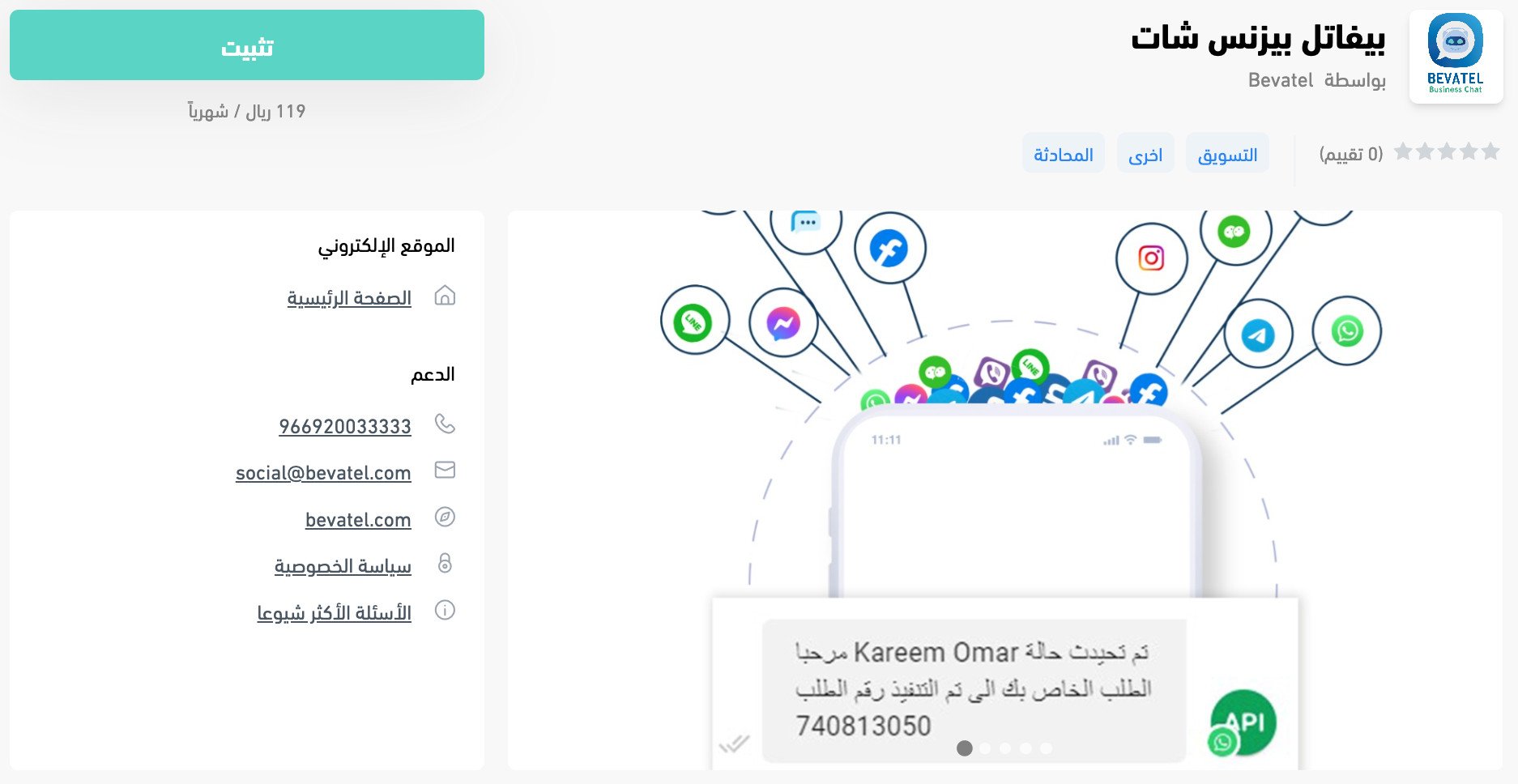
3. On the Bevatel Business Chat app page, click (Install).
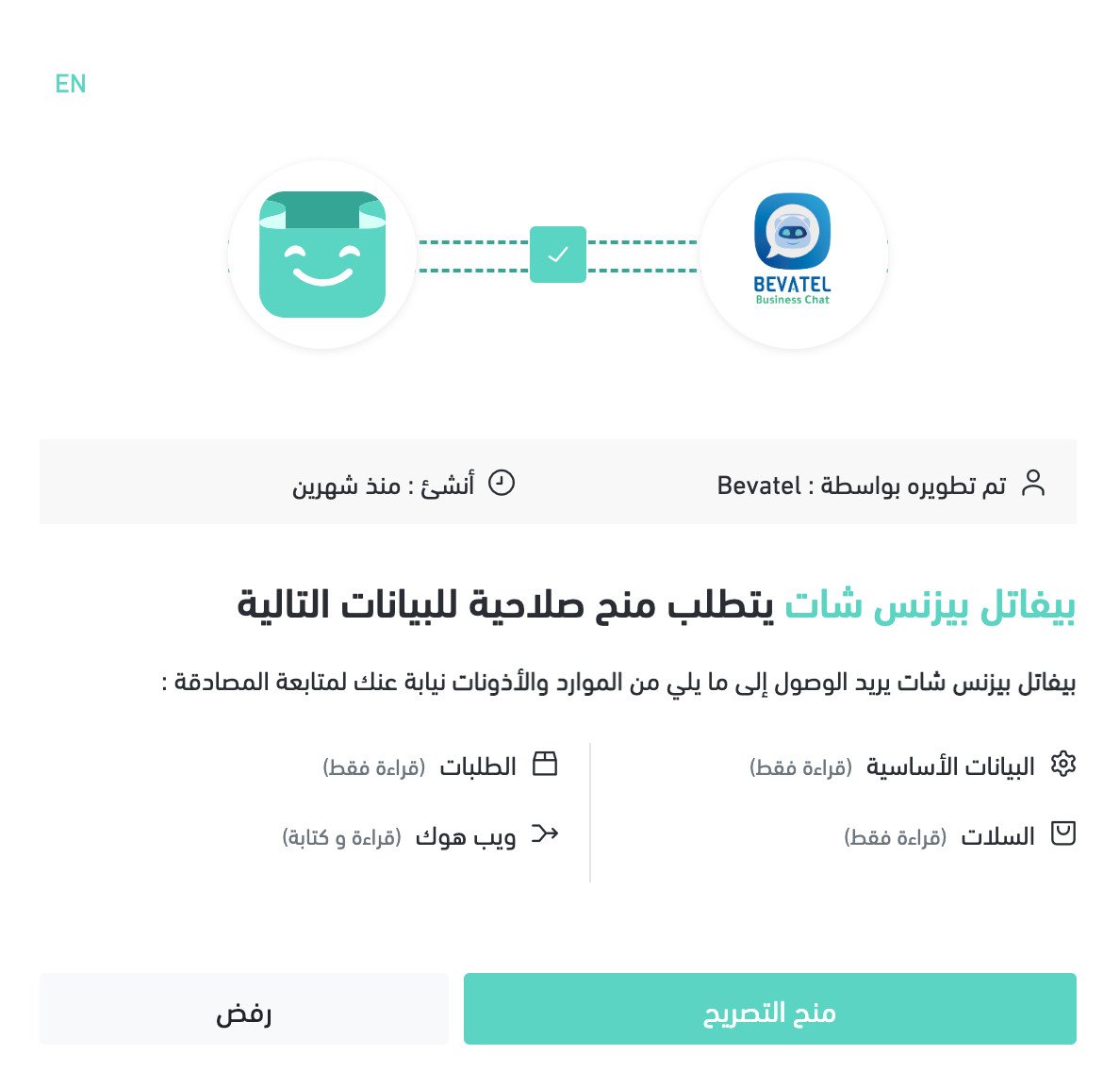
4. Review the permissions the app requests, then click (Grant permission).
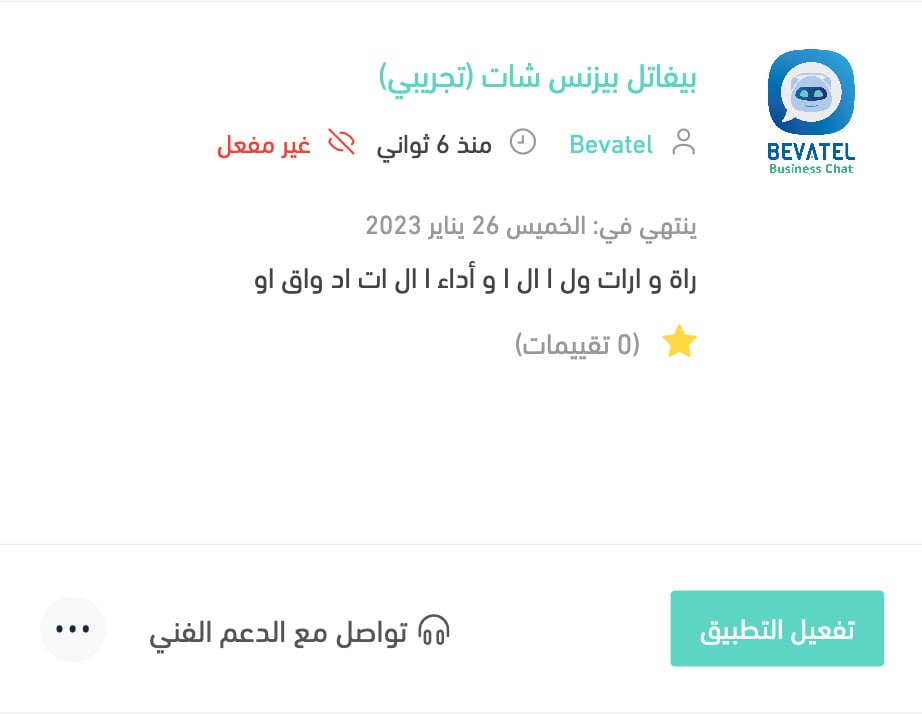
The Bevatel Business Chat app is now installed on your store.
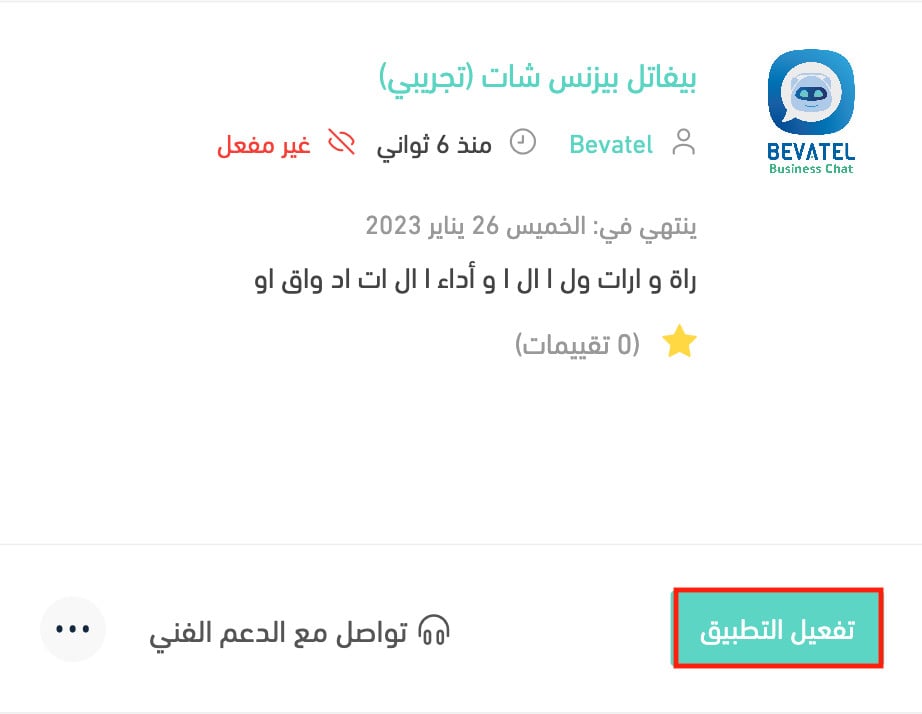
5. Click (Activate app).
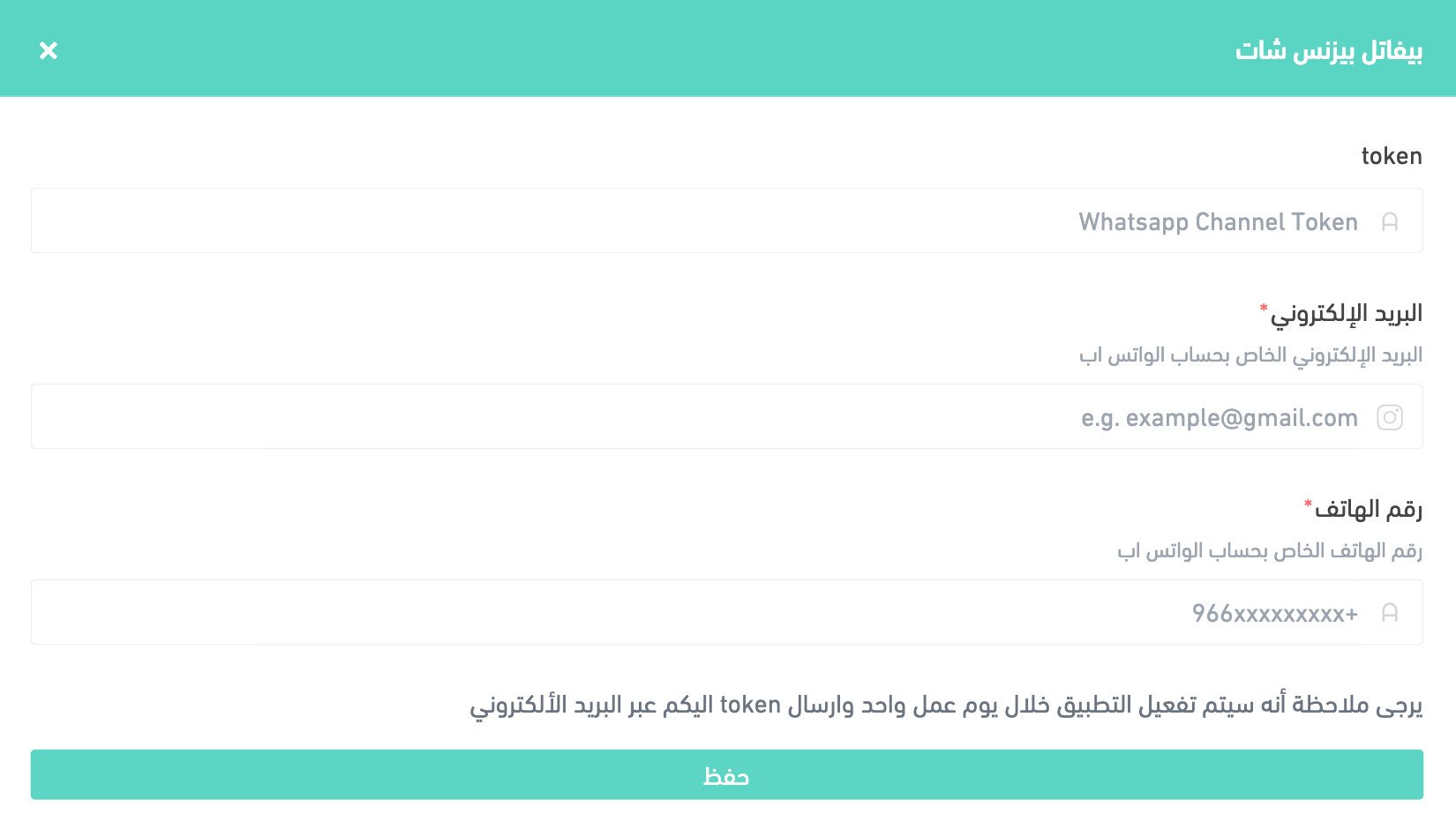
6. Enter the details the app asks for, then click (Save).
❓ Frequently asked questions
What does Bevatel Business Chat actually send my customers?
Follow-up messages on abandoned carts, notifications when an order's status changes, and automated replies to customers asking where their order is.
Which channel does it use?
WhatsApp.
Is installing the app enough to start using it?
No. After installing and granting permissions, you still need to click (Activate app) and save the details the app asks for.
Do customers have to wait for someone to reply about their order?
No. Order status questions can be answered by the automated reply, so a customer gets an answer without anyone stepping in.
How do I delete the Bevatel Business Chat app from my store?
1. From the dashboard side menu, click (Installed apps).

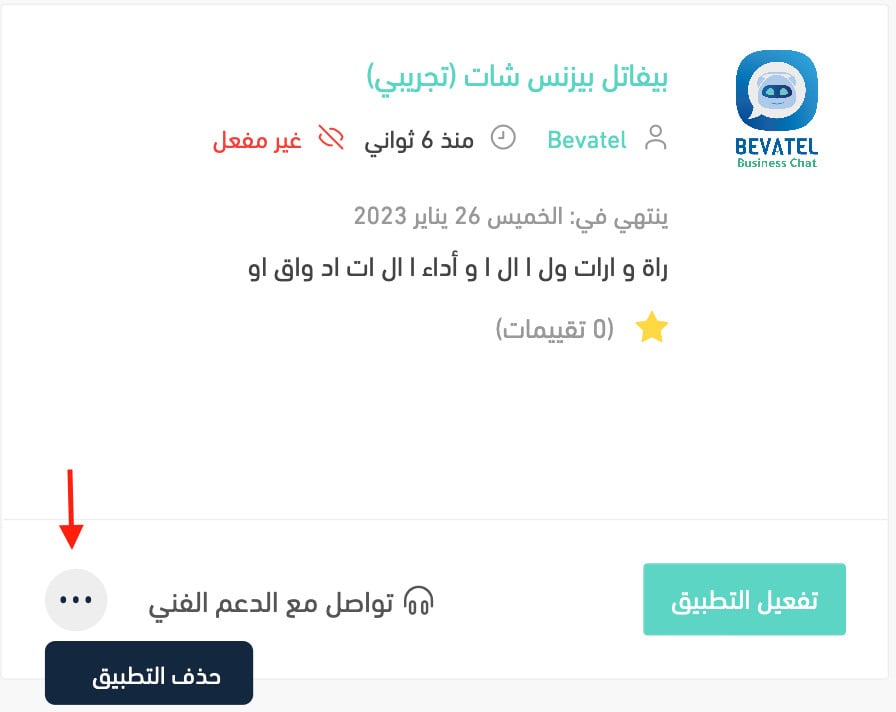
2. On the all apps page, find the Bevatel Business Chat app, click the (...) icon, then click (Delete app), as shown in the image.
📝 Important notes
Deleting the app stops the cart follow-ups and status notifications, so make sure another channel is covering them before you remove it.
An abandoned cart is a customer who already decided they wanted the thing. A single well-timed message is usually all that stands between that cart and an order.