Do you know which of your customers are worth a different offer from the rest?
The Auto tag app builds a full picture of your customers — how they're grouped, what they do in your store, and what they're interested in — so you can classify them, understand what they need, and keep track of what they tell you. It scores customers and tags orders based on buying behavior and past orders, which is what makes one group of customers distinguishable from another. In this guide, you'll learn what Auto tag does, how to install and connect it to your Salla store, and how to remove it.
To connect Auto tag, open (My installed apps) from your dashboard's side menu, browse the Salla App Store, and install the Auto tag app. Review the permissions and click (Grant permission). You're then taken straight to the Auto tag home page, where you can start tagging customers and orders.
📌 Article overview
- What Auto tag does
- How to connect Auto tag to your store
- Frequently asked questions
🎯 What Auto tag does
Auto tag helps you build a complete database of your customers: how they segment, what they do in your store, and the kind of things they're interested in. It gives you a way to classify customers, understand what they need, and keep their feedback in one place.
It also works as a customer scoring tool that puts tags on an order based on buying behavior and previous orders, so different customer groups stand apart from each other.
🚀 How to connect Auto tag to your store
1. From the side menu of your dashboard, click (My installed apps).

2. From the Salla App Store banner, click (Browse Salla App Store).

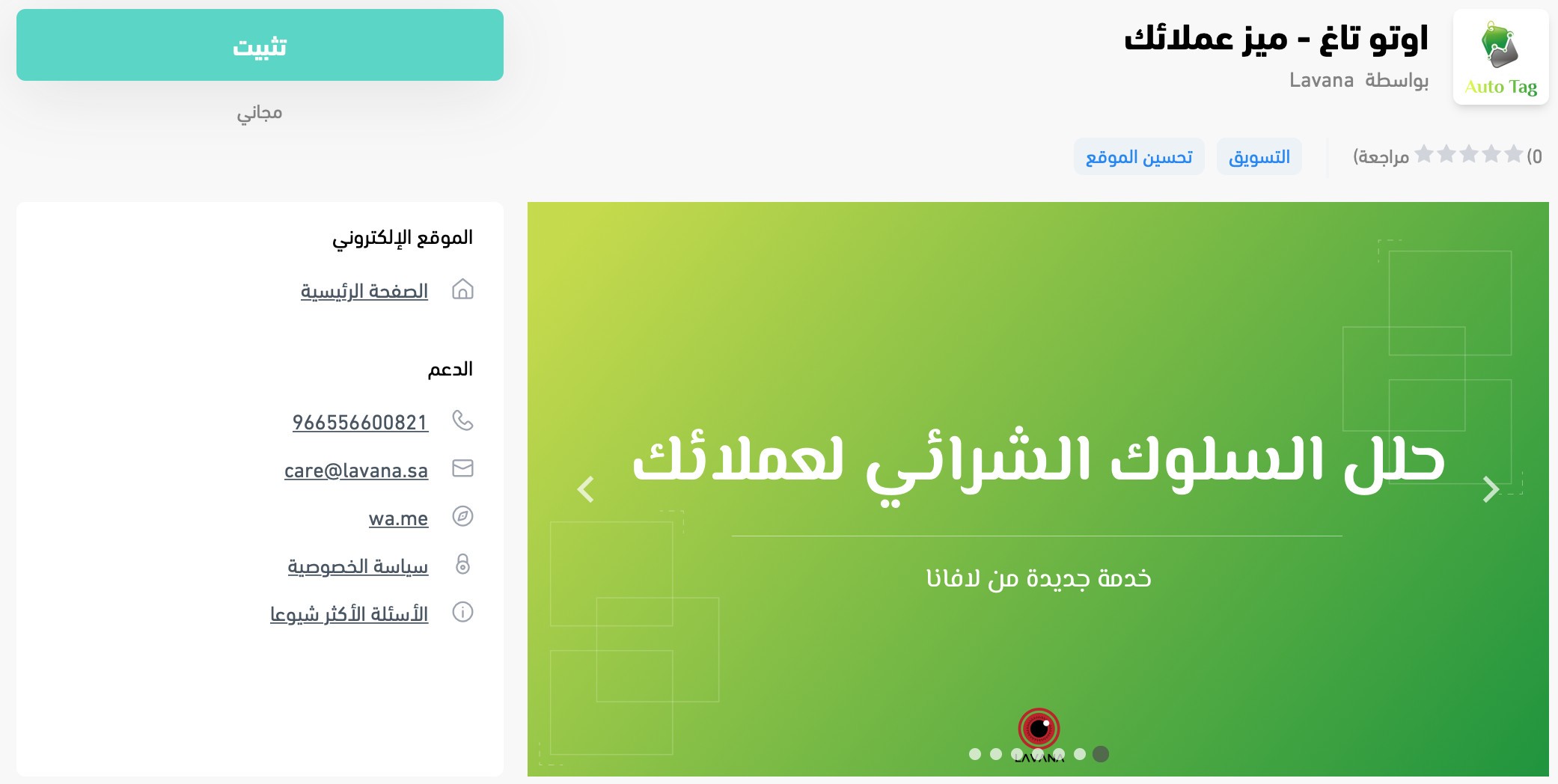
3. On the Auto tag app page, click (Install).
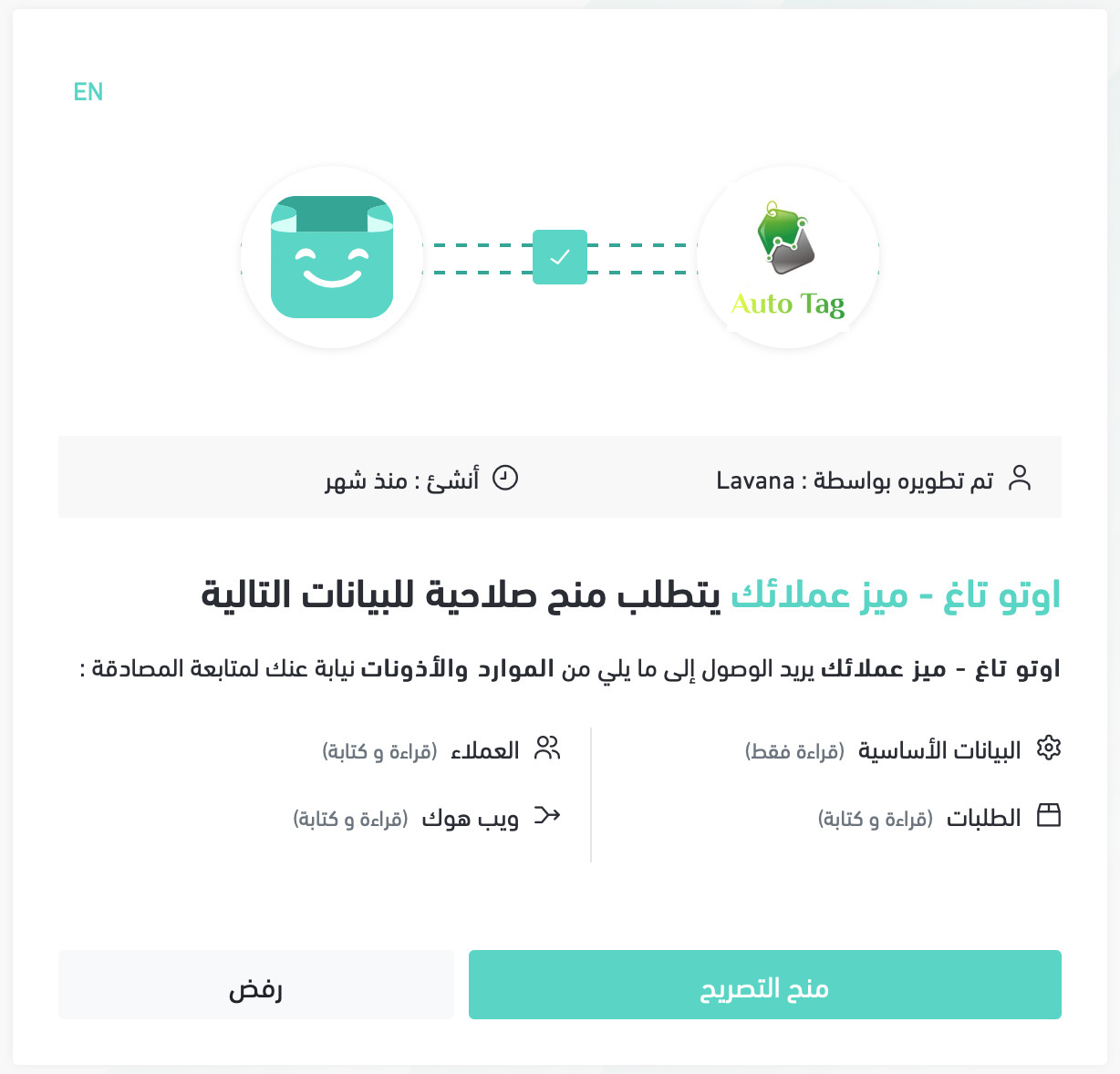
4. Review the permissions the app requests, then click (Grant permission).
You're taken straight to the Auto tag home page, ready to start using it.
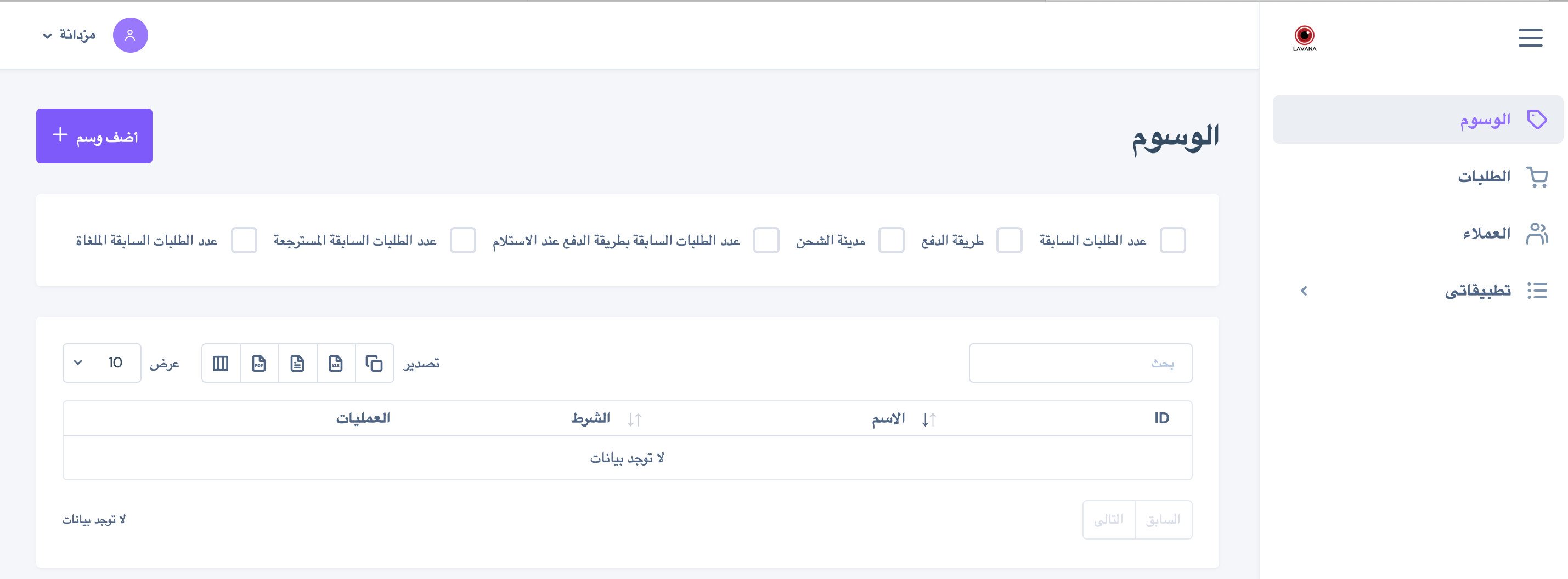
The app is now installed in your store.
❓ Frequently asked questions
What does Auto tag base its tags on?
On buying behavior and previous orders. Auto tag reads what a customer has already done in your store and tags the order accordingly.
What happens right after I grant the permissions?
You're taken straight to the Auto tag home page, and the app is live in your store — there's no separate activation step.
What can I do with the customer data Auto tag collects?
You get a database of customer segments, their activity, and their interests, which you can use to classify customers, understand what they need, and act on their feedback.
How do I remove the Auto tag app from my store?
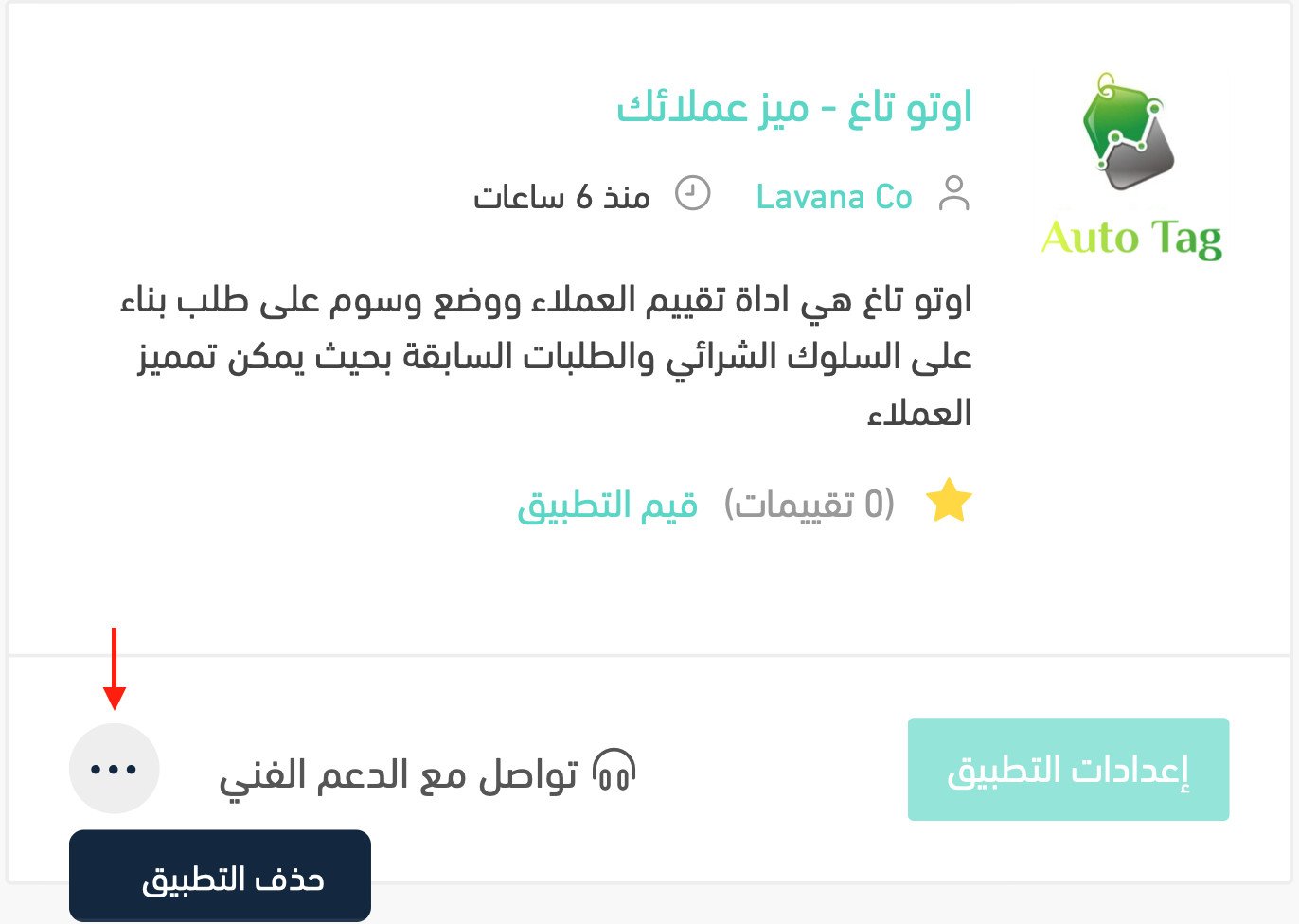
1. From the side menu of your dashboard, click (My installed apps).

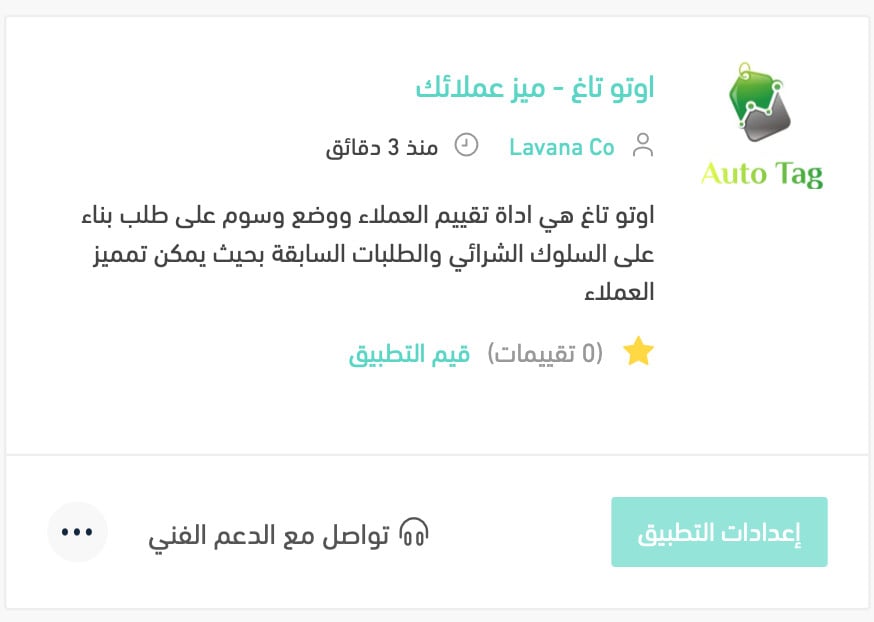
2. From the all apps page, on the Auto tag app, click the (...) icon and then click (Delete app), as shown in the image.