Are customers leaving your app because there was no one to ask?
Connecting your store app to Intercom puts a live chat service in front of shoppers at the moment they need help. Intercom is a paid service that lets you talk to customers when they need support and build a relationship with them along the way, using customizable screens and a library of messaging apps that automate much of the conversation. In this guide, you'll learn how to connect Intercom to your store app, where to find your Intercom keys, and how to disconnect it.
To connect Intercom, open (Store settings) in your Salla dashboard, click (Connect services), then click (Edit) under the Intercom chat service. Paste the app ID and the iOS and Android API keys from your Intercom account, then click (Activate connection). A green check mark confirms the connection.
📌 Article overview
- What Intercom is
- How to connect your Salla store to Intercom
- Frequently asked questions
What is Intercom?
Intercom is a paid service that lets you talk to your customers when they need support, and helps you build a relationship with them by engaging along their journey through your store — through customizable screens and a varied library of chat apps that automate how you reach them.
👣 How to connect your Salla store to Intercom
1. From the side menu of your dashboard, click (Store settings).

2. Click (Connect services).

3. Click (Edit) under the Intercom chat service.
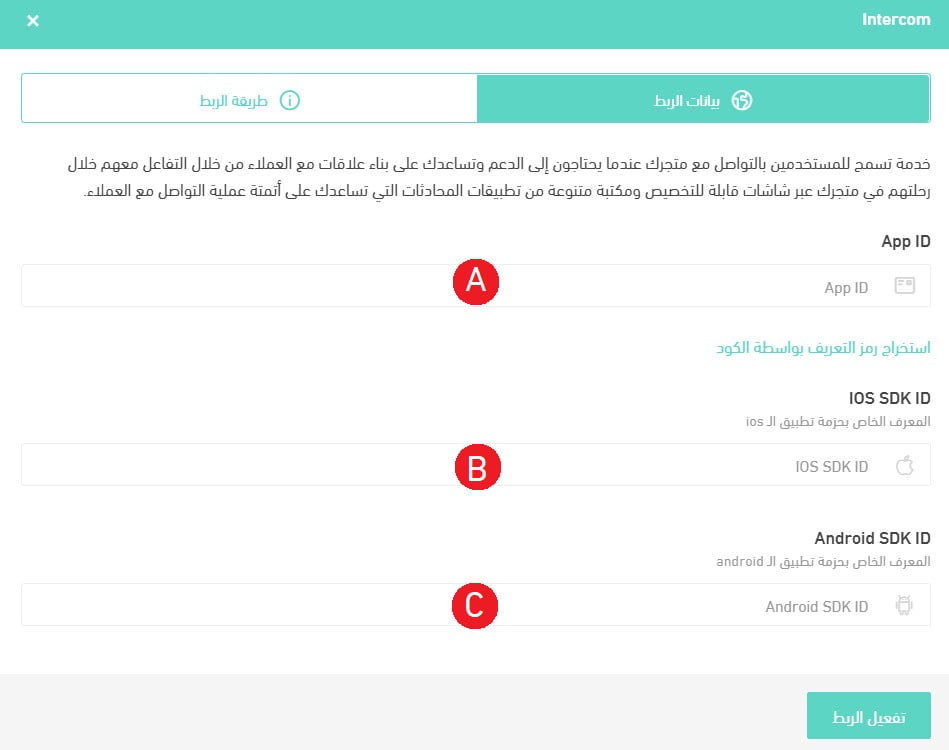
4. Paste the connection keys from your Intercom account into the matching fields, then click (Activate connection). Step 5 shows where to find those keys.
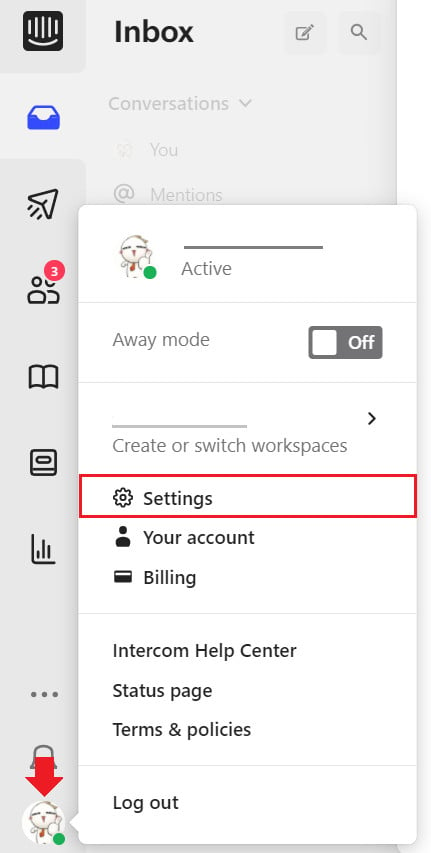
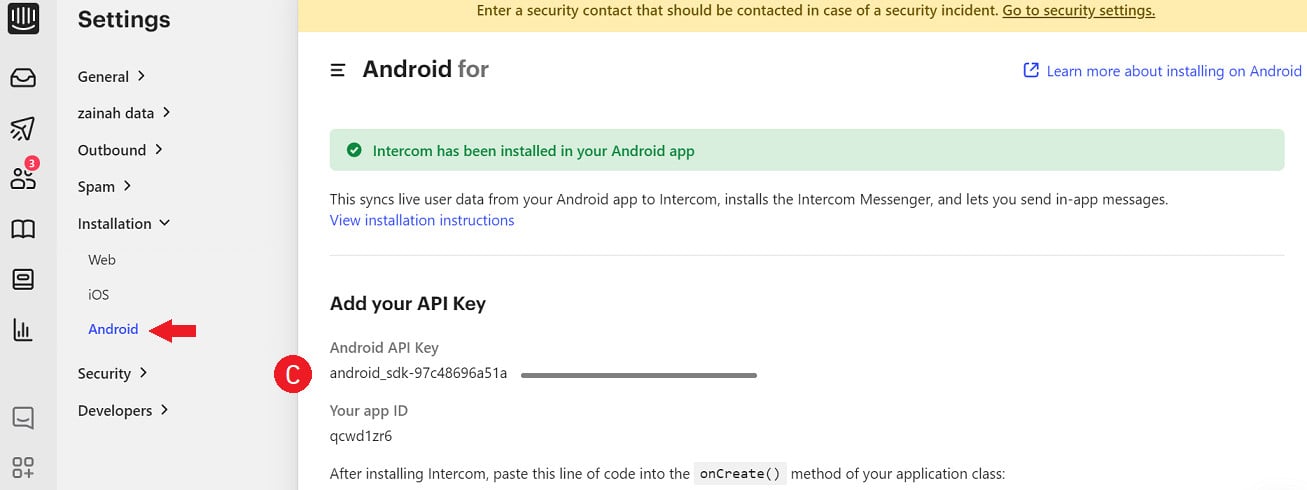
5. Sign in to your Intercom account and click (Settings).
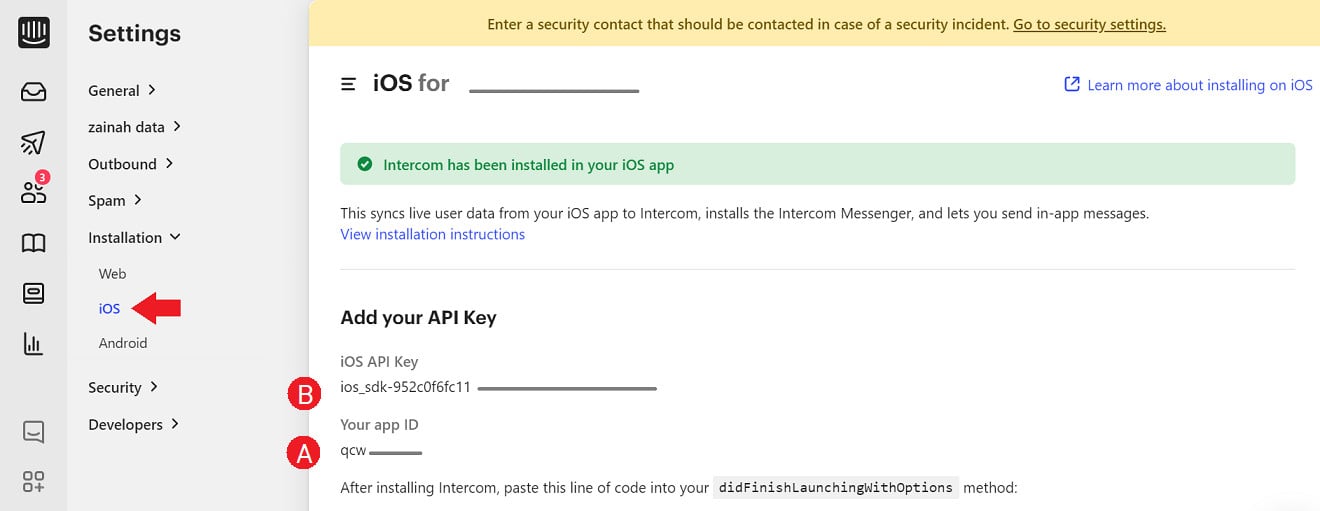
In the (Installation) section, click (iOS), copy the (app ID) and the (iOS API Key), and paste them into the matching fields in step 4.
Still in (Installation), click (Android), copy the (app ID) and the (Android API Key), and paste them into the matching fields in step 4.
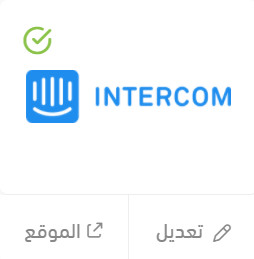
Once the connection succeeds, a green check mark appears next to the Intercom chat service icon.
❓ Frequently asked questions
What do I get out of using Intercom?
- Better relationships with your customers, through messaging experiences tailored to where they are in their journey.
- Automated messages, which can double engagement and drive adoption of a new feature by sending the right message at the right time.
- Support for more than 30 languages.
How do I sign up for Intercom?
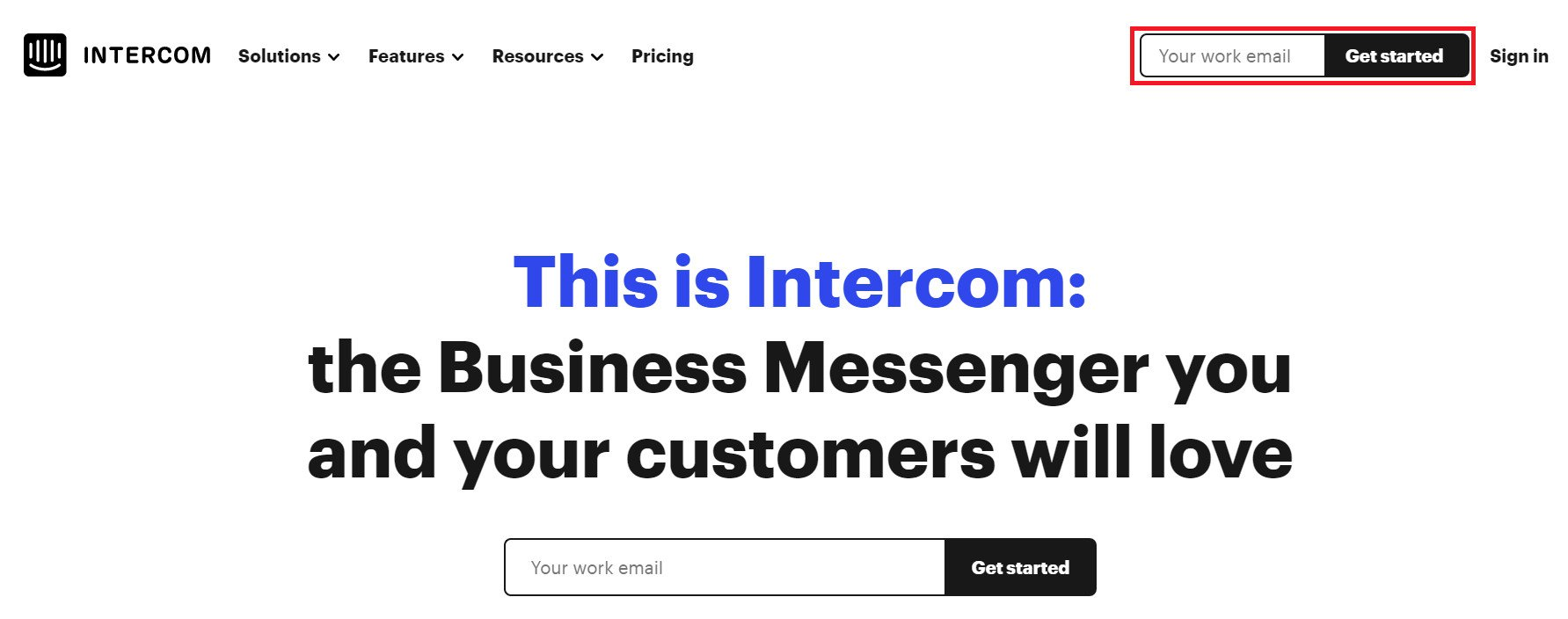
1. Go to the Intercom website, enter the email address you want to register with, then click (Get) to sign up.
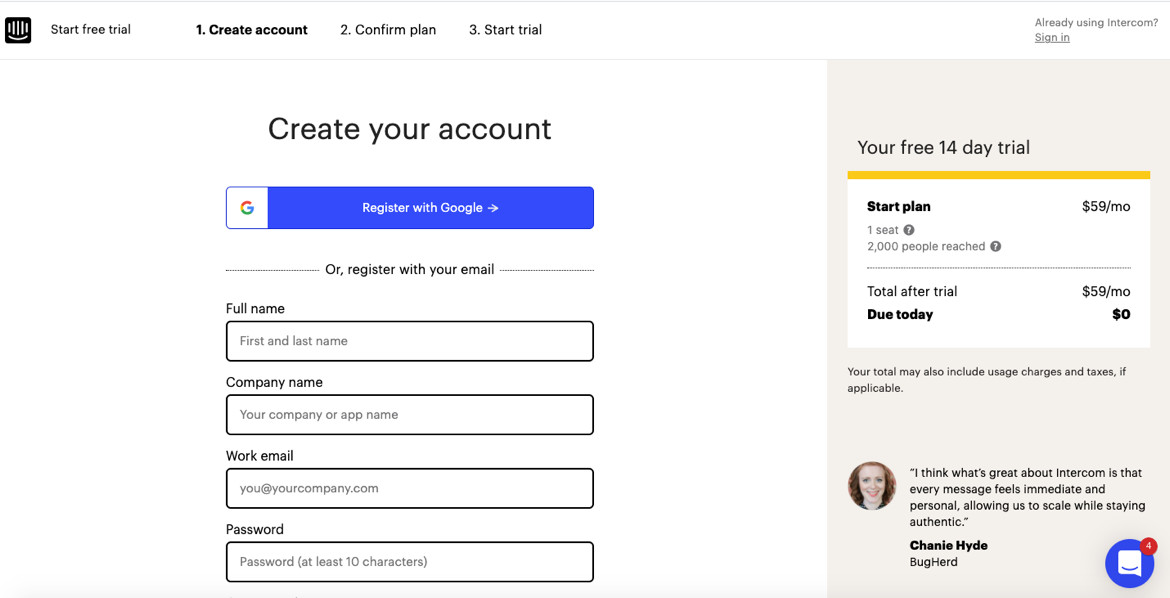
2. Fill in the registration details.
3. Choose the plan that fits the size and nature of your store.
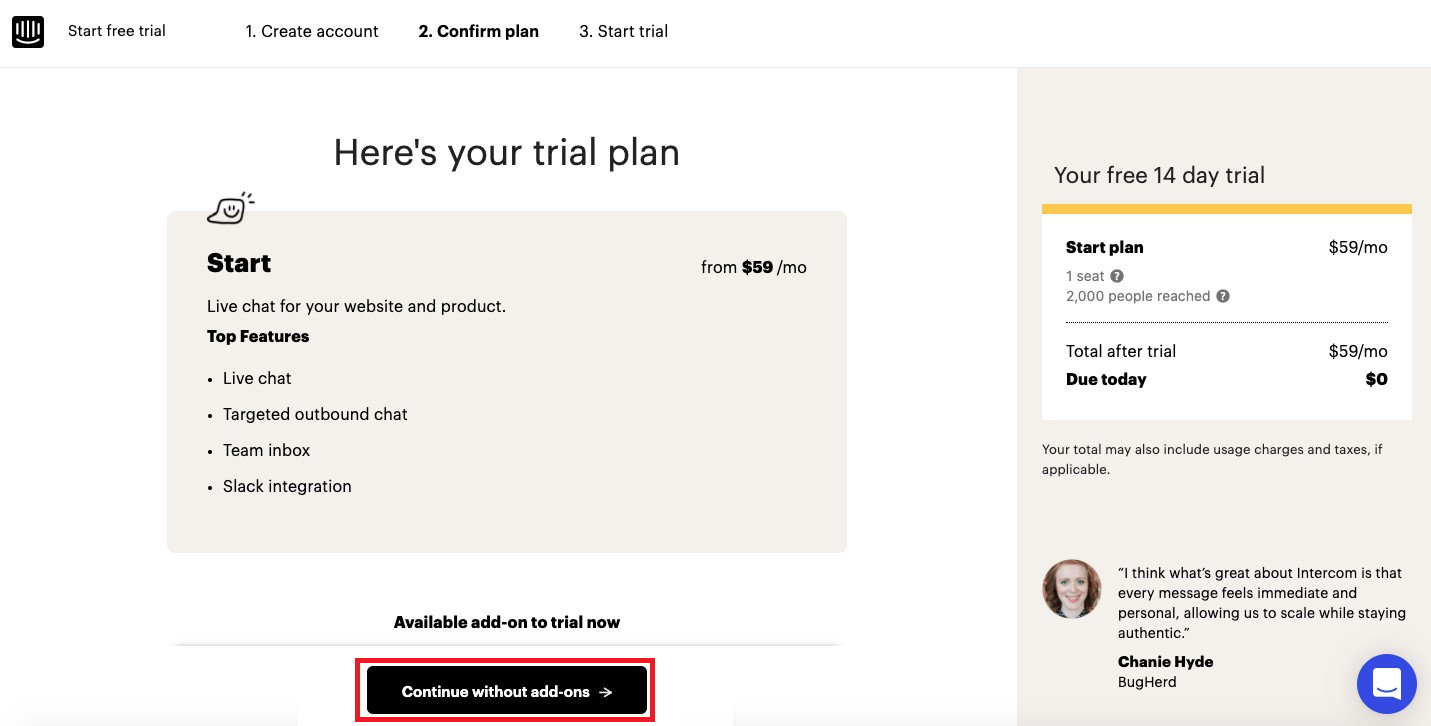
4. Choose a payment method and enter the details it asks for — paying by credit card, for example.
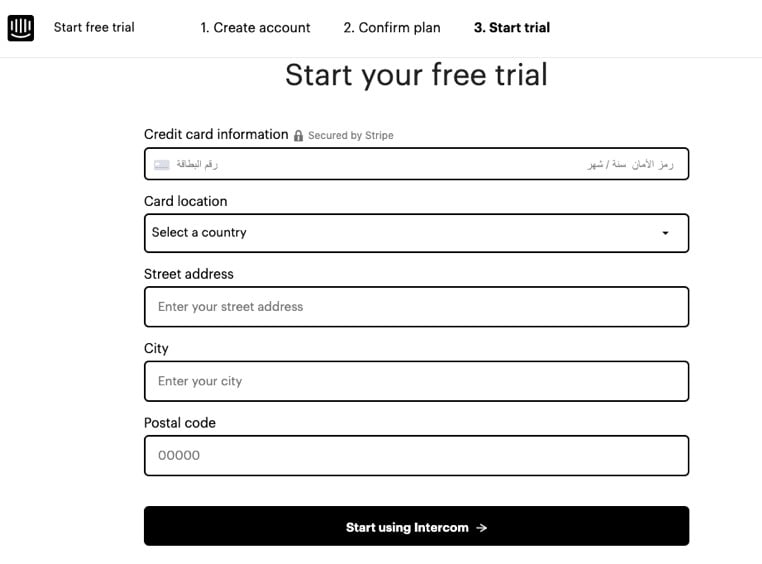
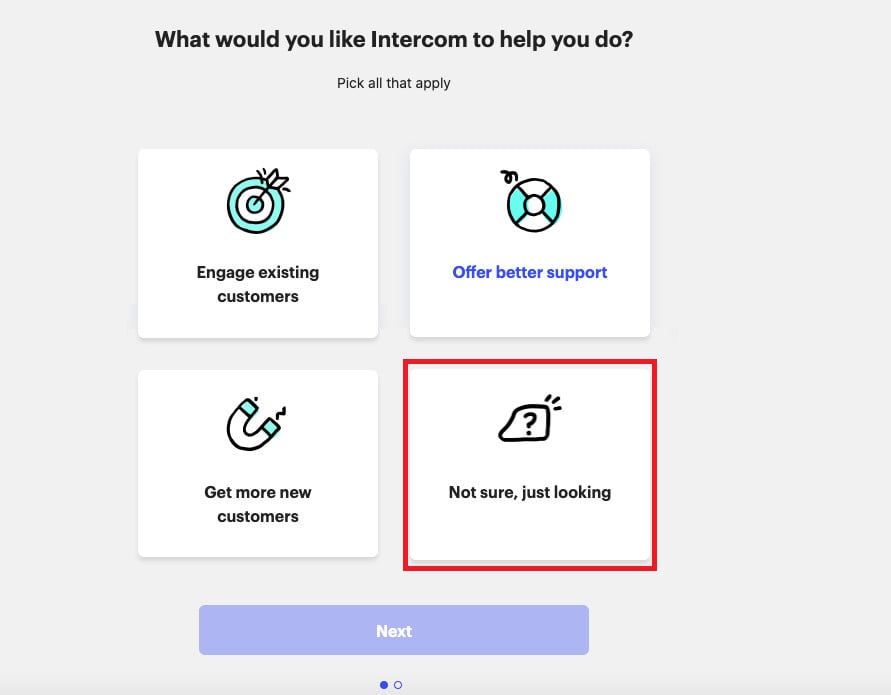
5. Complete the remaining details as shown:
Can I disconnect my store from my Intercom account?
Yes. On the Intercom connection page, click (Disconnect).
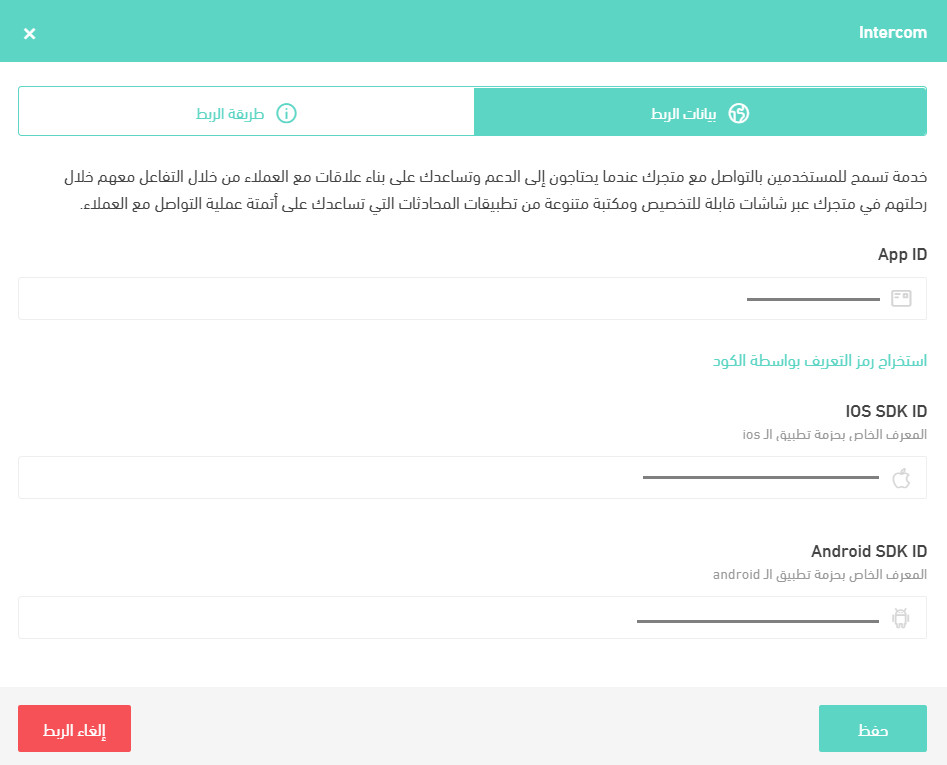
You can reconnect to any other Intercom account whenever you want.