Want one app for parcel shipping, storage, and distribution?
ALMRAKB LOGESTIC handles parcel shipping, storage, distribution, and delivery for individuals and merchants. The carrier serves cities across Saudi Arabia through its branches, agents, and vehicle fleet. In this guide, you'll learn how to install the app on Salla, set regional shipping rates, temporarily hide it at checkout, and remove it.
To connect ALMRAKB LOGESTIC to Salla, install the app from the Salla App Store and grant its requested permissions. Then open the app settings and enter shipping rates for the cities and regions you serve. You can hide the carrier from checkout temporarily without deleting the integration.
📌 Article overview
- How to connect ALMRAKB LOGESTIC to your Salla store
- How to set ALMRAKB LOGESTIC shipping rates
- How to disable or remove the app
- Frequently asked questions
🚀 How to connect ALMRAKB LOGESTIC to your Salla store
1. From the dashboard side menu, click (Installed apps).

2. From the Salla App Store banner, click (Browse the Salla App Store).

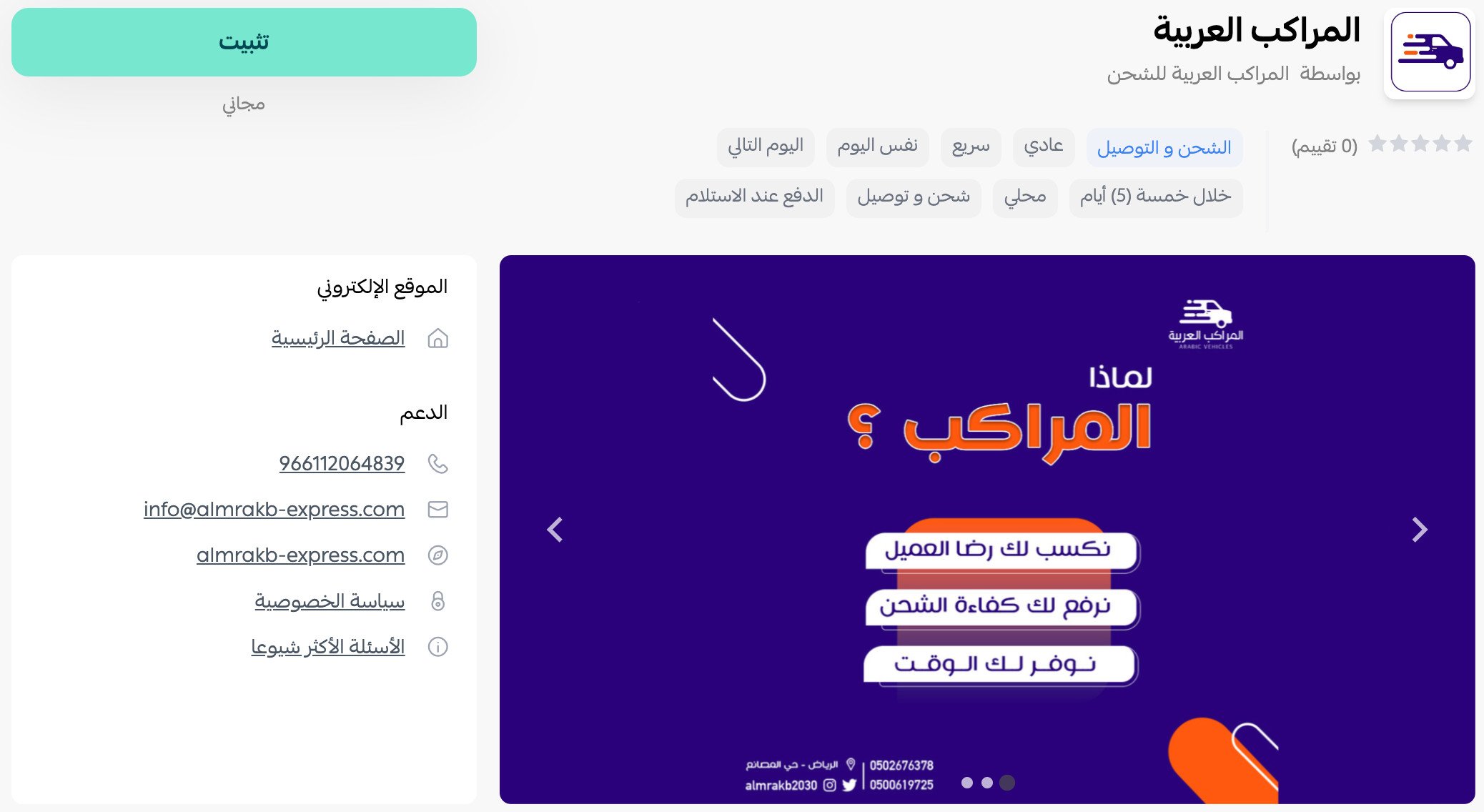
3. On the ALMRAKB LOGESTIC app page, click (Install).
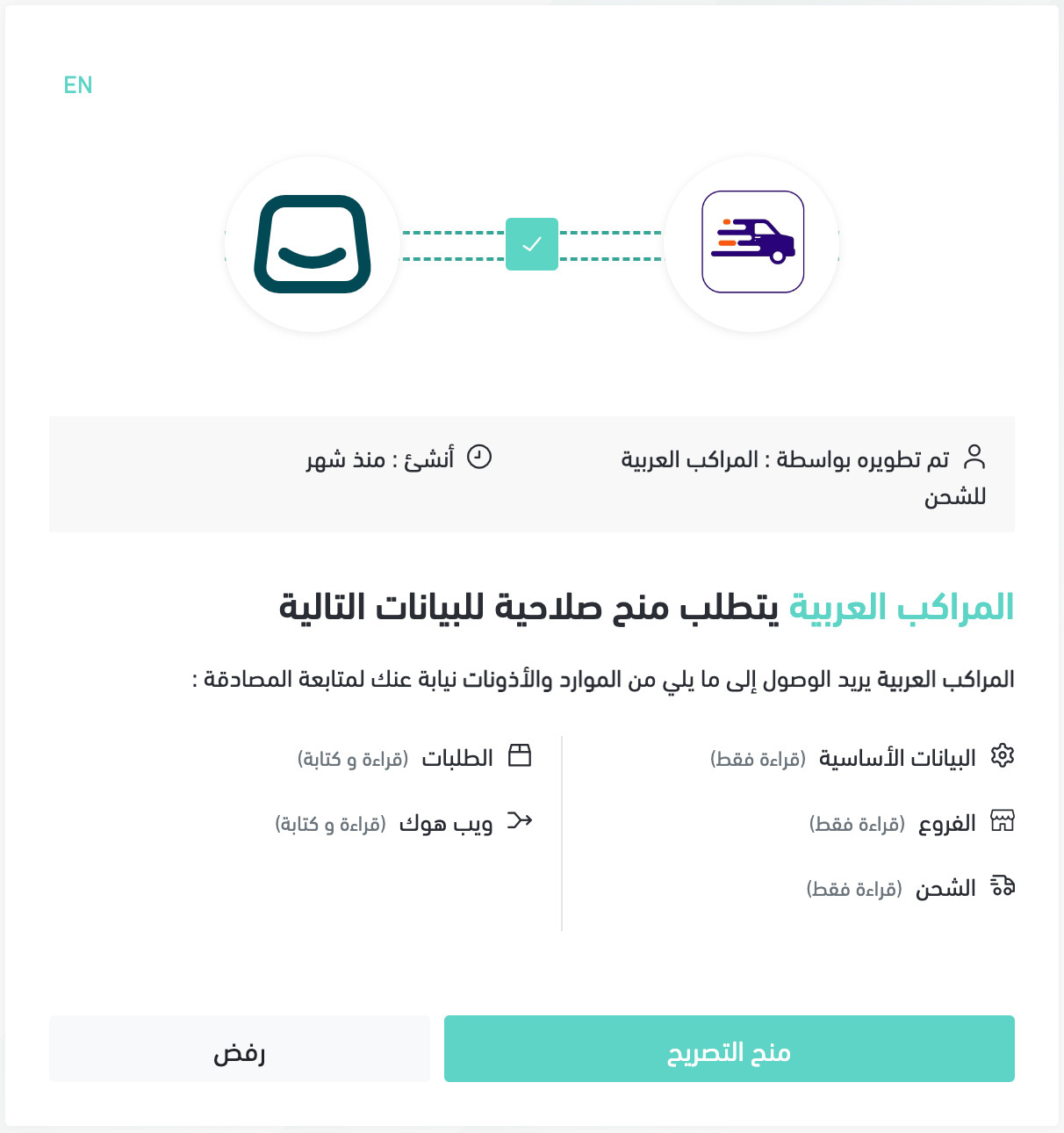
4. Review the requested permissions, then click (Grant permission).
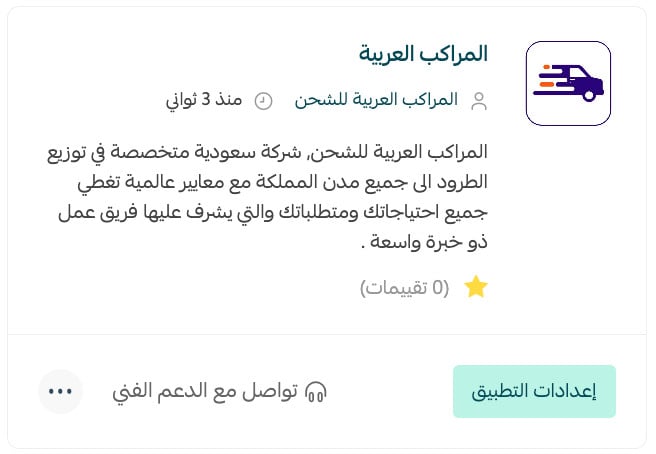
The ALMRAKB LOGESTIC app is now installed on your store.
For more details, see managing your store apps.
👣 How to set ALMRAKB LOGESTIC shipping rates
1. From the dashboard side menu, click (Installed apps).

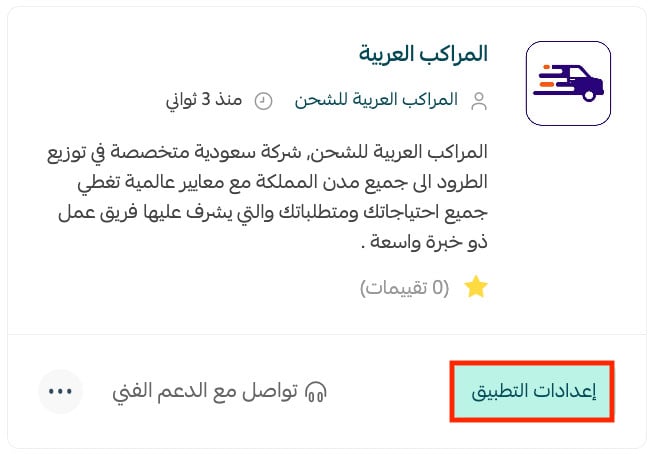
2. On the all apps page, find ALMRAKB LOGESTIC and click (App settings).
3. Open the (Shipping rates) tab, then enter the rates for the cities and regions you want.
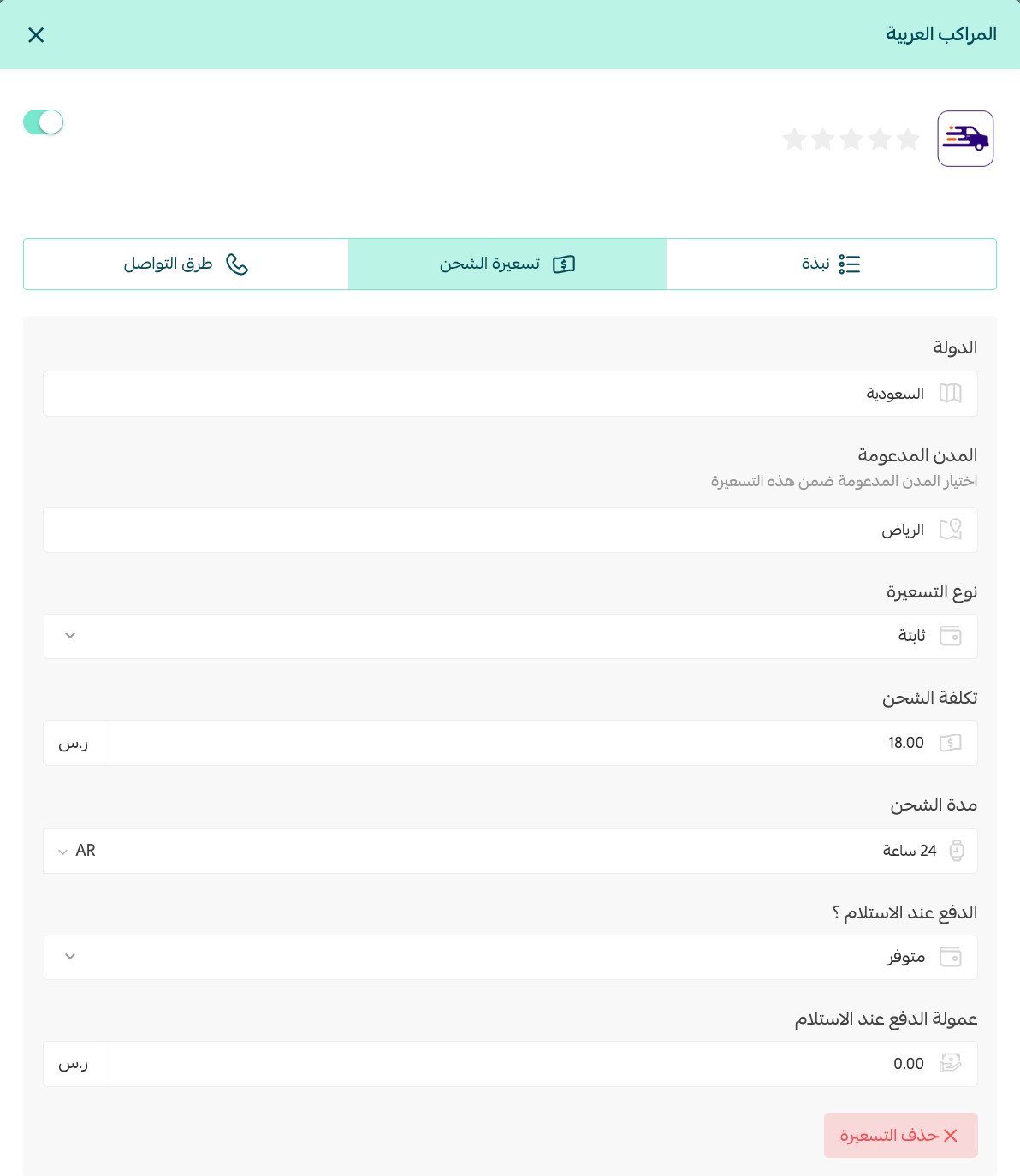
For more details, see shipping and delivery option settings.
✅ How to disable or remove ALMRAKB LOGESTIC
Temporarily hide the carrier at checkout
1. From the dashboard side menu, click (Installed apps).
2. On the all apps page, find ALMRAKB LOGESTIC and click (App settings).
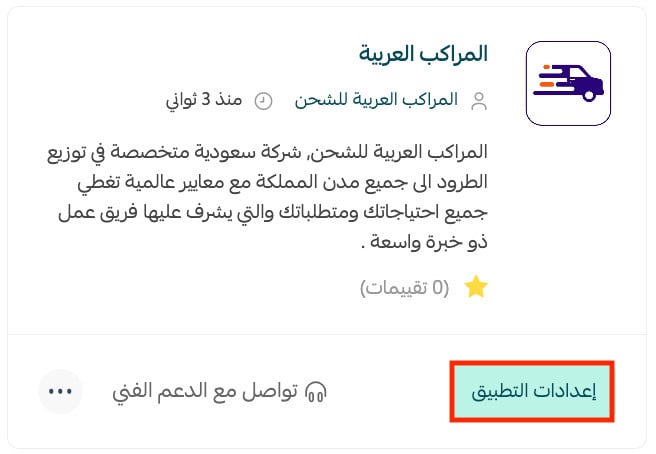
3. Turn (Hide shipping company from checkout) on to disable the option, or off to show it again.

Remove the app from your store
1. From the dashboard side menu, click (Installed apps).
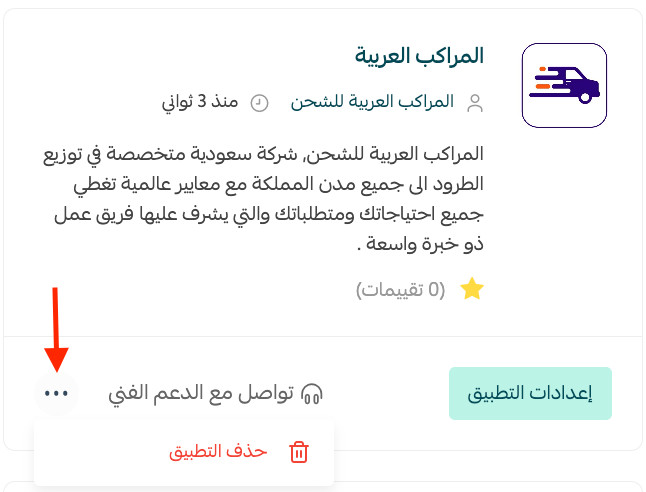
2. On the all apps page, find ALMRAKB LOGESTIC, click the (...) icon, then click (Delete app).
❓ Frequently asked questions about ALMRAKB LOGESTIC
What services does ALMRAKB LOGESTIC provide?
The source lists parcel shipping, storage, distribution, and delivery to cities across Saudi Arabia.
Who can use the service?
The carrier serves both individuals and merchants through its administrative network, branches, agents, and vehicle fleet.
When is the app connected to my store?
The installation is complete after you add the app and grant the permissions it requests.
Can I stop showing the carrier without deleting the app?
Yes. Turn on (Hide shipping company from checkout) in the app settings. Turn it off when you want the option to appear again.
📝 Important notes
The official Salla App Store listing spells the product name “ALMRAKB LOGESTIC.” Confirm whether the misspelled word “LOGESTIC” is intentional branding before publication.
Once the connection is active, keep your checkout rates aligned with the carrier agreement for every city and region your store serves.