Do you need a carrier that can store your stock as well as deliver it?
Al Masarat Al Haditha is a logistics company you can connect to your Salla store from the Salla App Store, adding it as a delivery option at checkout and letting you set your rates city by city. Alongside parcel delivery it also handles storage and inventory management, so one partner can cover more of your operation. In this guide, you'll learn how to install the app, set your shipping rates, and hide or delete it when you need to.
Al Masarat Al Haditha is a shipping company you connect through the Salla App Store. Open (Installed apps) from your dashboard side menu, browse the store, install the app, and grant the permissions it requests. Your rates are then entered per city and region from the (Shipping rates) tab in the app settings.
📌 Article overview
- What Al Masarat Al Haditha offers
- How to connect Al Masarat Al Haditha to your store
- Setting your shipping rates
- Temporarily hiding or deleting the app
- Frequently asked questions
🎯 What is Al Masarat Al Haditha?
Al Masarat Al Haditha provides end-to-end logistics services for businesses and online stores. Its services cover shipment and parcel delivery, storage, and inventory management run on modern systems, with a range of flexible options to choose from.
🚀 How to connect Al Masarat Al Haditha to your store
1. From the dashboard side menu, click (Installed apps).

2. On the Salla App Store banner, click (Browse the Salla App Store).

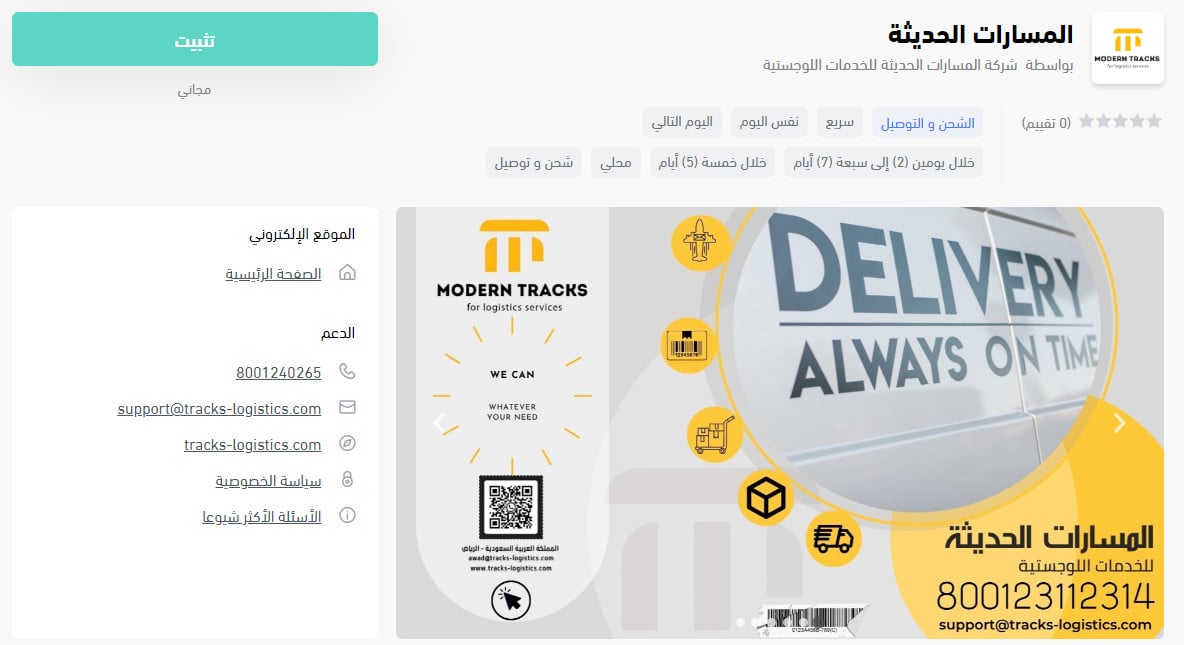
3. On the Al Masarat Al Haditha app page, click (Install).
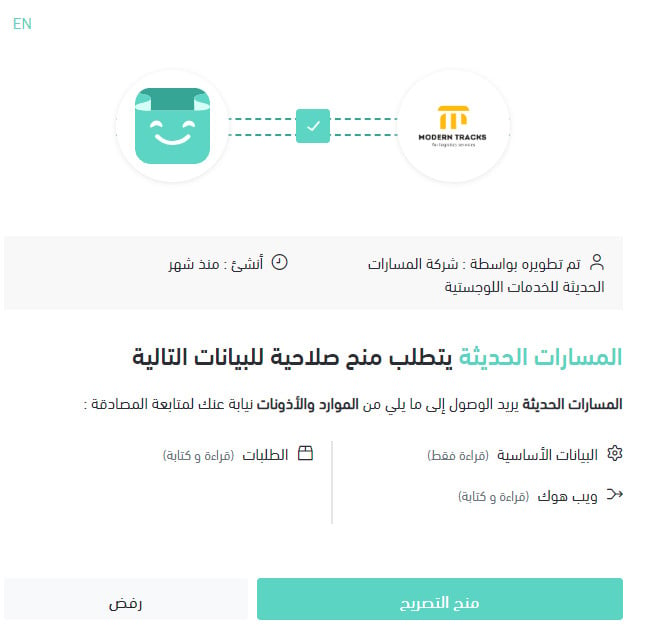
4. Review the permissions the app requests, then click (Grant permission).
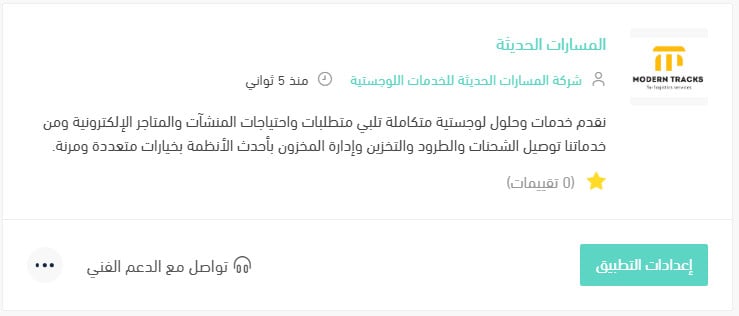
The Al Masarat Al Haditha app is now installed on your store.
For more on managing your store's apps.
❓ Frequently asked questions
What services does Al Masarat Al Haditha cover?
Shipment and parcel delivery, storage, and inventory management, with several options to pick from.
Do I set my shipping prices in Salla or with the company?
In Salla. Rates are entered per city and region from the (Shipping rates) tab in the app settings.
How do I set my Al Masarat Al Haditha shipping rates?
1. From the dashboard side menu, click (Installed apps).

2. On the all apps page, find the Al Masarat Al Haditha app and click (App settings).
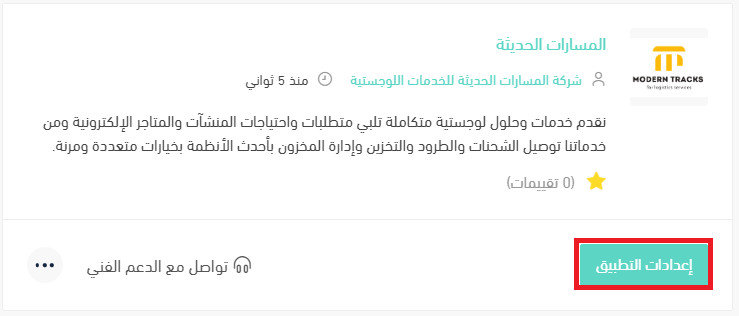
3. Open the (Shipping rates) tab and enter the rates for the cities and regions you want.
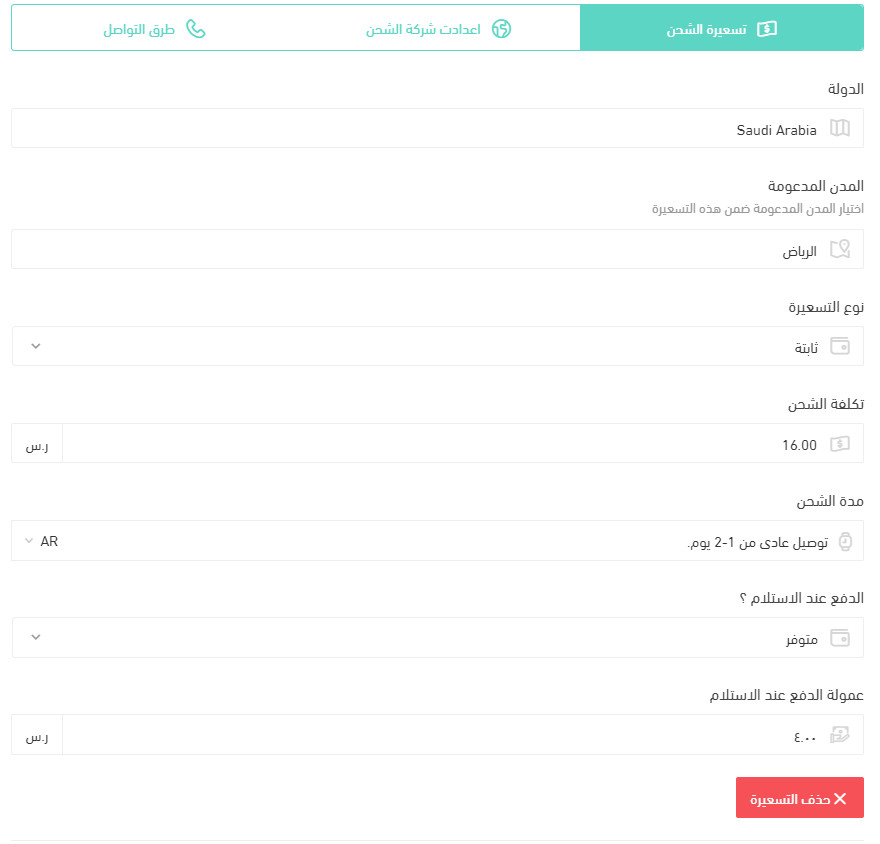
For more on shipping and delivery option settings.
How do I temporarily turn the app off in my store?
1. From the dashboard side menu, click (Installed apps).
2. On the all apps page, find the Al Masarat Al Haditha app and click (App settings).
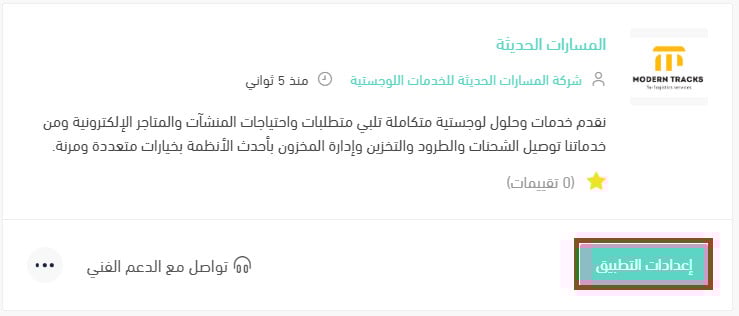
3. Turn the (Hide the shipping company from the checkout page) option on or off.
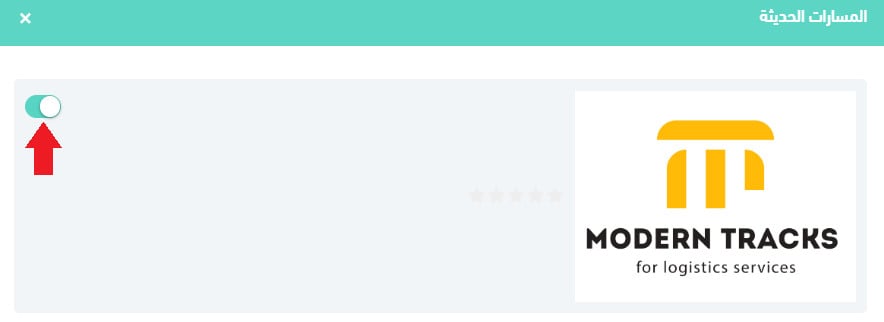
How do I delete the Al Masarat Al Haditha app from my store?
1. From the dashboard side menu, click (Installed apps).
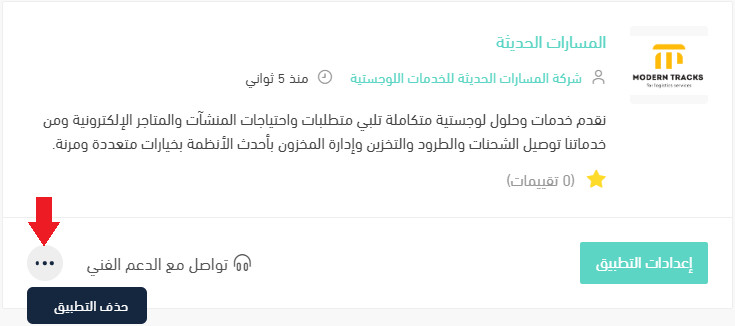
2. On the all apps page, find the Al Masarat Al Haditha app, click the (...) icon, then click (Delete app), as shown in the image.
📝 Important notes
Hiding the company from checkout keeps the app installed, so your saved rates are still there when you switch it back on.
The app does not price your shipping for you — until you fill in the (Shipping rates) tab, there is nothing for checkout to show.
A carrier that also stores and manages stock is worth a look when your own shelves are the bottleneck, not your deliveries.