Your customers already read WhatsApp. The question is whether your store is in there with them.
AdWhats is a platform for running WhatsApp messaging at scale, from broadcast campaigns to one-to-one conversations with individual customers. You connect it to your Salla store through the Salla App Store, pick a plan, and start reaching customers where they already are. In this guide, you'll learn what AdWhats does, how to connect it to your store, and how to remove it if you no longer need it.
AdWhats is a WhatsApp messaging platform you connect through the Salla App Store. Install the app, choose the plan that fits your business, then grant the permissions it asks for. Your AdWhats account opens automatically, ready for bulk campaigns, one-to-one chats, and an automated reply bot.
📌 Article overview
- What AdWhats is
- How to connect AdWhats to your Salla store
- Frequently asked questions
🎯 What is AdWhats?
AdWhats is a platform for managing bulk WhatsApp messaging. It lets you reach your customers with what is new in your store, your latest offers, and anything else you want them to know.
It also handles one-to-one conversations, so you can follow up on a single customer's request properly. Turn on the smart bot and it answers questions and requests on its own. You can add staff to your store's WhatsApp account as well, and hand a conversation over from the bot to a specific team member.
🚀 How to connect AdWhats to your Salla store
1. From the dashboard side menu, click (Installed apps).

2. On the Salla App Store banner, click (Browse the Salla App Store).

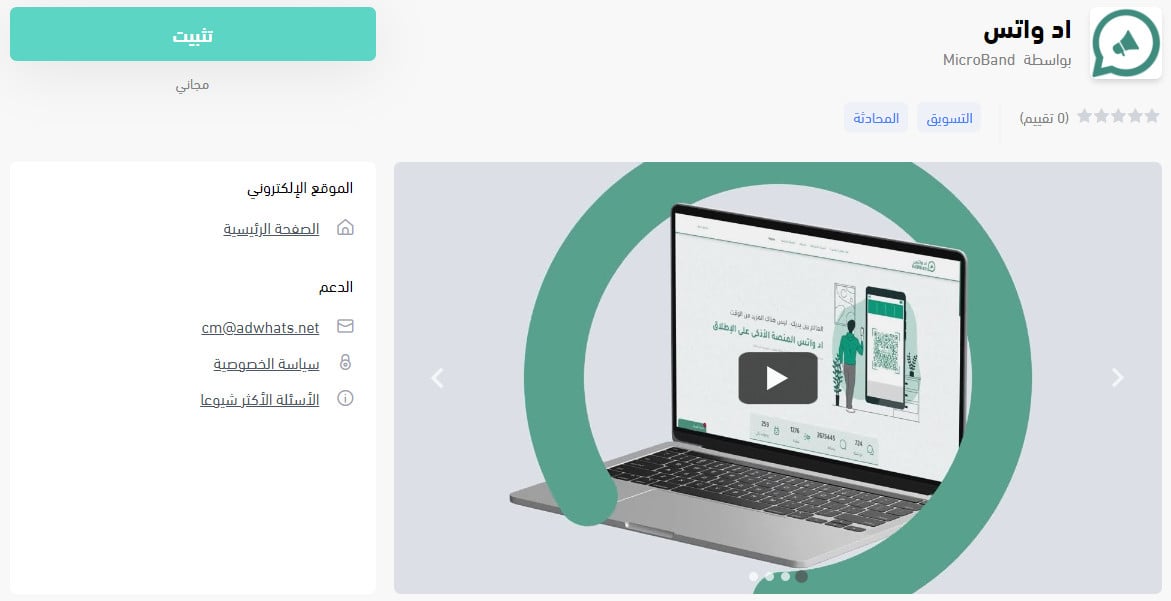
3. On the AdWhats app page, click (Install).
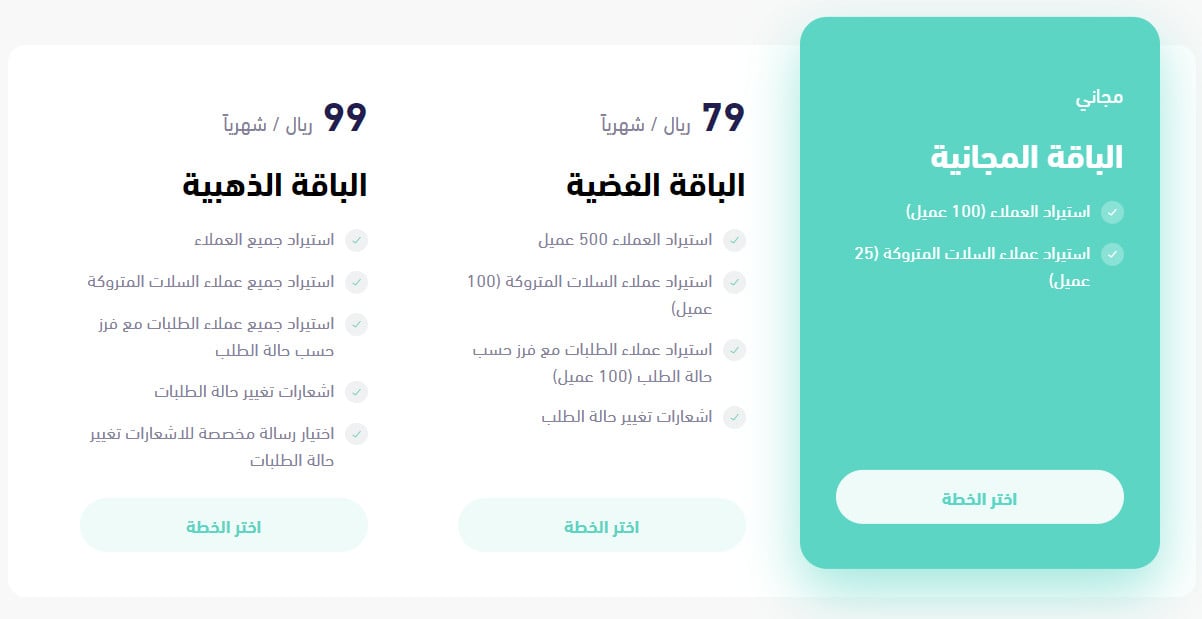
4. Choose the plan that fits the size and nature of your business, then click (Choose plan).
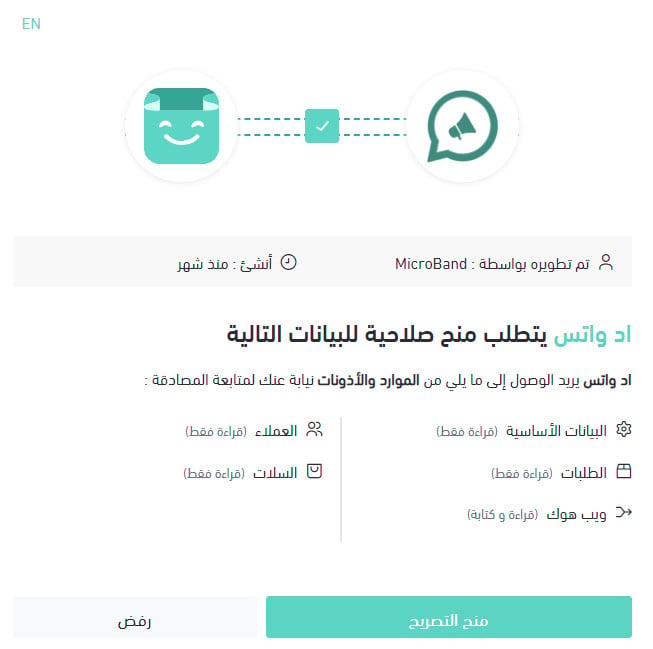
5. Review the permissions the app requests, then click (Grant permission).
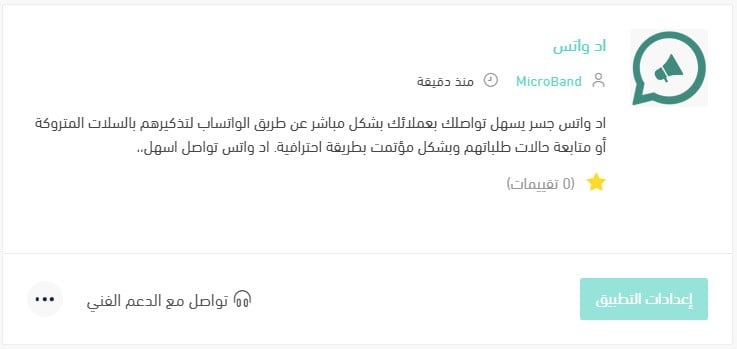
The AdWhats app is now installed on your store.
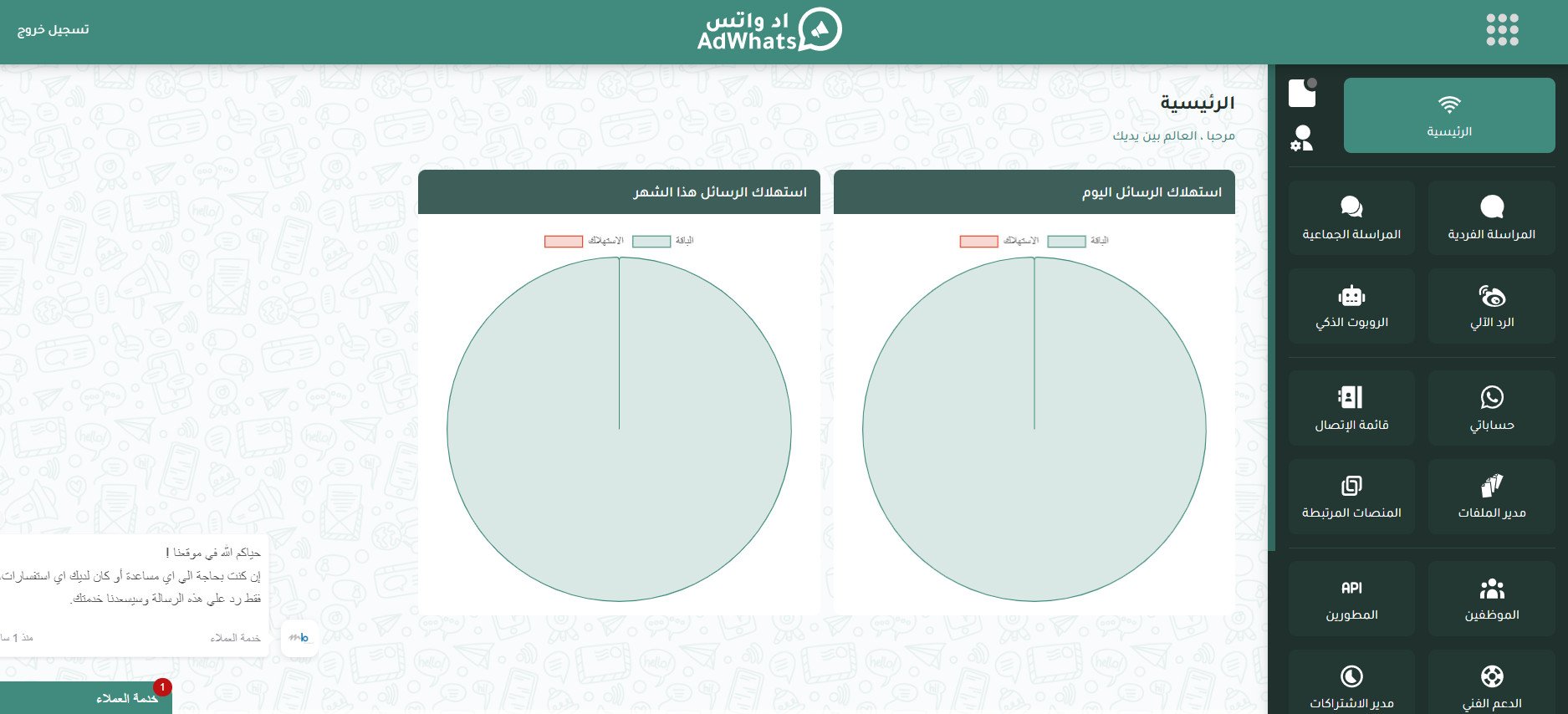
The home page of your AdWhats account then opens on its own.
❓ Frequently asked questions
For more answers, see the AdWhats frequently asked questions.
How do I delete the AdWhats app from my store?
1. From the dashboard side menu, click (Installed apps).

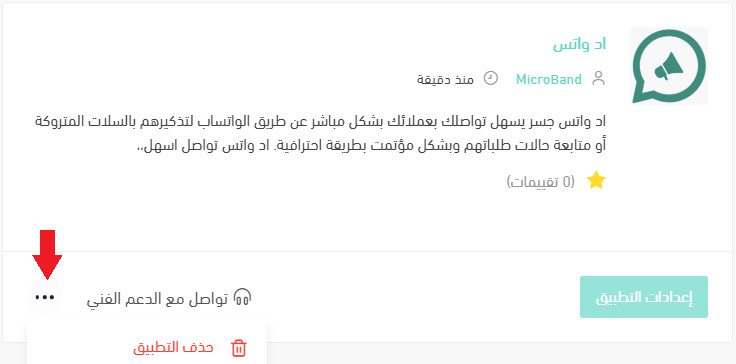
2. On the all apps page, find the AdWhats app, click the (...) icon, then click (Delete app), as shown in the image.
Do I have to choose a plan when I install AdWhats?
Yes. Plan selection is step four of the installation, before you grant permissions. Pick the one that matches the size and nature of your business.
Can I add staff to my store's WhatsApp account?
Yes. You can add team members to the WhatsApp account connected to your store, and move a conversation from the smart bot to a specific person.
Can AdWhats reply to customers automatically?
Yes. Turn on the smart bot and it responds to customer questions and requests on its own, with a handover to your team when a conversation needs one.
📝 Important notes
AdWhats is a paid app with plans, so review the plan details before you install.
Your AdWhats account settings live on the AdWhats side, not in your Salla dashboard. The dashboard is where you install, and later remove, the app.
Bulk messaging earns attention only for as long as customers find it useful. Send what people would miss if it stopped arriving, and the channel keeps working.