Want to automate WhatsApp order updates while keeping the option to reply personally?
Abqari Bot WhatsApp automation connects a Salla store with WhatsApp. The source says it can automatically update customers on order status, show products, receive cancellation or modification requests, collect complaints and suggestions, and let staff reply from a dedicated dashboard.
To connect Abqari Bot to Salla, install the app from the Salla App Store, choose a suitable plan, complete payment, and grant the requested permissions. The service automatically creates an Abqari dashboard account and emails the setup instructions to the address registered with your Salla store.
📌 Article overview
- What Abqari Bot does
- How to install Abqari Bot
- WhatsApp number and account setup
- How to remove the app
- Frequently asked questions
💡 What is Abqari Bot WhatsApp automation?
Abqari Bot provides a WhatsApp connection for customer communication. According to the source, it can automate order-status updates, display products, receive cancellation and modification requests, collect complaints and suggestions, and provide a dashboard for direct staff replies.
🚀 How to connect Abqari Bot WhatsApp automation to Salla
1. From the dashboard side menu, click (Installed apps).

2. From the Salla App Store banner, click (Browse the Salla App Store).

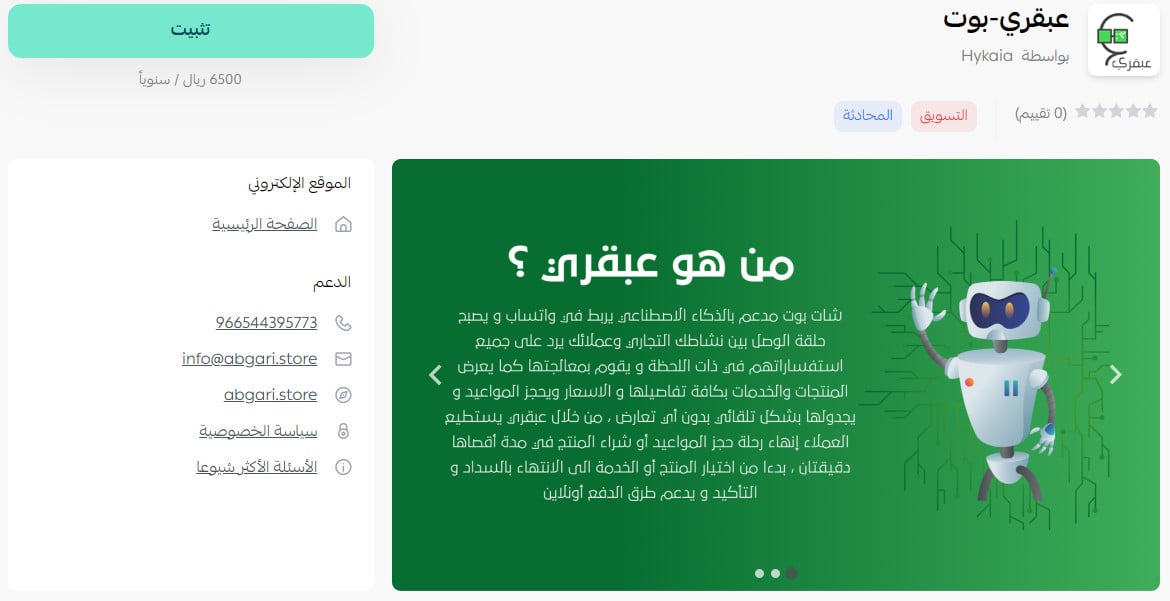
3. On the Abqari Bot app page, click (Install).
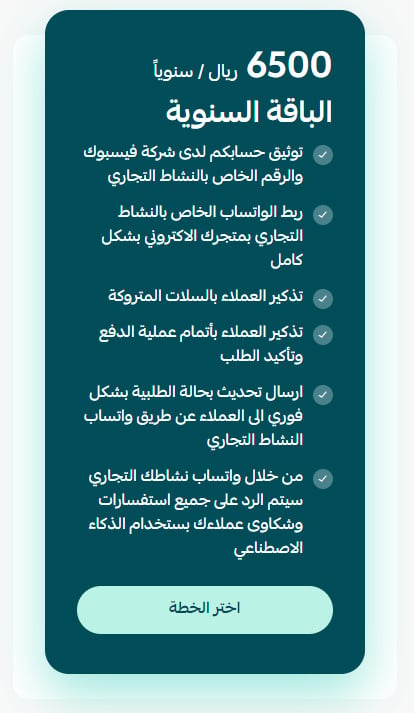
Select the plan that best suits your business.
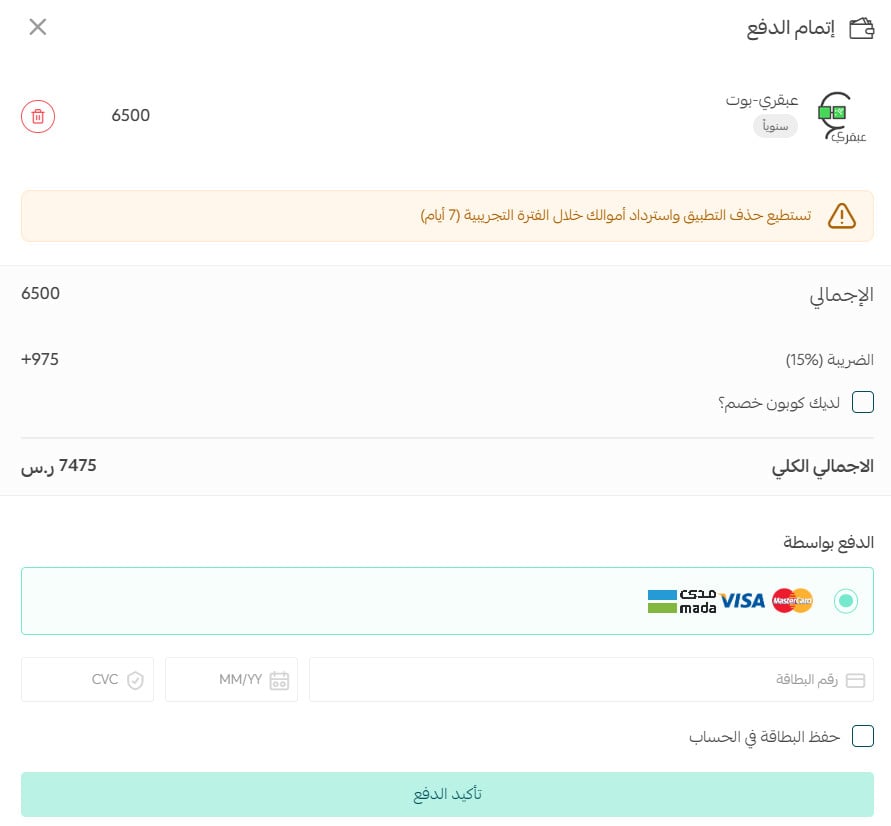
Complete the payment details, then click (Confirm payment).
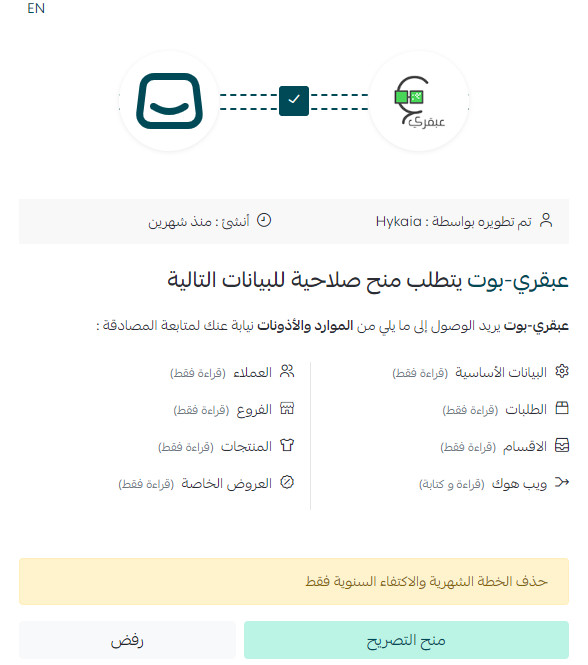
4. Review the requested permissions, then click (Grant permission).
Abqari Bot is now installed on your store.
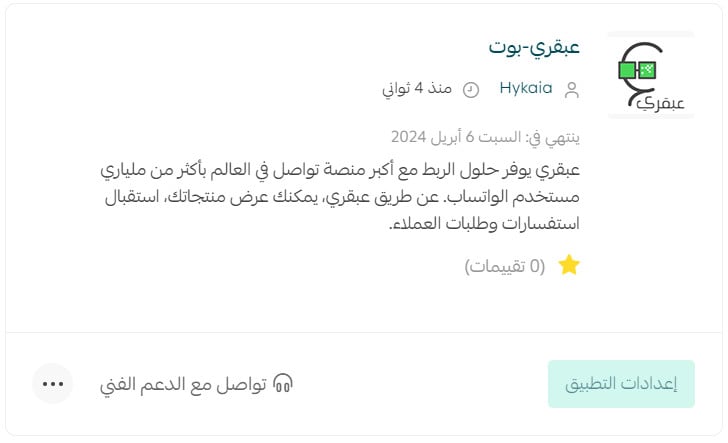
For more details, see managing your store apps.
❓ Frequently asked questions about Abqari Bot WhatsApp automation
Can I use Abqari Bot with my current WhatsApp number?
Yes. The source says you can use your current WhatsApp number or request a separate new number.
Do I need to create an Abqari account manually?
No. After you add Abqari Bot to your store, an account is created automatically on the Abqari dashboard. Setup instructions for the WhatsApp number and dashboard are sent to the email registered with Salla.
How can I remove Abqari Bot from my store?
1. From the dashboard side menu, click (Installed apps).

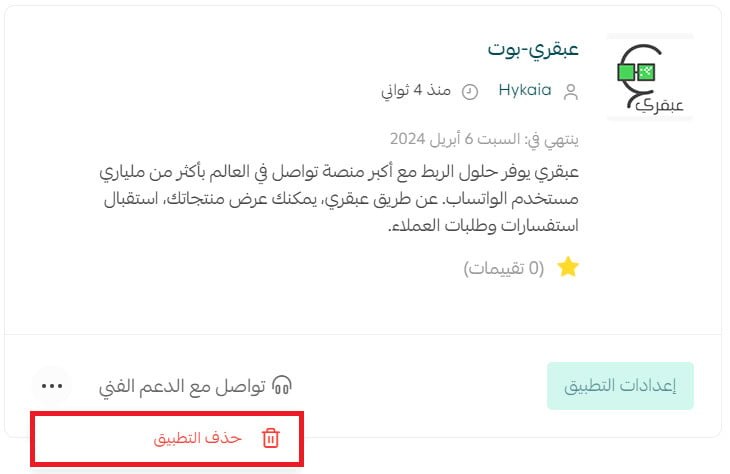
2. On the all apps page, find Abqari Bot, click the (...) icon, then click (Delete app).
📝 Important notes
Confirm the official Latin-script brand spelling, current automation capabilities, WhatsApp number setup requirements, and supported message flows before publication.
Check the email registered with Salla after installation and test automated updates, customer requests, and manual dashboard replies before relying on the integration.