What if you only paid for marketing after the sale actually landed?
Codemap is an affiliate marketing app that turns your discount coupons into a sales channel. You create the coupons and set the commission on each one; affiliates browse what's on offer, promote the codes they like, and earn only when someone buys. Sales come in live, and you have one place to talk to the people promoting you. In this guide, you'll learn how to connect your store to Codemap affiliate marketing.
Install the Codemap app from the Salla App Store. A Codemap account is created for your store automatically — complete its settings and the app is ready. From there you create coupons, set the commission on each one, and affiliates promote them for a share of the sales they bring in.
📌 Article overview
- What Codemap affiliate marketing is
- How to connect your store to Codemap
- Frequently asked questions
🎯 What Codemap affiliate marketing is
Codemap makes coupon-based marketing straightforward: your store creates its coupons, affiliates browse them and promote the ones they want, and each coupon carries the commission you've set against it. You watch sales come in as they happen and keep in touch with the affiliates working for you.
🚀 How to connect your store to Codemap
1. From the side menu of your dashboard, click (Installed apps).

2. On the Salla App Store banner, click (Browse the Salla App Store).

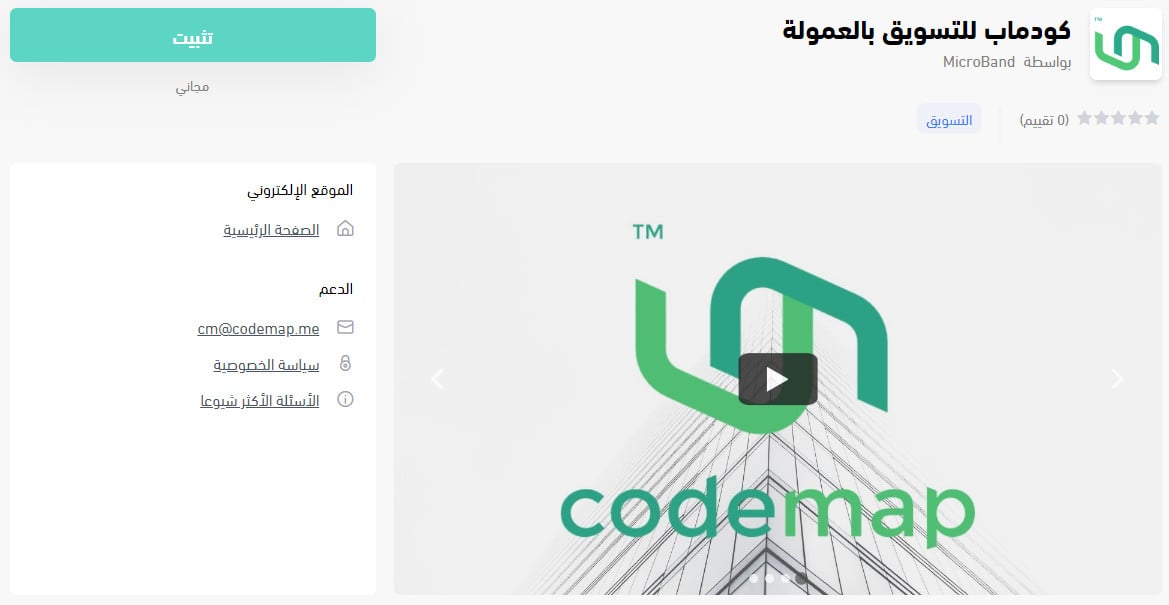
3. On the Codemap affiliate marketing app page, click (Install).
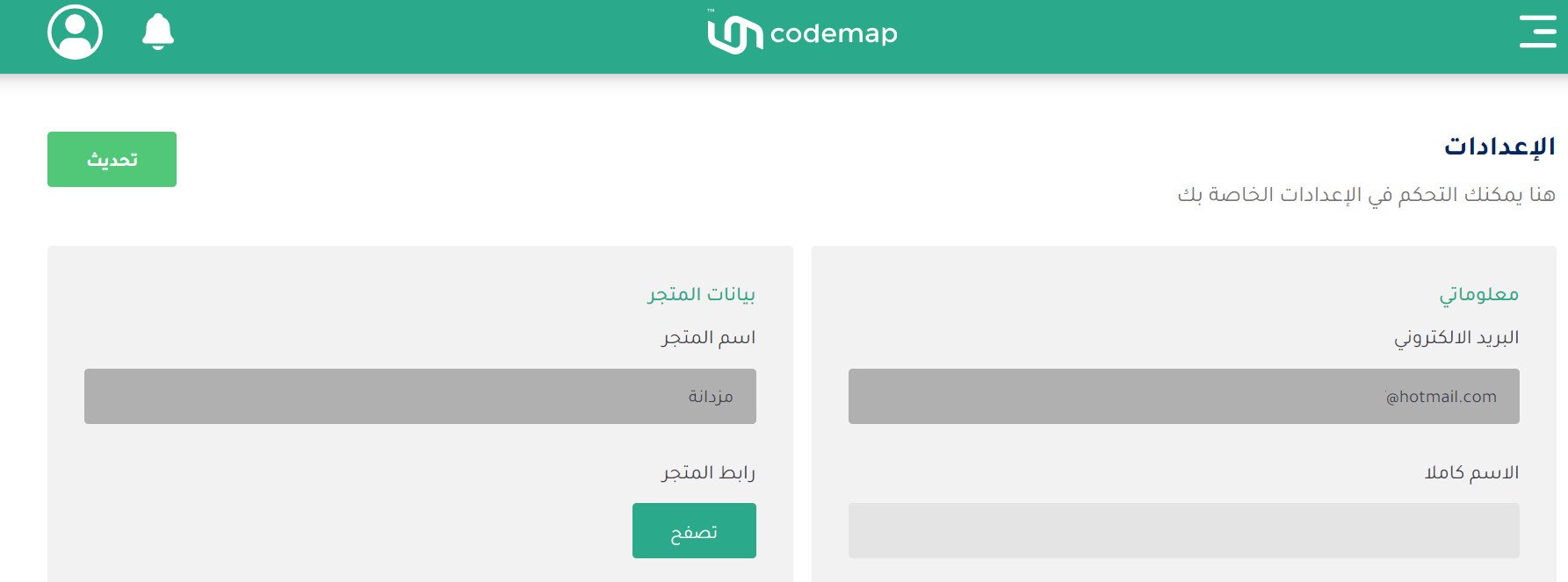
4. A Codemap account is created for your store automatically. Fill in the remaining settings.
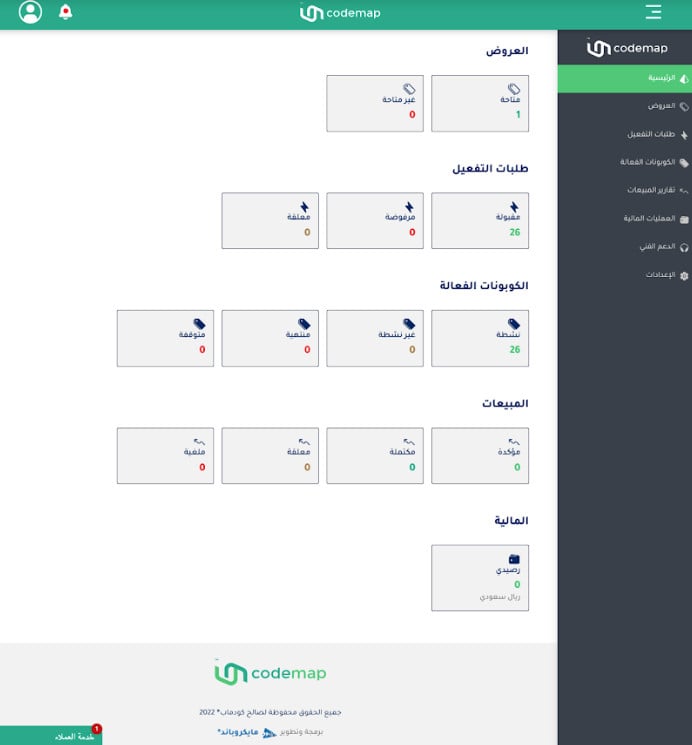
Once the account settings are done, the merchant dashboard home page looks like this.
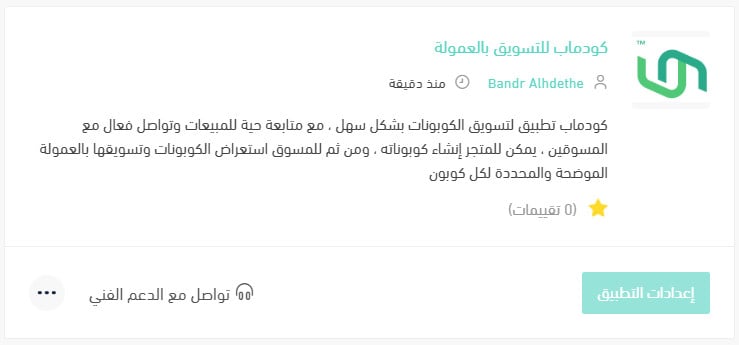
The Codemap app is now installed on your store and appears in your installed apps like this.
For more details, see managing your store's apps.
❓ Frequently asked questions
What happens if I don't pay the commissions my affiliates are owed?
The consequences escalate on a set schedule from the invoice date:
- After 15 days, your store stops appearing to new affiliates.
- After 30 days, all your coupons are suspended — existing and new — and affiliates are notified not to work with your store.
- After 45 days, the matter becomes a legal one.
What does the merchant have to pay?
Registering on the platform is free. What you pay is the affiliate commissions themselves, plus VAT on those commissions.
💡 Example: If an affiliate earns a commission of SAR 10, you pay the SAR 10 commission plus SAR 1.5 in tax on it, for a total of SAR 11.5.
What are the main benefits of connecting to Codemap?
Coupon-based affiliate marketing is a strong way to bring in more sales. Two things stand out:
1. You pay for results. Nothing is due until a confirmed sale is on the books, which takes the risk out of it — and that's exactly why the model works.
2. The dashboard is easy to work in. Performance, sales reports, and profit reports are all readable at a glance.
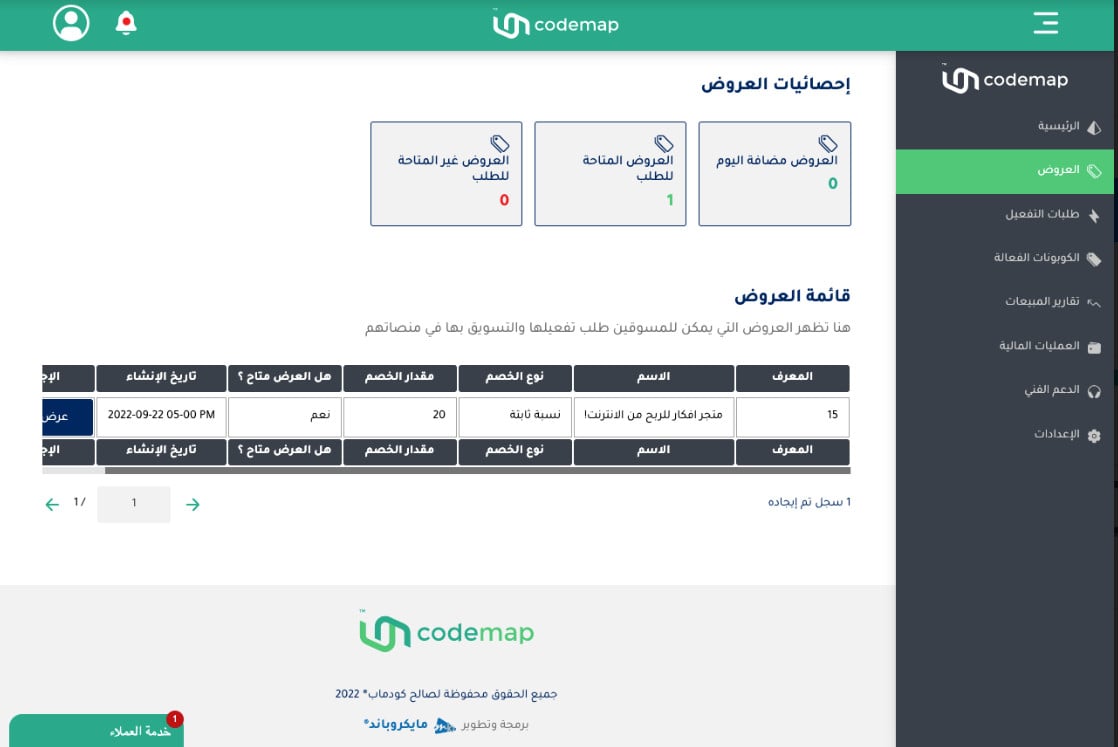
Where do I see my offers?
From the dashboard, click (Offers) to see a range of statistics about them.
Can I see statistics on sales and other activity?
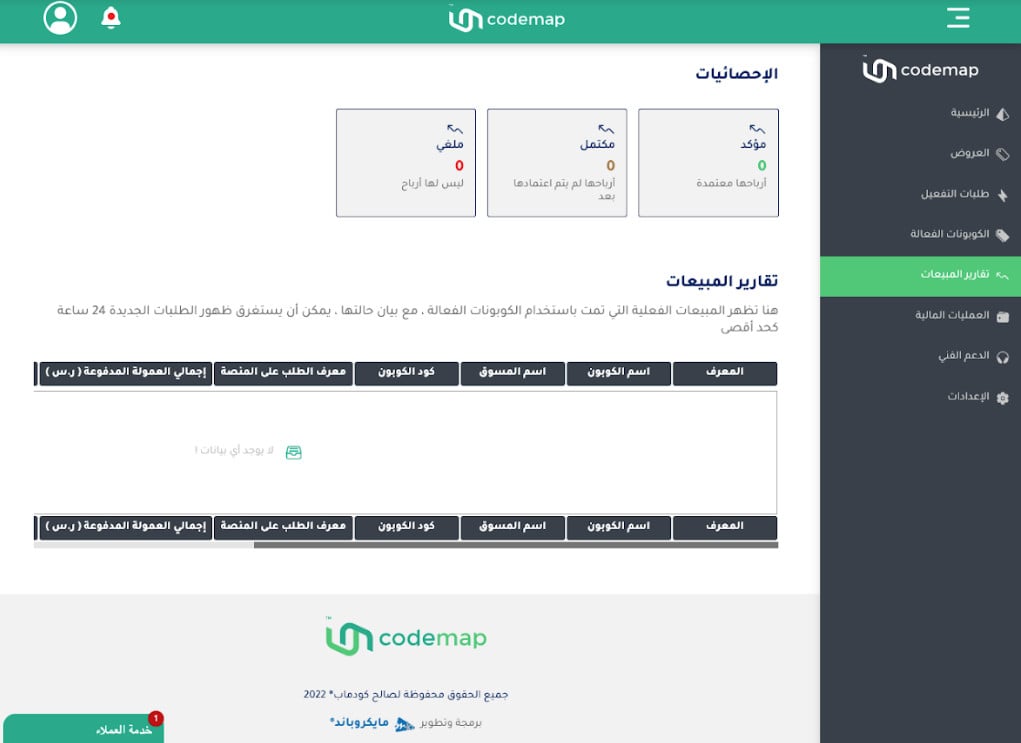
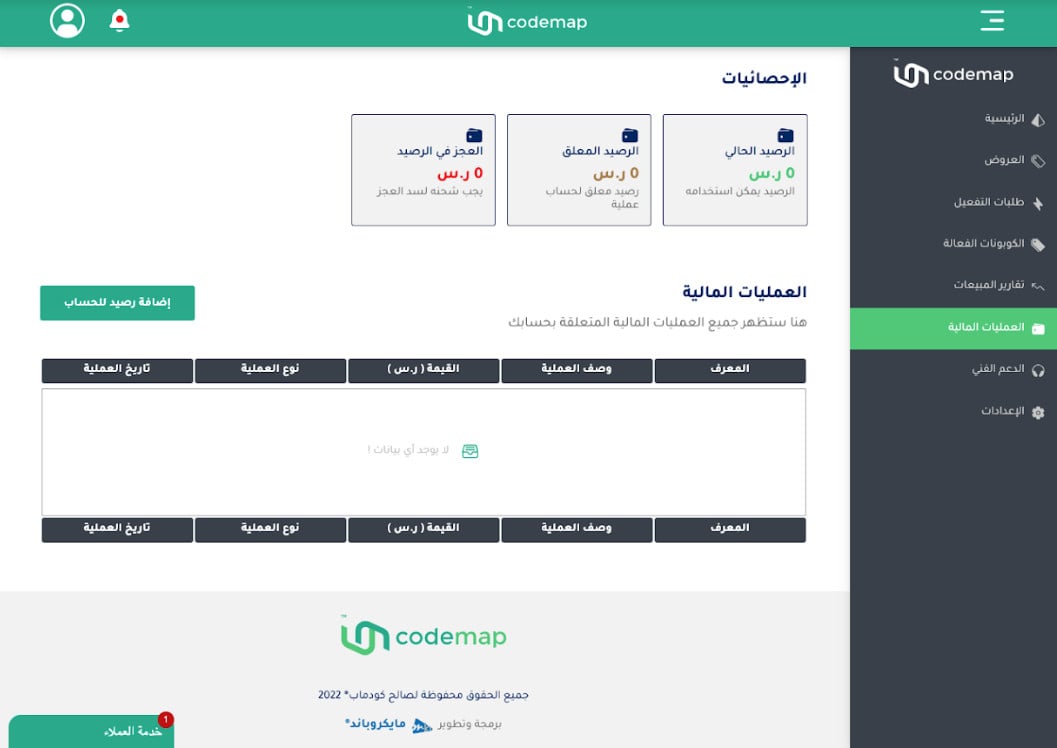
Yes. The dashboard carries several kinds of report, including the following.
Sales reports
Financial transactions
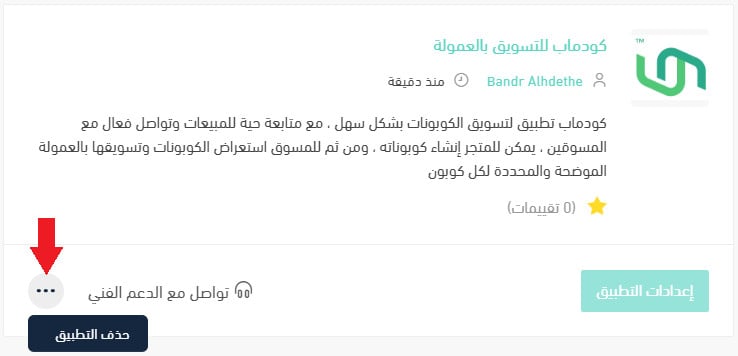
How do I delete the Codemap app from my store?
1. From the side menu of your dashboard, click (Installed apps).

2. On the all apps page, find the Codemap app, click the (...) icon, then click (Delete app), as shown below.
Paying only for sales that happen is the easy part to like. The part worth getting right is the commission you set — generous enough that affiliates choose your coupons, tight enough that the sale still earns you something.