How much of your team's day disappears into answering the same customer questions?
Buraq is an AI-powered app that simplifies how your Salla store talks to customers and automates the repetitive work around it. With smart chatbots and straightforward platform integration, replies go out quickly and consistently, which frees your team to spend its time on growing the business instead of retyping the same answer. In this guide, you'll learn what Buraq does and how to install it on your store, choose a plan, pay, and sign in to your new Buraq account.
Buraq is a Salla App Store app that uses artificial intelligence to handle customer communication and automate routine tasks through smart chatbots. You install it from the app store, choose a plan, review the permissions, pay by card, then sign in to Buraq using the account details emailed to you and save the settings.
📌 Article overview
- What Buraq does
- How to install and connect Buraq
- Frequently asked questions
🎯 What is Buraq?
Buraq is a smart solution built on artificial intelligence that takes the friction out of talking to customers. Instead of a person handling every incoming message, smart chatbots handle the routine ones, and the tasks around them are automated. The result is faster, more consistent interaction with customers and a team that can focus on work that actually grows the store.
🚀 How to install and connect Buraq
1. From the main menu of your store dashboard, click (Installed apps).

2. From the Salla App Store banner, click (Browse the Salla App Store).

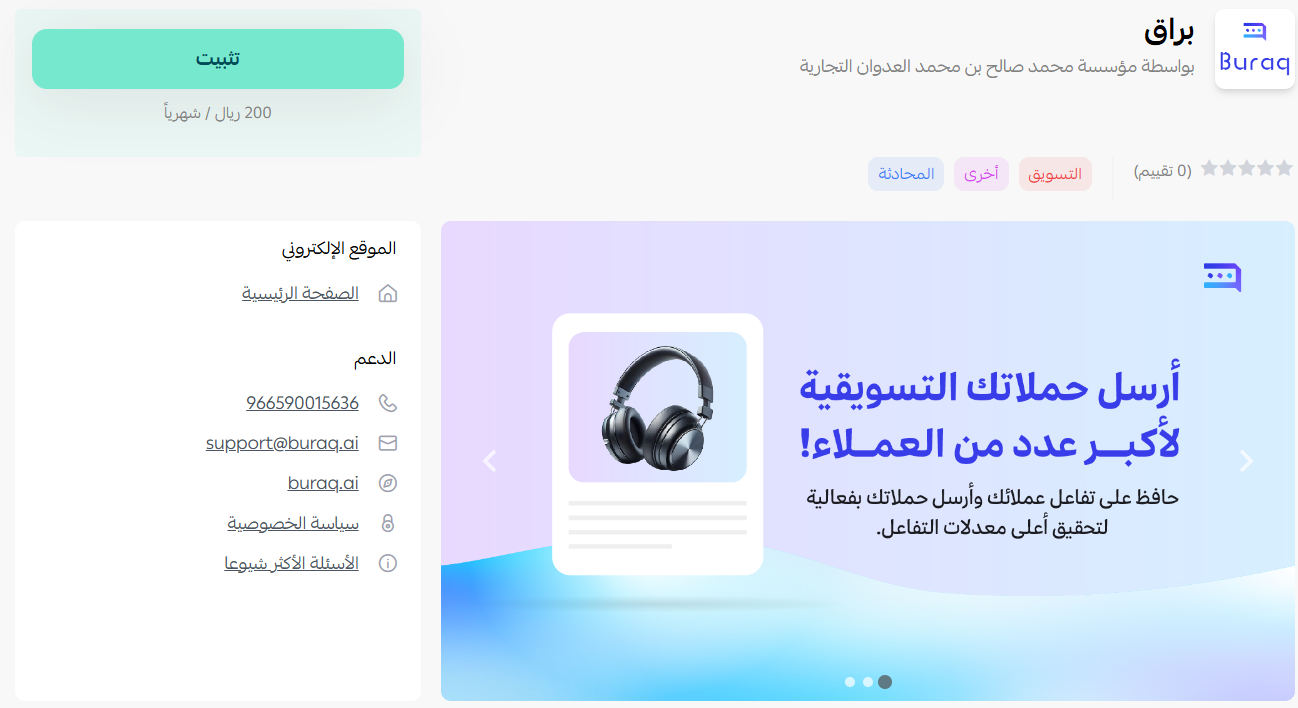
3. On the Buraq app page, click (Install).
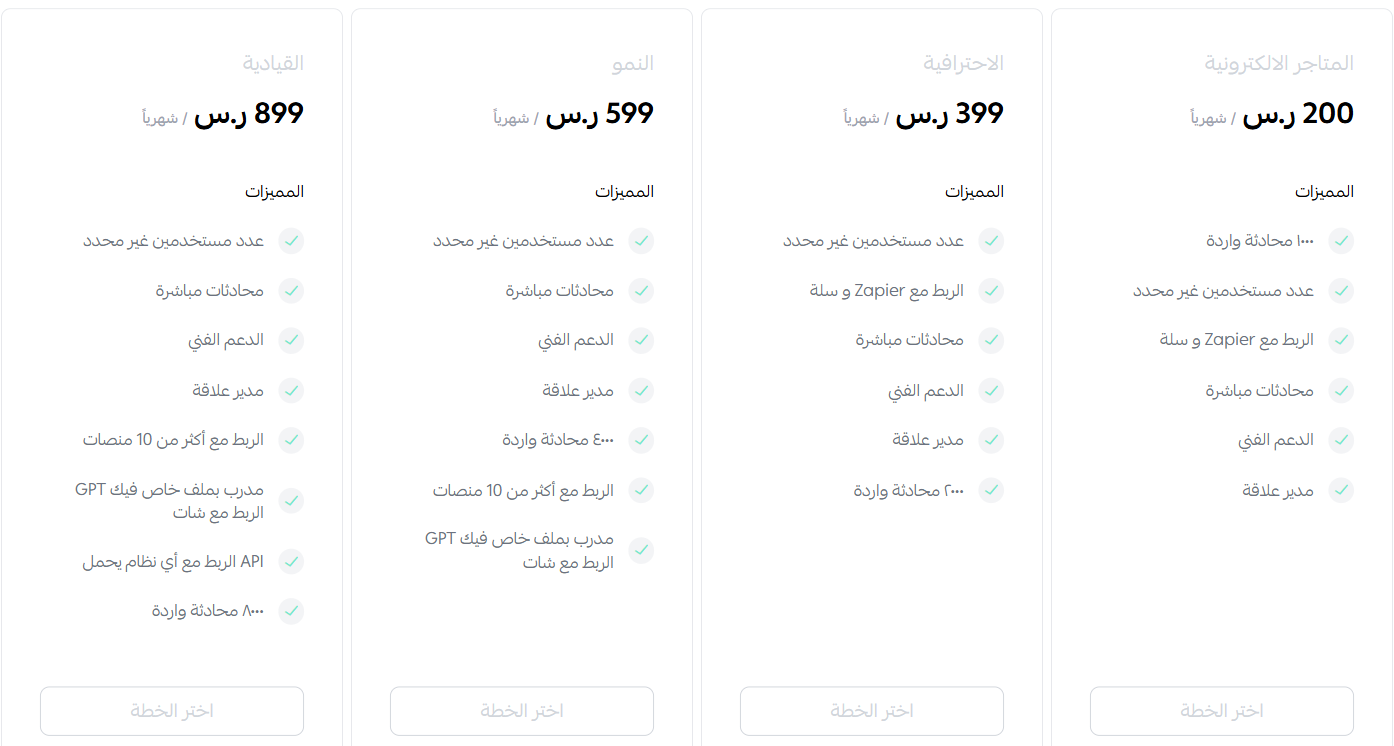
4. Pick the plan that suits your business, then click (Choose plan).
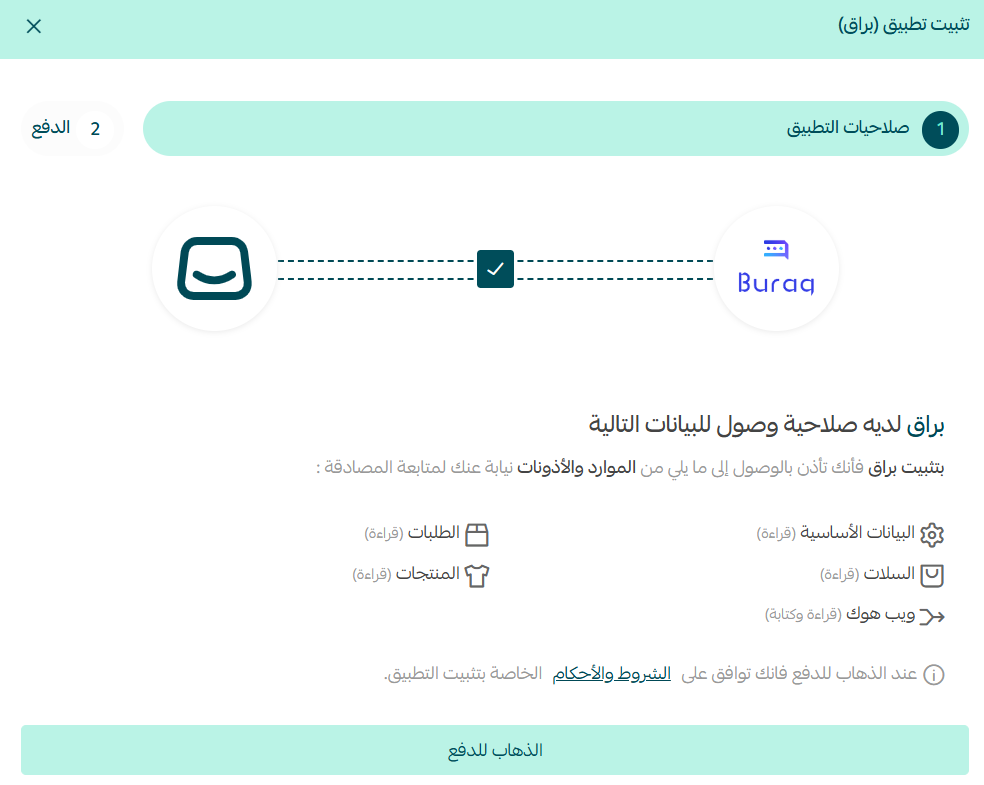
5. Review the permissions the app asks for, then click (Go to payment).
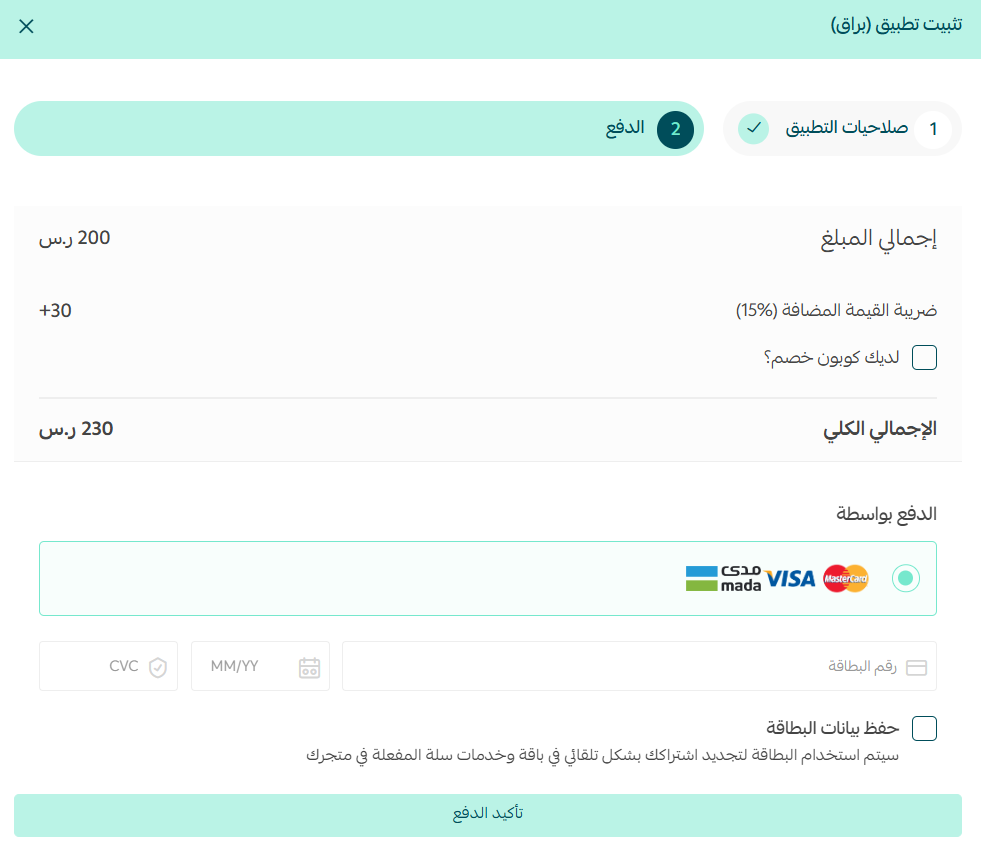
6. Add your card details, then click (Confirm payment).
7. Once payment goes through, Buraq emails you the sign-in details for your new account.
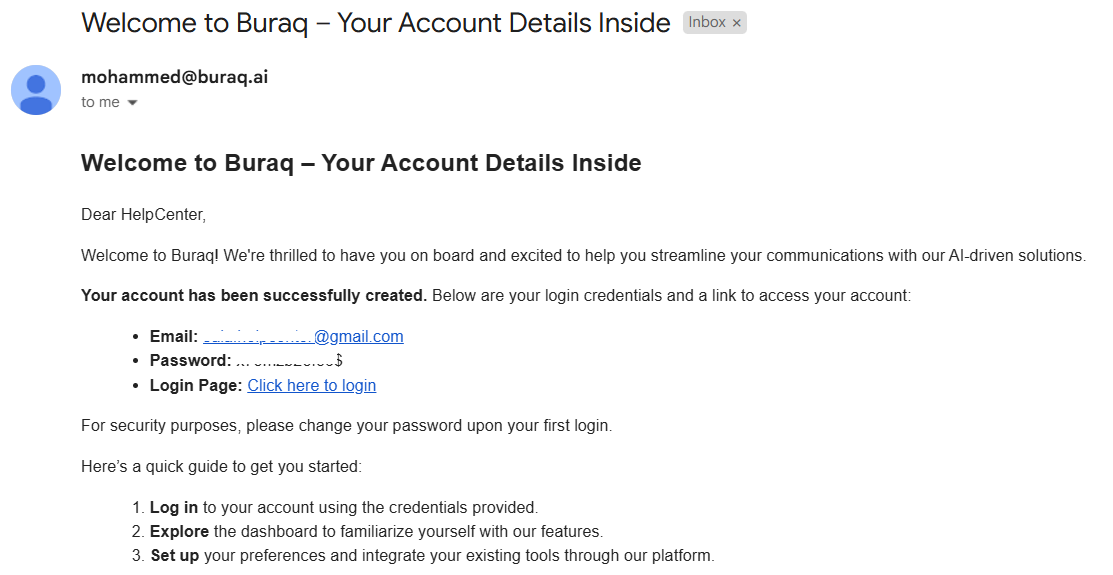
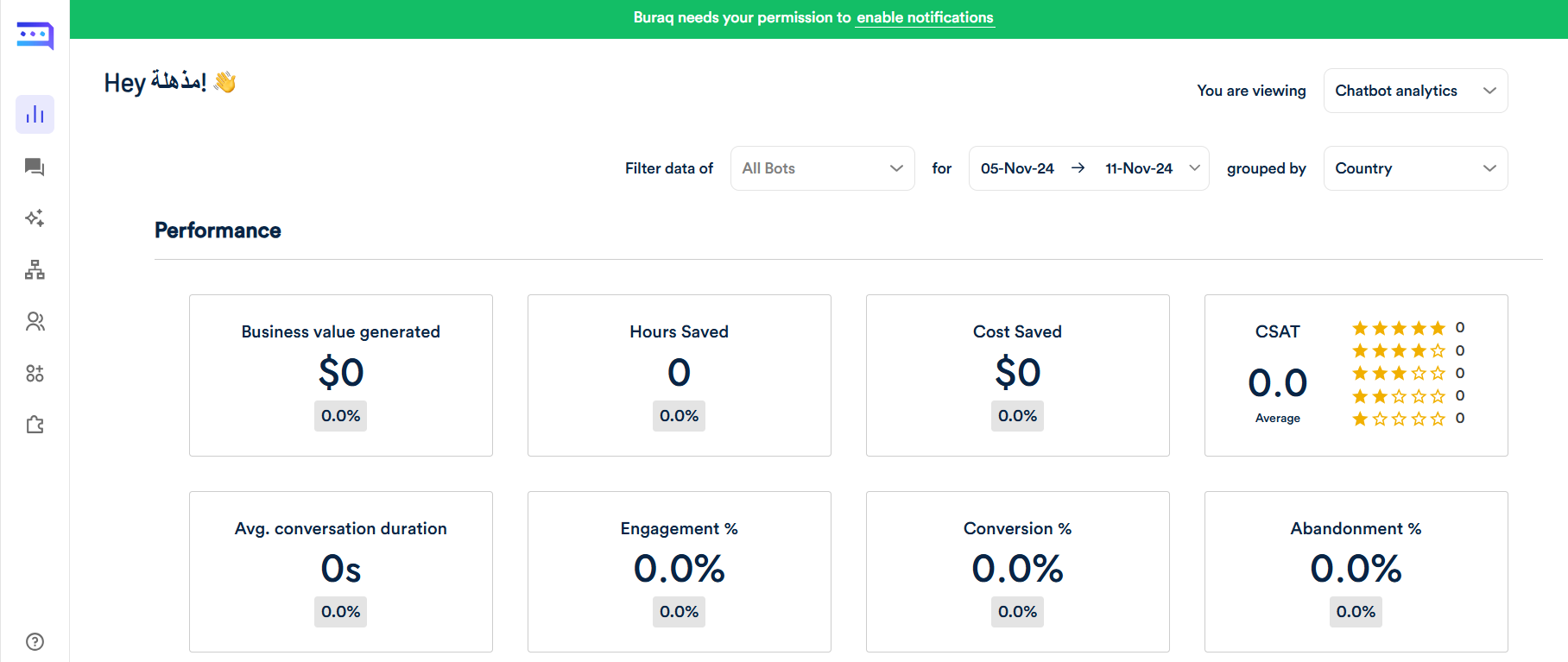
Use those details to sign in to the Buraq site and start using the services included in your plan.
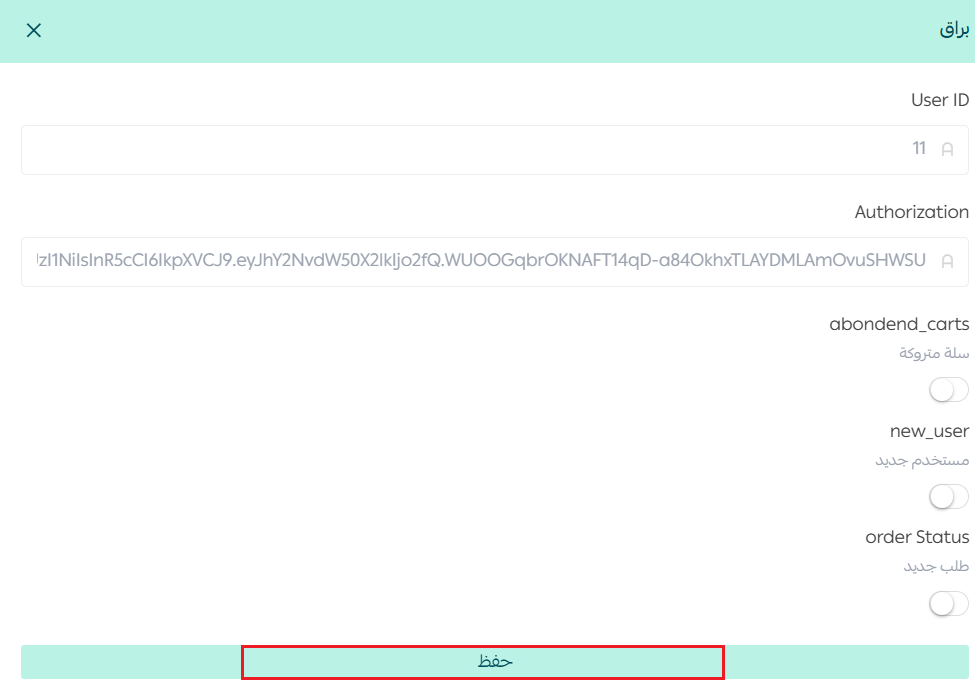
8. When the following window appears, click (Save) to finish installing the app on your store.
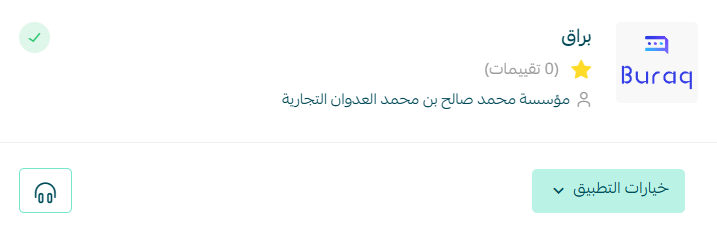
Buraq is now installed on your store.
📝 Important notes
- Buraq is a paid app. You choose a plan and pay by card before the account is created.
- The installation is not finished until you click (Save) in the final window.
- For more about the app, visit the Buraq website.
❓ Frequently asked questions
What does Buraq actually automate?
Customer communication and the routine tasks around it. Smart chatbots handle interactions so your replies are fast and consistent without a person behind every message.
Do I have to pay before I can use Buraq?
Yes. You select a plan during installation and confirm payment by card, and your Buraq account is created after that.
Where do my Buraq sign-in details arrive?
By email, sent from Buraq once your payment is complete. They are what you use to sign in to the Buraq site.
What if I miss the final (Save) step?
The installation is only complete after you click (Save) in the window that appears at the end, so go back and finish that step.
Fast answers are what customers remember. Buraq handles the routine ones so your team can spend its attention where it changes the outcome.