Al Amyal Al Taweela Logistics
Connecting a courier directly to your store removes the manual step where most shipping mistakes start. Al Amyal Al Taweela specializes in logistics solutions, covering shipment planning and coordination along with domestic transport. In this guide, you'll learn how to connect the Al Amyal Al Taweela Logistics app to your Salla store, set your shipping rates, and manage the app afterward.
To connect Al Amyal Al Taweela Logistics on Salla, click Installed apps in the dashboard side menu, then click Browse the Salla App Store. Open the Al Amyal Al Taweela Logistics app and click Install. Back on the installed apps page, open App options > App settings, then enter your account details on the Connection details tab and save.
📌 Article overview
- How to connect the Al Amyal Al Taweela Logistics app
- How to set up shipping rates
- How to temporarily disable the app
- How to remove the app
How to connect the Al Amyal Al Taweela Logistics app on Salla
1. From the dashboard side menu, click (Installed apps).

2. Under installed apps, from the Salla App Store banner, click (Browse the Salla App Store).

3. From the Al Amyal Al Taweela Logistics app, click (Install).
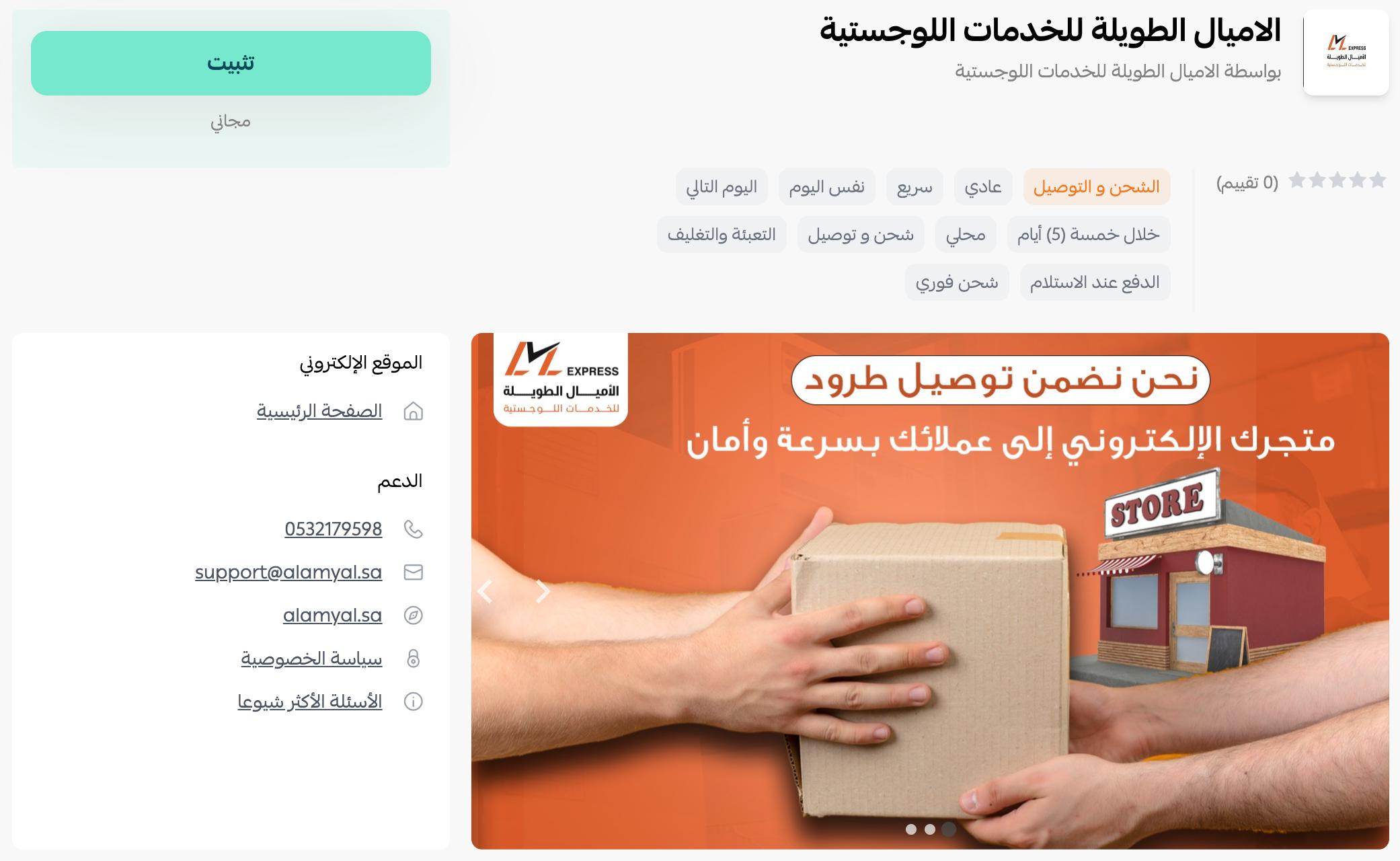
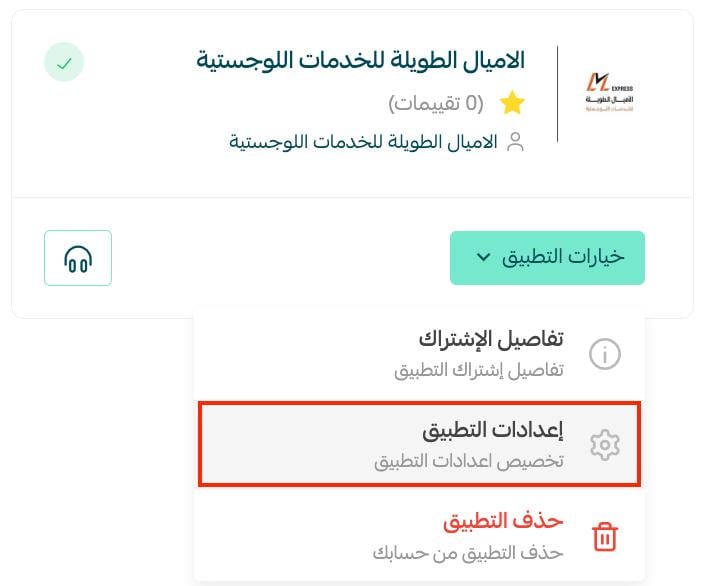
4. On the installed apps page, from the Al Amyal Al Taweela Logistics app card, click (App options), then (App settings).
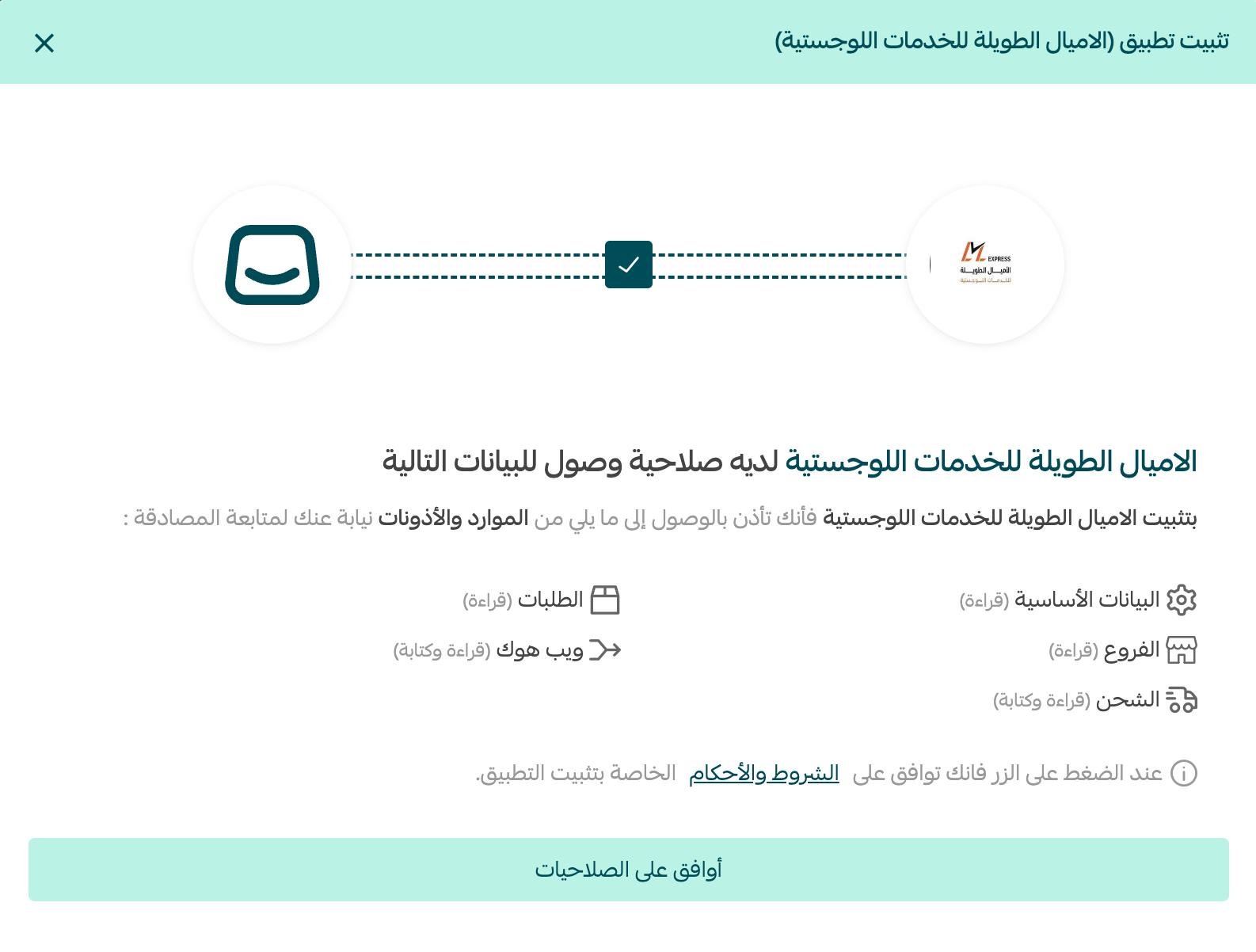
5. On the (Connection details) tab, enter your Al Amyal Al Taweela Logistics account details, then click Save.

Frequently asked questions
❓ How do I set up shipping rates on Al Amyal Al Taweela Logistics?
1. From the dashboard side menu, click (Installed apps).

2. On the all apps page, from the Al Amyal Al Taweela Logistics app, click (App options), then (App settings).
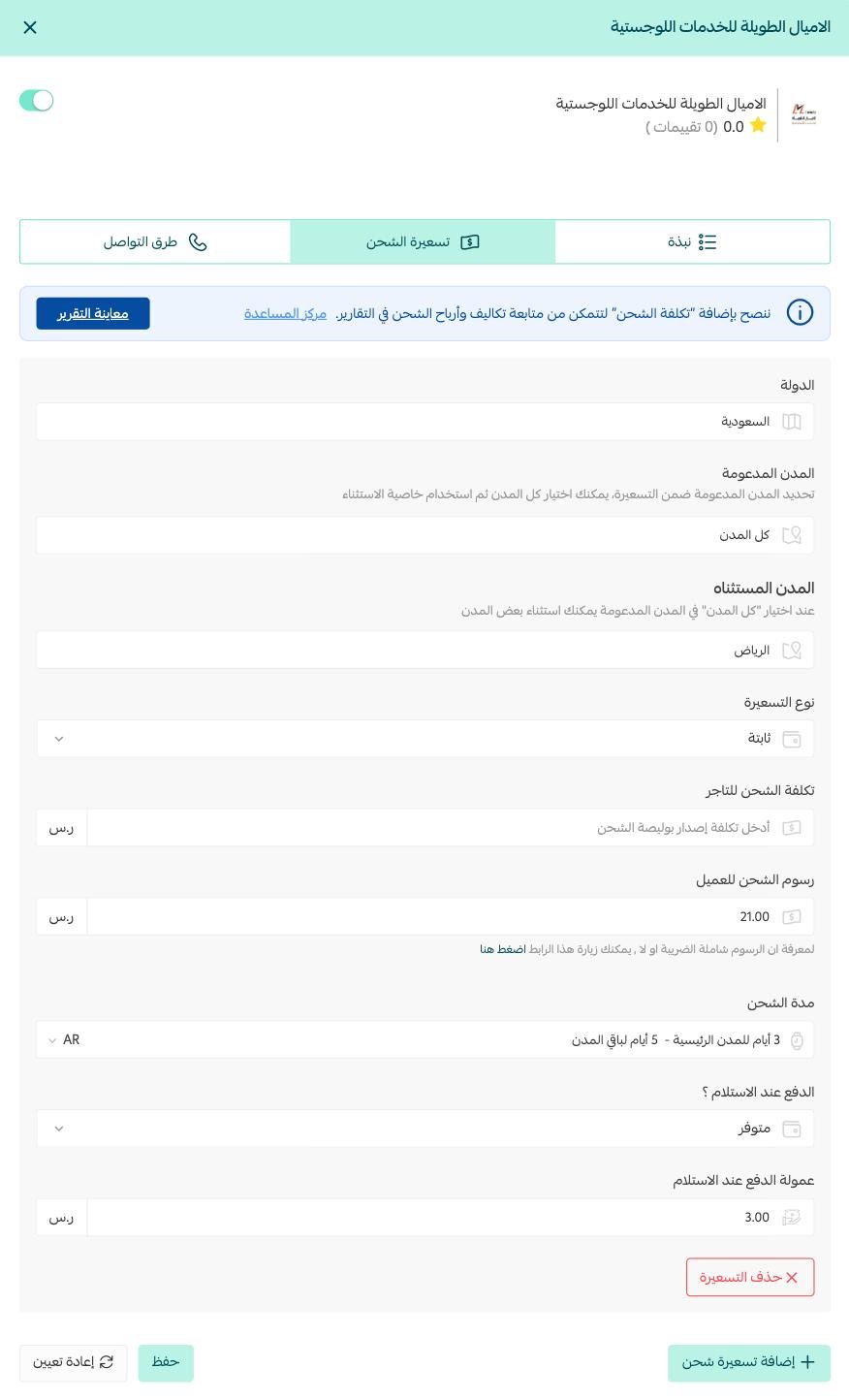
3. On the (Shipping rate) tab, enter the shipping rates for the cities and regions you need.
For more detail, see our guide to shipping and delivery options settings.
❓ How do I temporarily disable the Al Amyal Al Taweela Logistics app in my store?
1. From the dashboard side menu, click (Installed apps).

2. On the all apps page, from the Al Amyal Al Taweela Logistics app, click (App options), then (App settings).
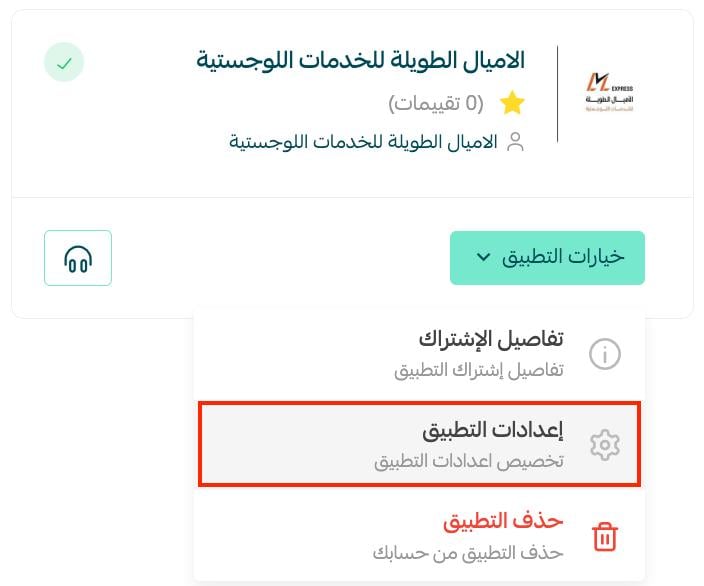
3. Turn the shipping company option on or off.

❓ How do I remove the Al Amyal Al Taweela Logistics app from my store?
1. From the dashboard side menu, click (Installed apps).

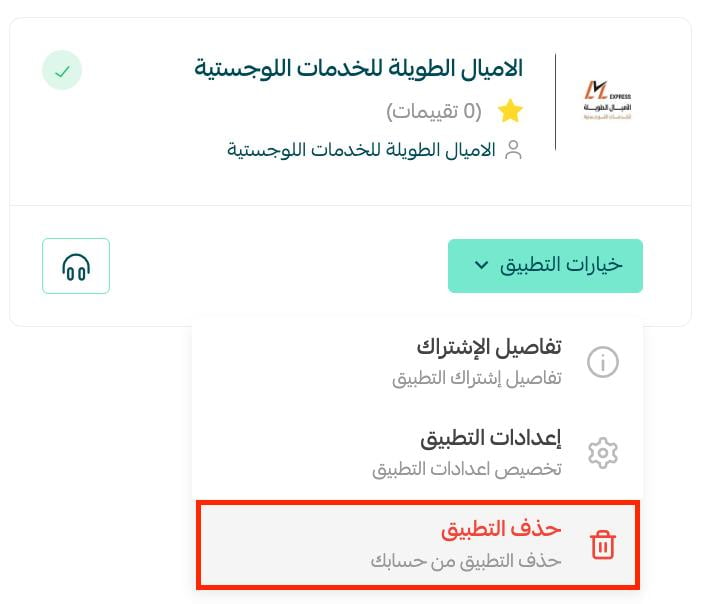
2. On the all apps page, from the Al Amyal Al Taweela Logistics app, click (App options), then click (Delete app).
❓ Which cities are supported for the merchant?
Riyadh.
❓ Which cities are supported for customer delivery and shipping?
All cities in Saudi Arabia.
❓ How are amounts settled?
Three to five days for shipments inside Riyadh, and seven to ten days for shipments outside Riyadh.
Connect the courier whose coverage and speed match what you have promised your customers, and set your rates carefully so the economics stay visible on every shipment.